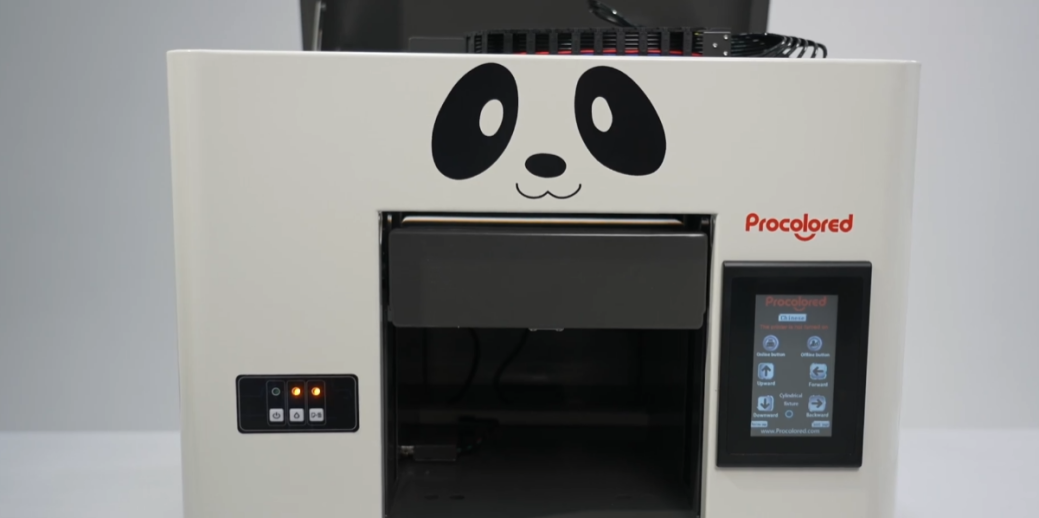
Double-flash errors usually mean the print head assembly failed to reset correctly.
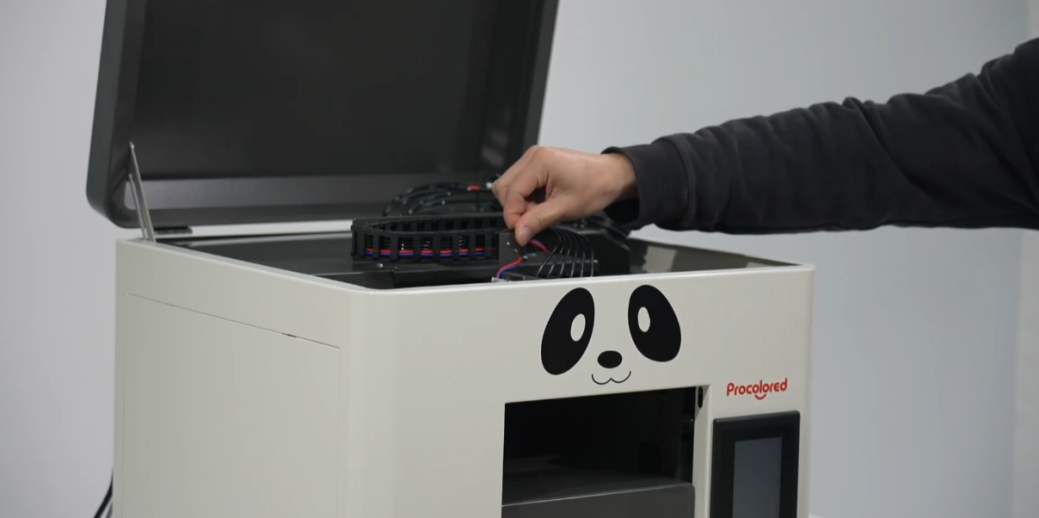
Turn off the power and manually move the print head assembly to the center.
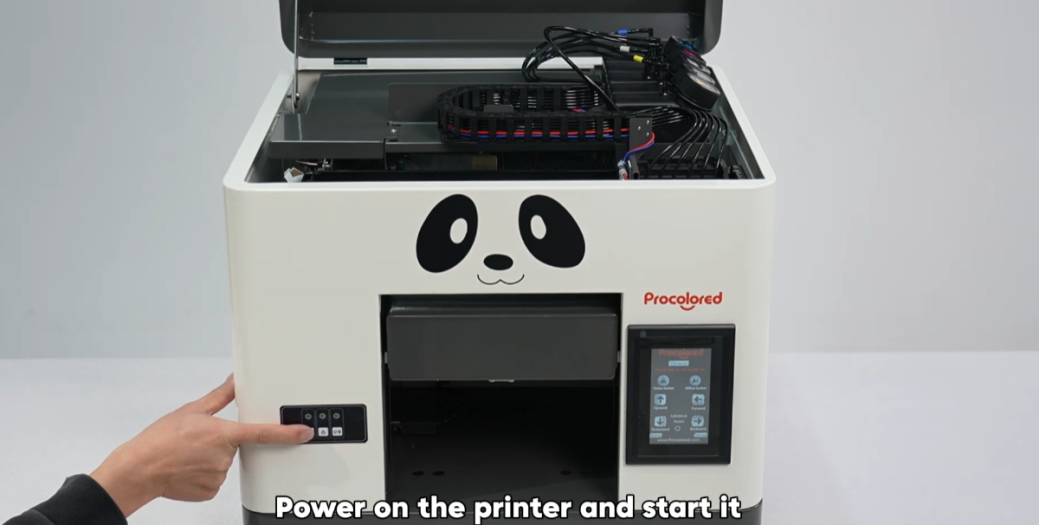
Power on the printer and allow it to start its initialization sequence.
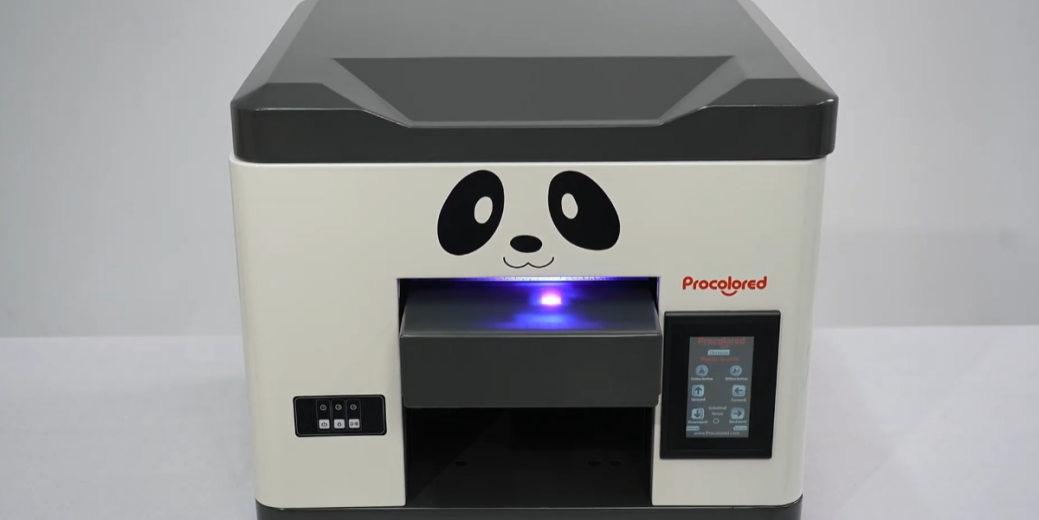
The error should clear automatically after the self-check completes.
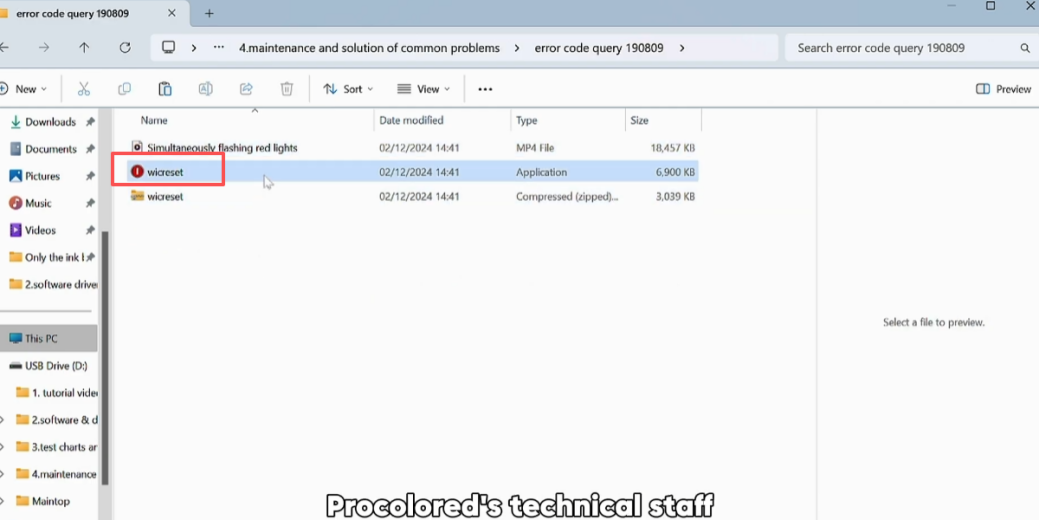
If the error persists, use Wicreset software to identify deeper issues.
Contact after-sales support to obtain the error query software.
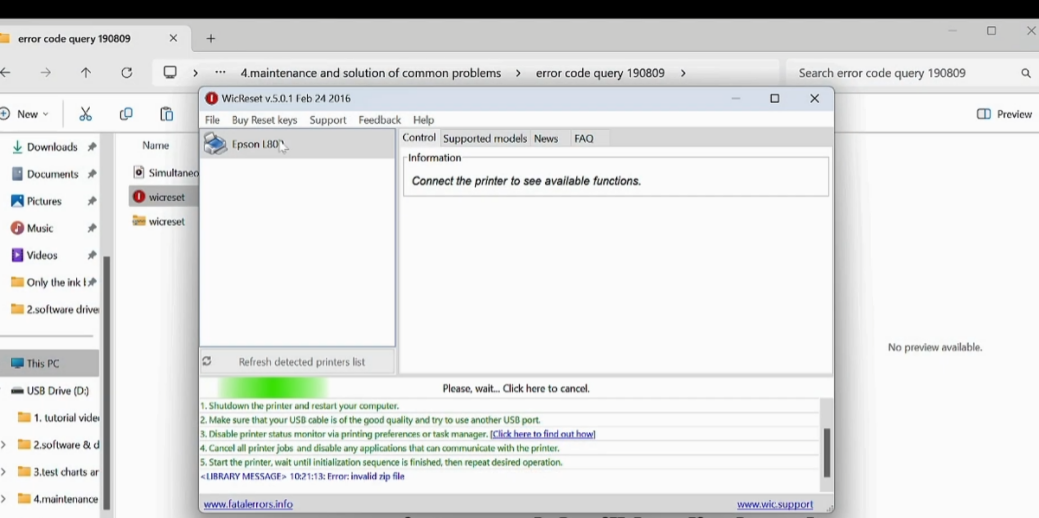
Ensure the printer is connected via USB and powered on before opening Wicreset.
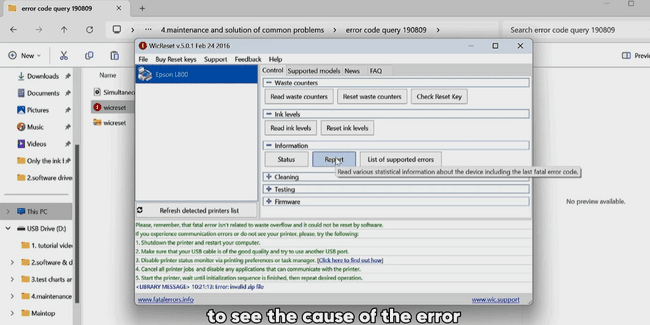
Locate your printer model in the software and click the Report button.
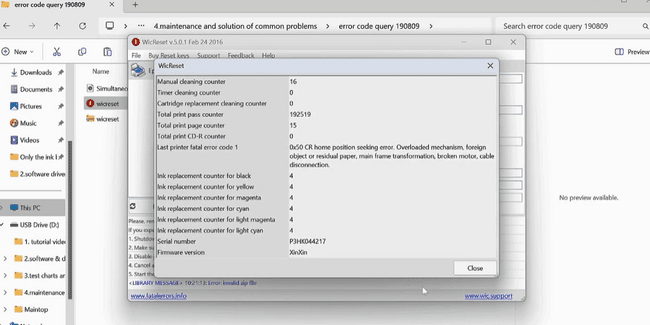
The software will now display the specific internal error codes.
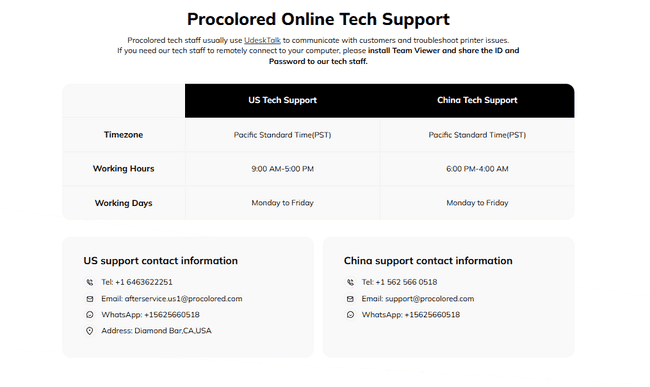
Screenshot the error info and send it to Procolored technical staff.