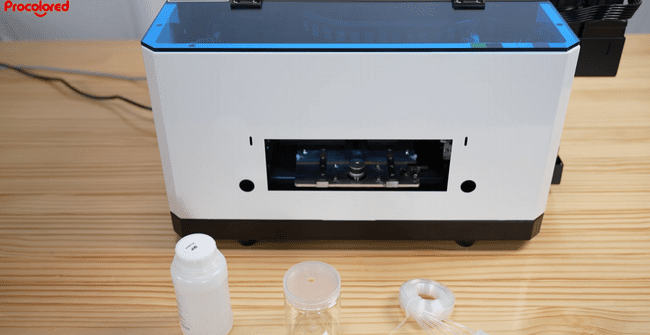
Use this device if the printer will be idle for over 7 days to prevent head clogging.
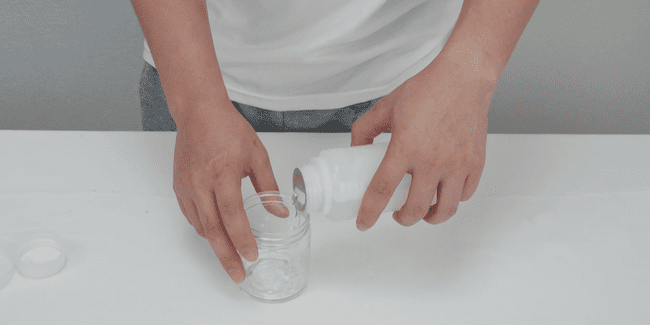
Pour the specialized moisturizing liquid into the designated bottle.
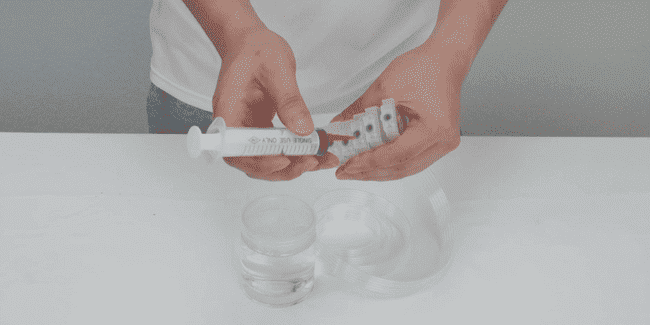
Poke through the inner membrane of the ink cartridge with firm force.
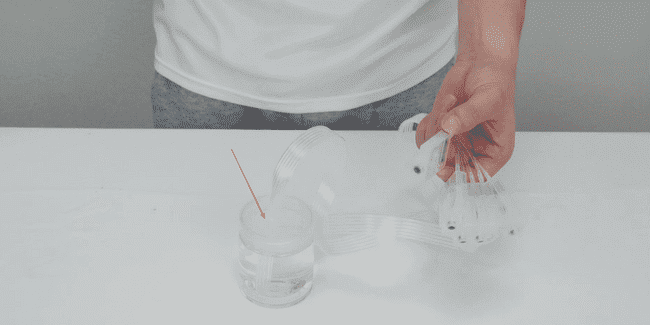
Insert the moisturizing liquid supply tube into the bottle.
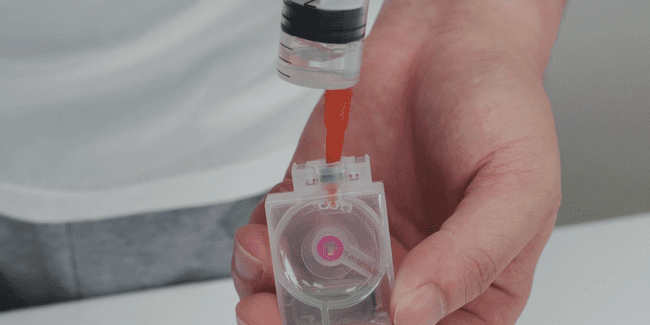
Draw 5ml of liquid into each moisturizing cartridge until filled.
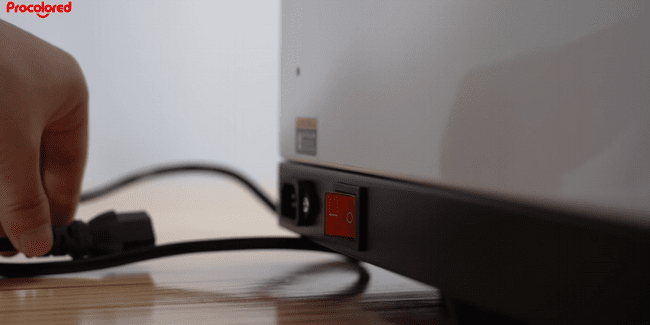
Turn off the machine and unplug the power cord for safety.
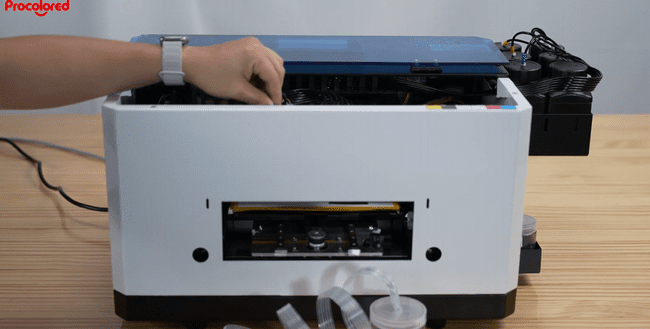
Manually move the printhead carriage to the center position.
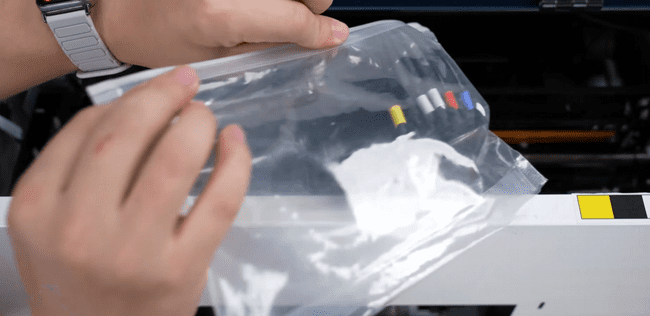
Remove ink cartridges and seal in a bag to prevent drying or leakage.
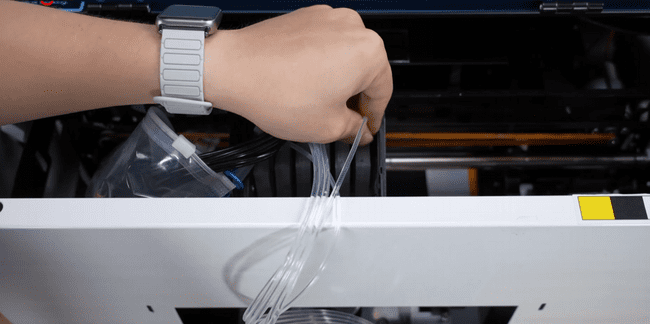
Install the new cartridges filled with moisturizing fluid into the printer.
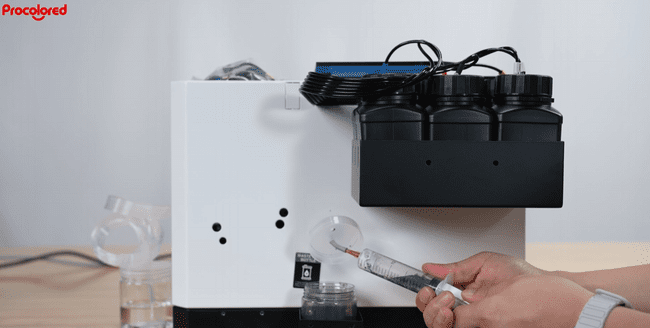
Power on the printer, then manually draw fluid from the waste tube.
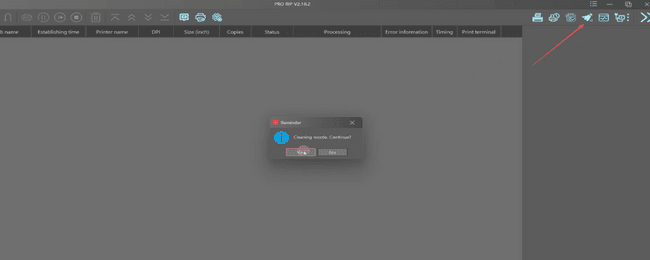
Run software cleaning to ensure the fluid has filled the entire path.