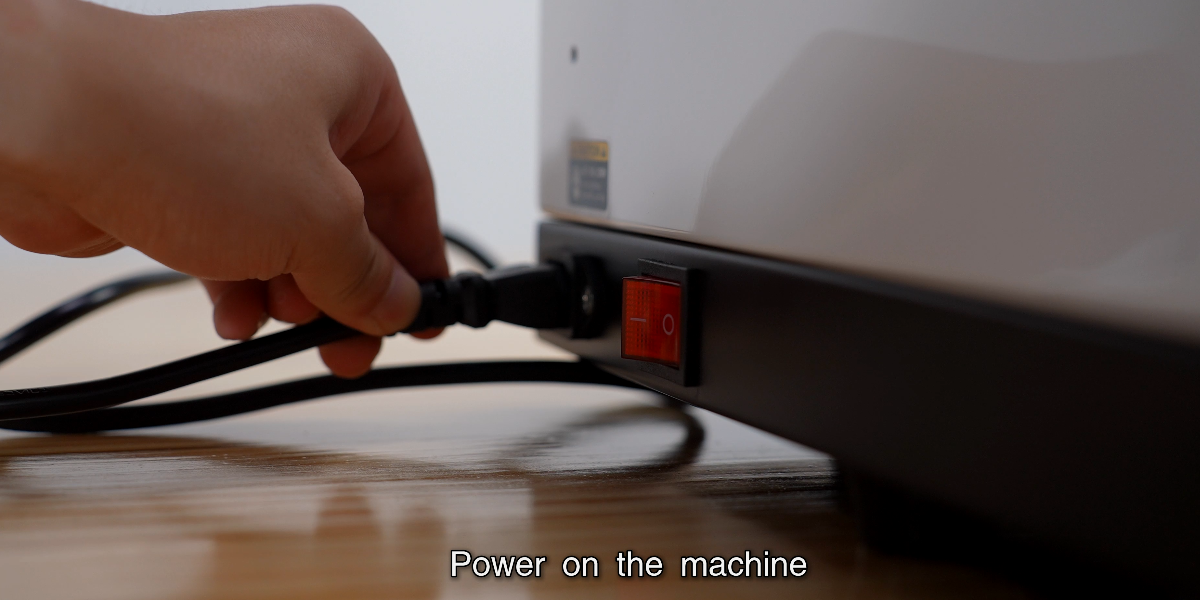
Power on the machine.
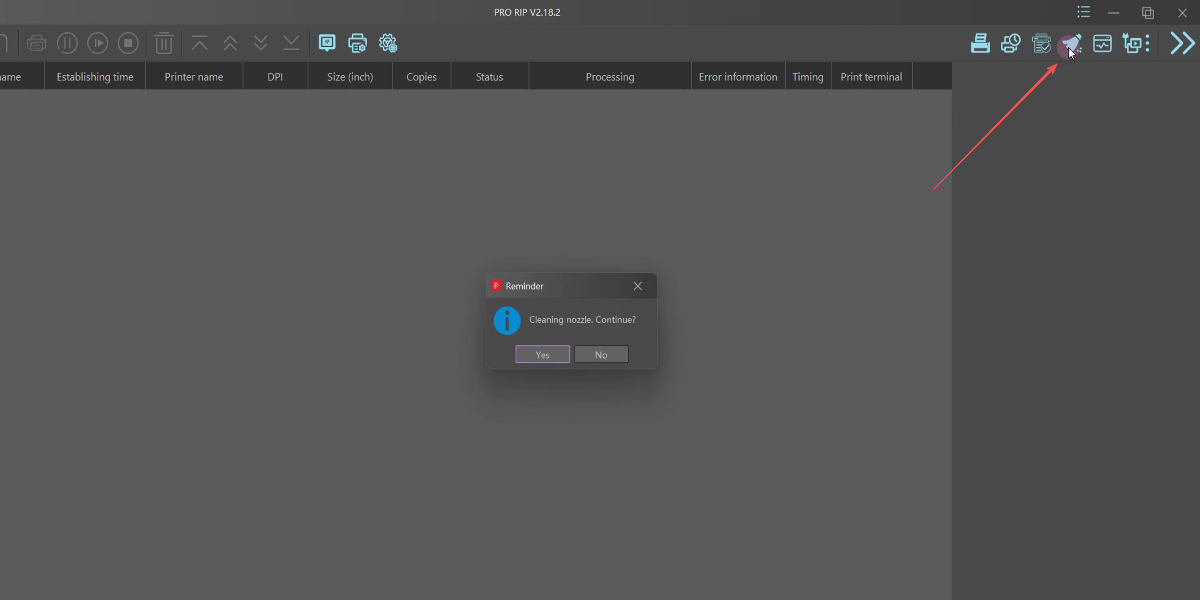
Open ProRIP and send a cleaning task.
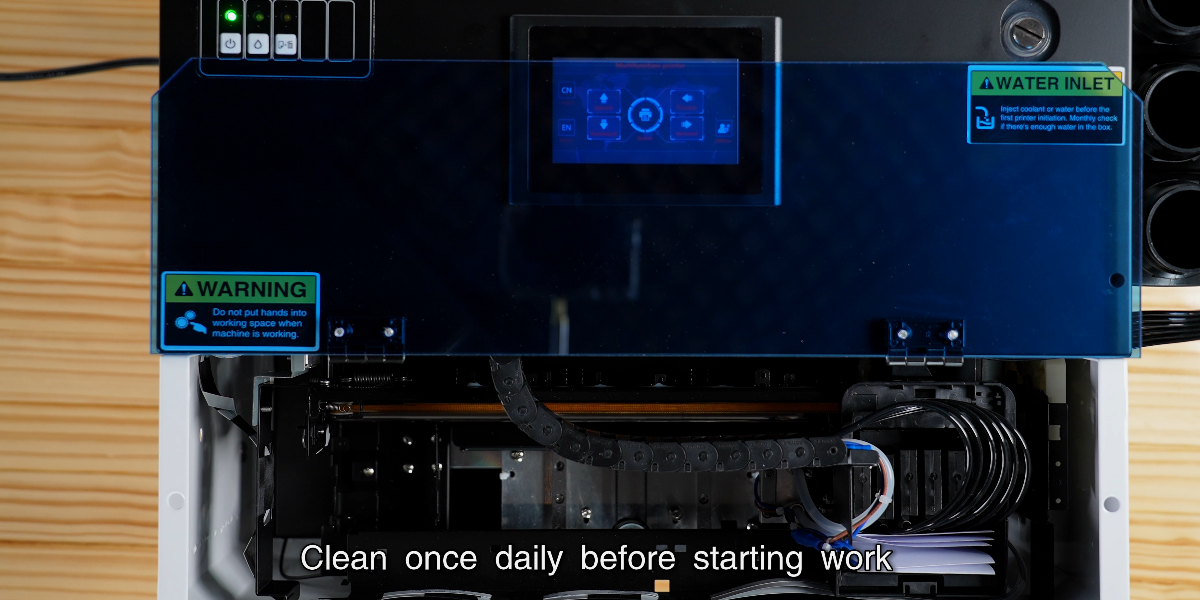
Clean once daily before using the printer.
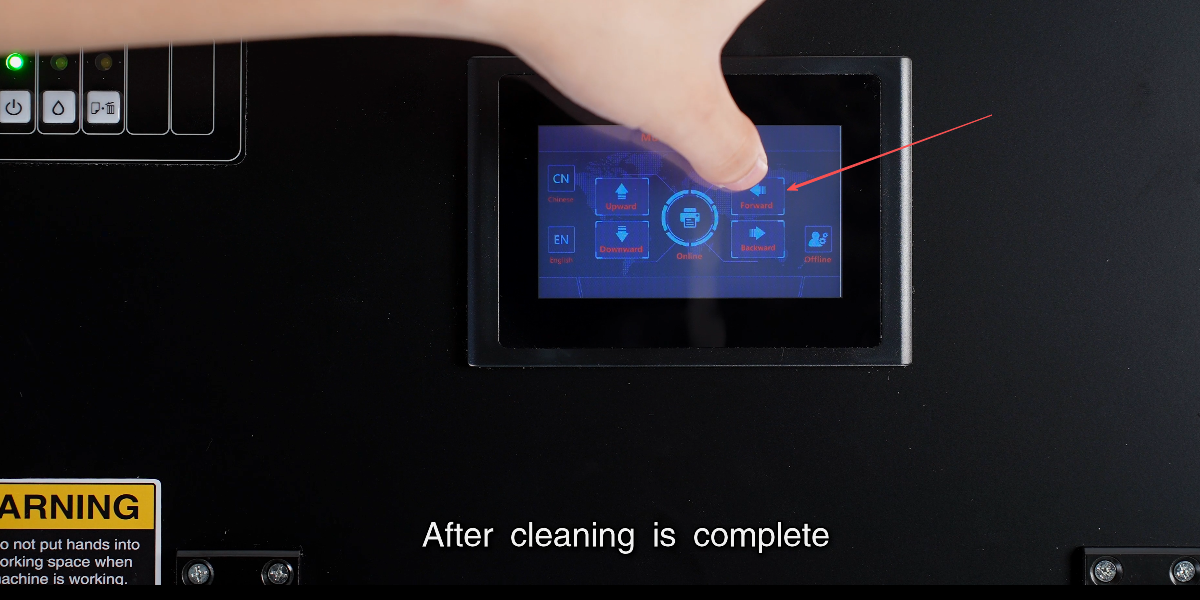
After cleaning is complete, click the forward button.
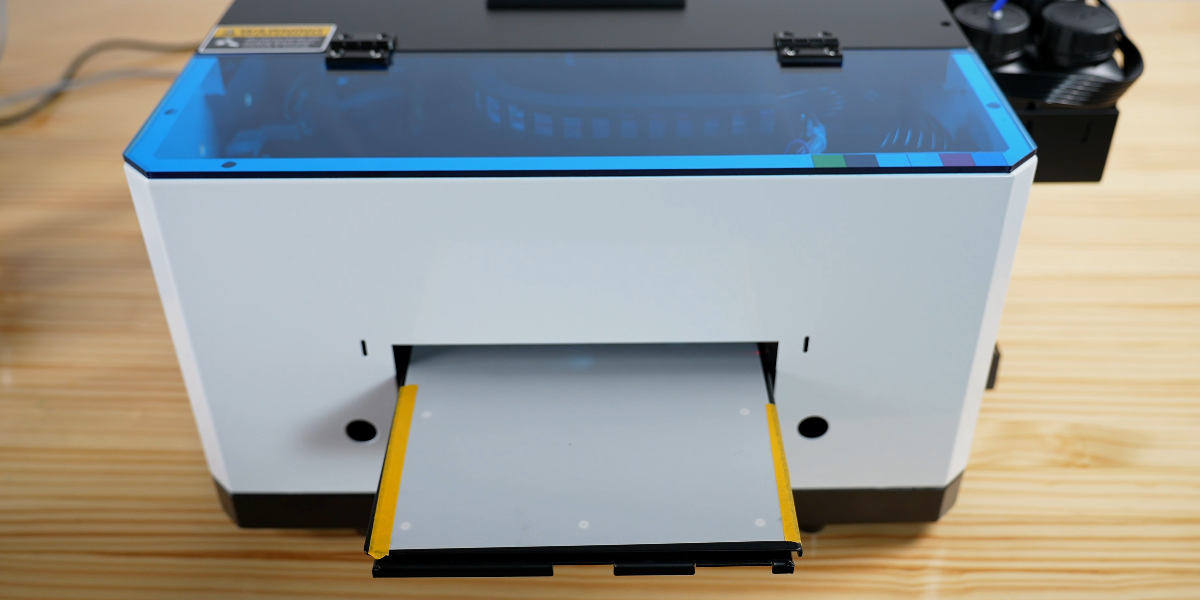
Place a sheet of transparent film and secure it with tape.
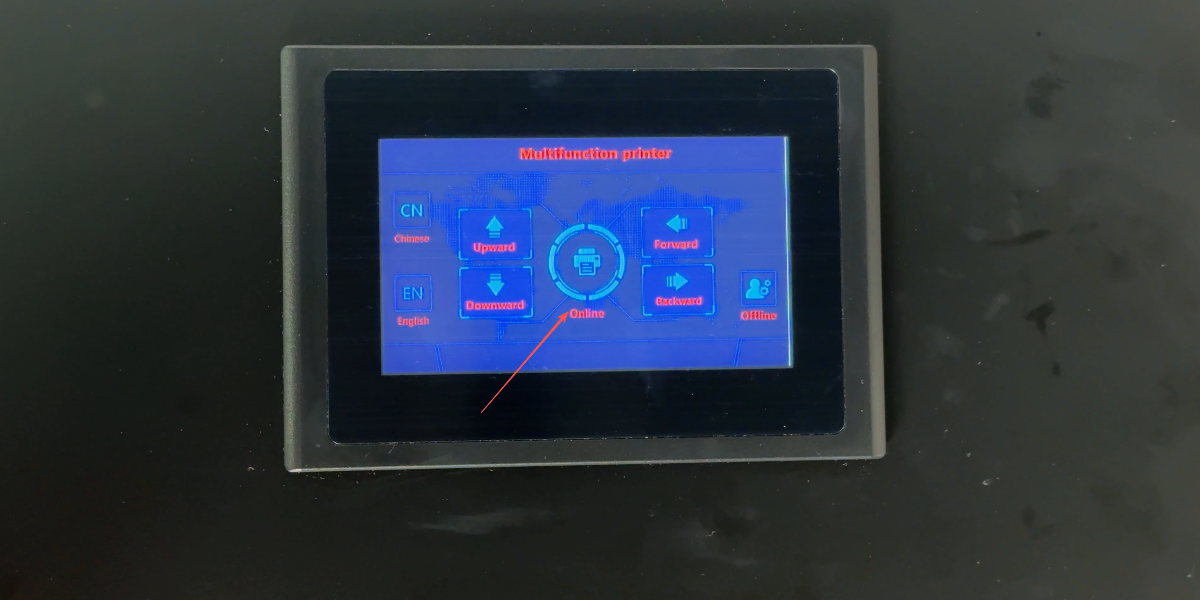
Click Online to move the tray in.
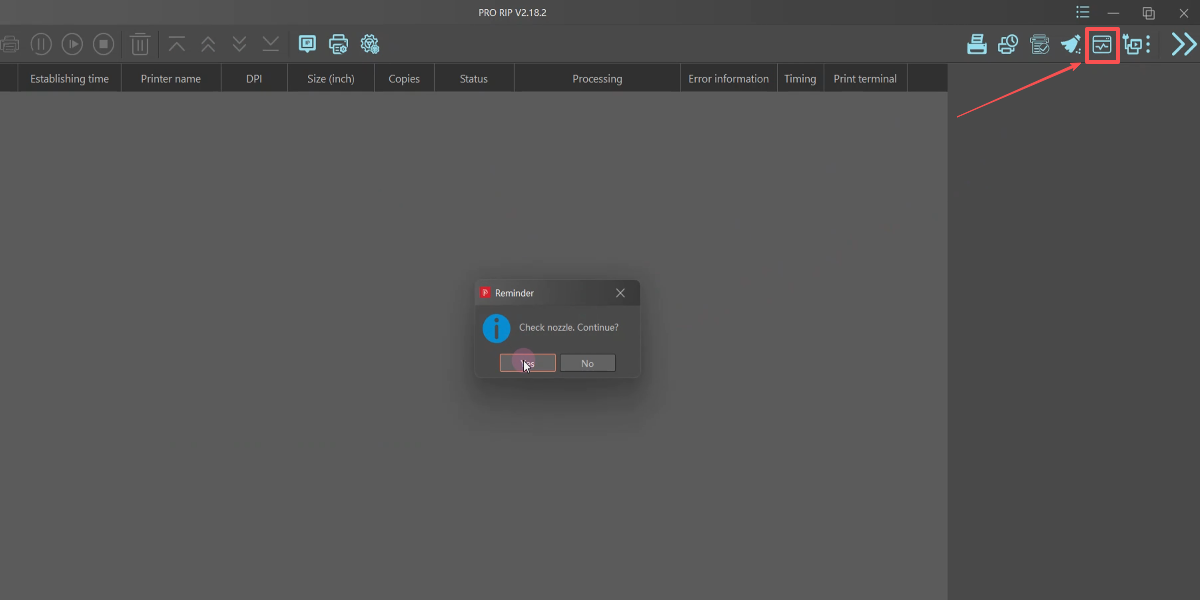
Click Nozzle Check to start the test print.
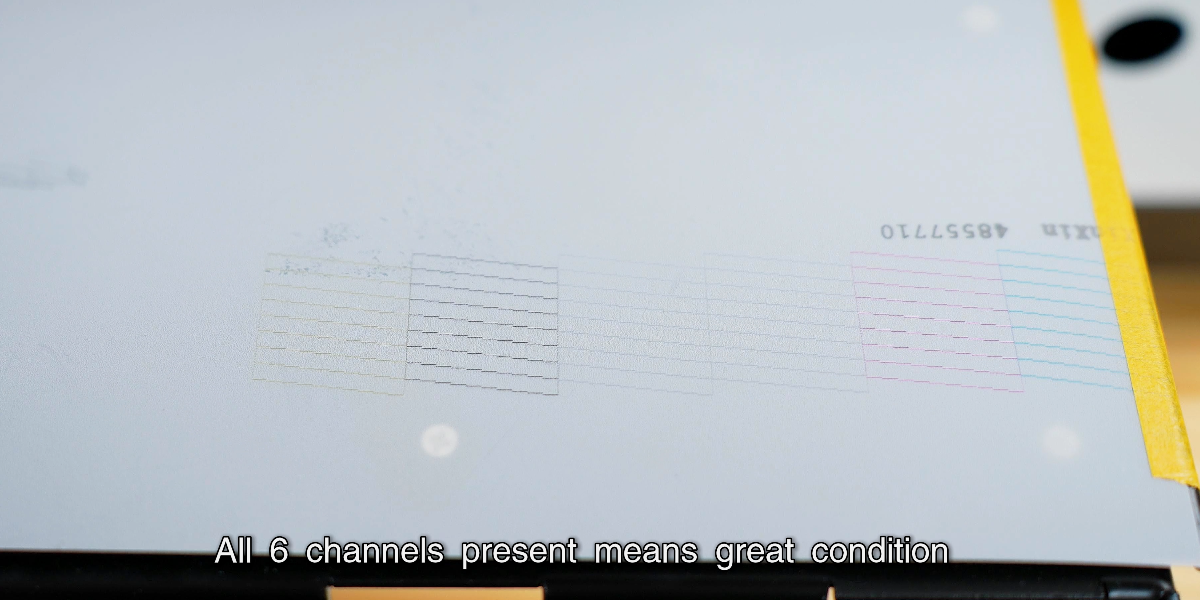
Check all 6 channels; each line represents one ink channel status.
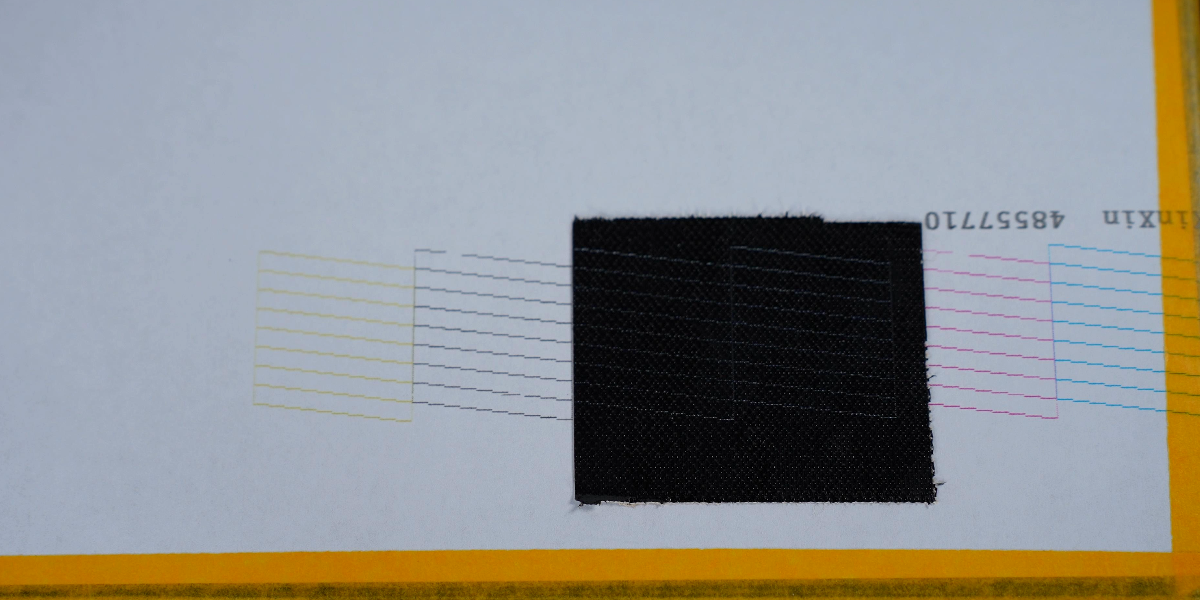
Use black tape to check the white ink channel if it’s unclear on film.
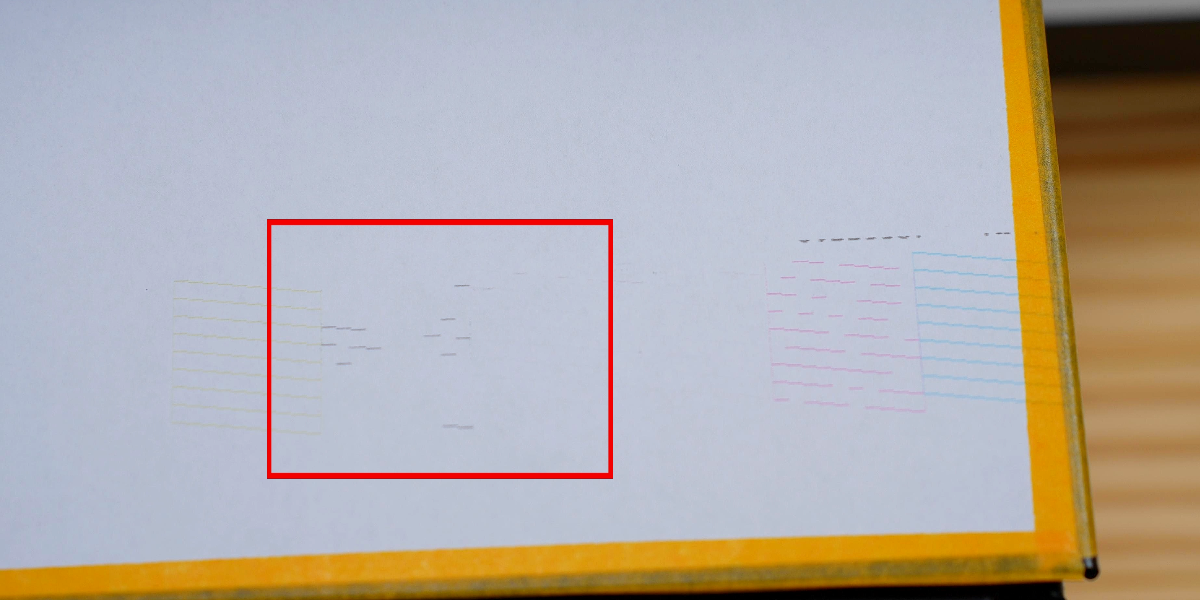
If lines are missing, a manual ink pull is required.
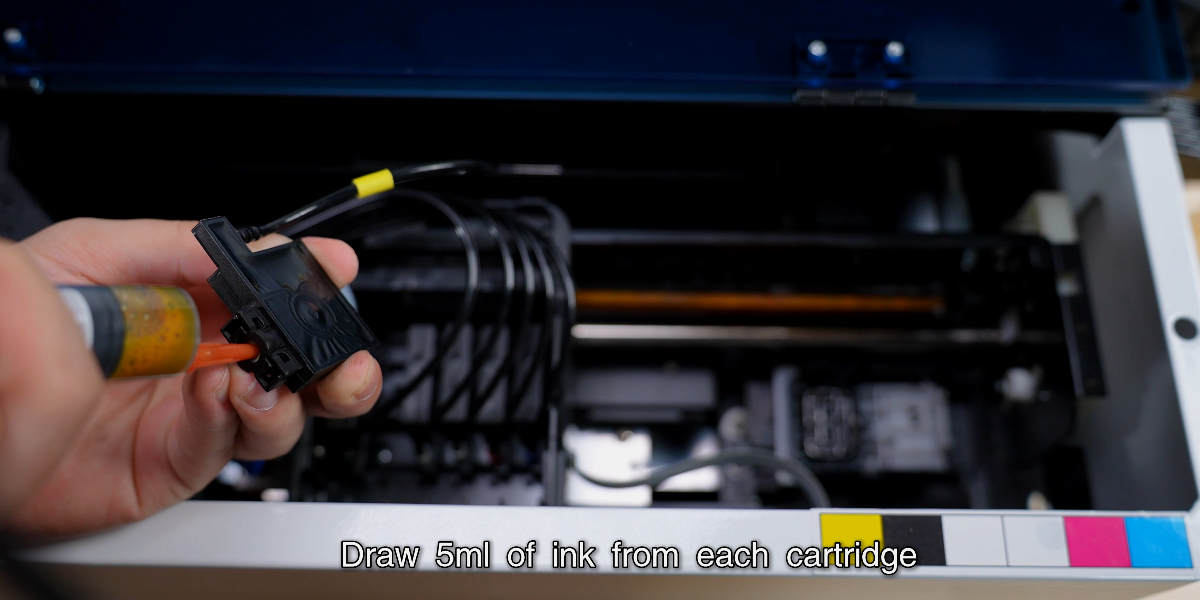
Draw 5ml of ink from each cartridge using a syringe.
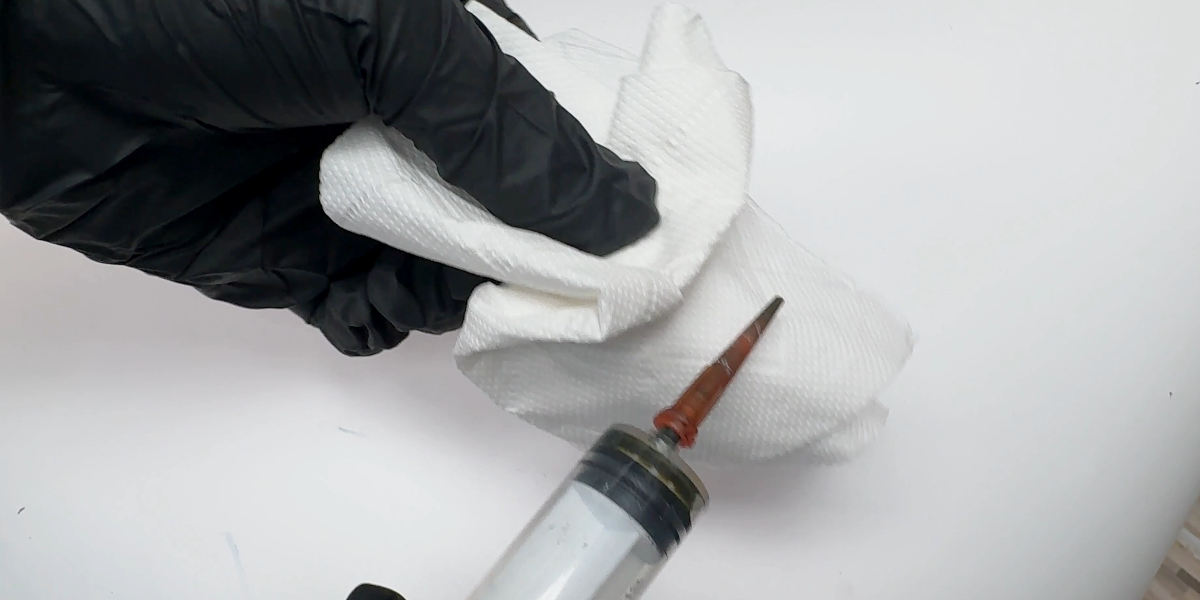
Wipe the syringe needle clean before moving to the next cartridge.
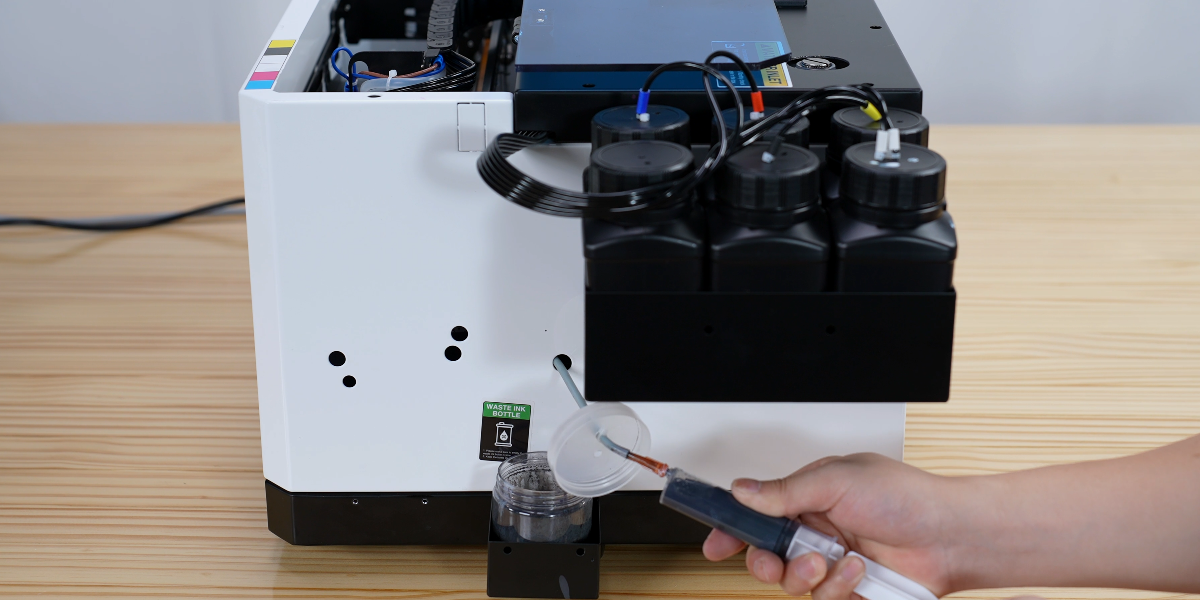
Pull the waste ink from the pump line.
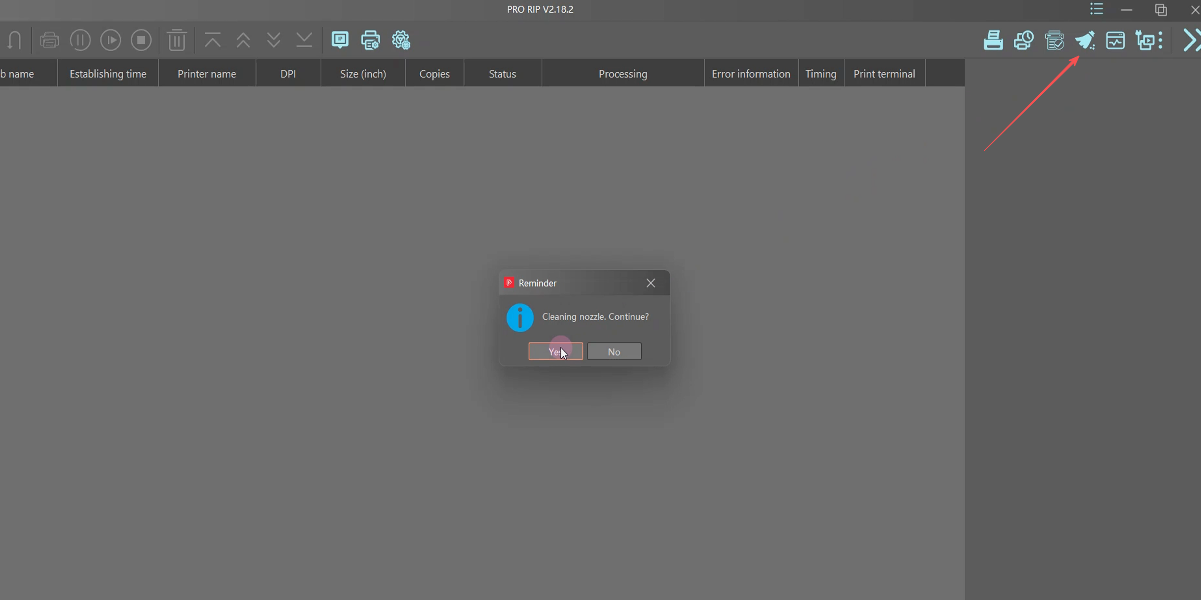
Send the cleaning nozzle command again via software.
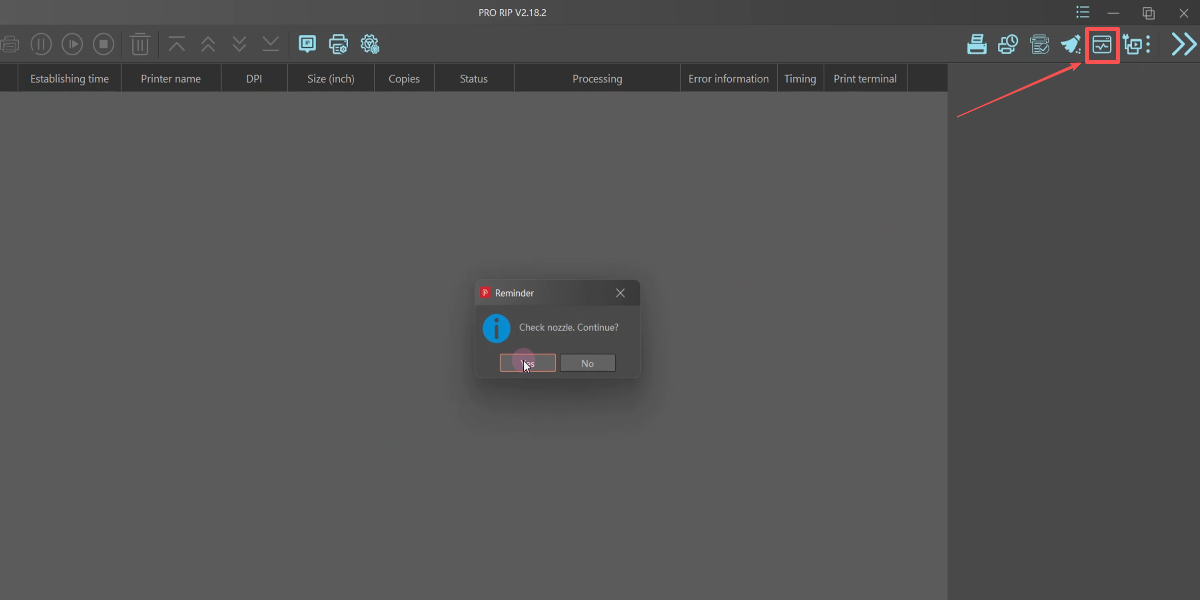
Send another nozzle check to verify improvement.
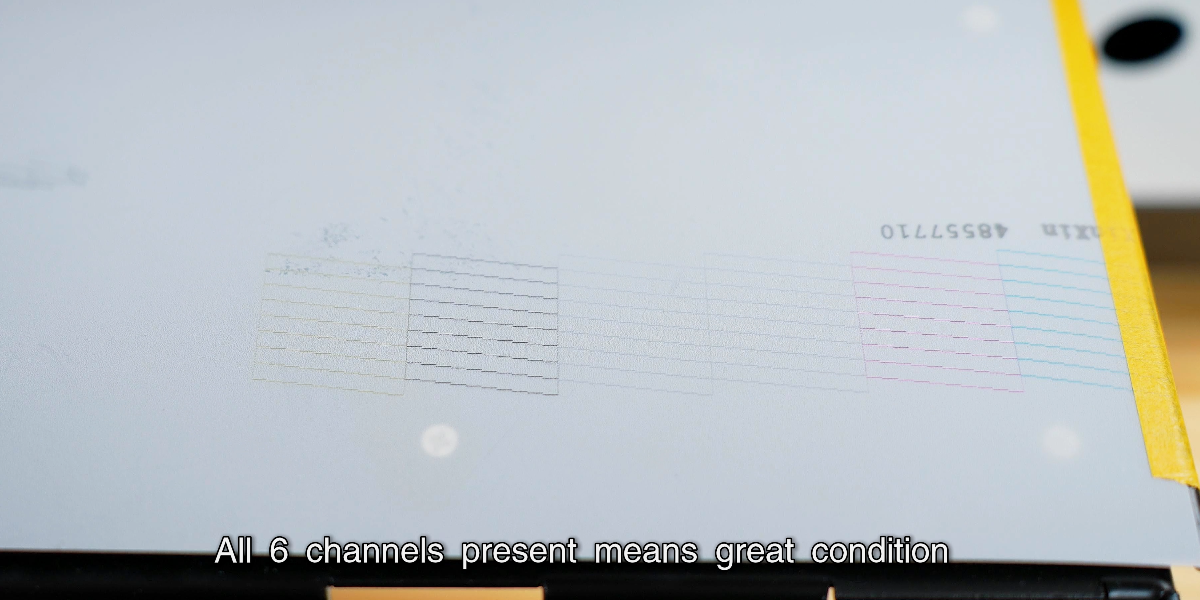
Verification complete: all lines are sharp and complete.