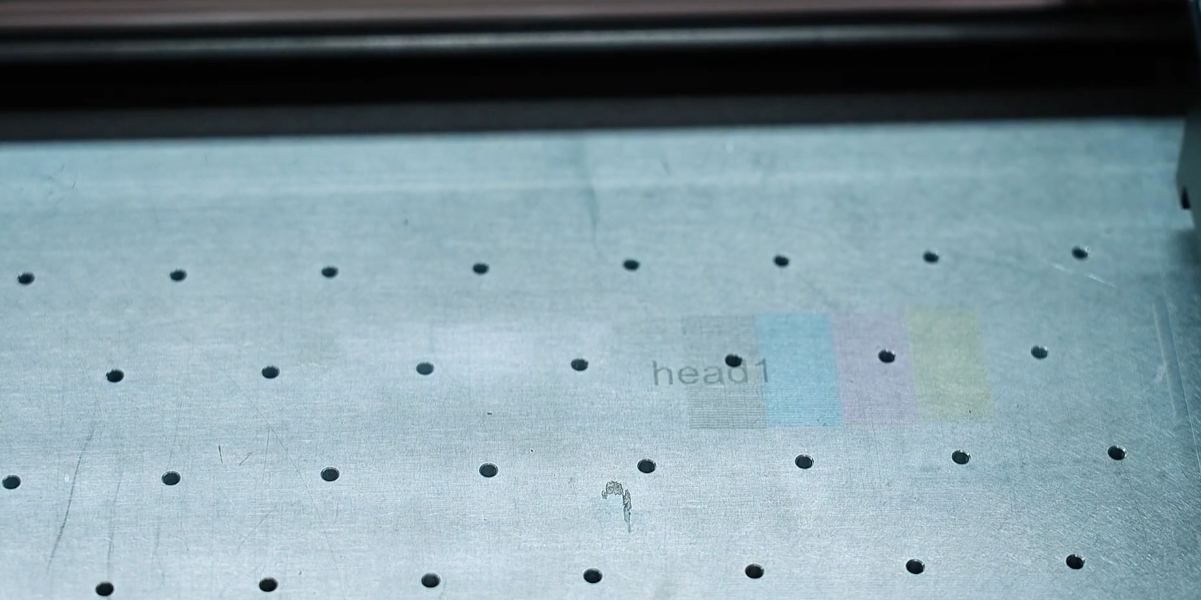
White ink is prone to settling, which can lead to issues such as thin white ink output during the printing process or broken lines in the print head test page.
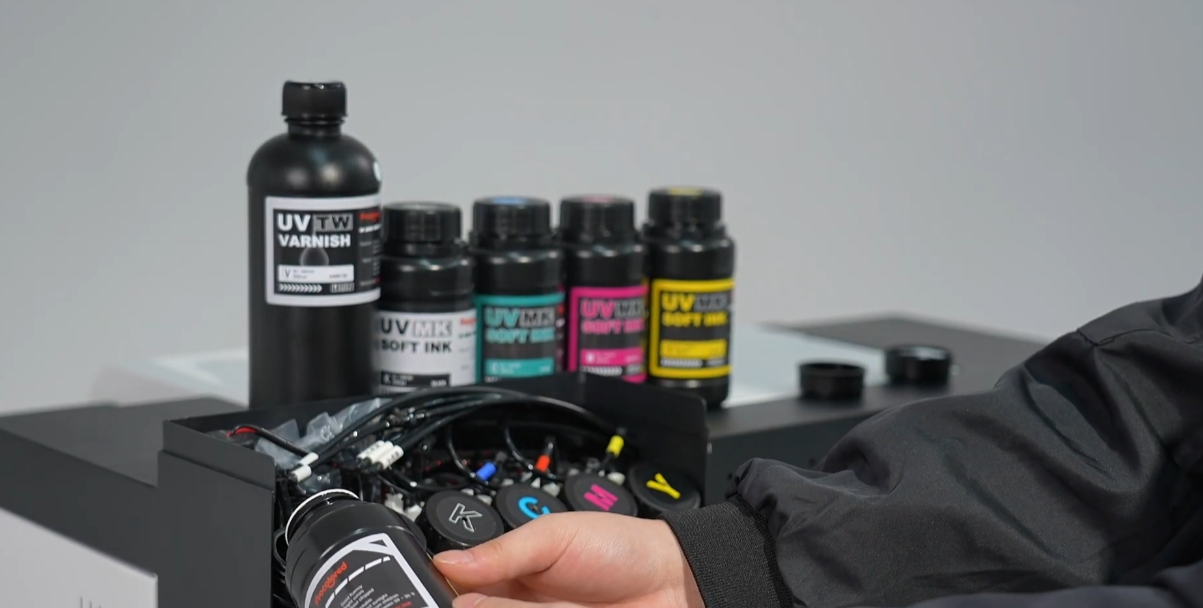
Check the white ink bottle to ensure the white ink level is above the 1/3 mark.
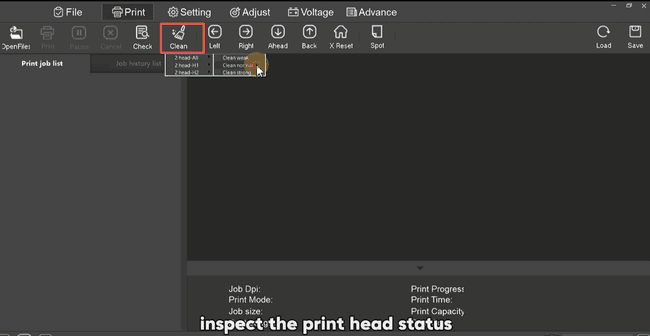
Clean the print head in the software.
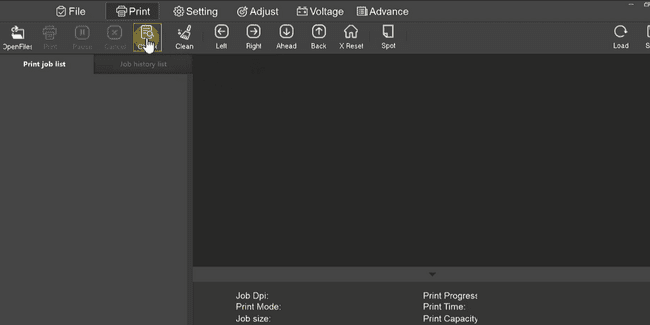
Print a nozzle test page to check the print head status.
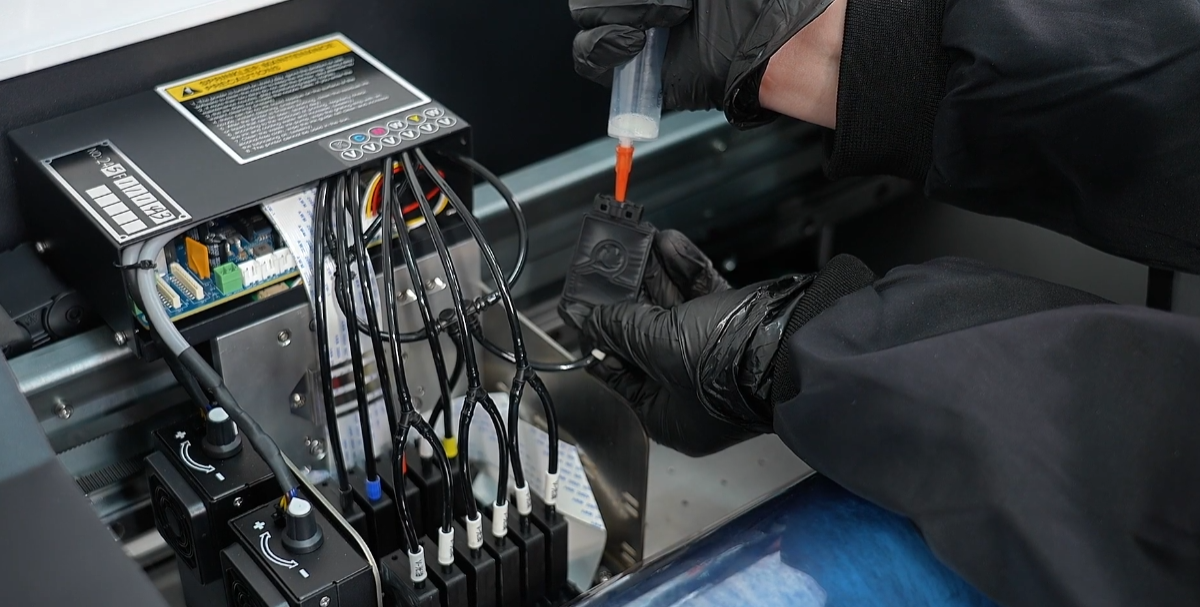
If the test page still shows issues with broken white ink lines, extract 3ml of ink from each cartridge.
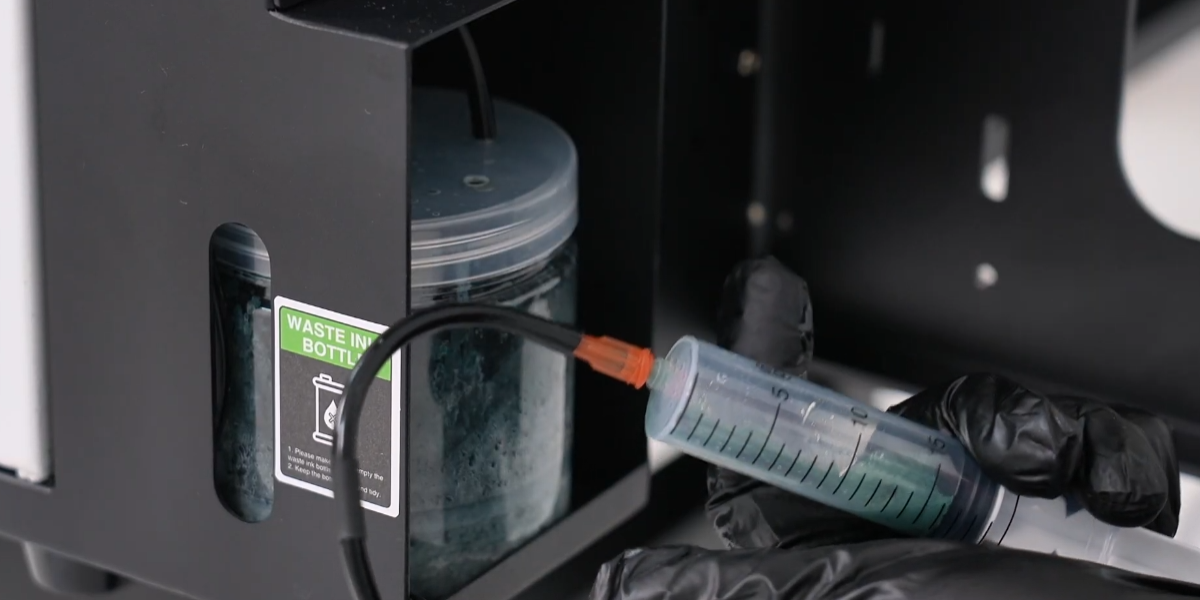
And draw 5ml from the waste ink tube.
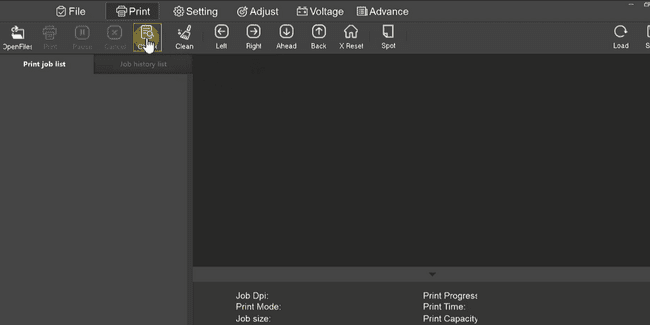
Clean the print head in the software again and print a test page to check the print head status.
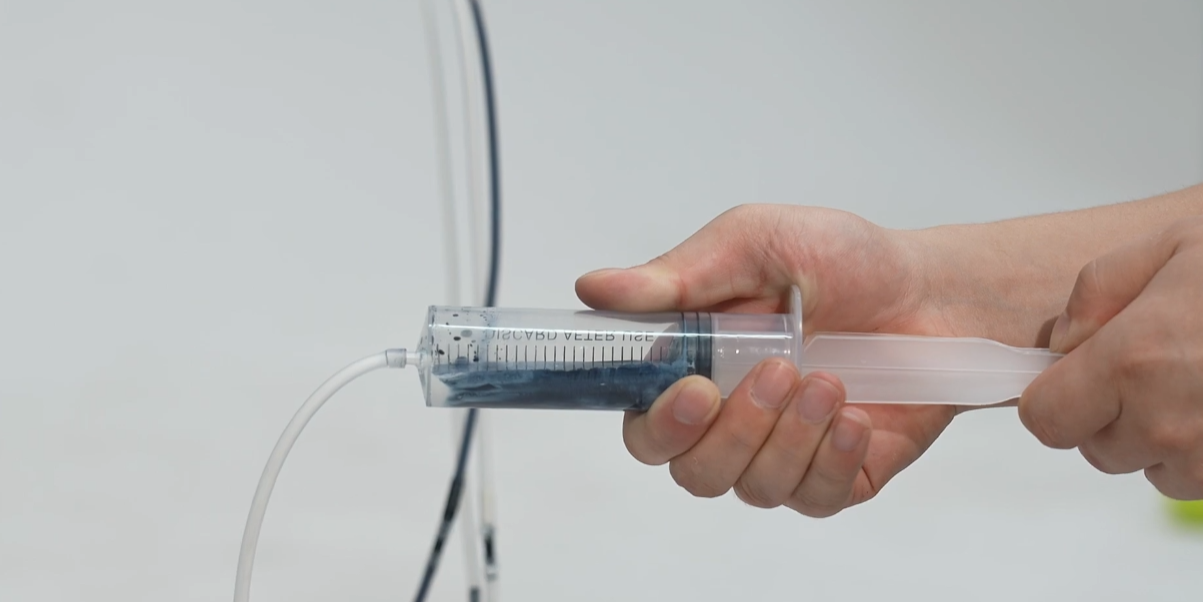
The printing still shows broken lines. Repeat the cleaning and ink extraction process 2-3 times.
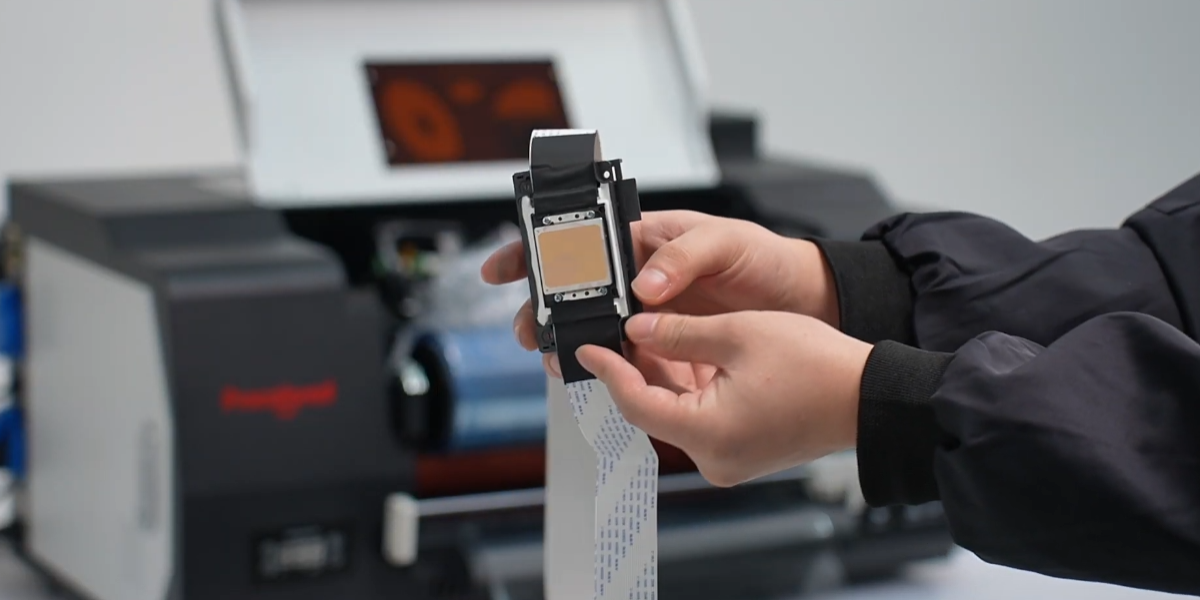
If the issue persists. Replace the print head.
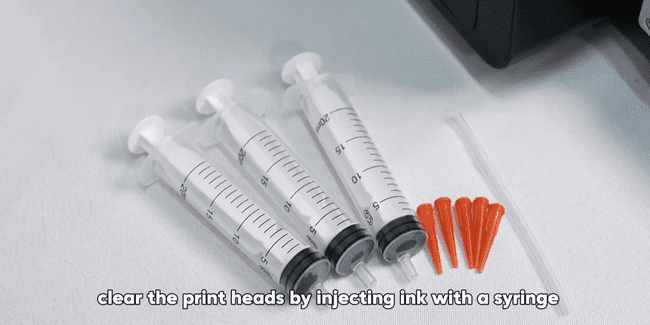
Do not attempt to unclog the print head using a syringe, as improper handling can damage both the print head and the motherboard.