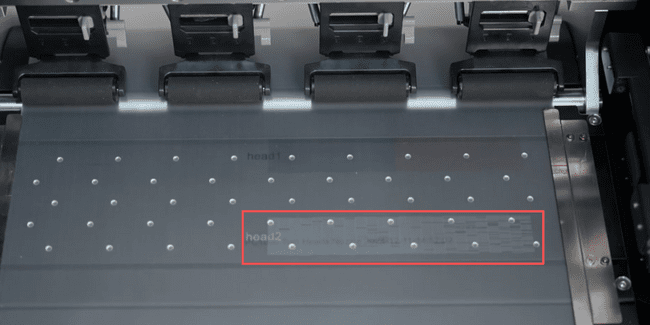
If you have tried all cleaning operations and ink extraction procedures but still cannot solve the print head's clogging, then you need to replace the print head.
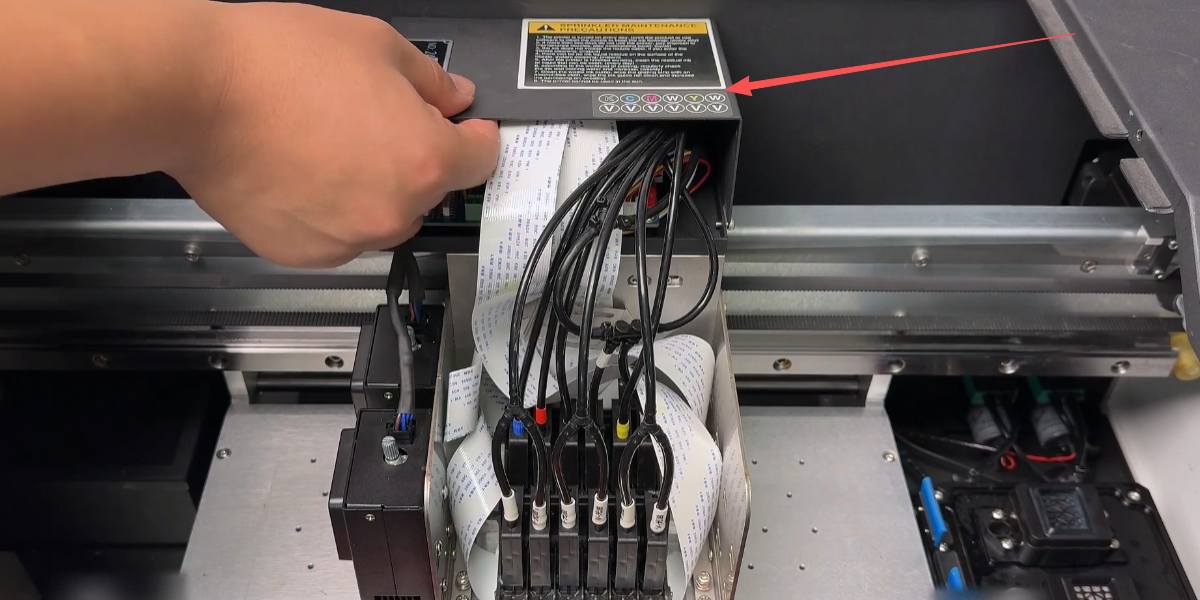
Remove the cover securing the print head.
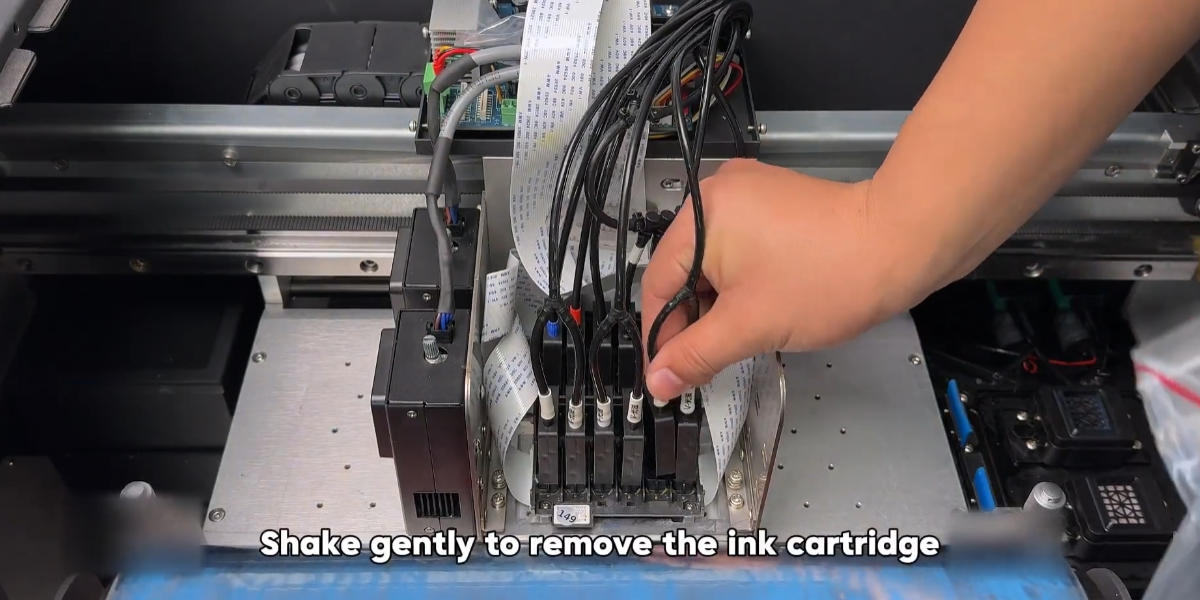
Shake gently to remove the ink cartridge.
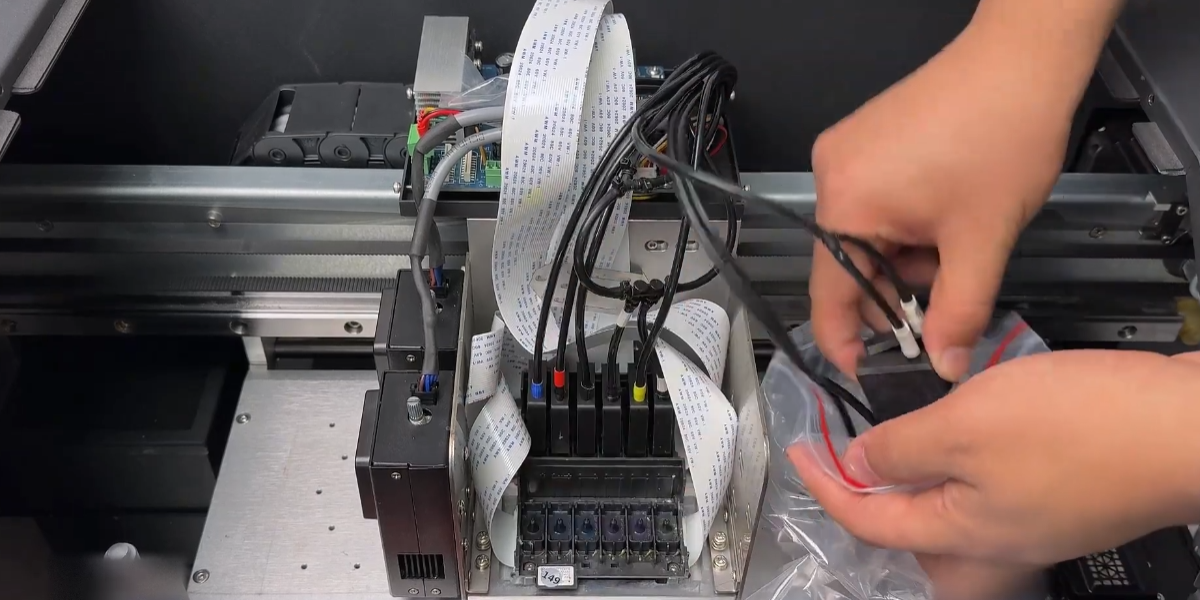
Seal them in a plastic bag to prevent ink leakage.
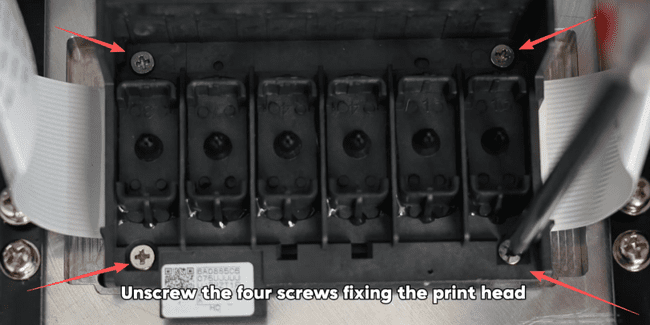
Unscrew the four screws fixing the print head.
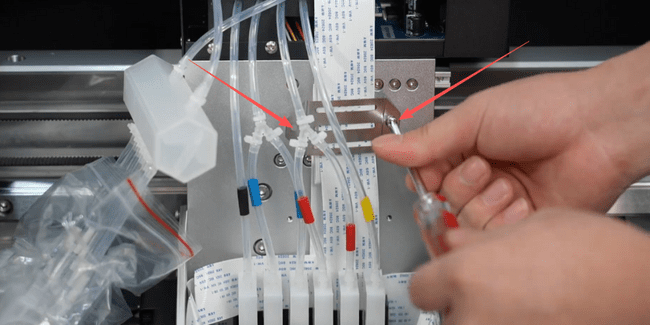
Unscrew the screws and take out the clip.
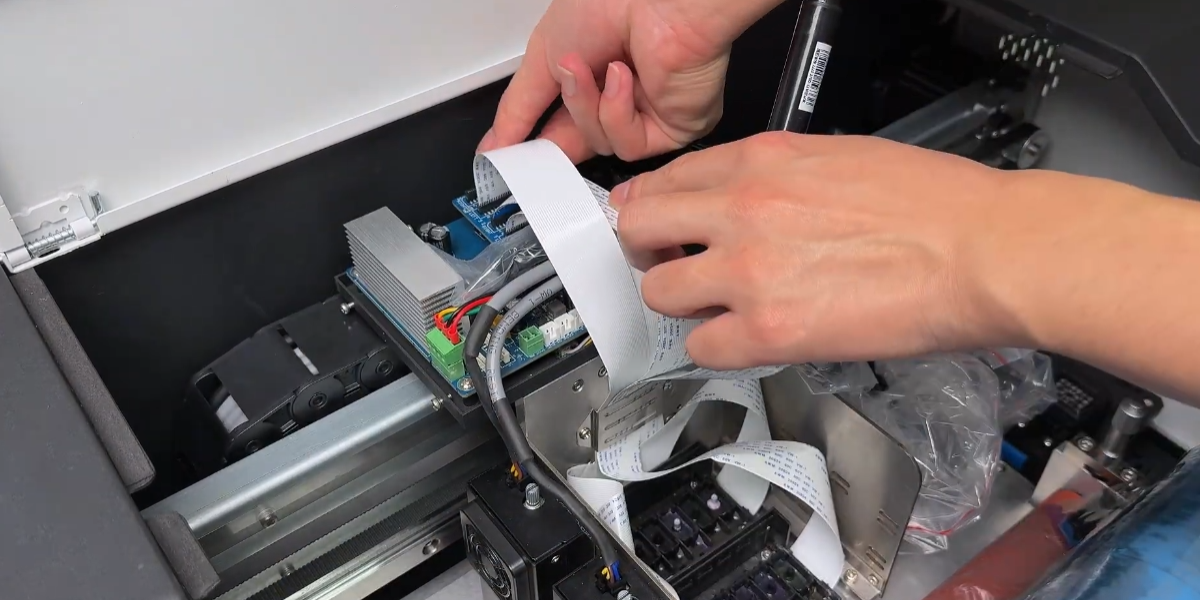
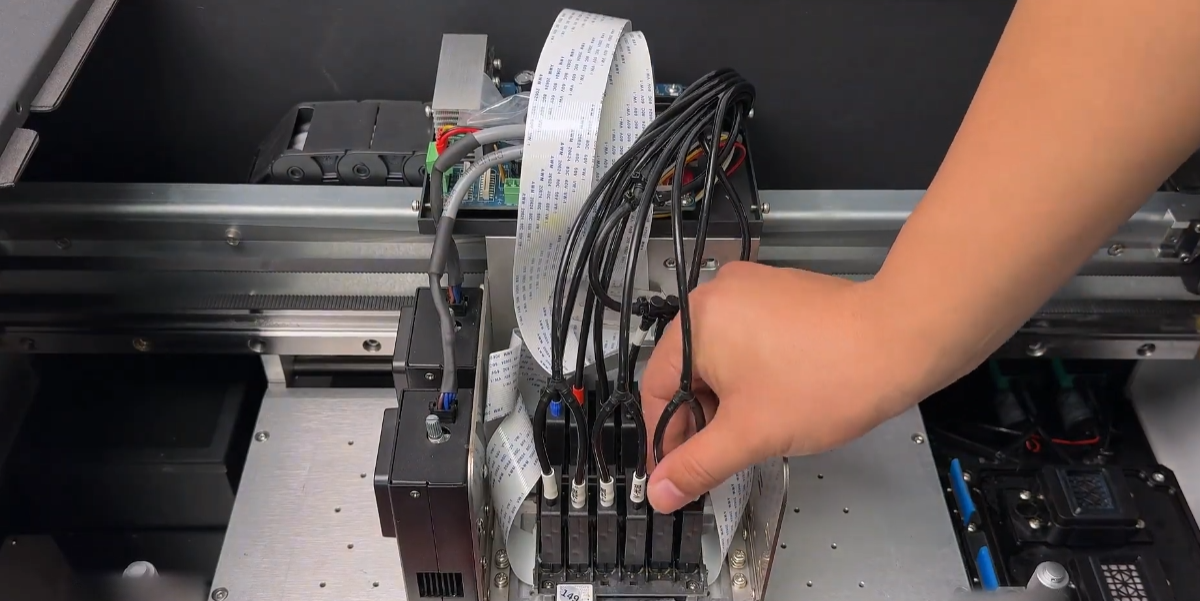
Disconnect the print head's ribbon cable. Note to check if the ribbon cable has any ink contamination, and do not disconnect the encoder strip's ribbon cable.
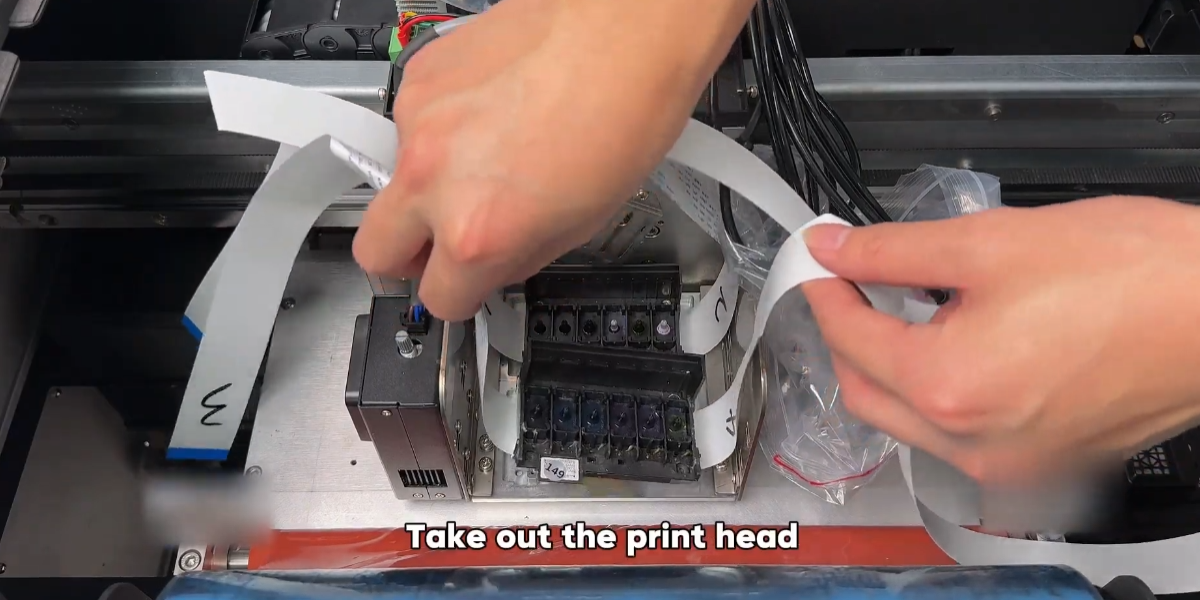
Take out the print head.
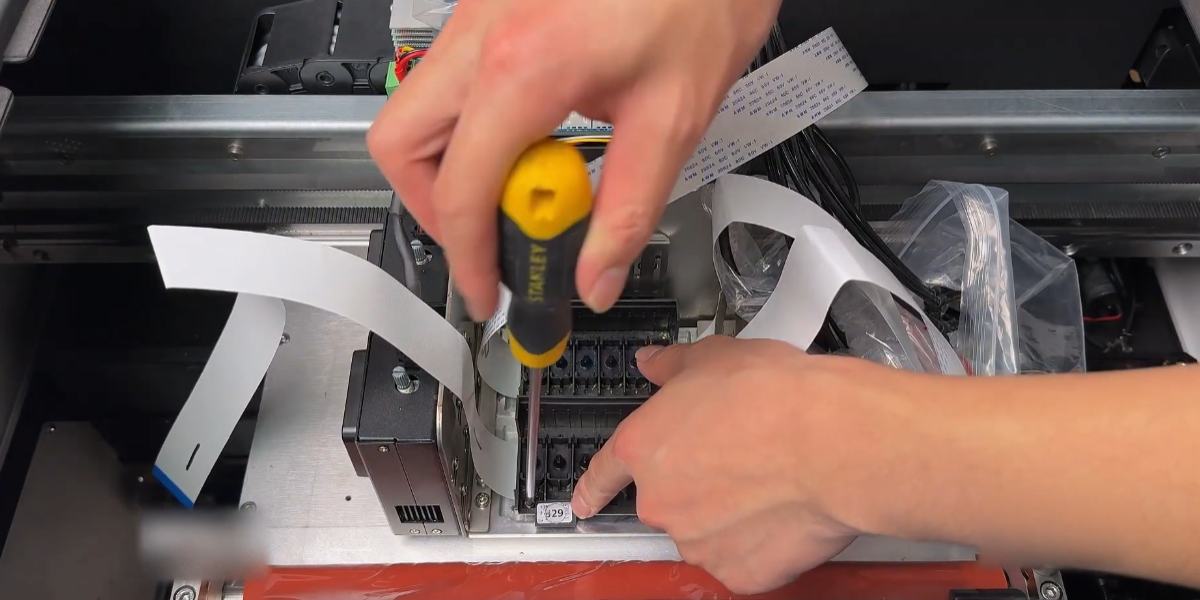
After installing the new print head, secure it with the screws.
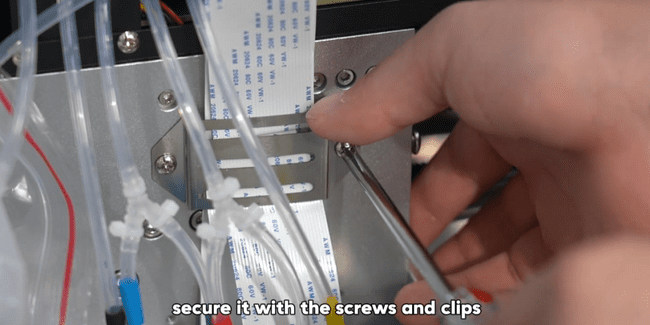
Connect the ribbon cable of the print head.
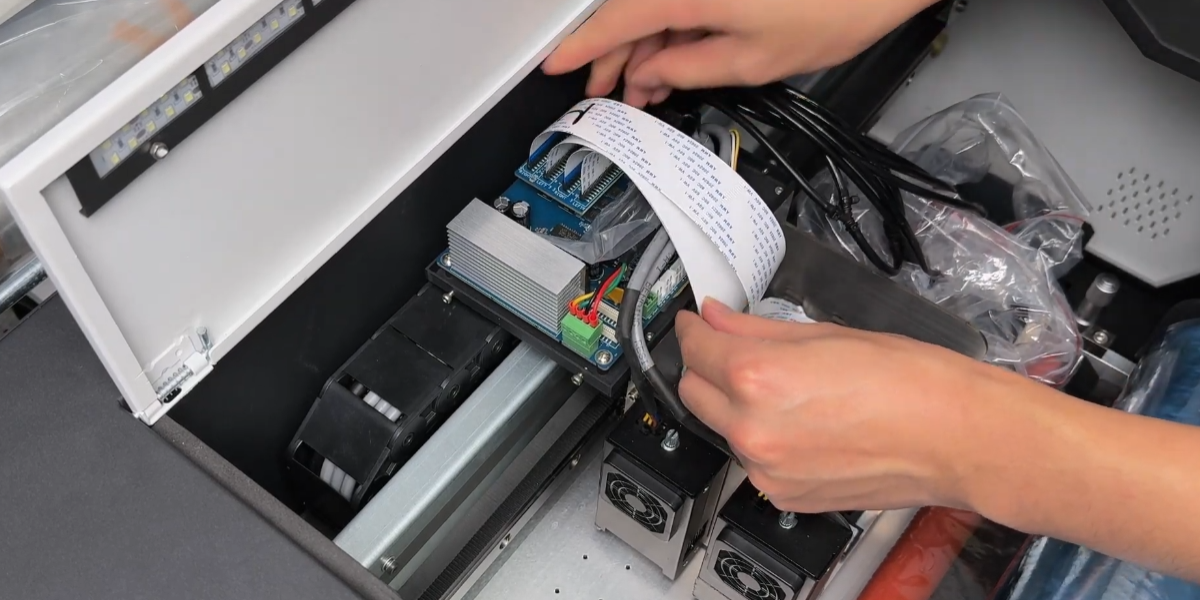
Install back black cover.
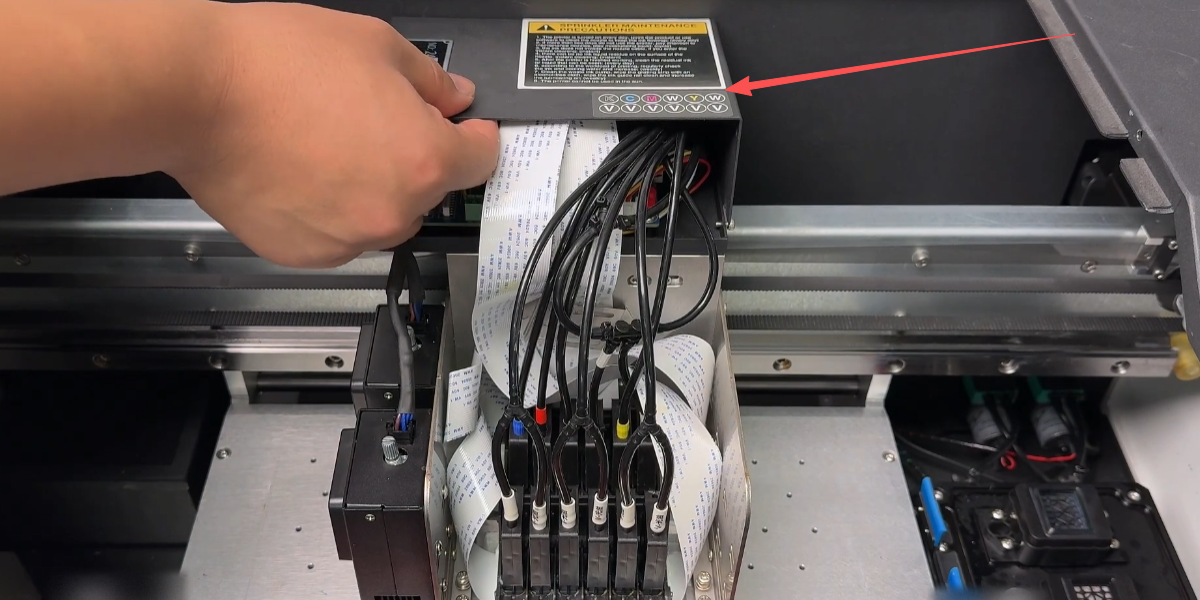
Install the ink cartridge.
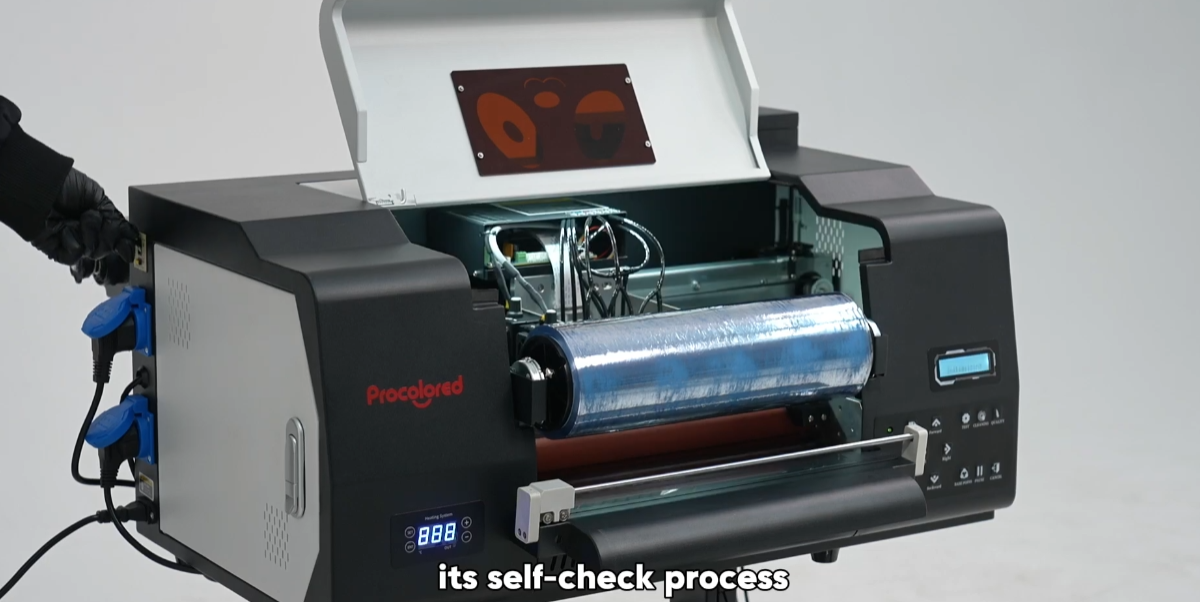
Power on the machine and observe its self-check process.
If the self-check passes, the nozzle check page is good.
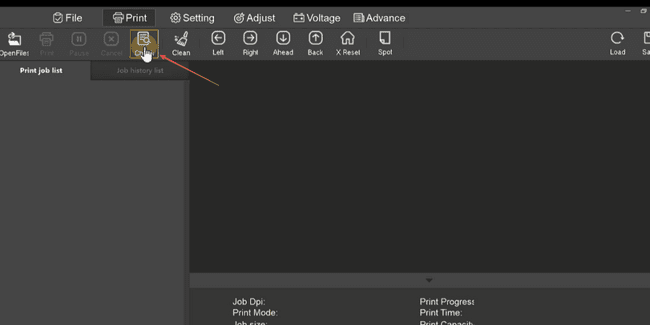
The print head replacement is successfully completed.