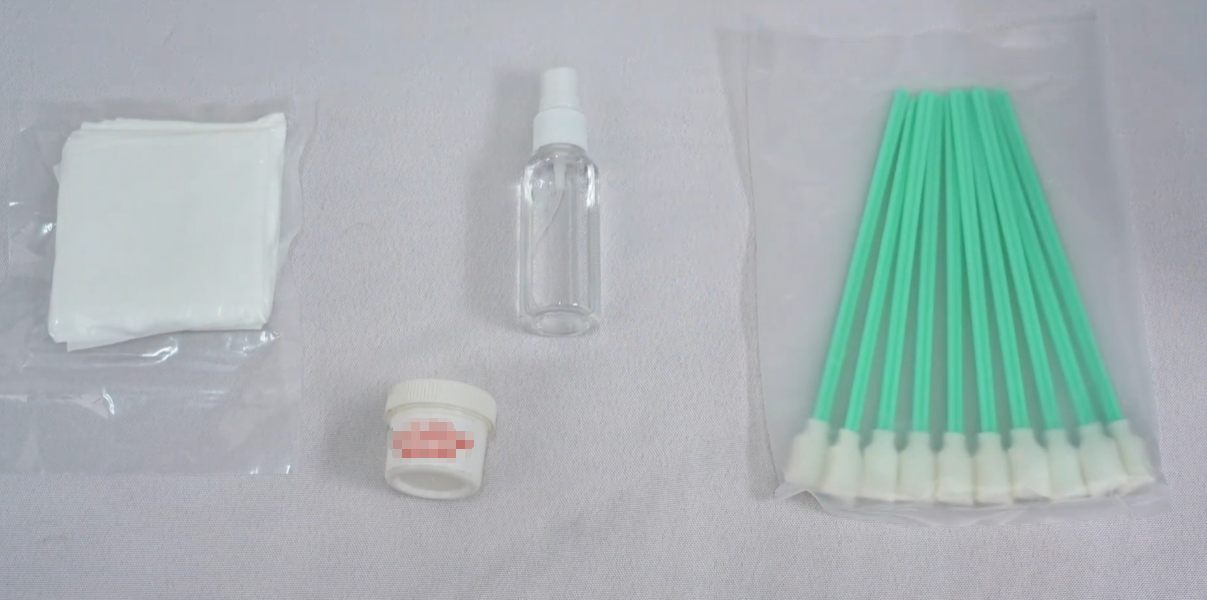
During the use of the machine, we need to perform some regular maintenance to protect the machine and maintain its performance.
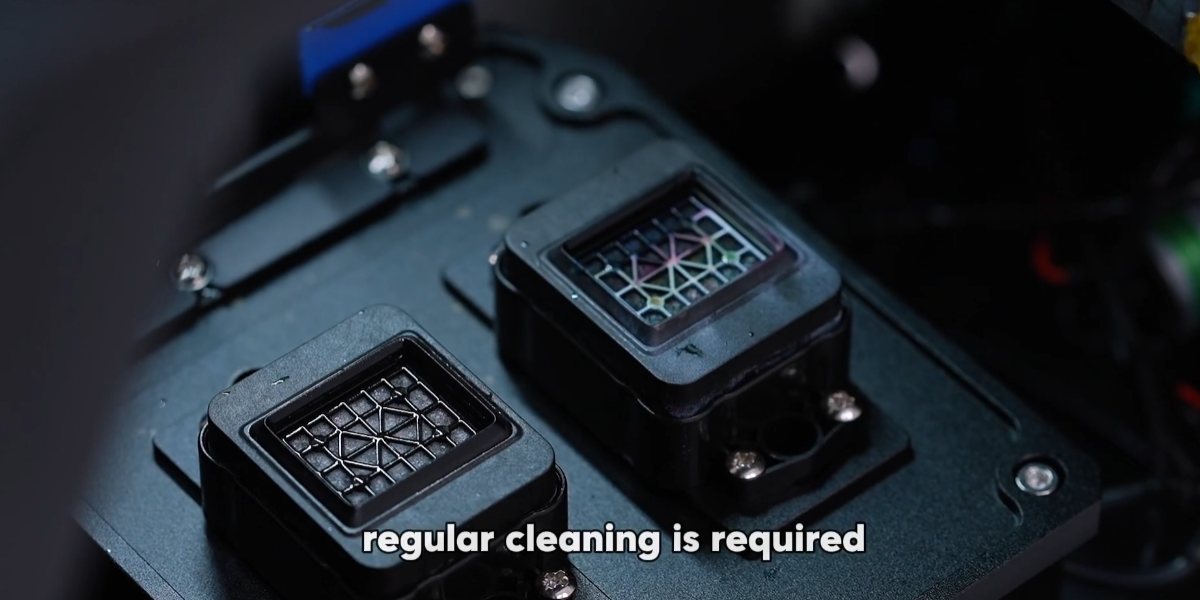
Waste ink produced during printing is always discharged around the waste ink pad, so it's crucial to perform cleaning on this area.
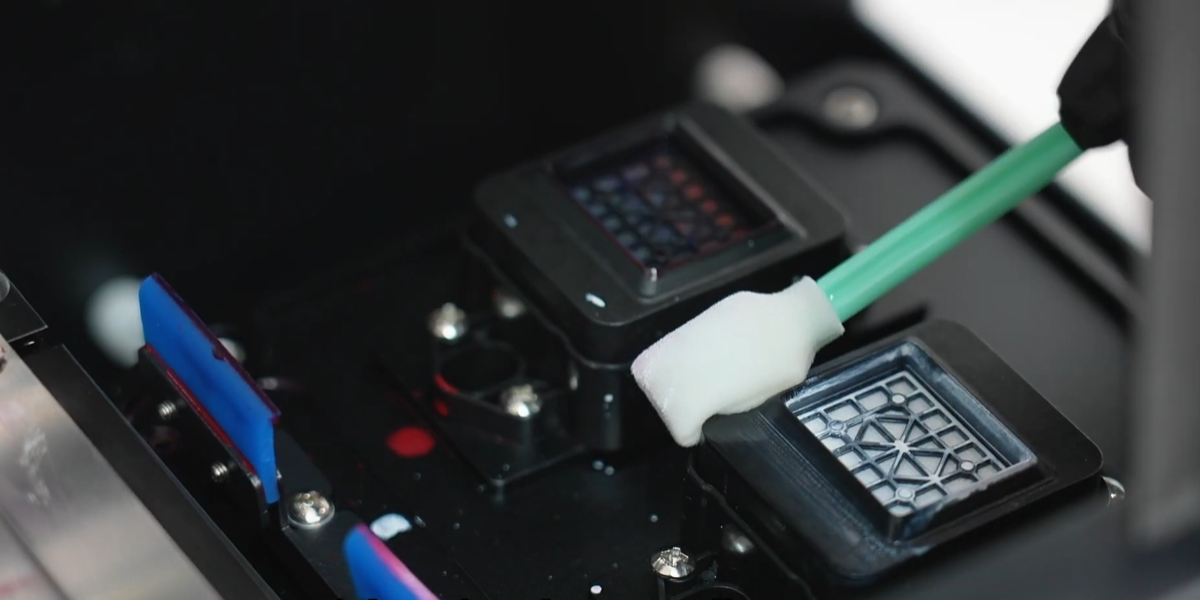
Turn off the printer, use the swabs to clean the waste ink pad.
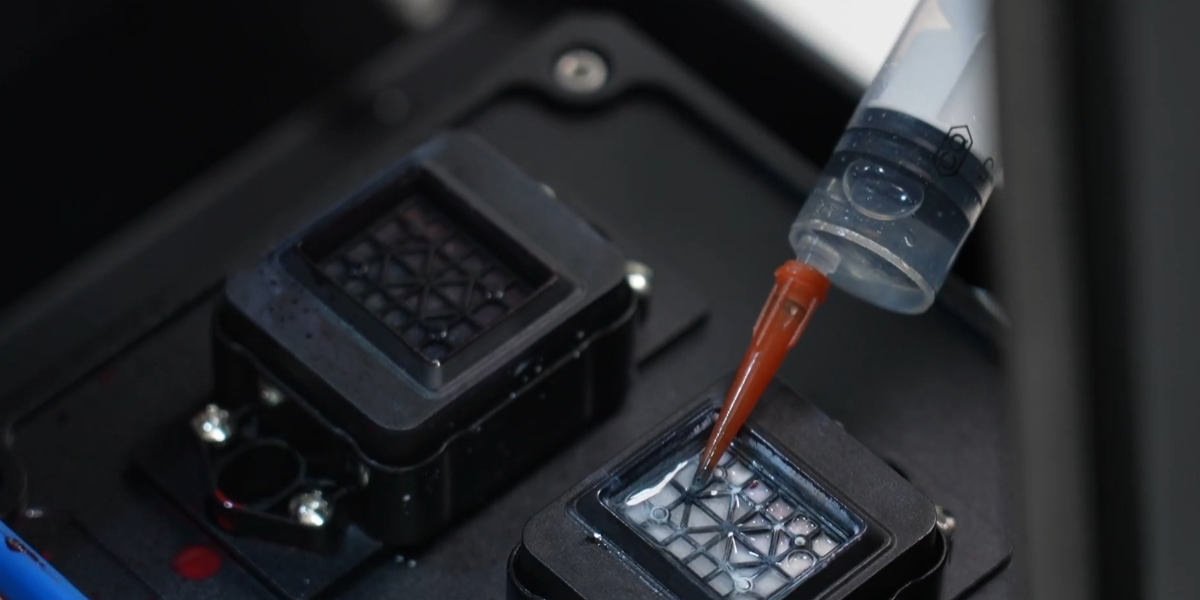
Inject clean water into the ink pad.
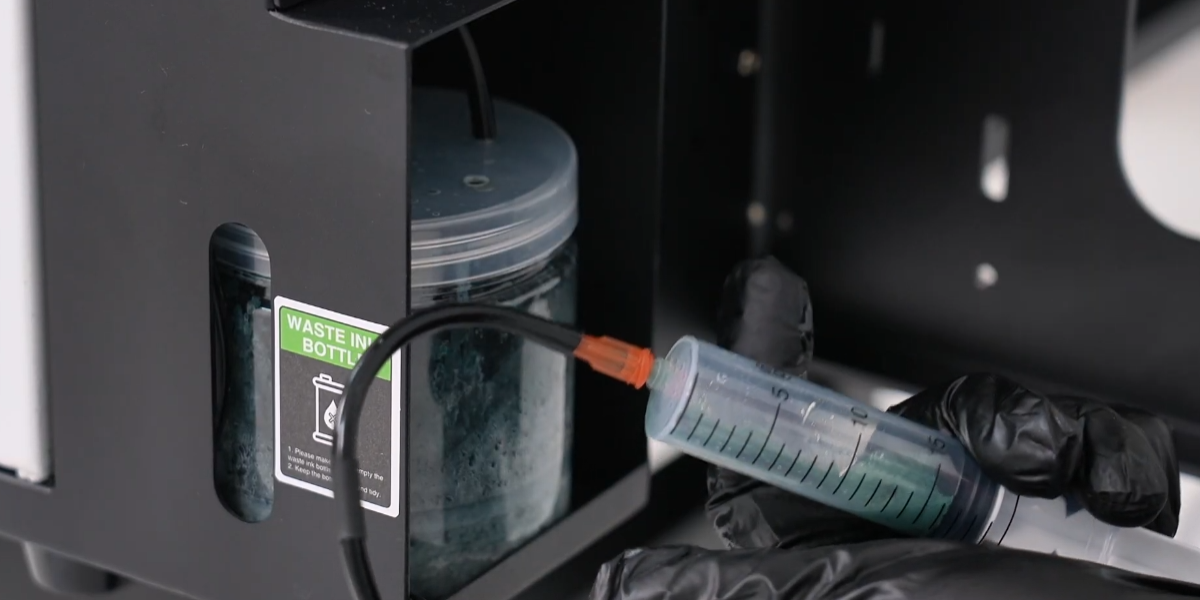
Using a syringe to extract waste ink tubes.
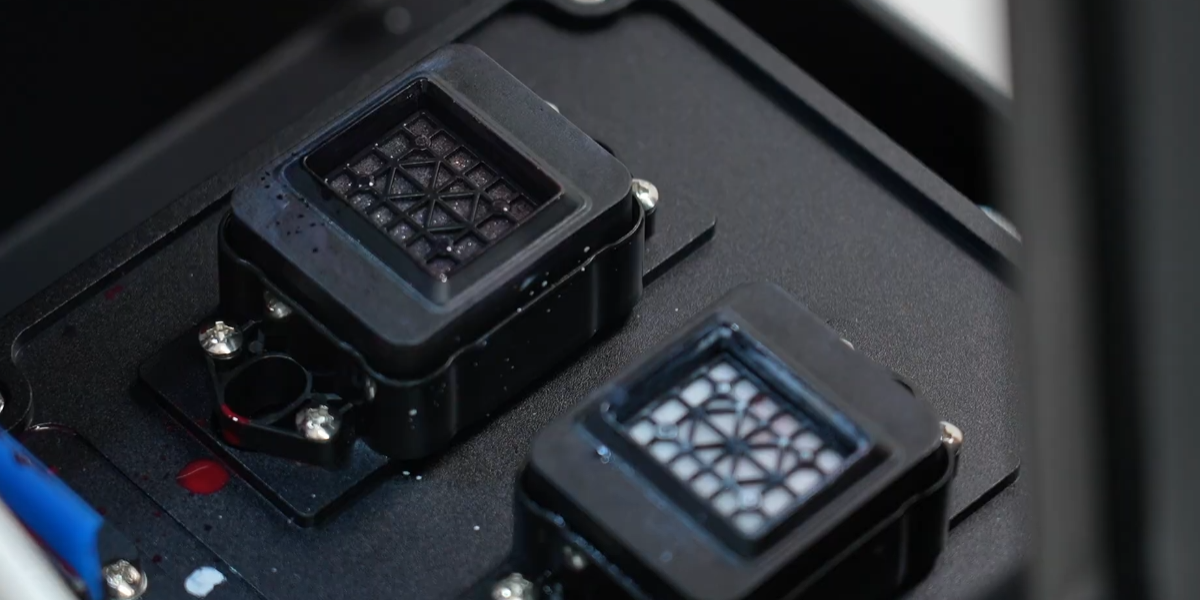
Extract the liquid from the ink pad. It is recommended to clean the platform once a week.
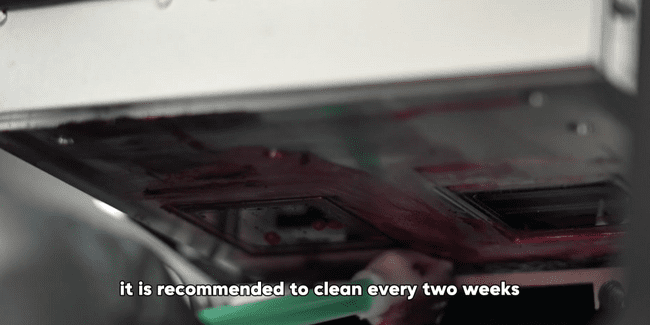
The bottom of the print head may accumulate solidified ink during use. Use a cotton swab to clean it. We recommend cleaning every two weeks.
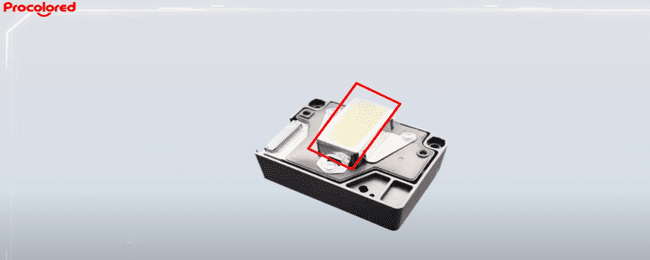
Attention: Do not touch the mirror area. Do not clean the nozzle area.
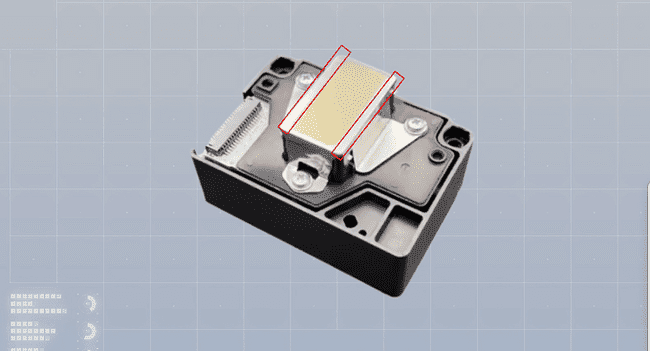
Only need to clean the areas on both sides of the nozzles.
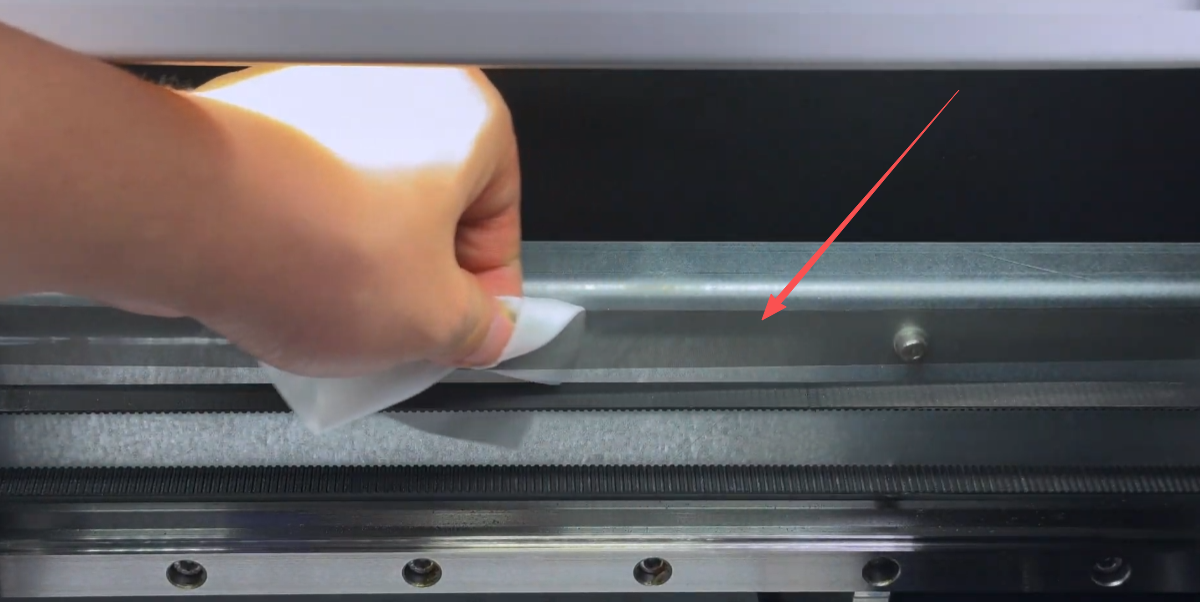
The encoder strip, used for X-axis positioning of the printer, should remain clean. Use the dust-free cloth provided with the machine for cleaning. We recommend cleaning every two weeks.
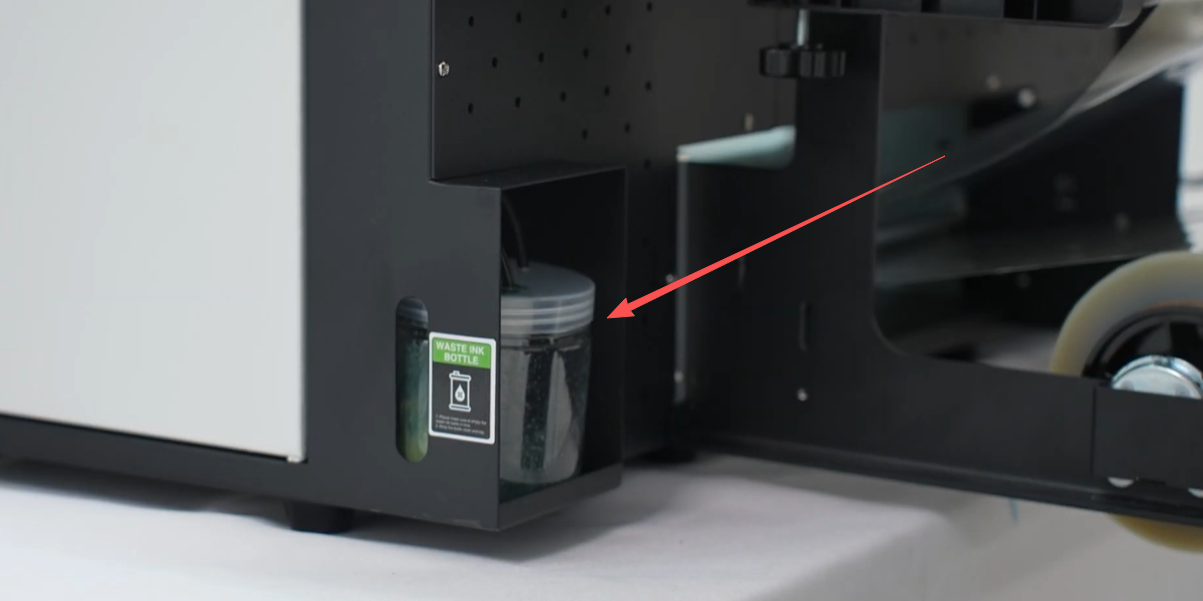
During use and print head cleaning, waste ink flows into the waste ink bottle. It is advisable to empty the waste ink bottle once a week.
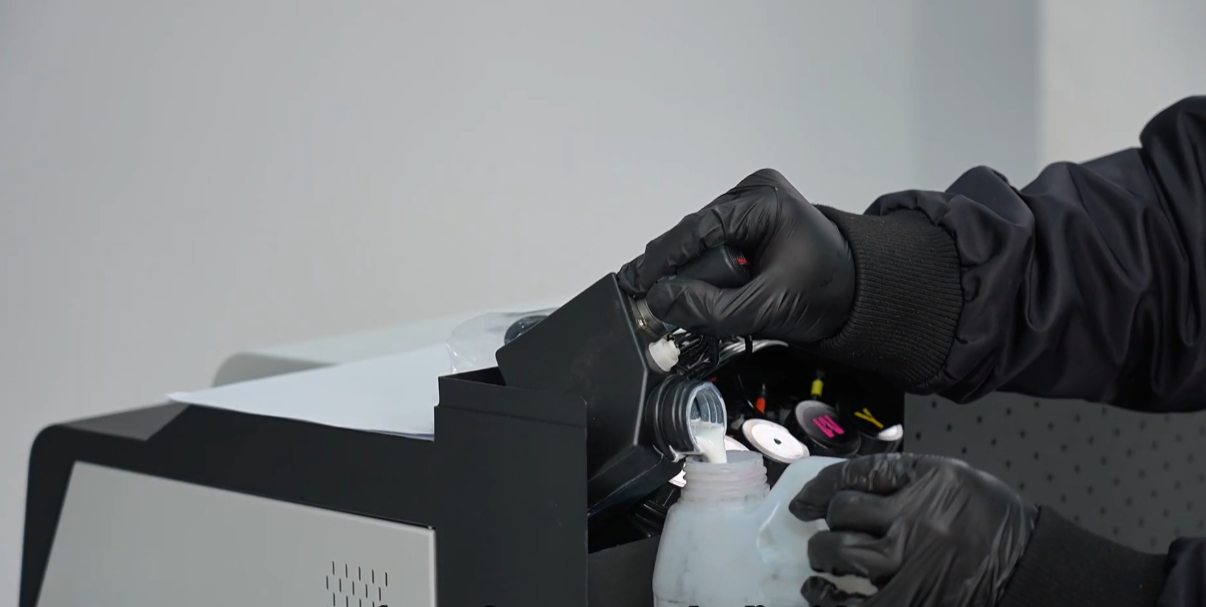
White ink is prone to precipitation, so sediment white ink may accumulate at the bottom of the white ink bottle. After pouring out the white ink, you may notice sediment.
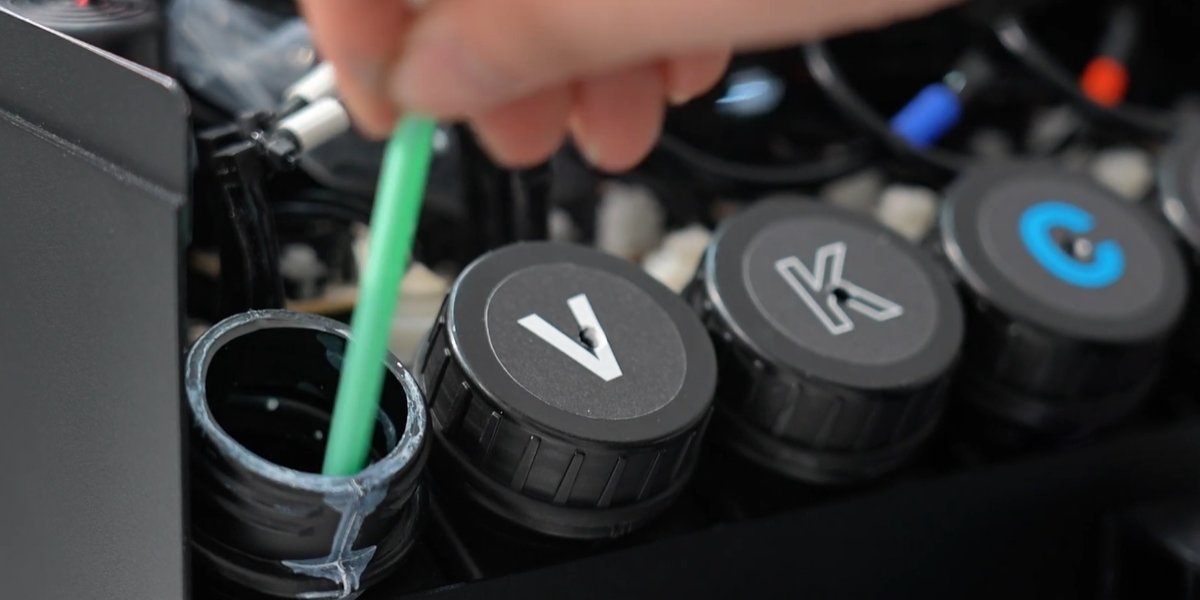
Add water, stir, and pour out the liquid to remove the white ink sediment. We recommend doing this once every 30 days.
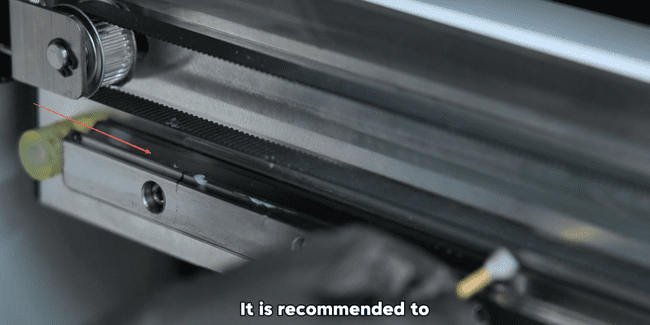
The rails consume lubricating grease during use, and a lack of lubrication may cause the ink carriage to move slowly. We recommend applying lubricating grease to the rails once every 30 days.