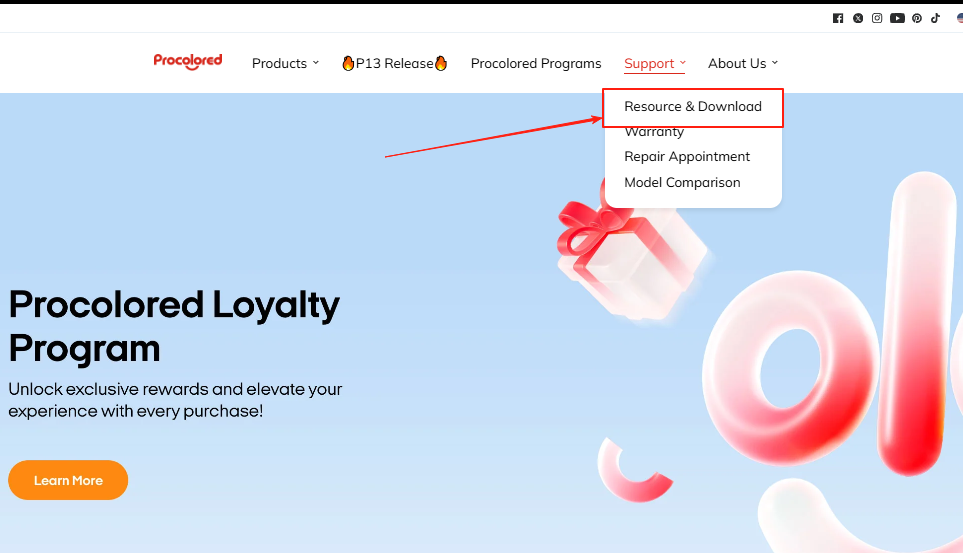
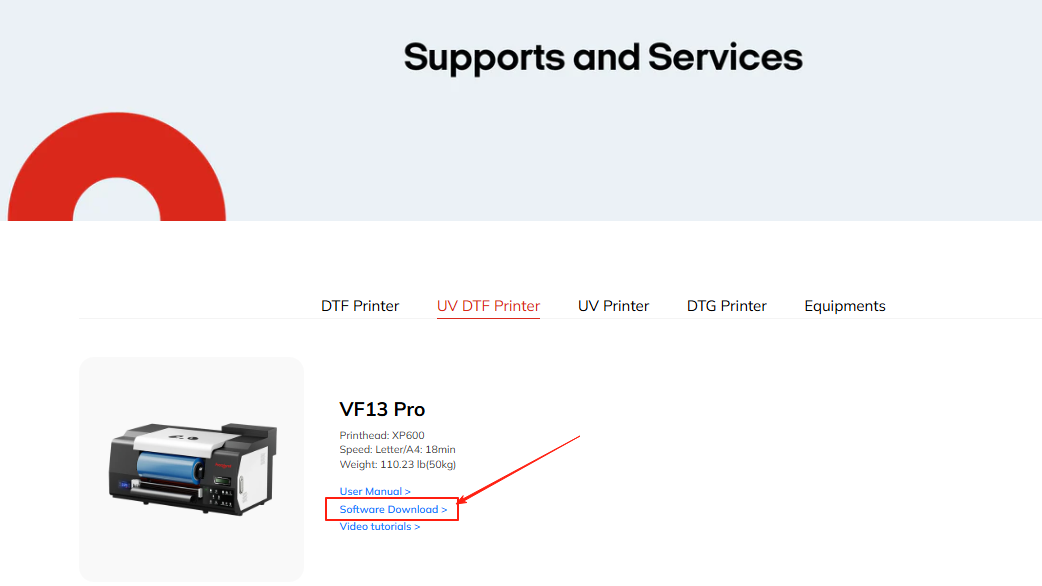
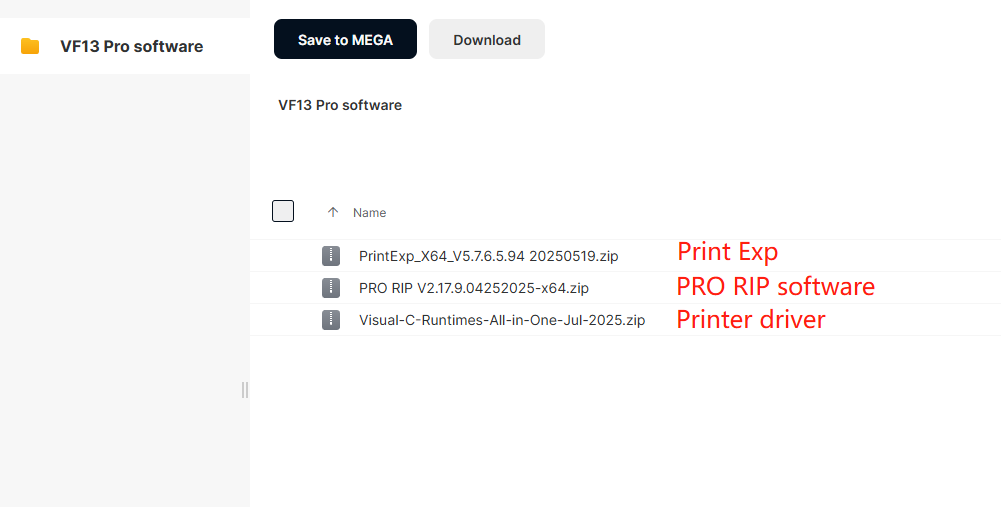
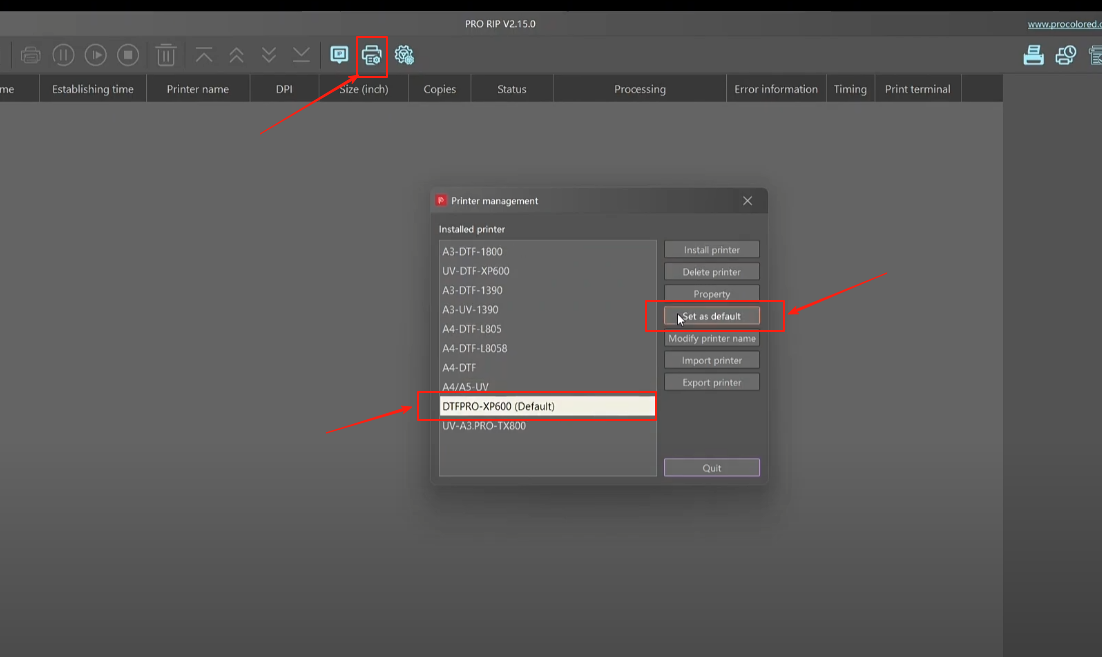
Download PrintExp/PRO RIP from Procolored website (Resource & Download).
Select model VF13 Pro and download the corresponding files.
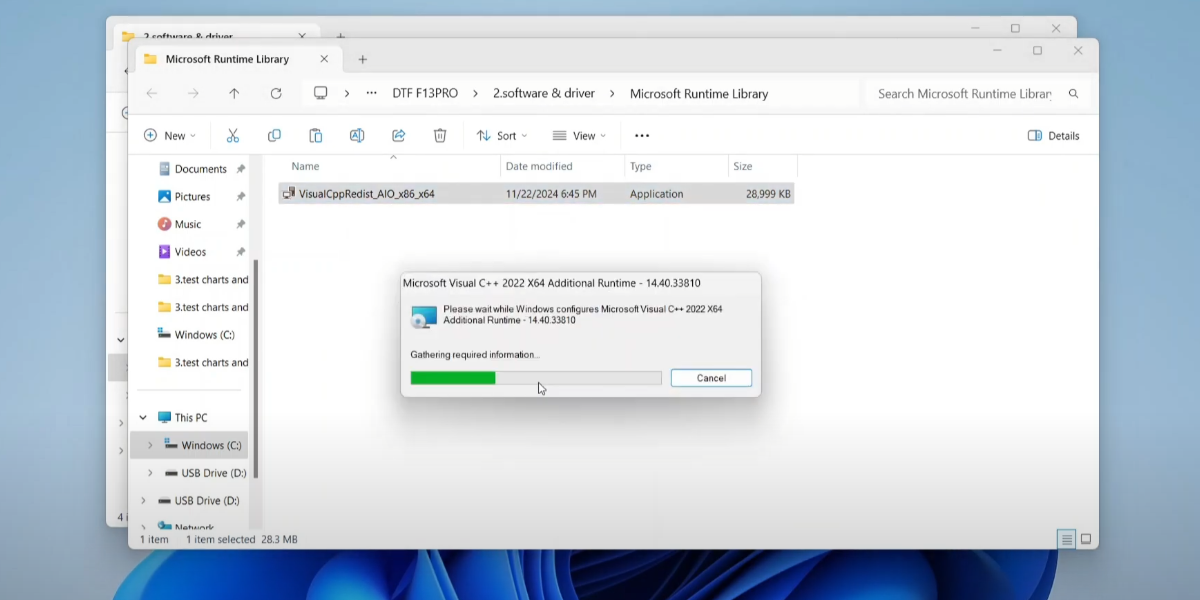
Unzip all downloaded files before beginning the installation.
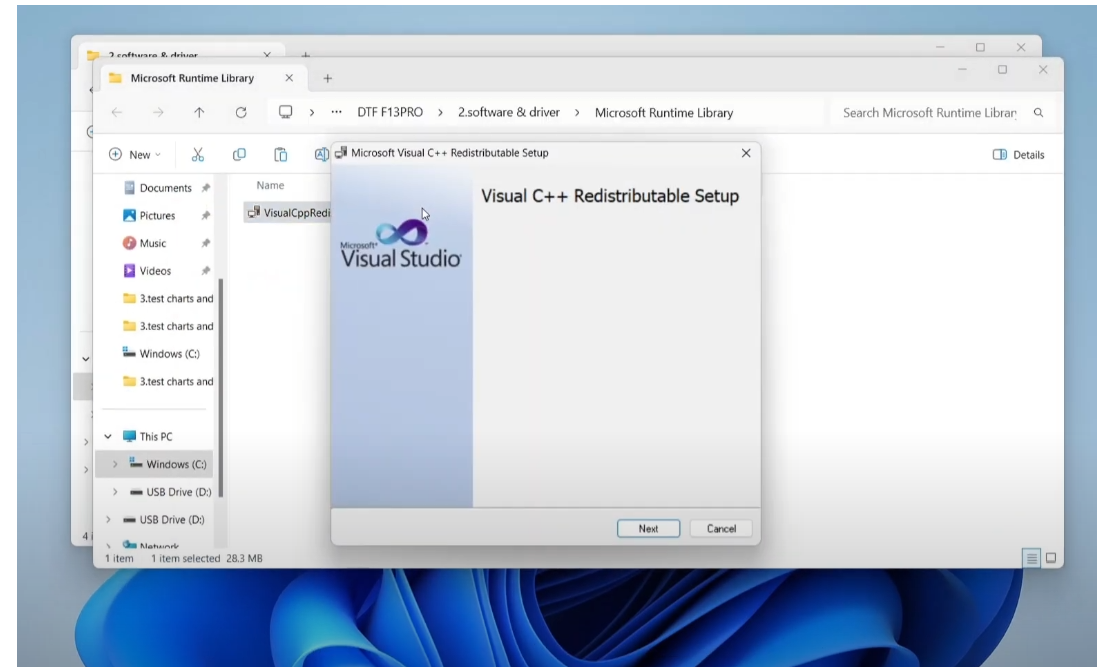
Double-click the Printer Driver software to start.
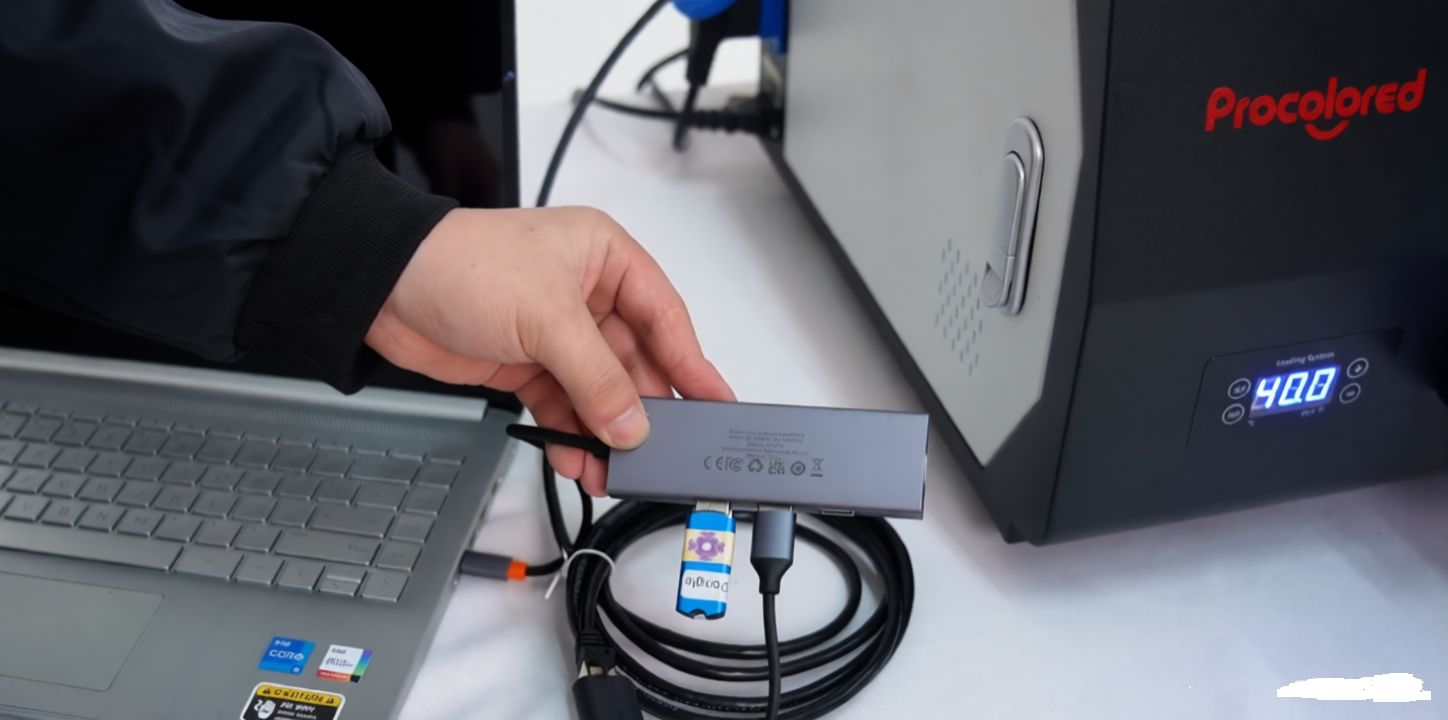
Ensure the printer is ON and connected via USB during this step.
Complete the installation. Your PC can now communicate with the VF13 Pro.
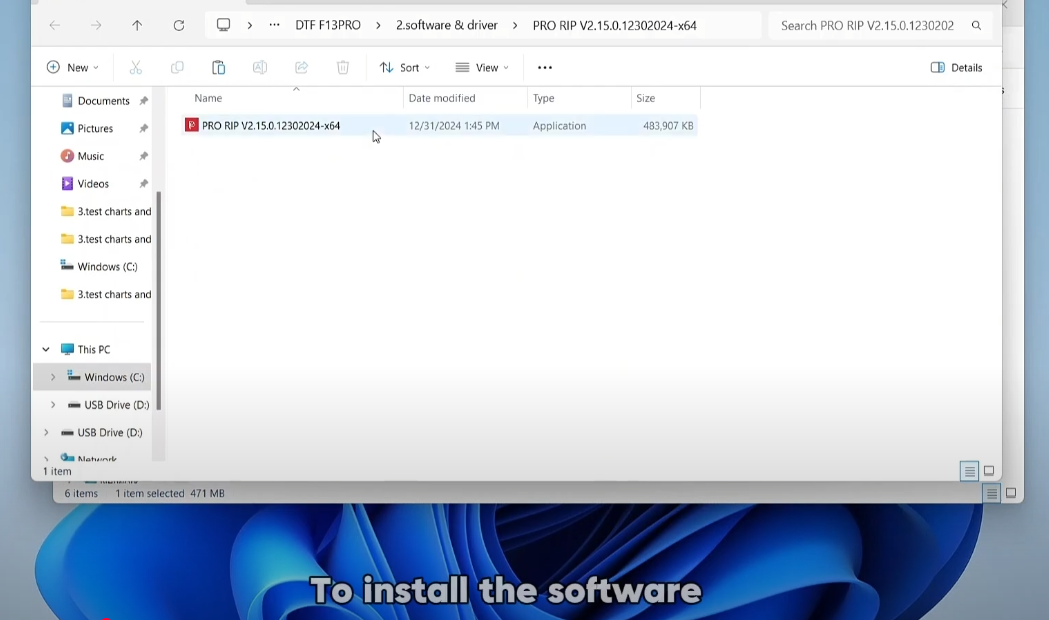
Run the software installer and follow the "Next" prompts.
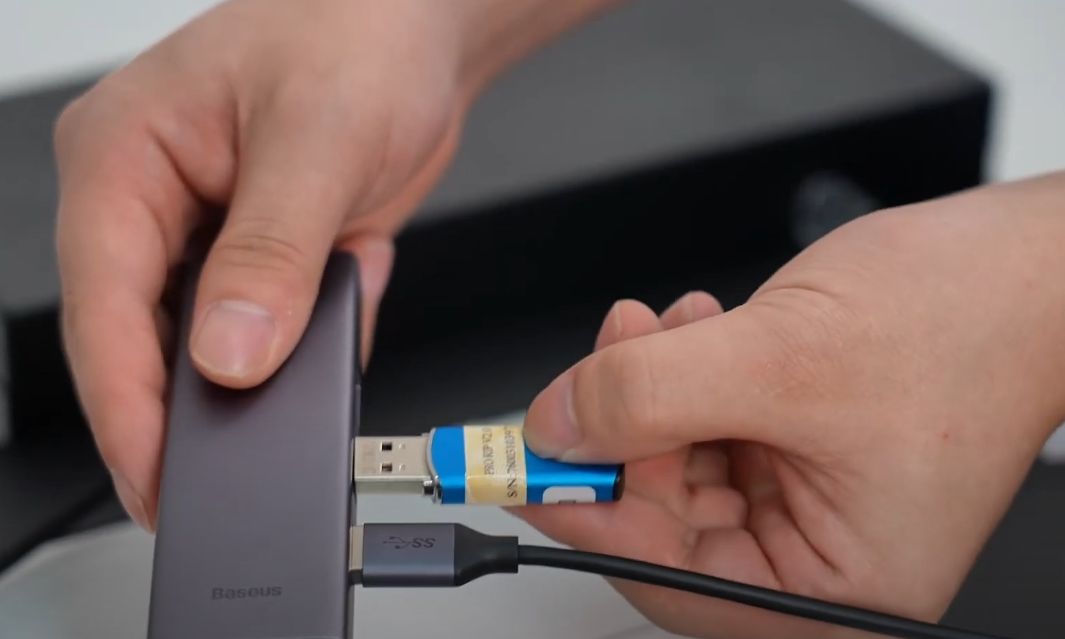
Crucial: Insert the Blue USB Dongle before opening the software.
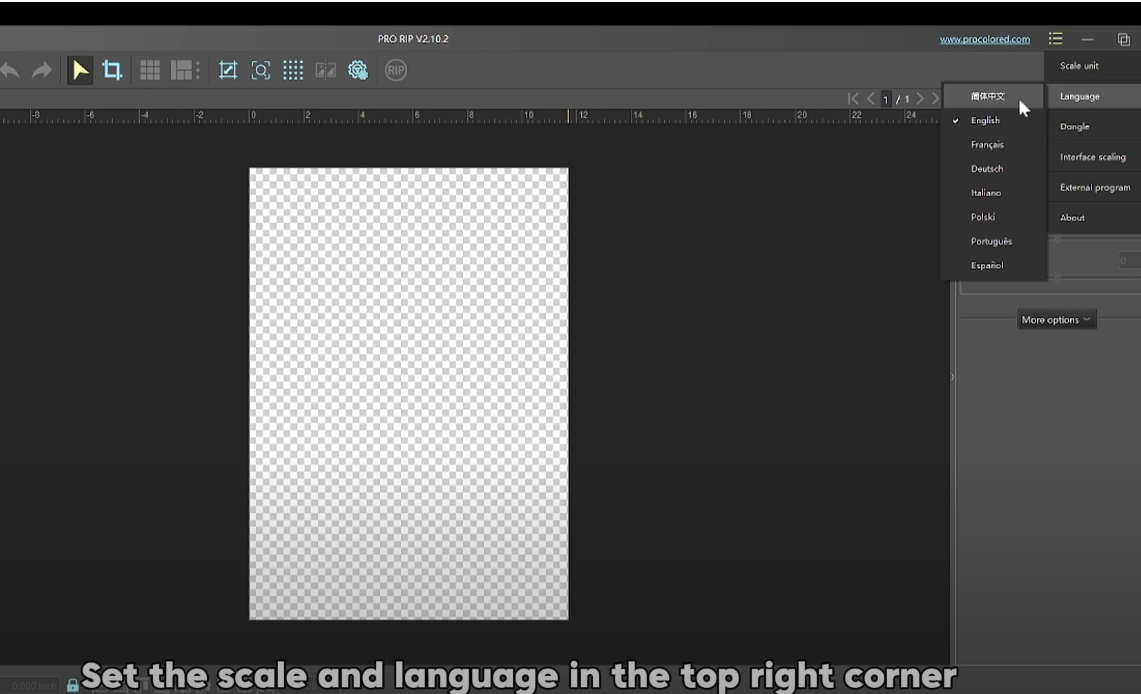
Set the preferred scale and language in the top right corner.
Load the correct ICC Color Profile for accurate printing.
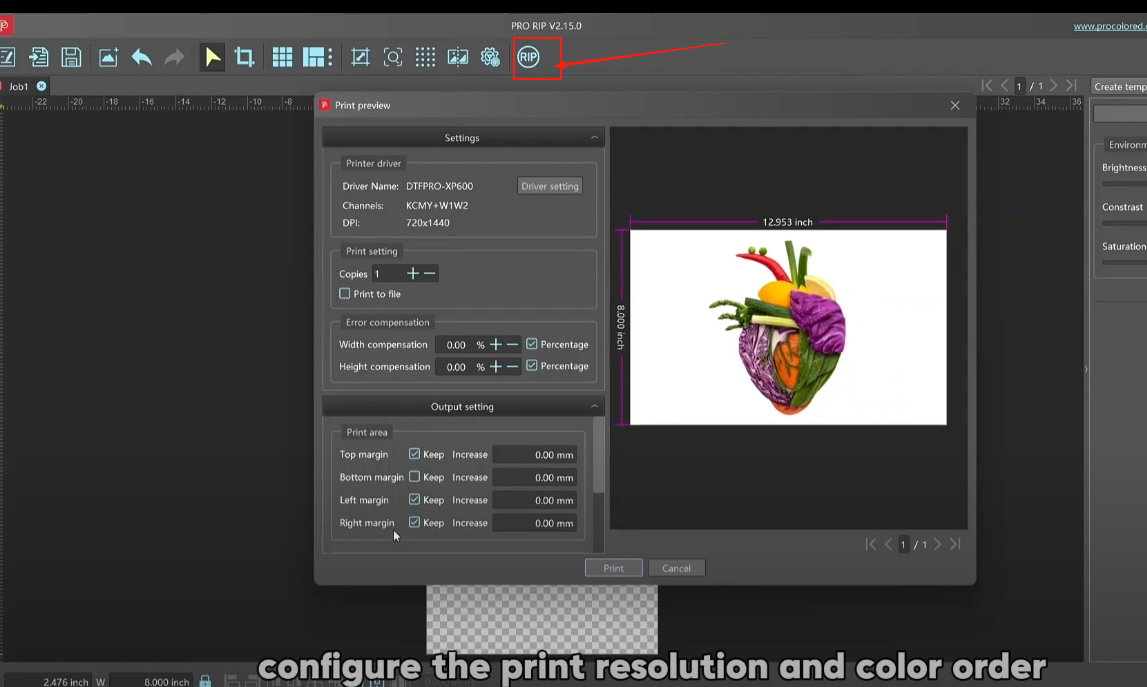
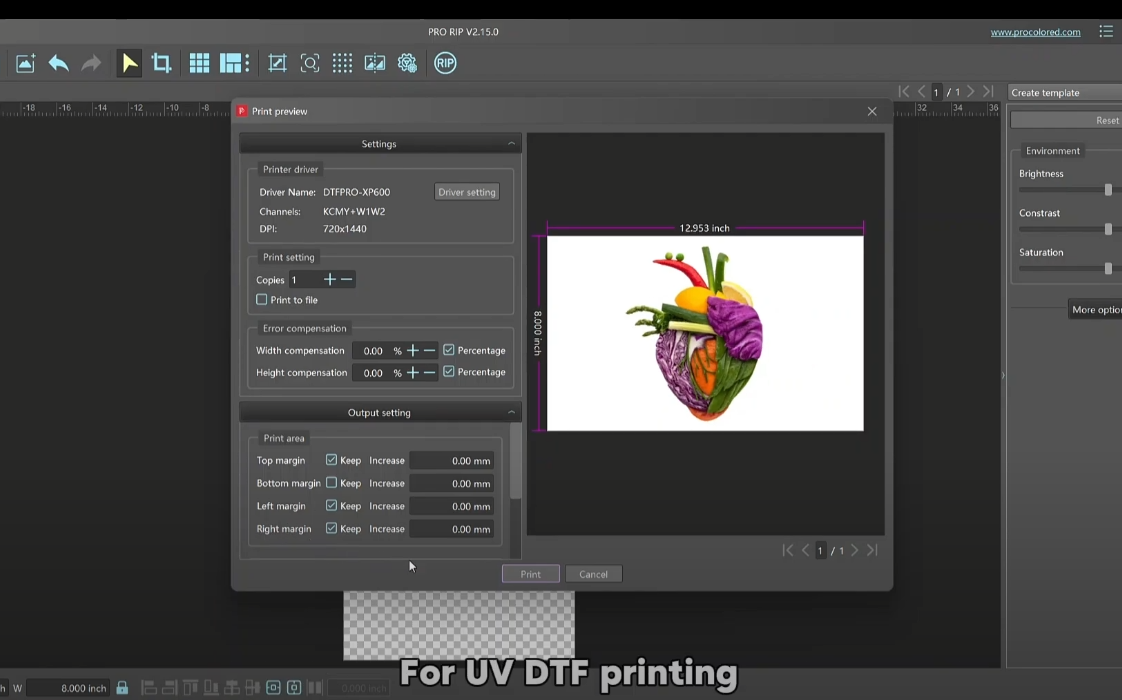
Click "RIP" to configure resolution and ink order.
Sequence: White → Color → Varnish. Ready to print!