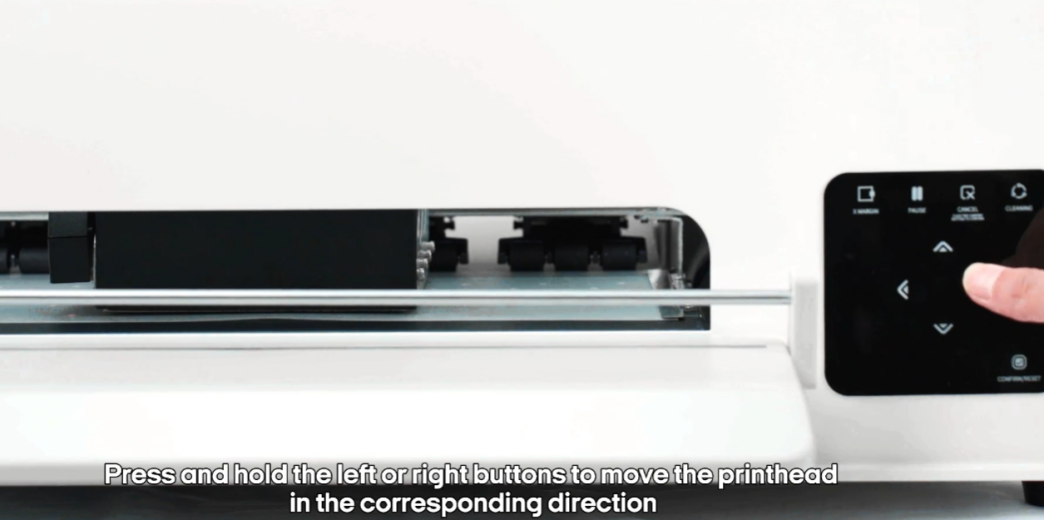
Press and hold the left or right buttons to move the print head.
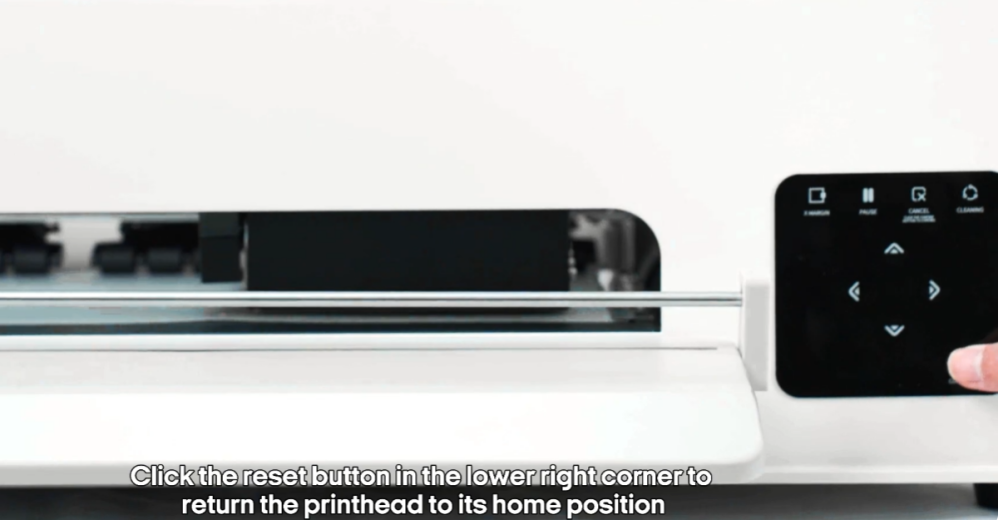
Click the reset button to return the print head to home position.
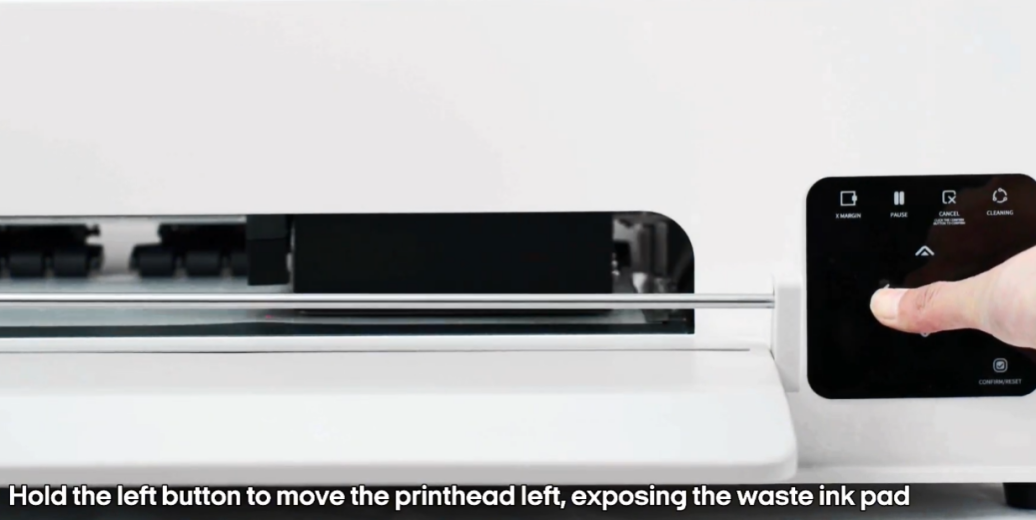
Hold the left button to expose the waste ink pad.
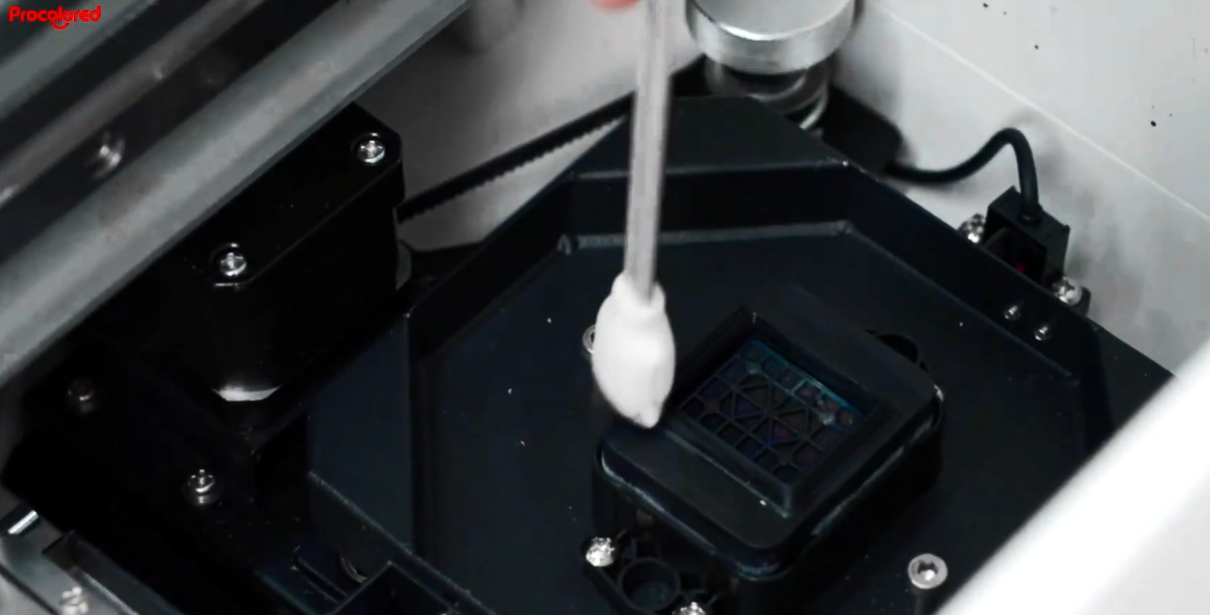
Use alcohol swabs to clean the waste ink pad weekly.
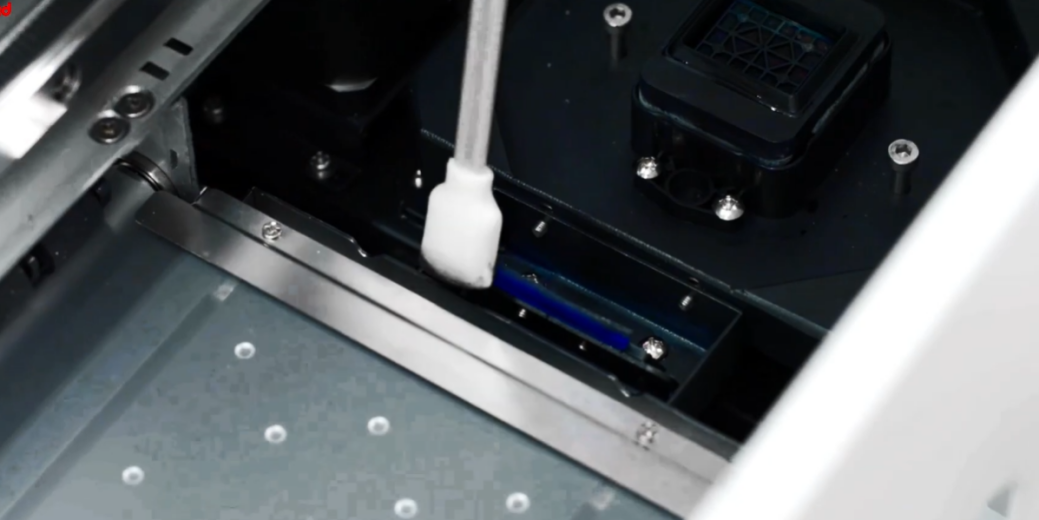
Clean the print platform once a week.
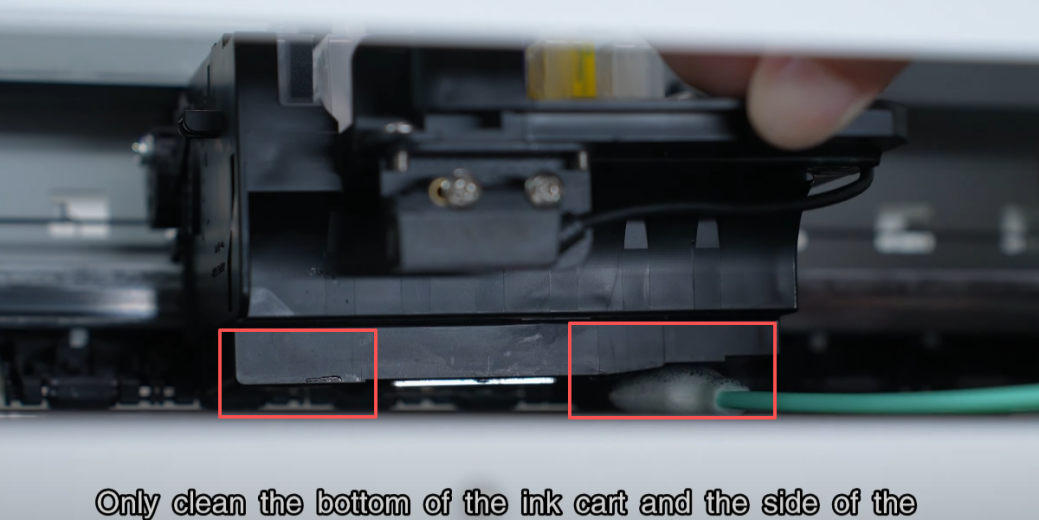
Clean the bottom of the print head every two weeks.
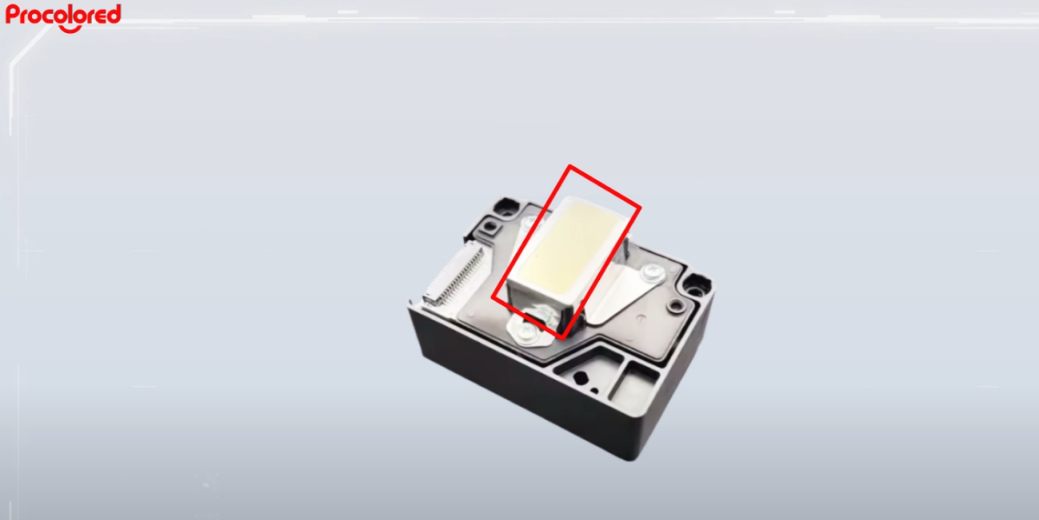
Do not touch the mirror area or clean the nozzle area.
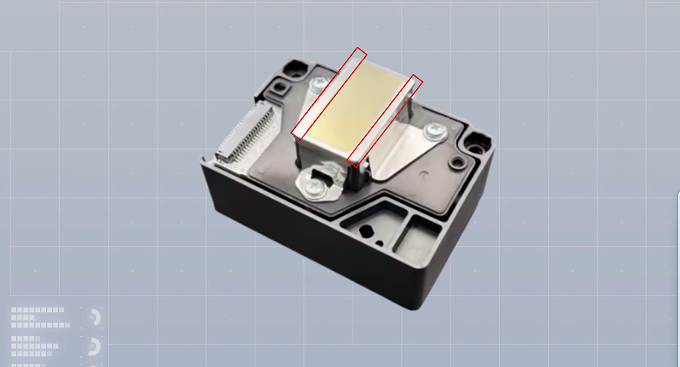
Only clean the areas on both sides of the nozzles.
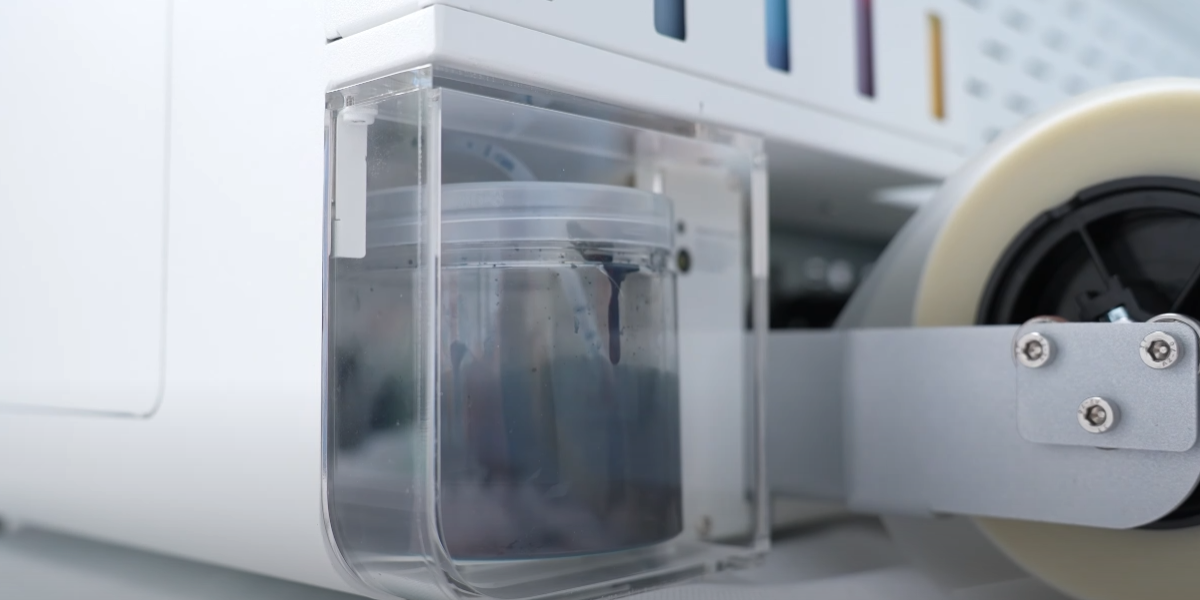
Remove the waste ink bottle for maintenance.
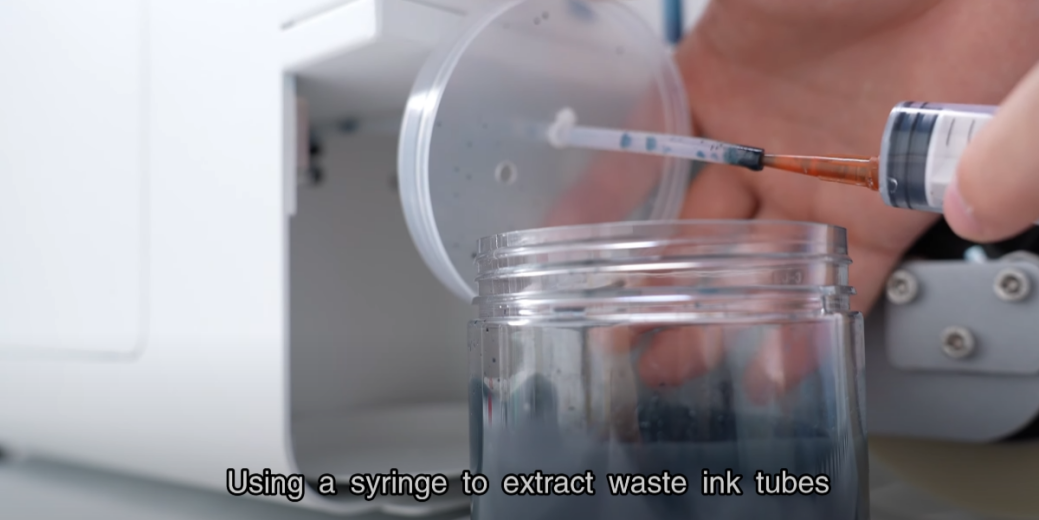
Use a syringe to extract waste ink from the tubes.
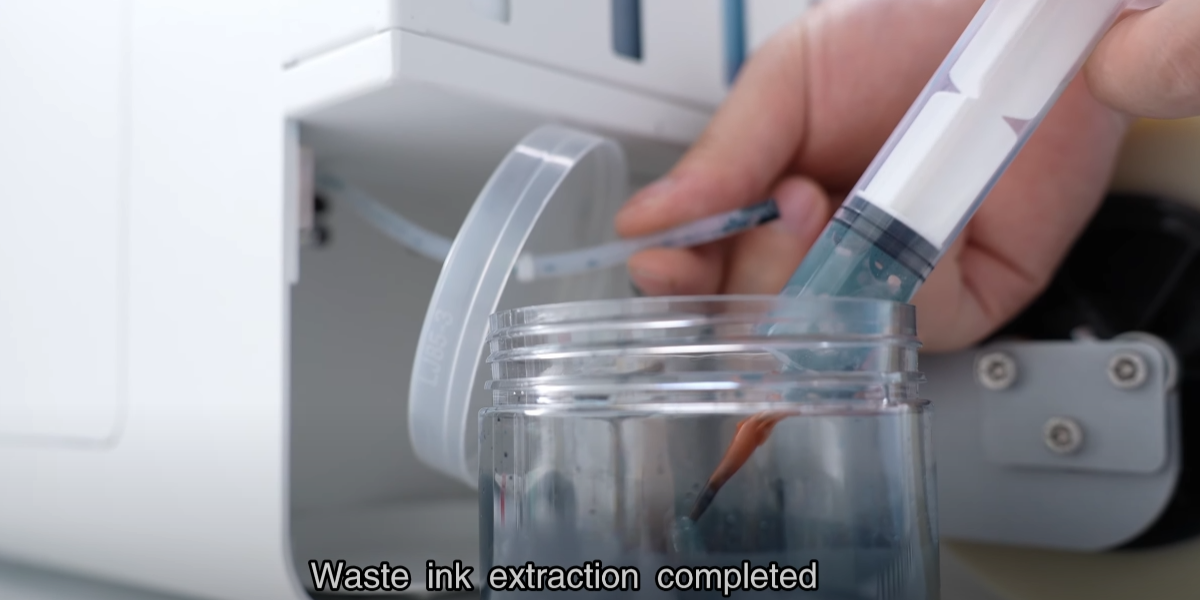
Empty the waste ink bottle regularly to prevent overflow.
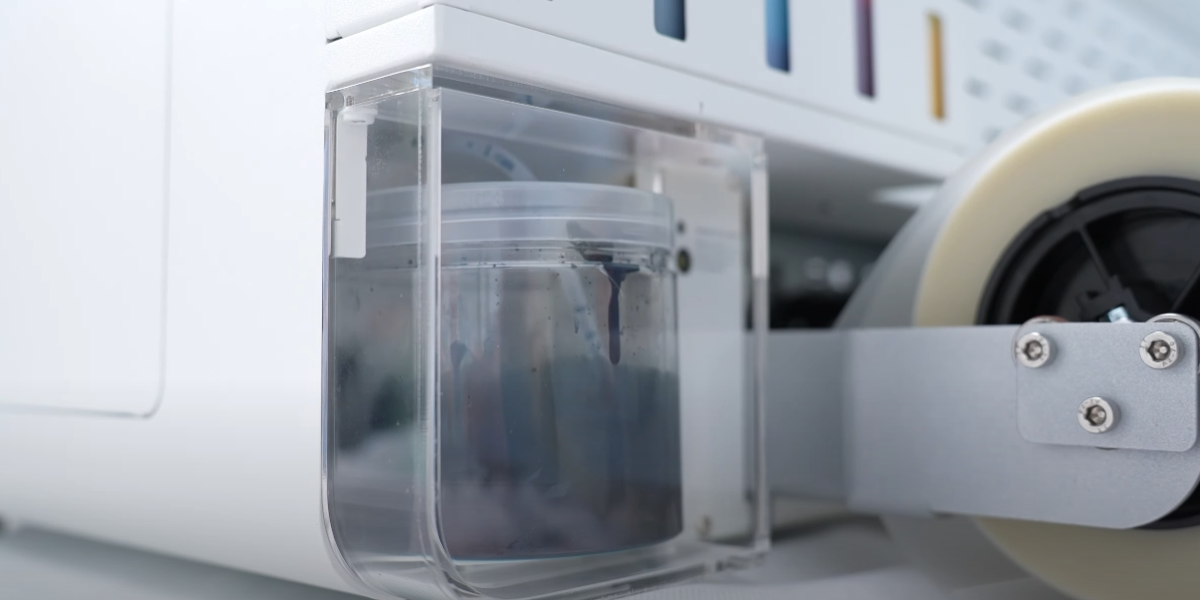
Reinstall the waste ink bottle and protective cover.
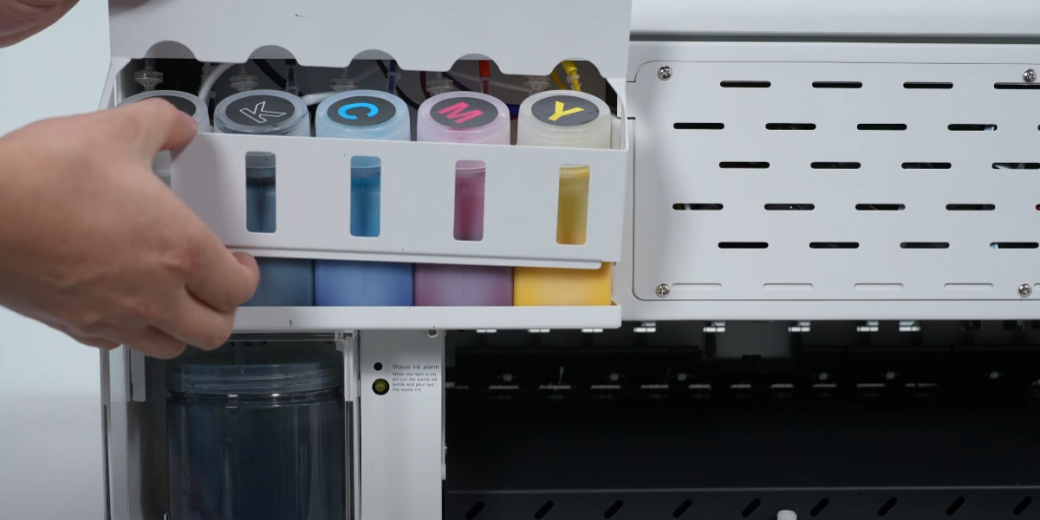
Remove the screw and take away the baffle.
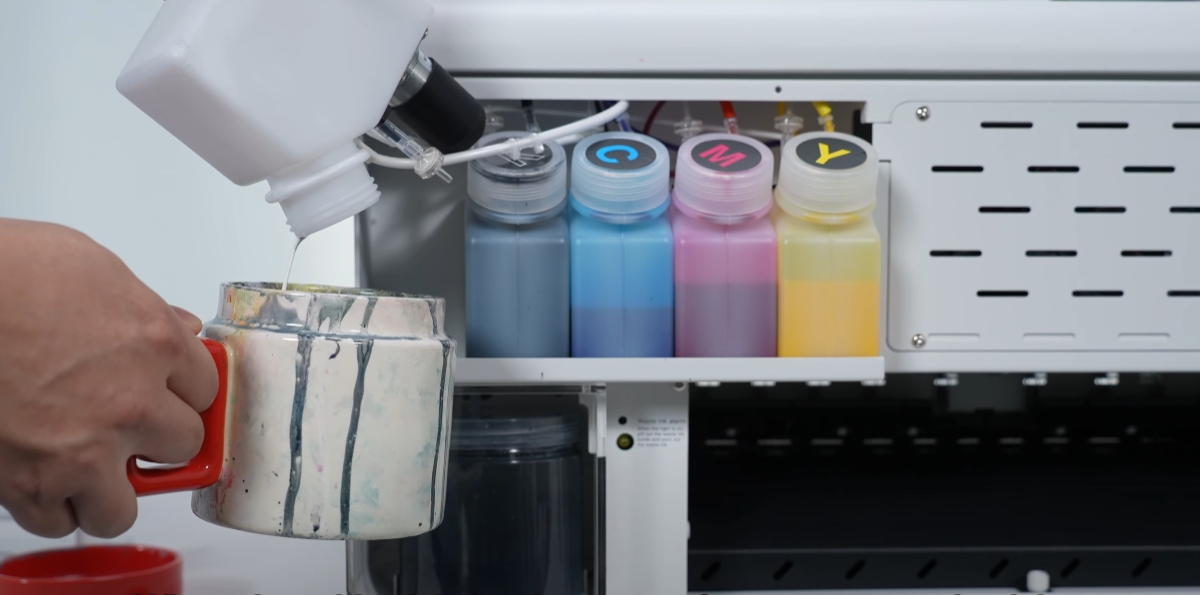
When white ink is low, pour out the residual ink.
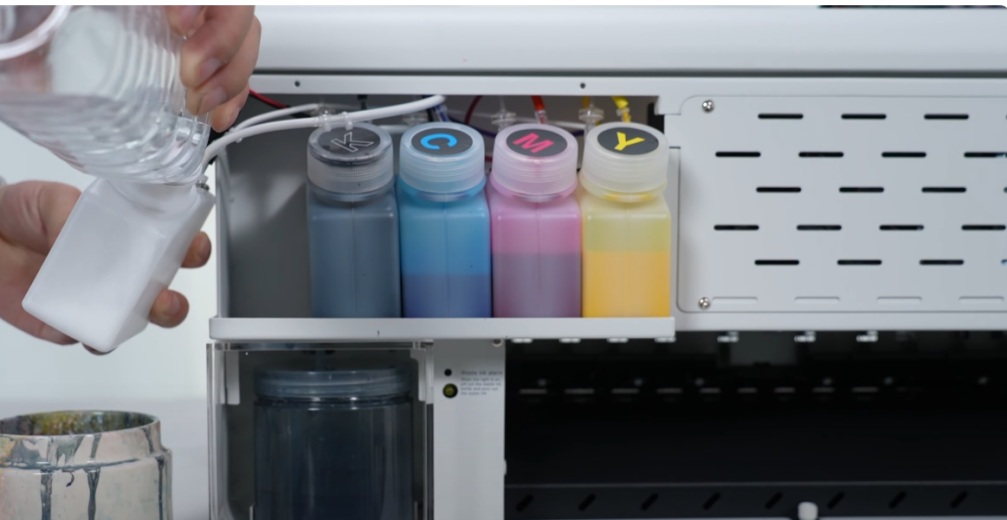
Pour water into the white ink bottle for cleaning.
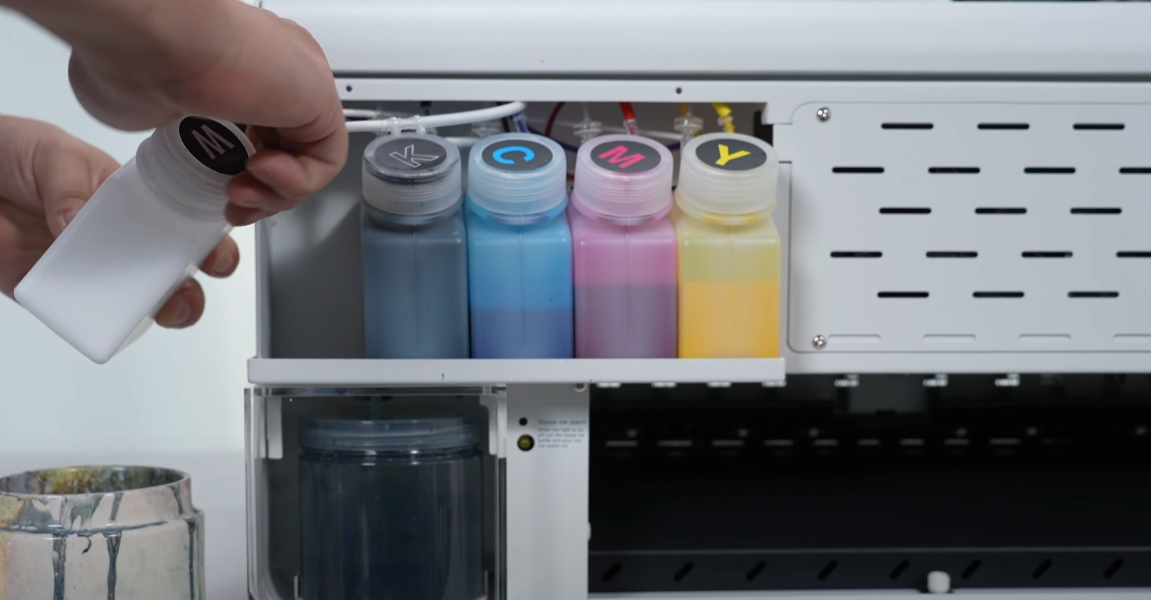
Tighten the bottle cap tightly before shaking.
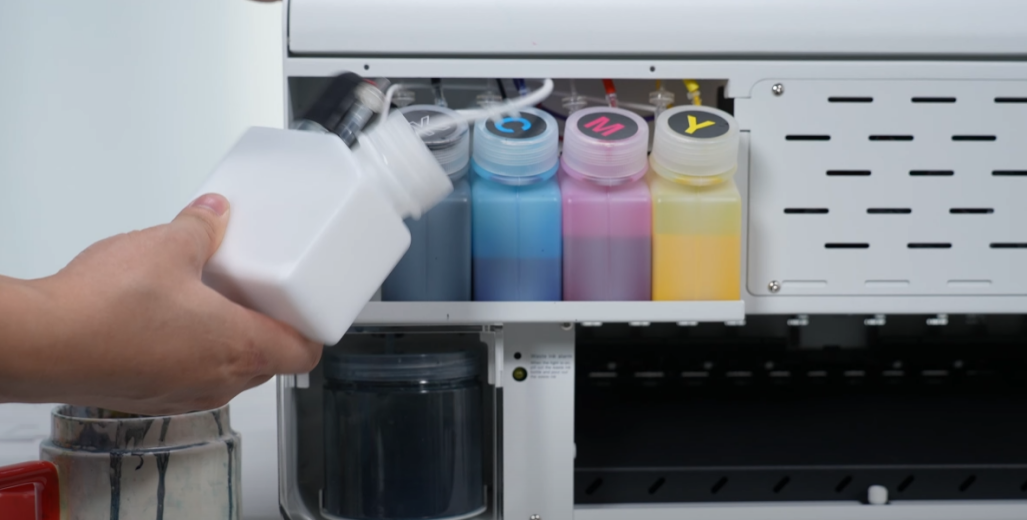
Shake the white ink bottle to clean it (every 30 days).
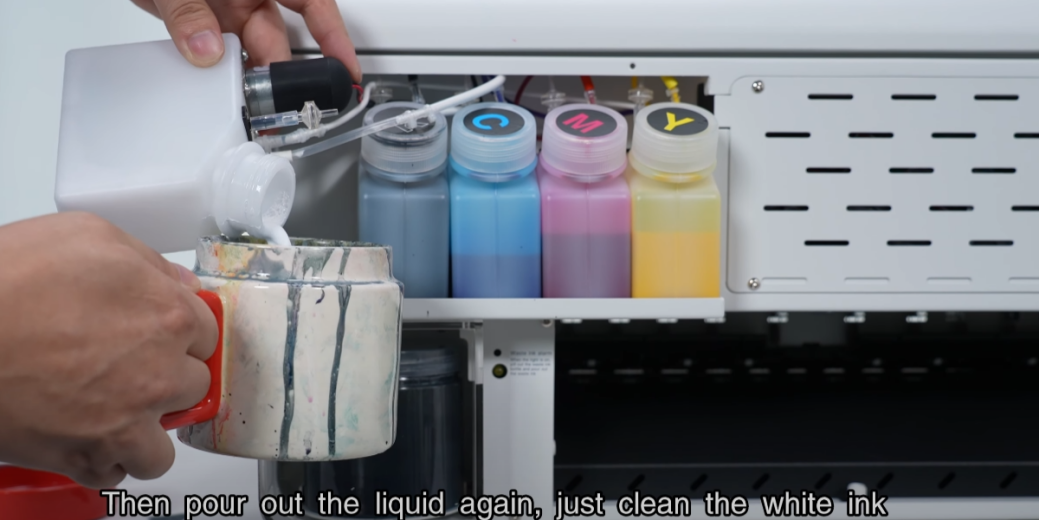
Pour out liquid. Cleaning prevents ink sedimentation.
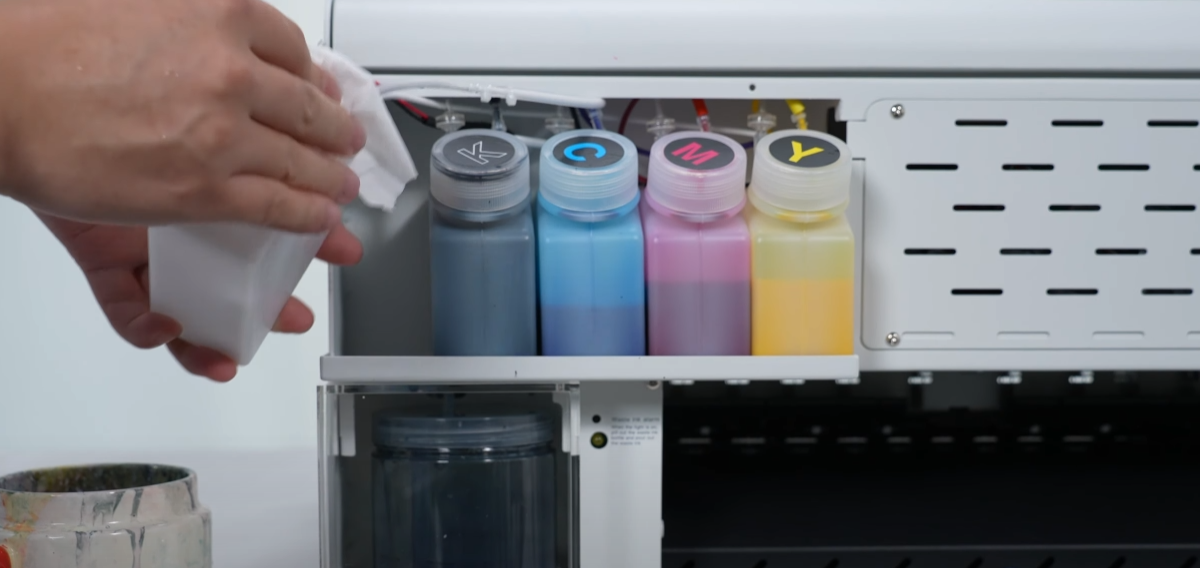
Wipe the bottle clean, put it back, and add fresh white ink.
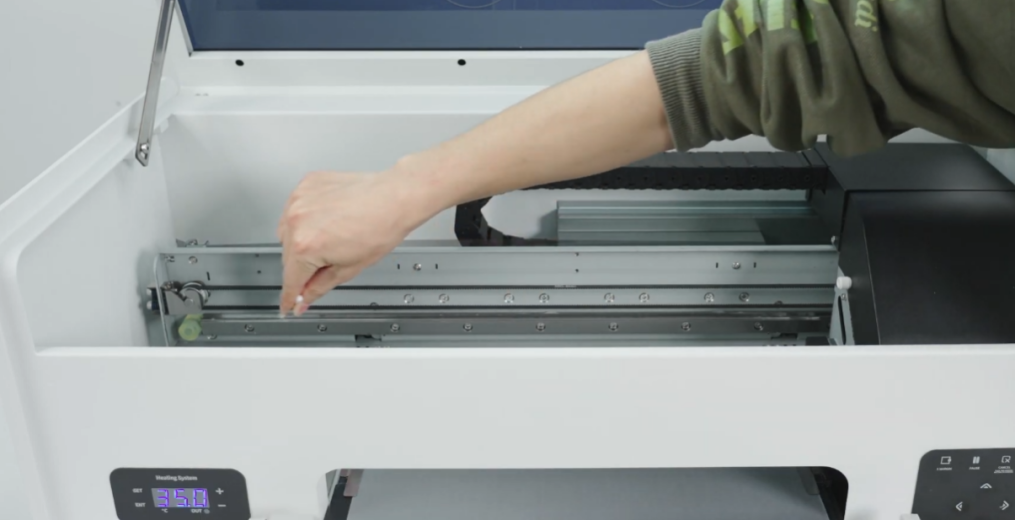
Apply lubricant to the guide rail every 30 days.
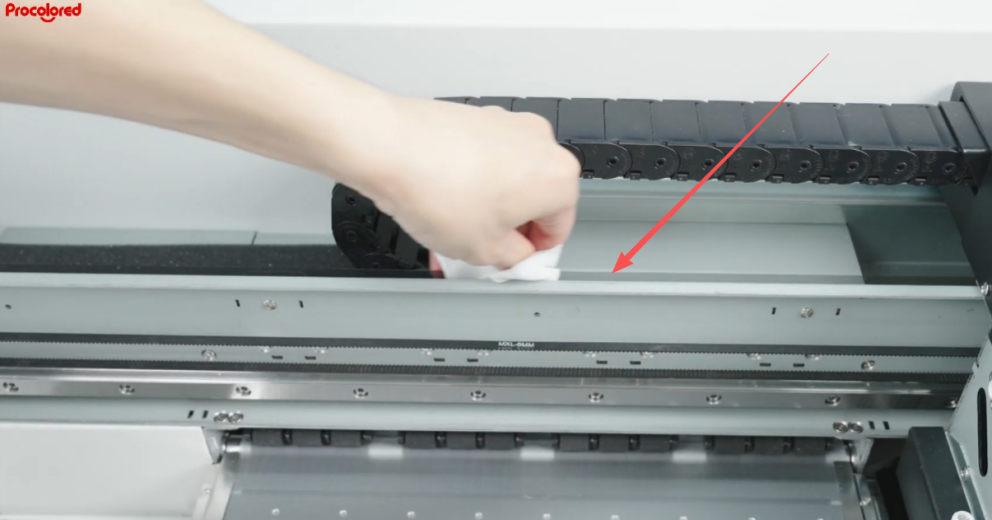
Clean the encoder strip every two weeks with a dust-free cloth.
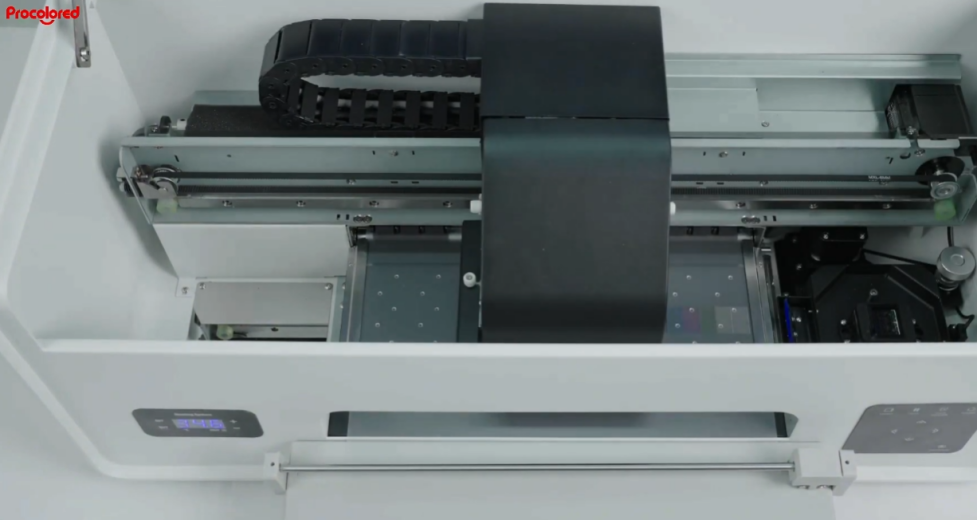
Clean the print head and then print a test page.
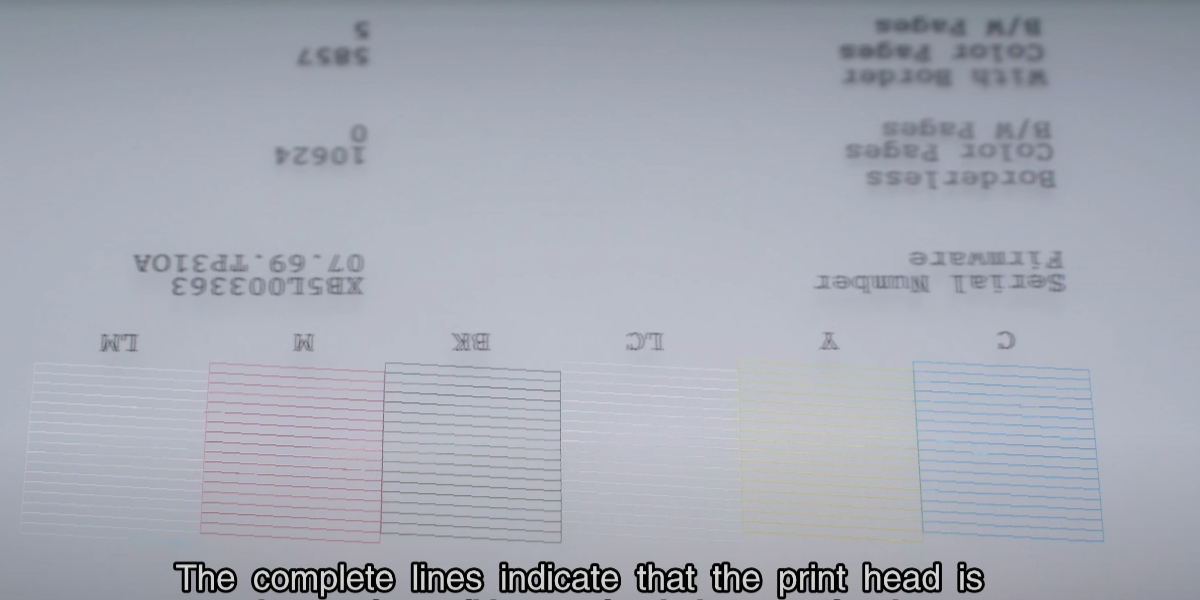
Confirm the test page shows complete and clear color blocks.
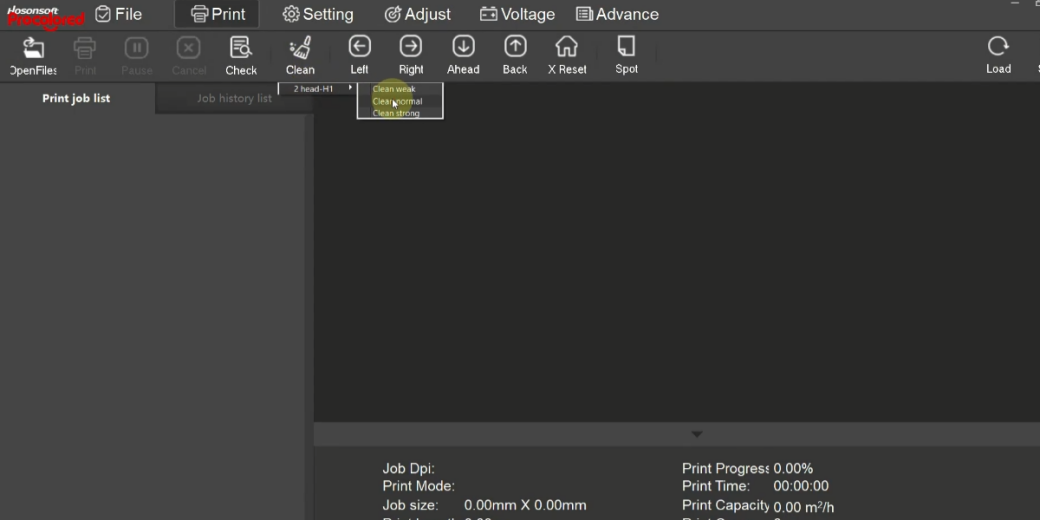
If test is incomplete, run automatic cleaning again.