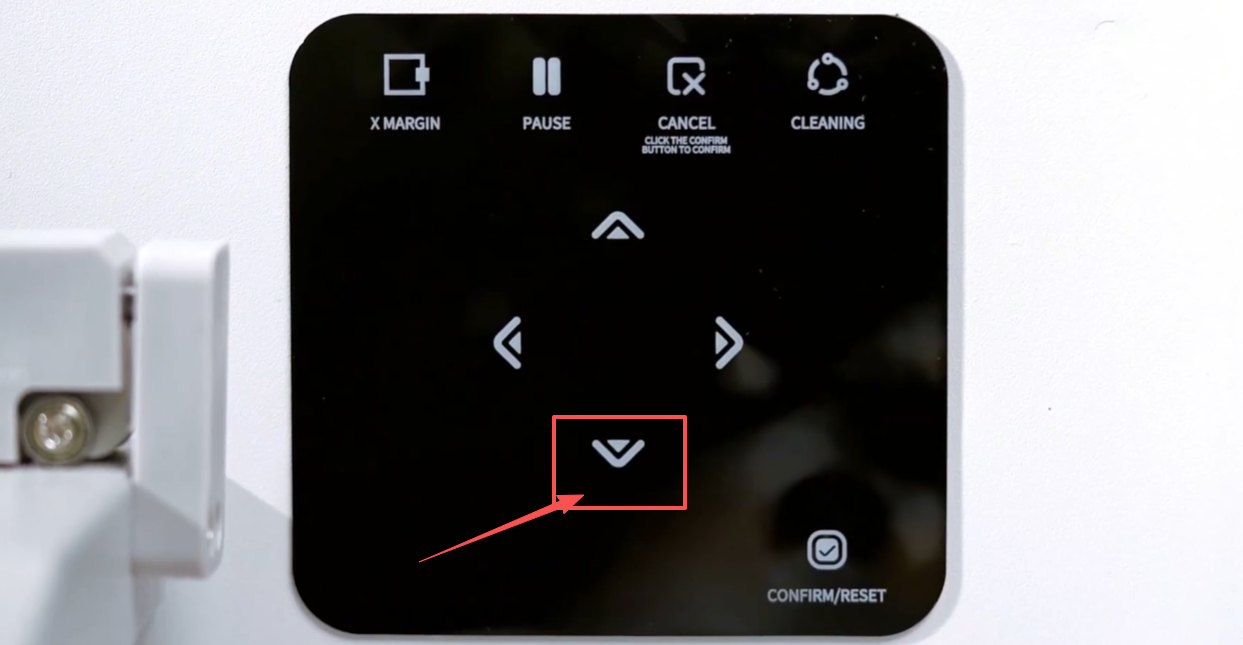
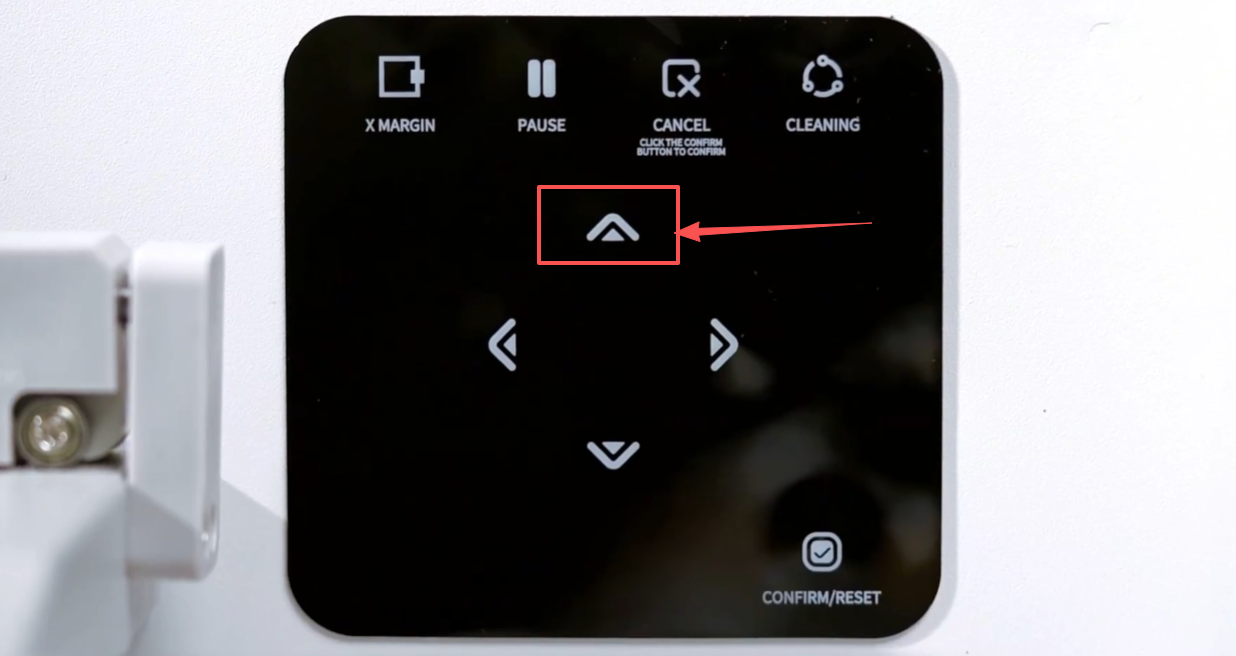
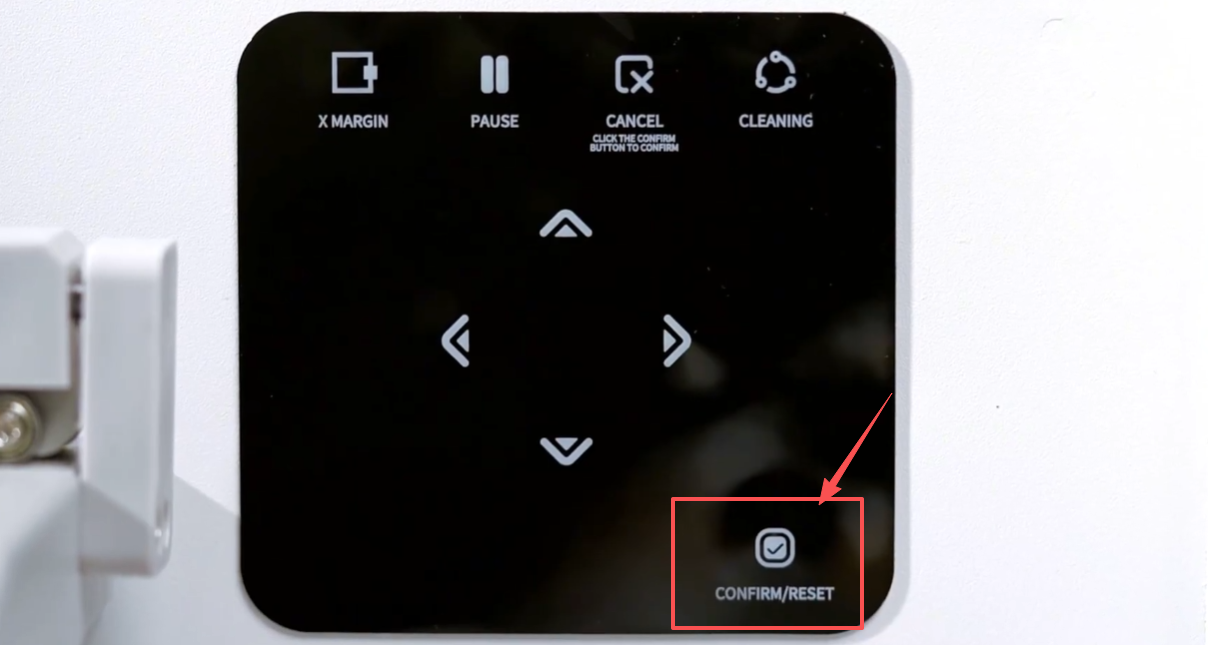
Paper feeding button: Press and hold it, and the film paper will move forward.
Back: Press and hold this button to make the film paper retreat.
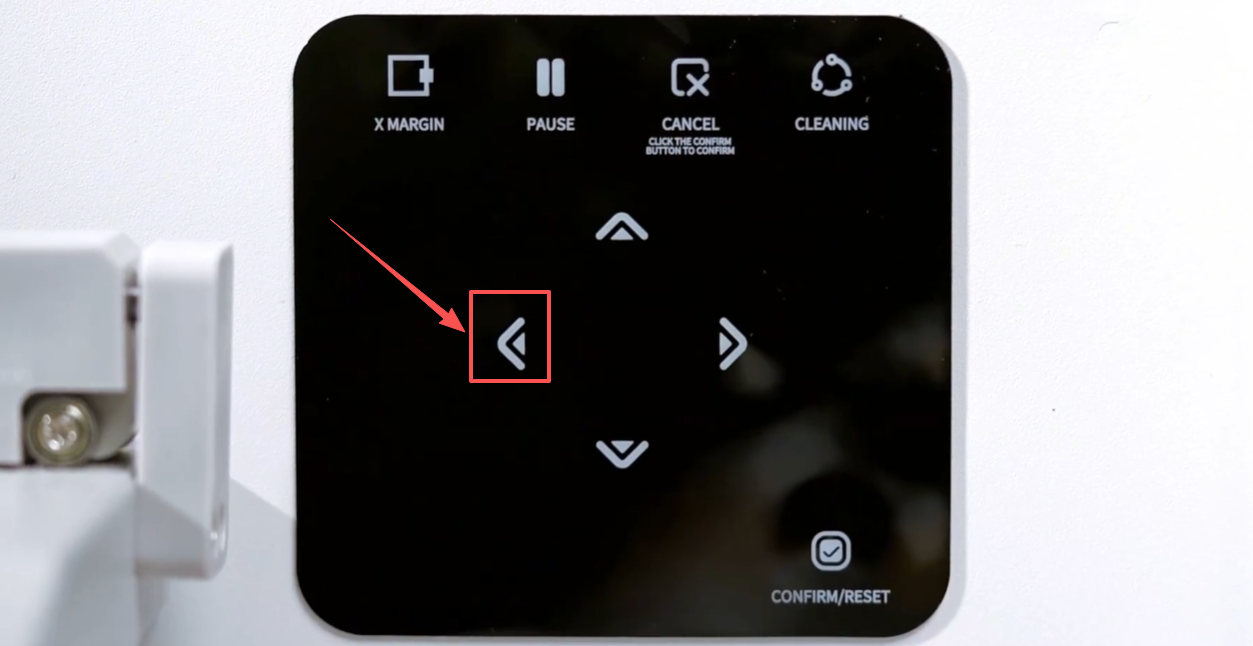
Left Button: Press and hold it, and the ink carriage will move to the left.
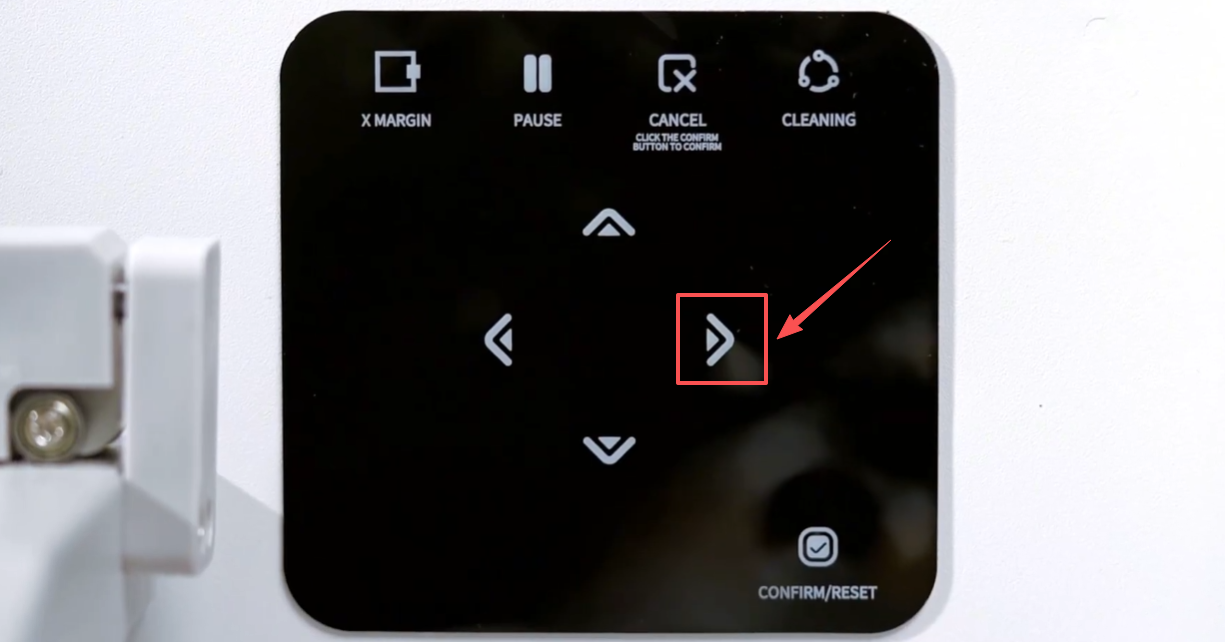
Right Button: Press and hold it, and the ink carriage will move to the right.
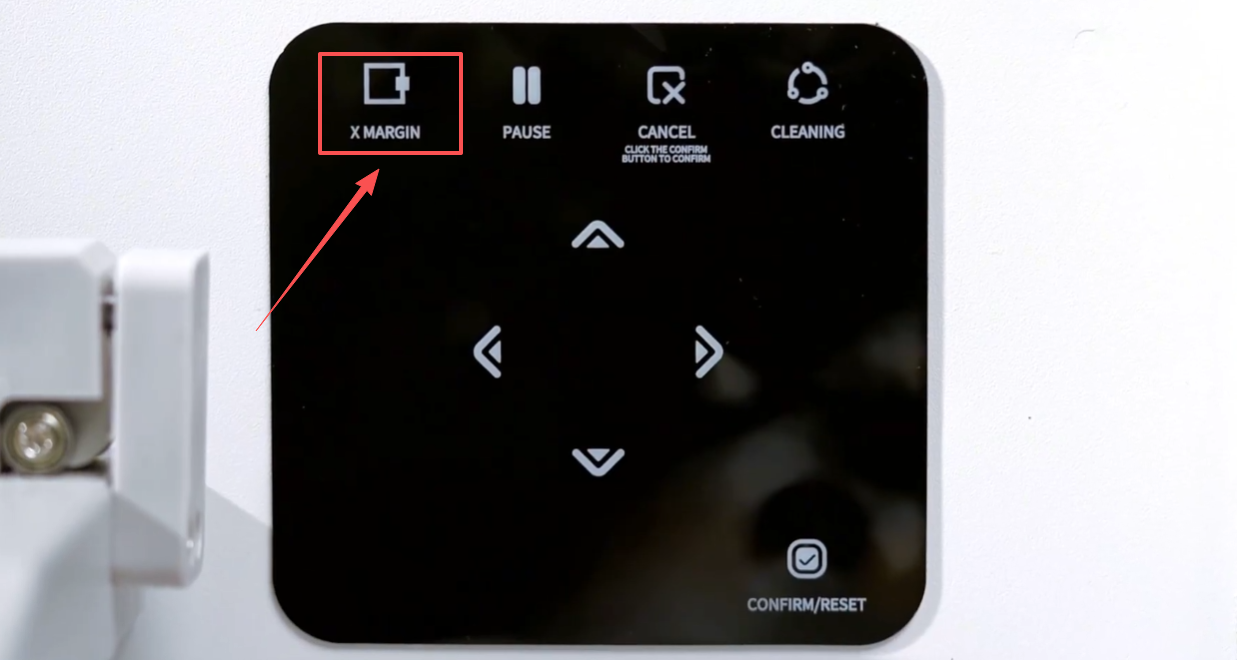
Press this button to reset the X margin.
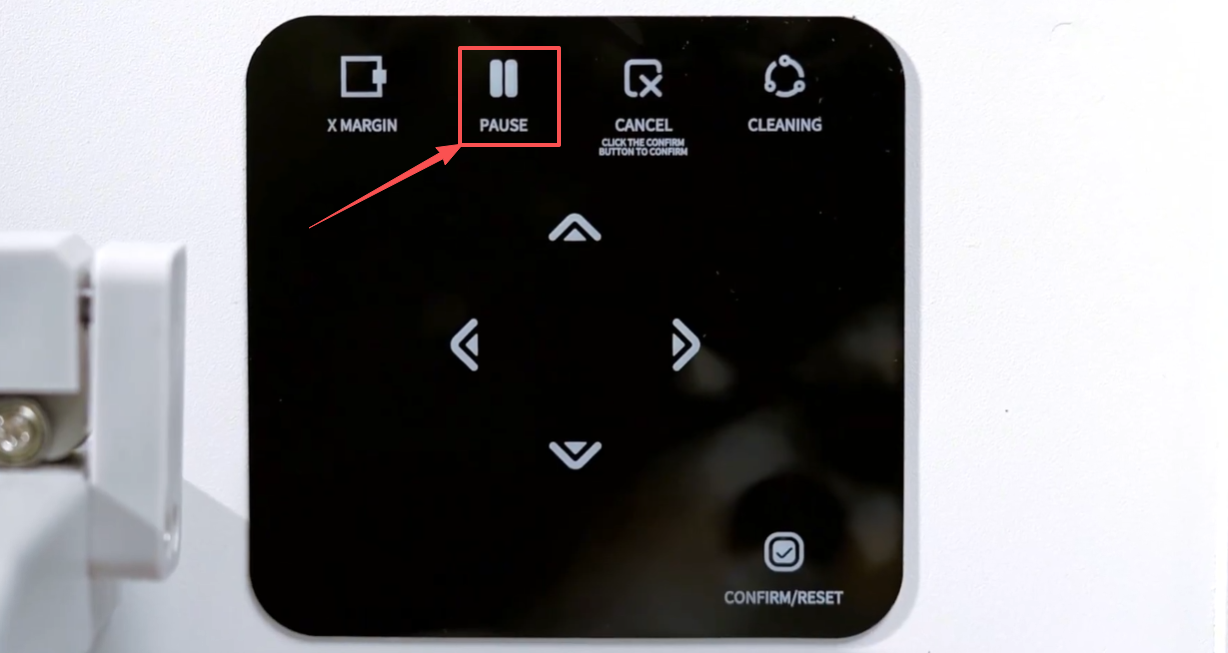
During the printing process, press this button can pause the printing.
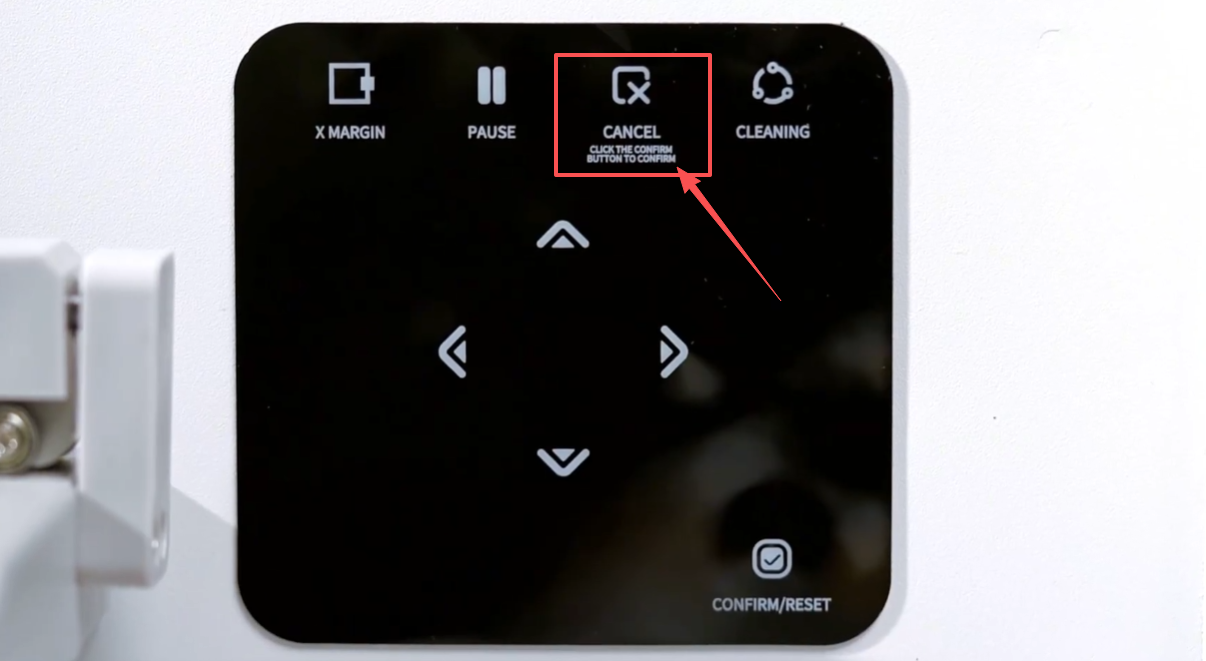
During the printing process, press and hold for five seconds to cancel the print task. Click the confirm button to confirm.
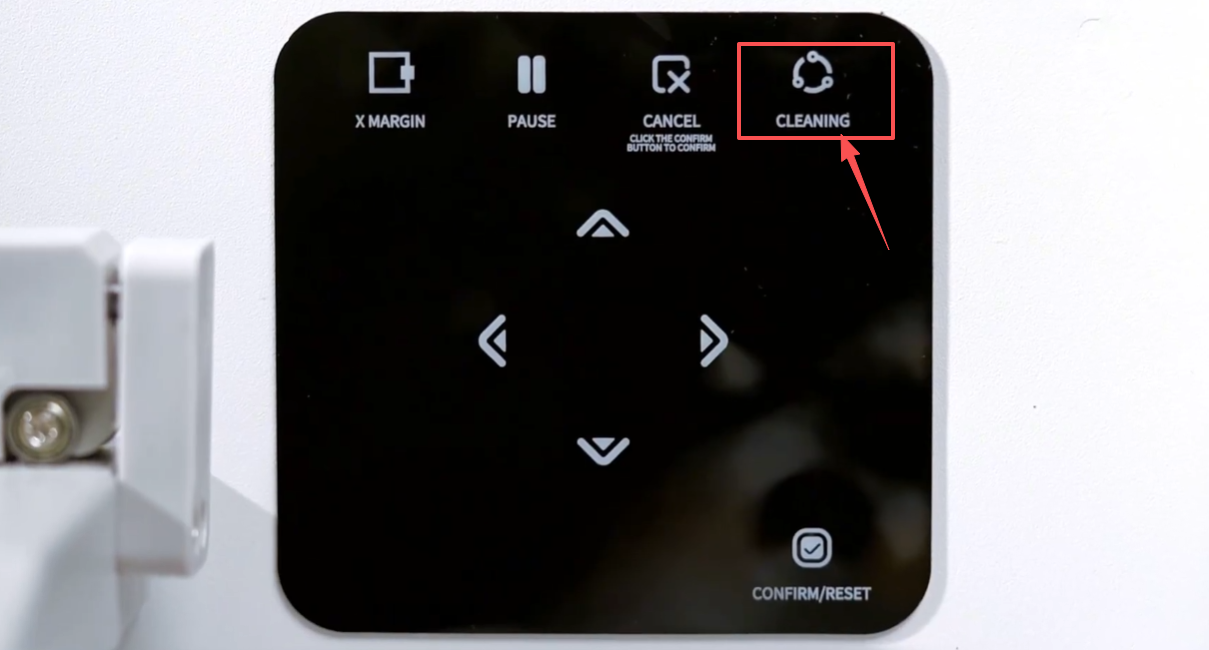
When the printer is in standby mode, press and hold the clean button for five seconds to start the head cleaning.
Click this button to reset the print head.