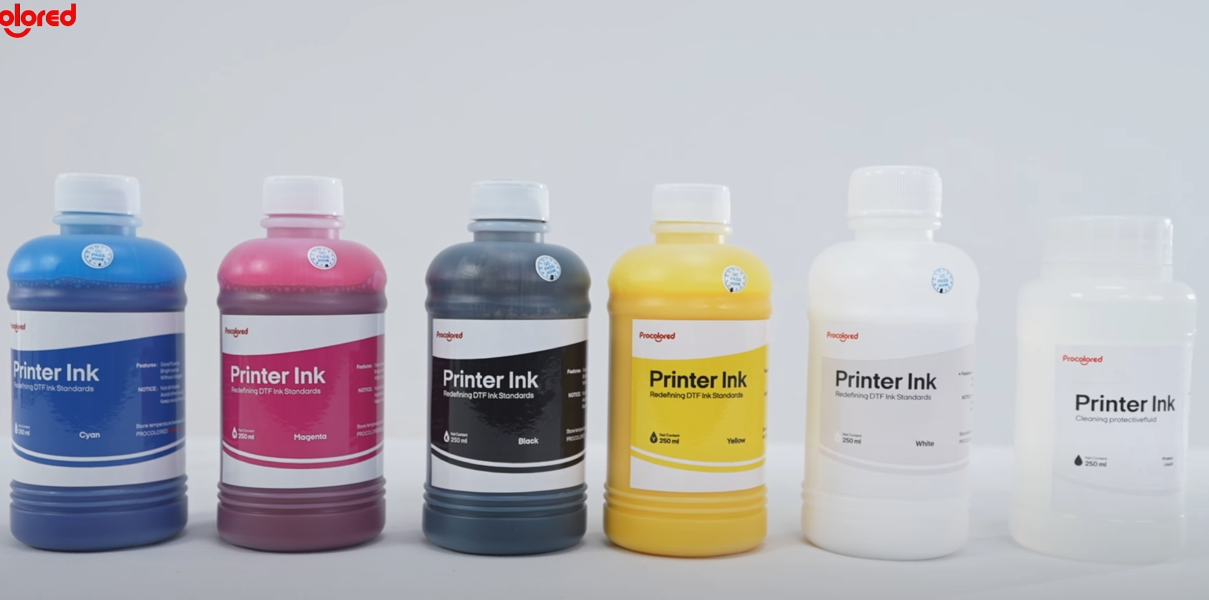
 01Uses CMYK and White ink in five colors, plus a moisturizing liquid. |
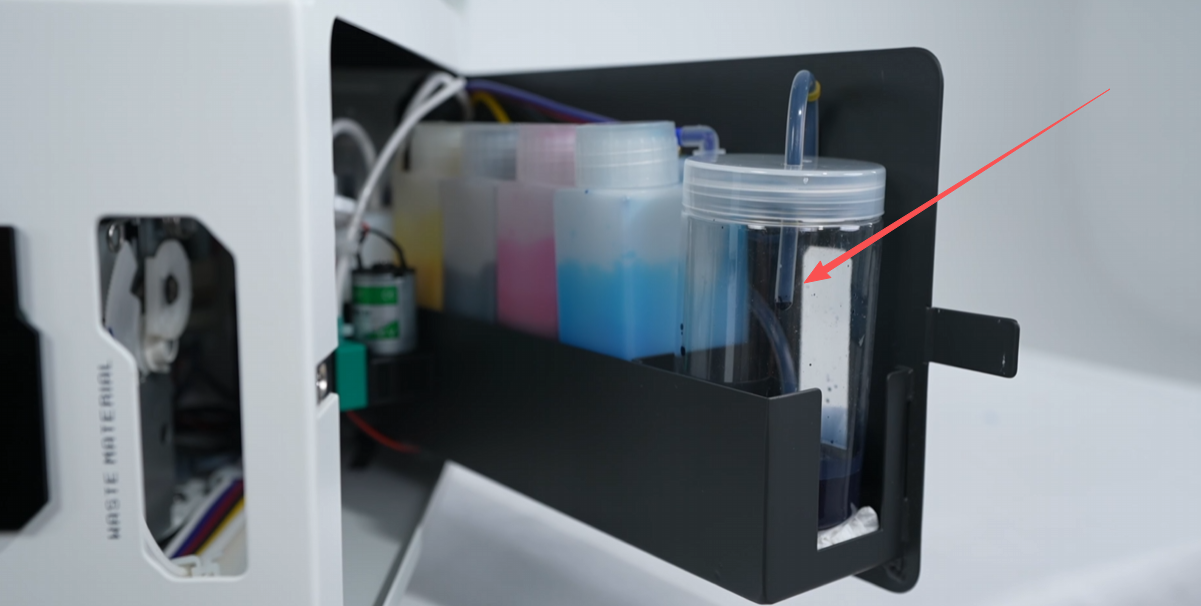
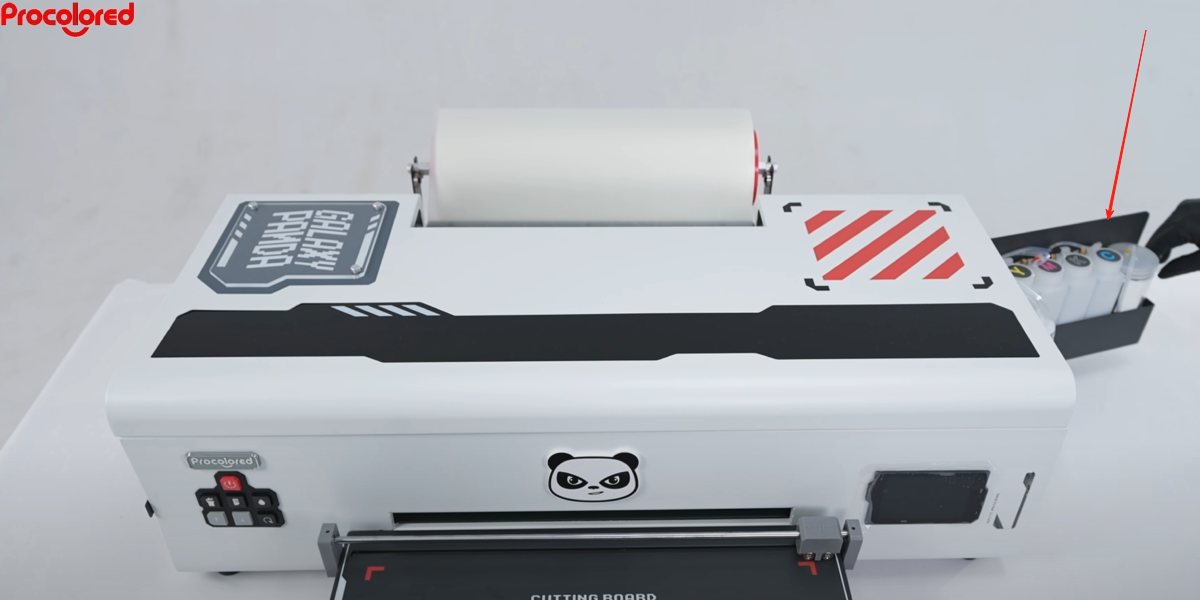 02Open the right side panel of the printer. |
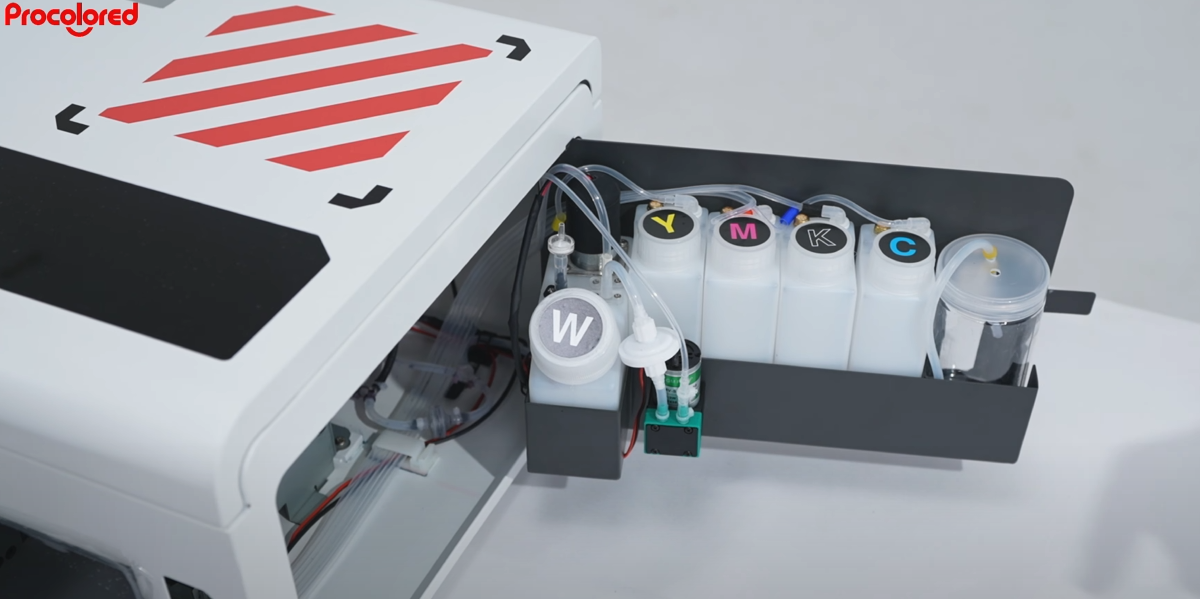 03Add white→W, yellow→Y, magenta→M, black→K, cyan→C. |
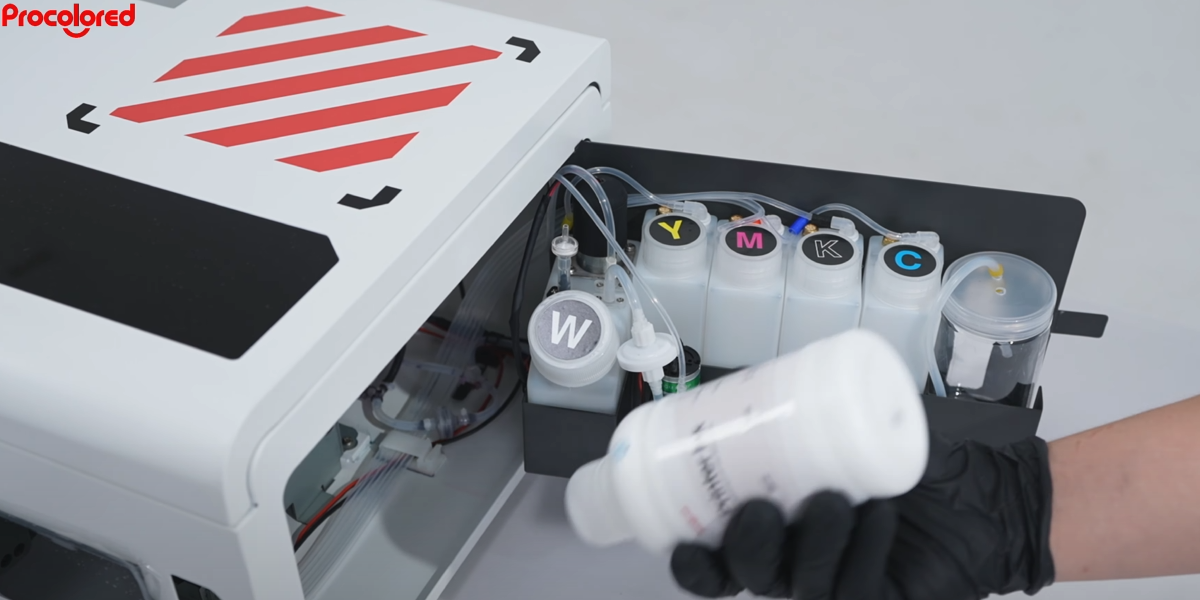 04Before adding ink, check the label and shake vigorously to mix well. |
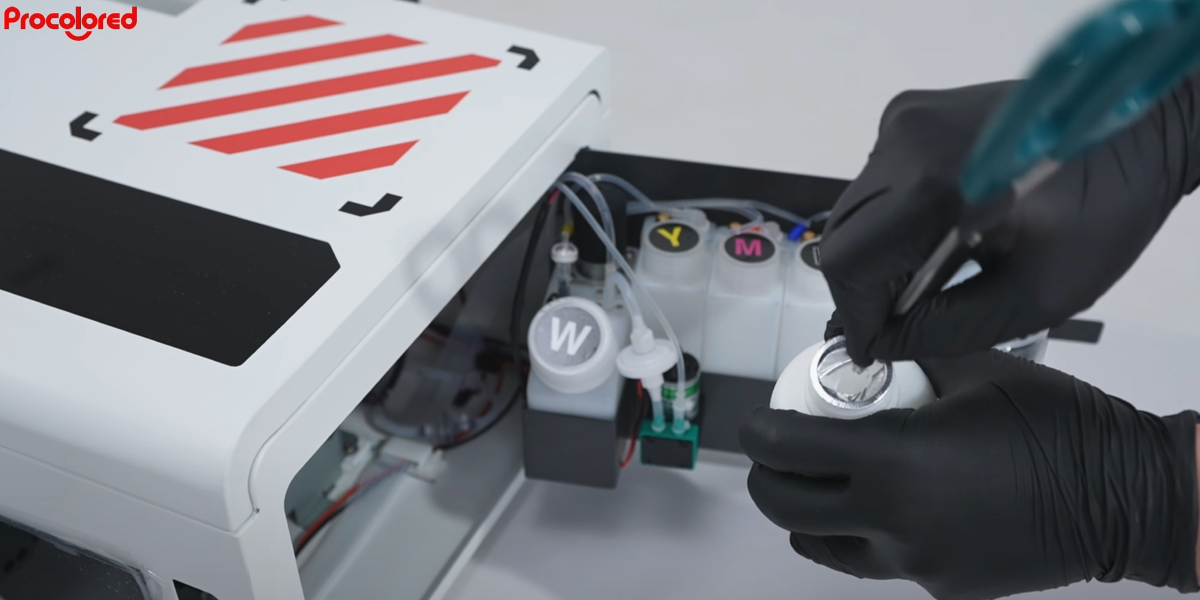 05Open the ink bottle and remove the sealing film. |
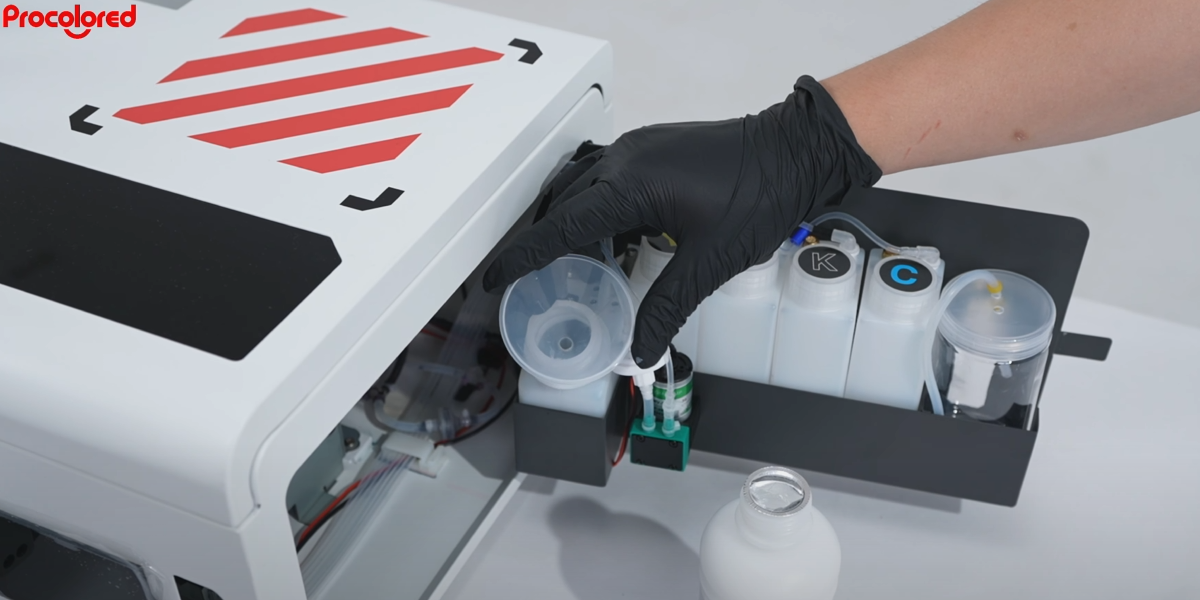 06Open the white ink bottle and place a funnel on top. |
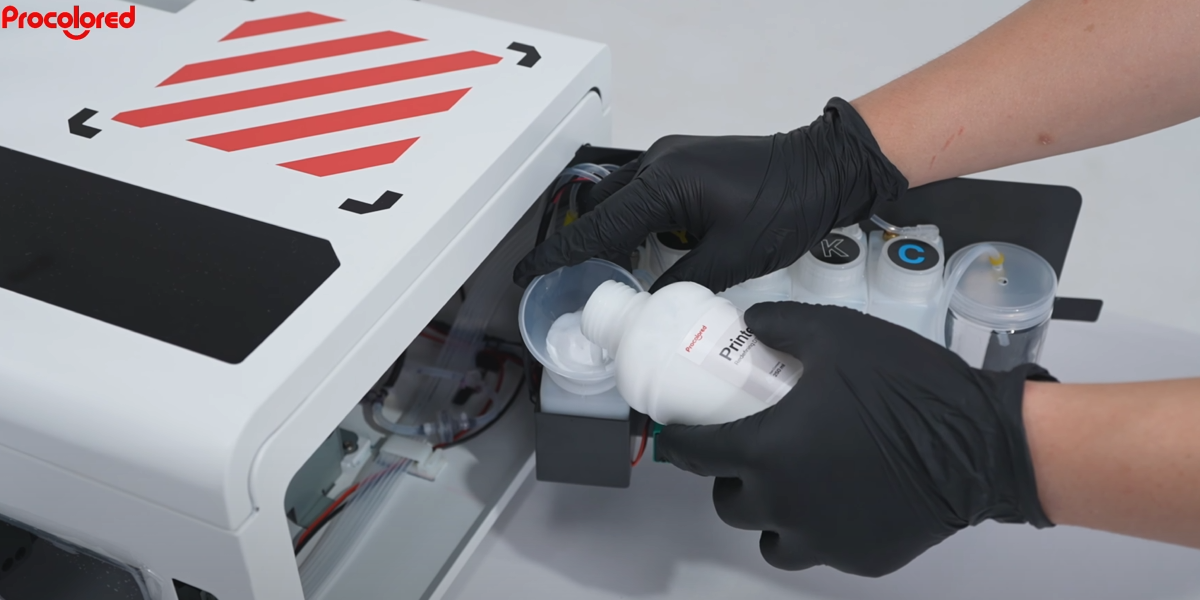 07Pour in white ink until the bottle is about 70% full. |
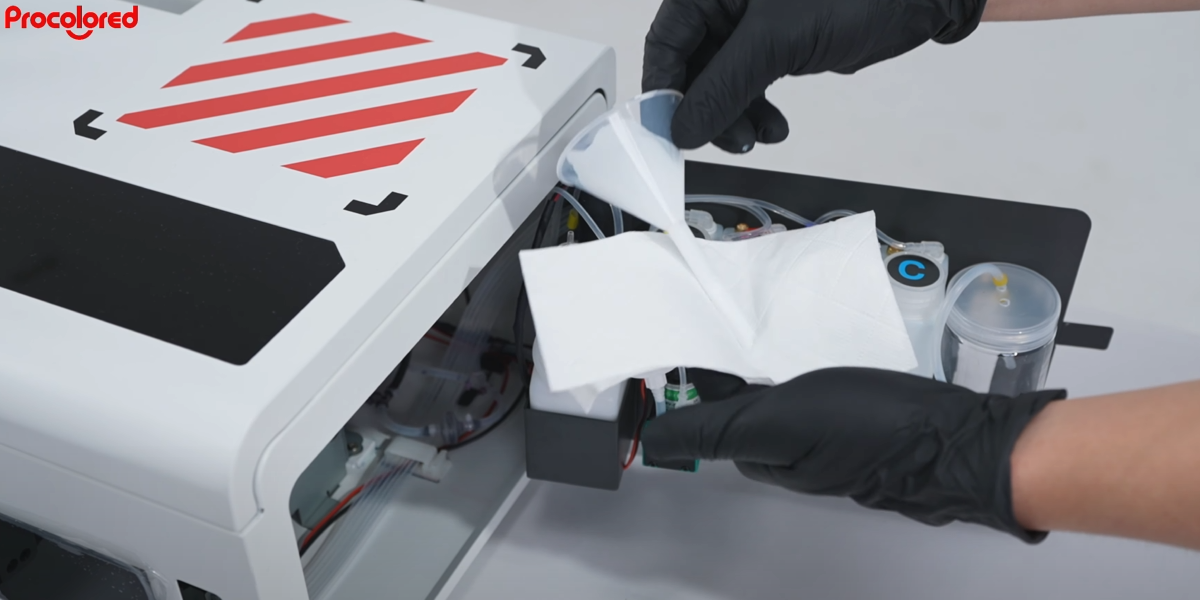 08Wrap paper around the funnel when removing it to avoid spills. |
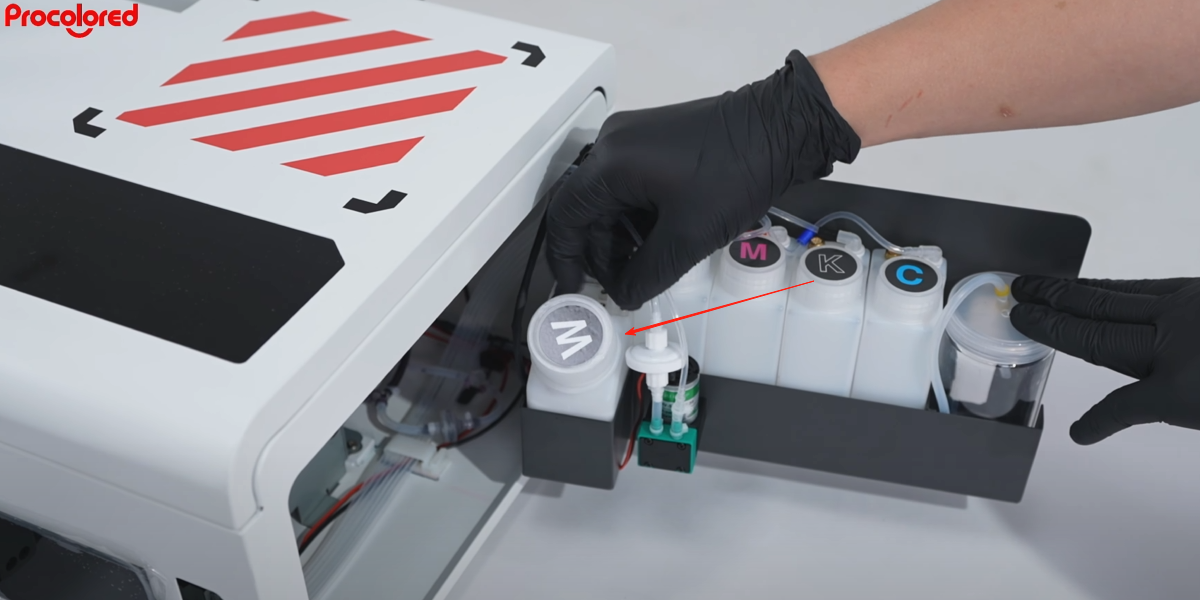 09Close the ink bottle cap. |
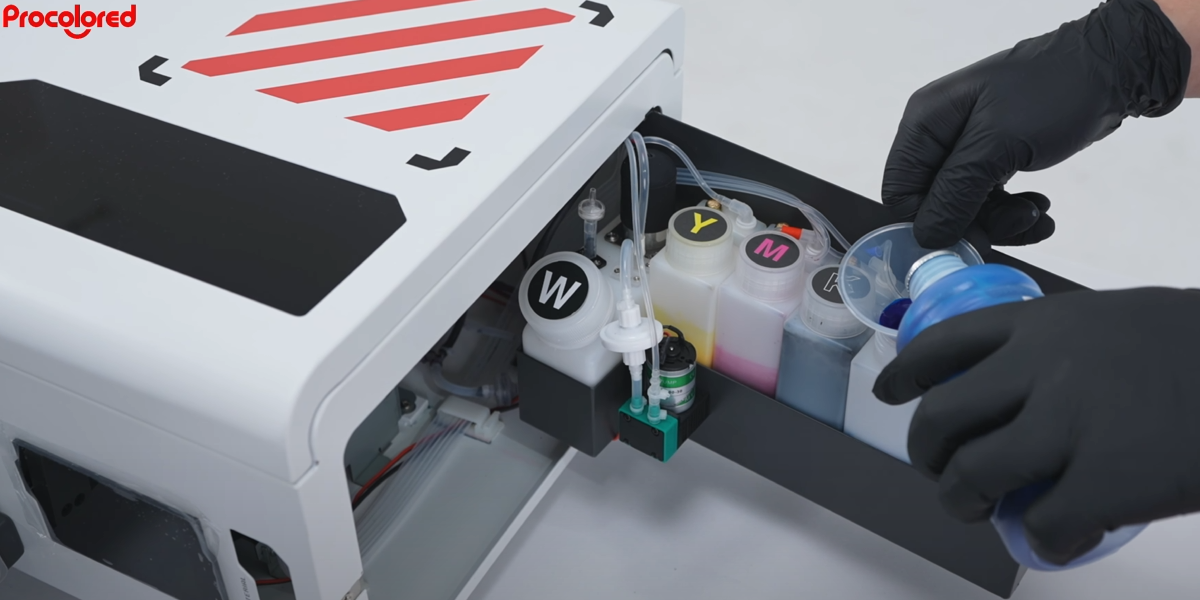 10Repeat the same steps to add yellow, magenta, black and cyan inks. |
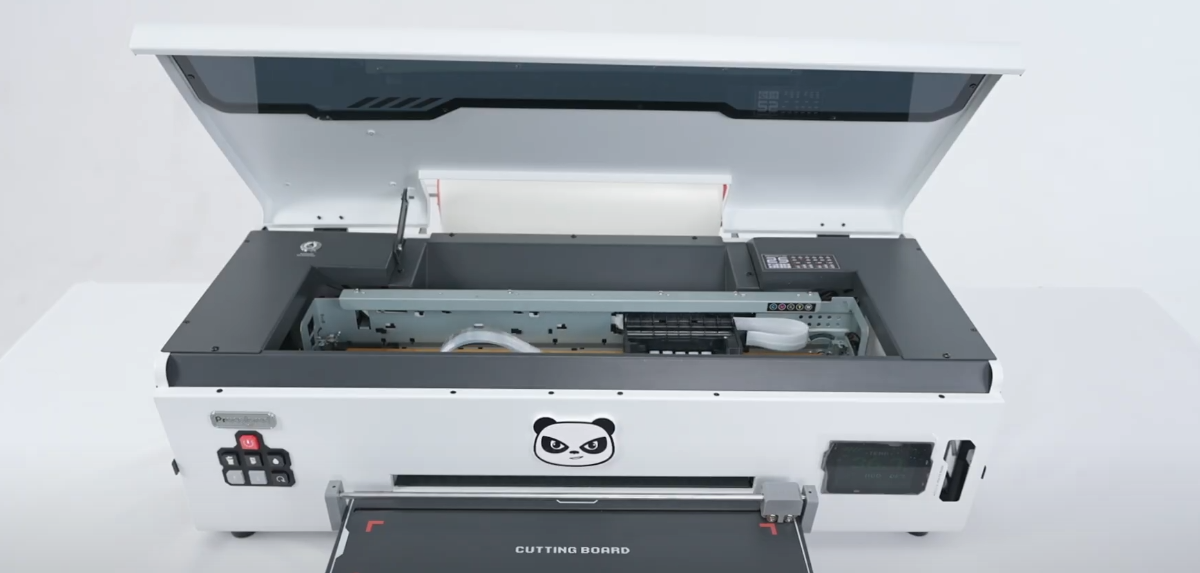
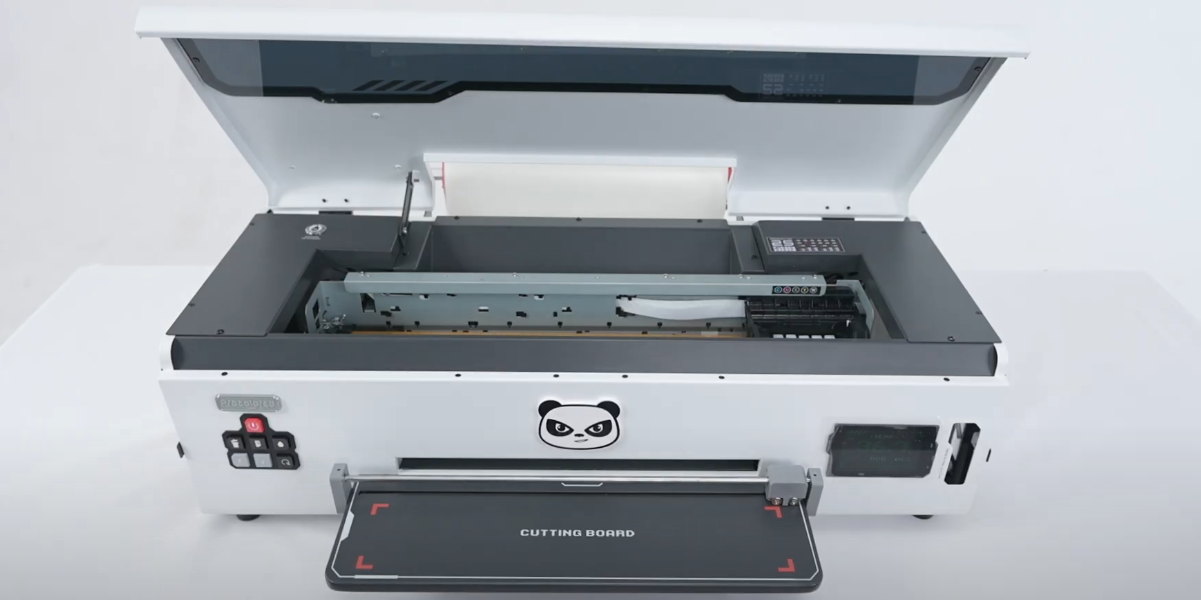
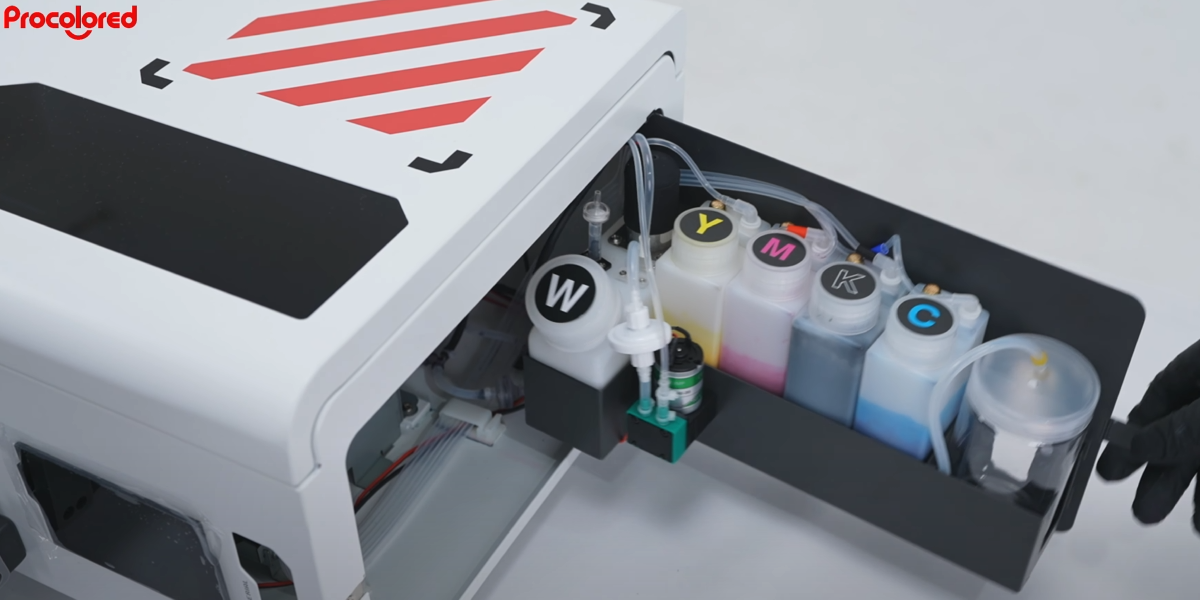 11Once all inks are added, close the side cover and turn on the printer. |
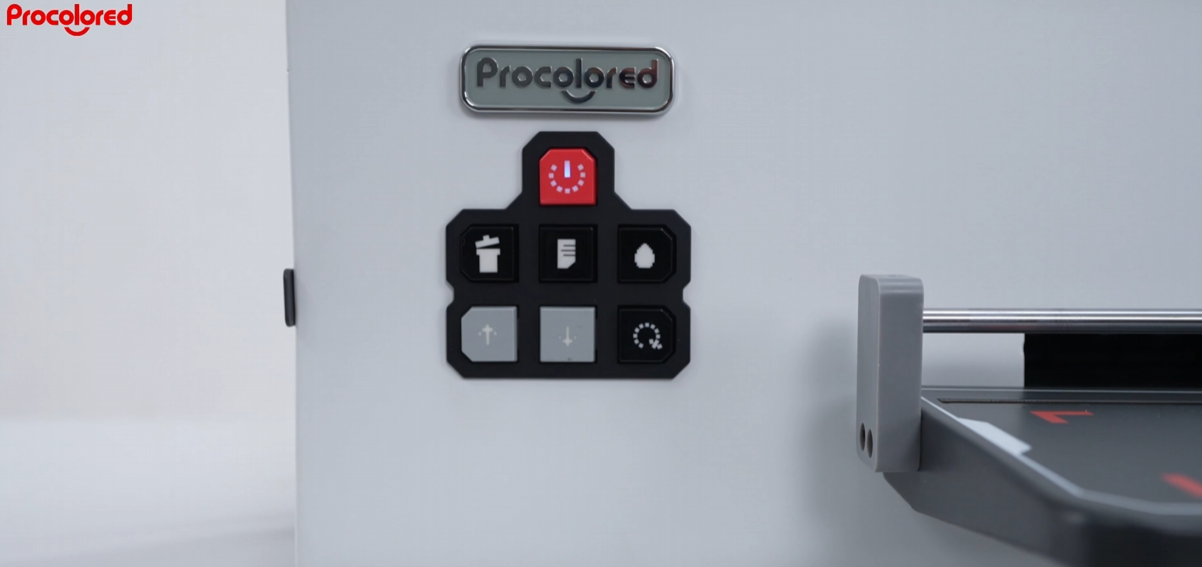
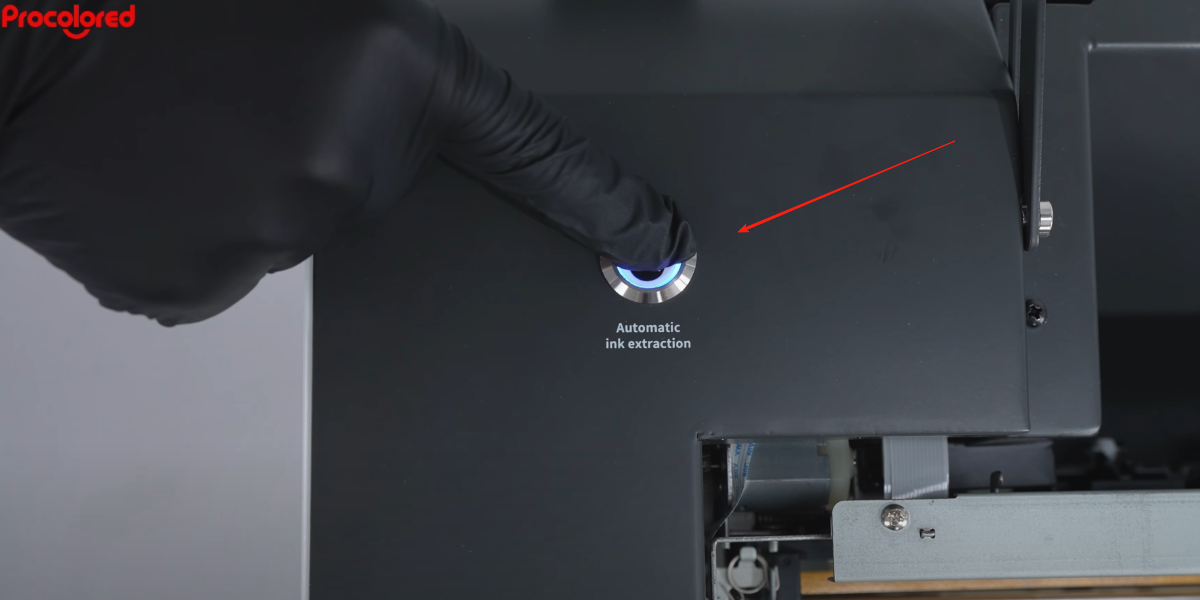 12After the printer starts, press and hold the One-Click Ink Guide Button for more than 10 seconds. |
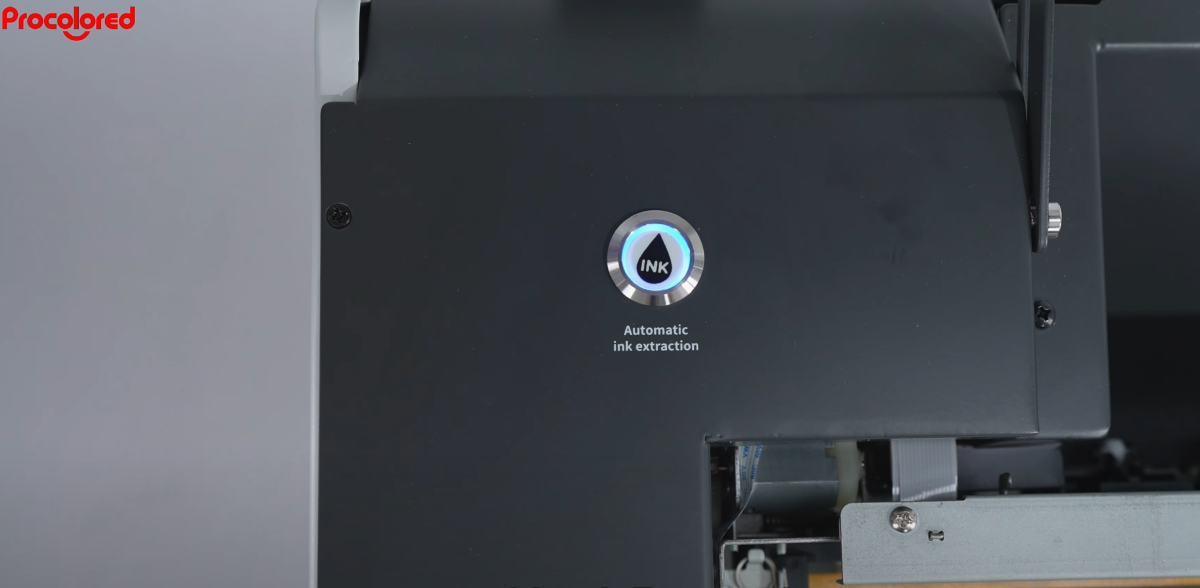 13After 4–5 seconds, the button starts flashing — ink guiding has begun. |
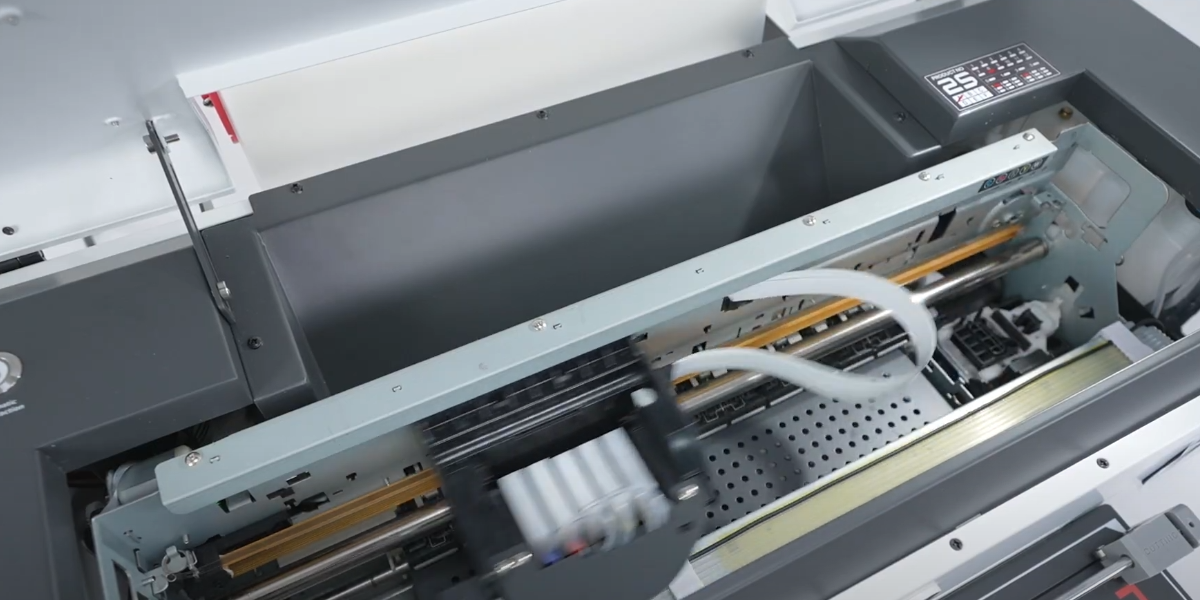
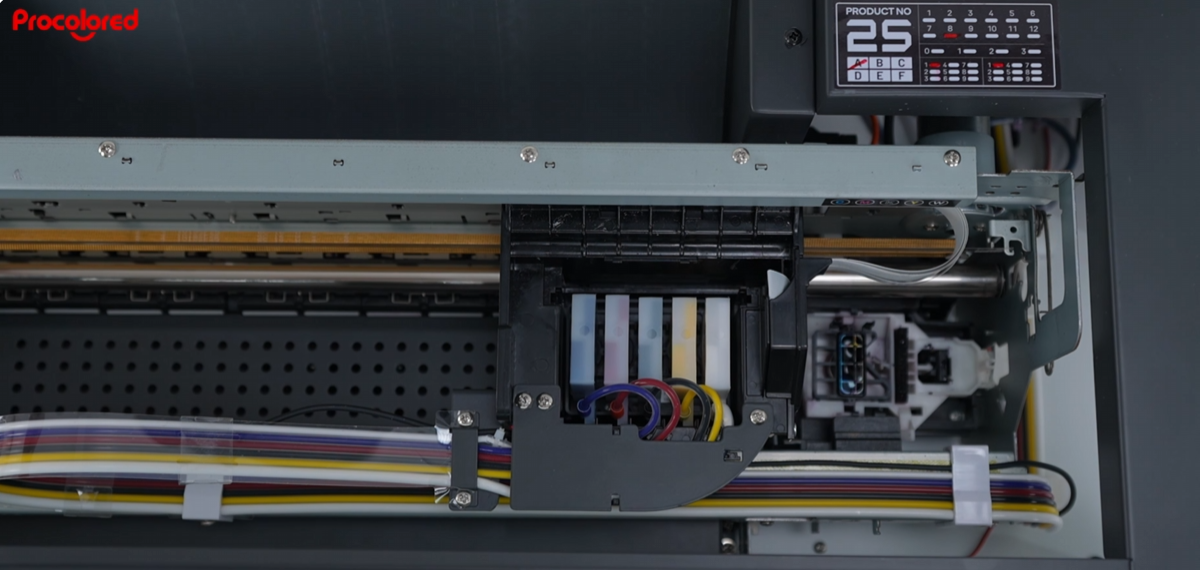
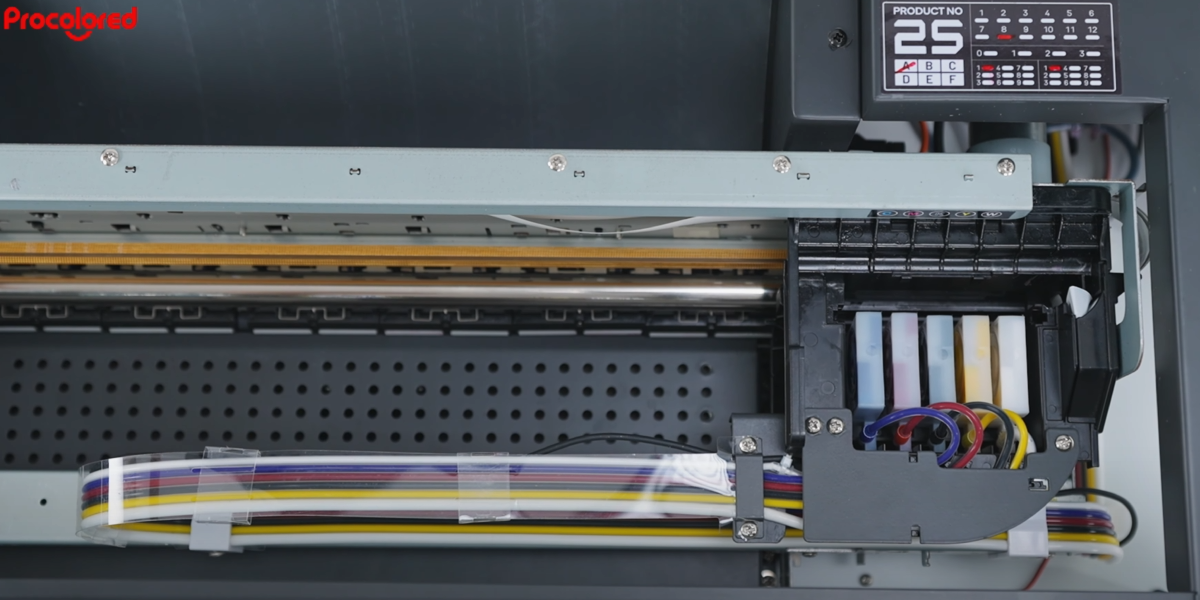 14Ink will be automatically drawn from the bottles through the tubes into the ink dampers. |
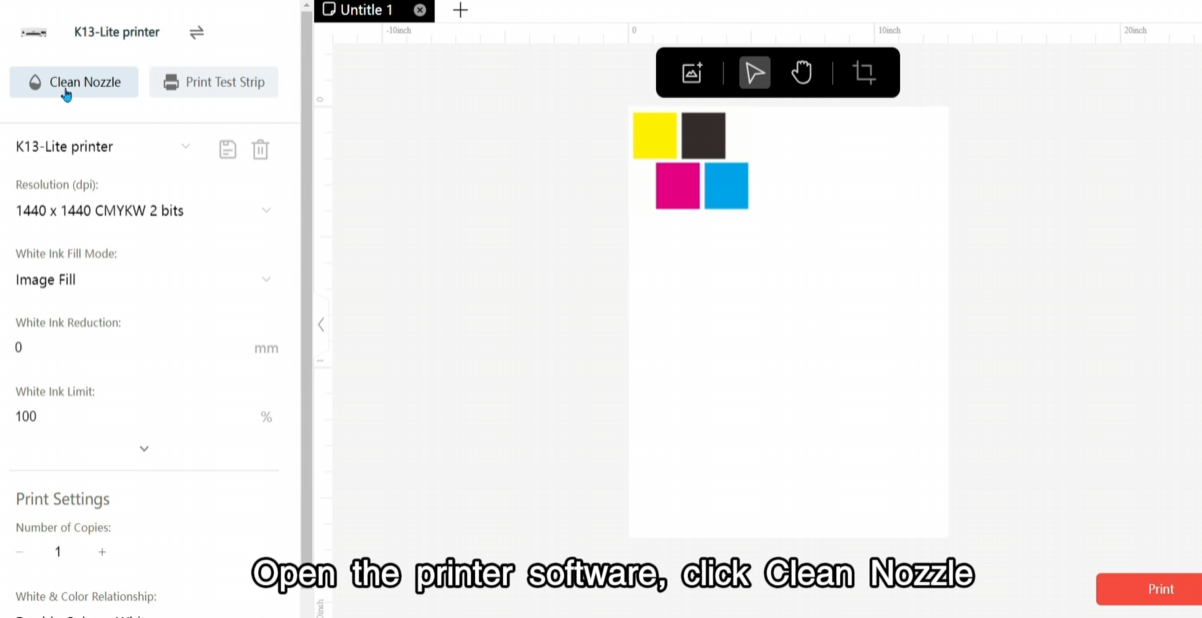
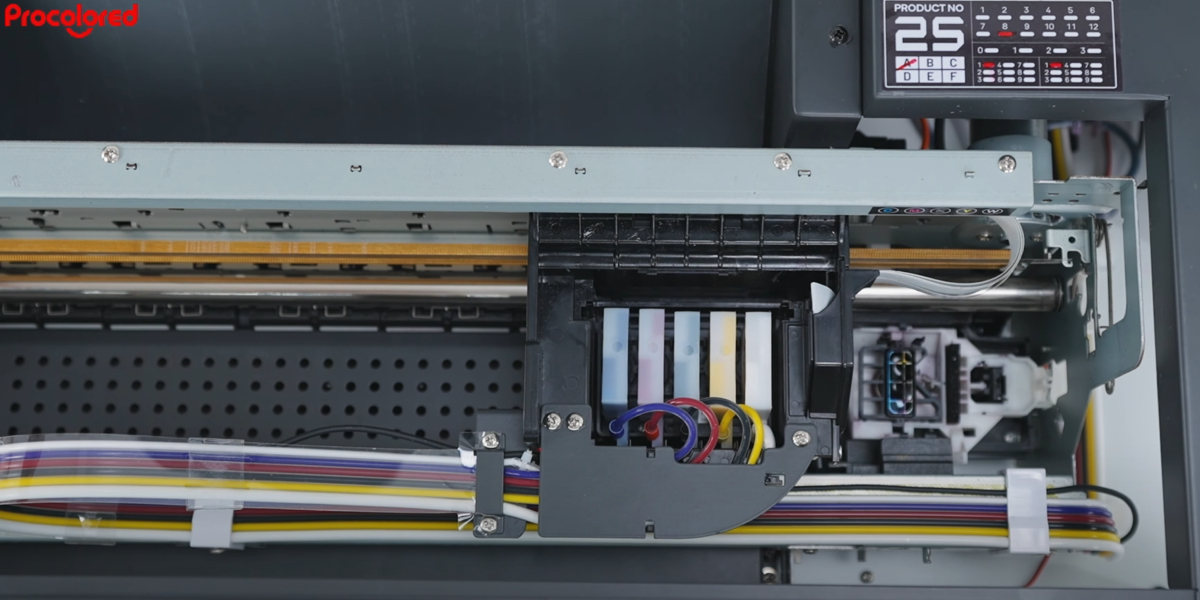 15The printer will run a print head cleaning after the automatic ink guide. |
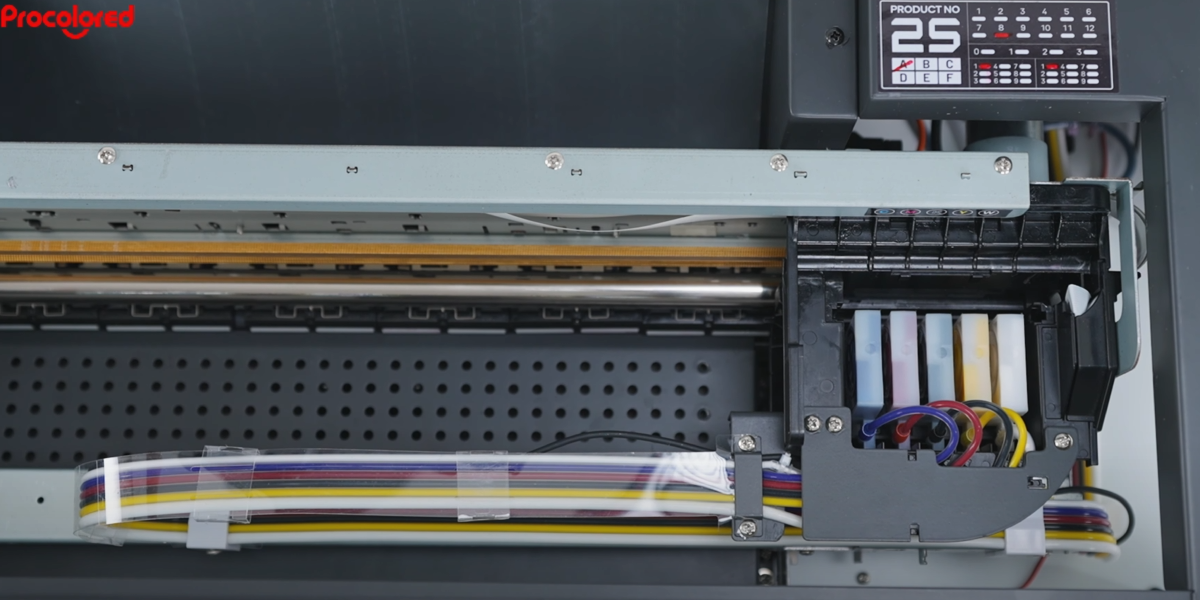 16When cleaning is complete, the ink carriage moves back to the right corner and stops. |
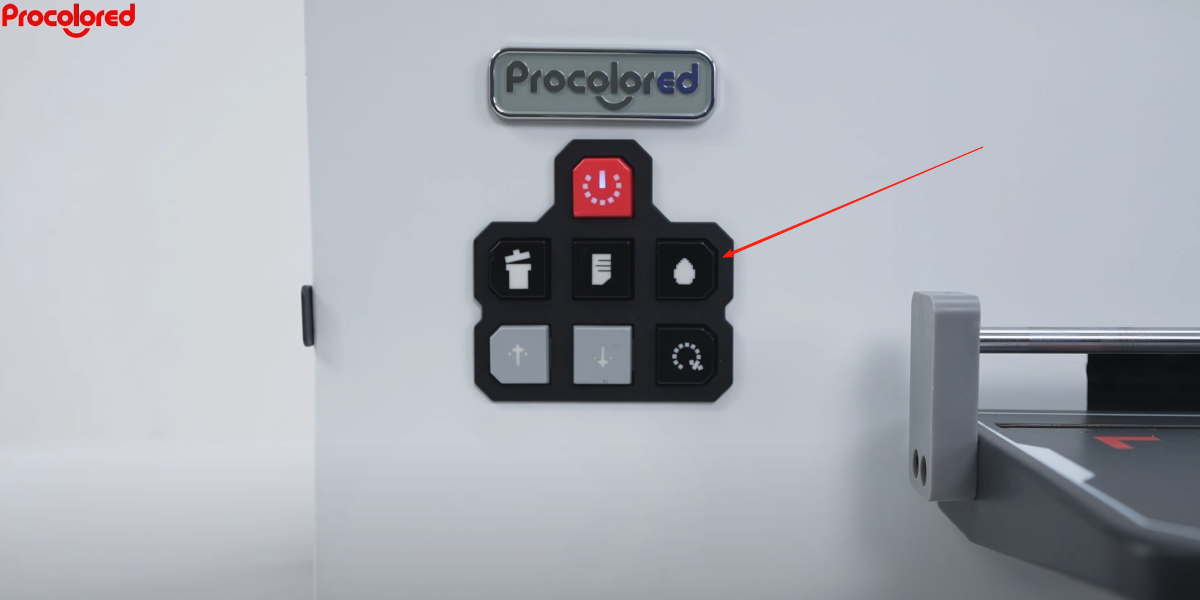 17Press and hold the Ink Button for 5 seconds to run a print head cleaning one more time. |
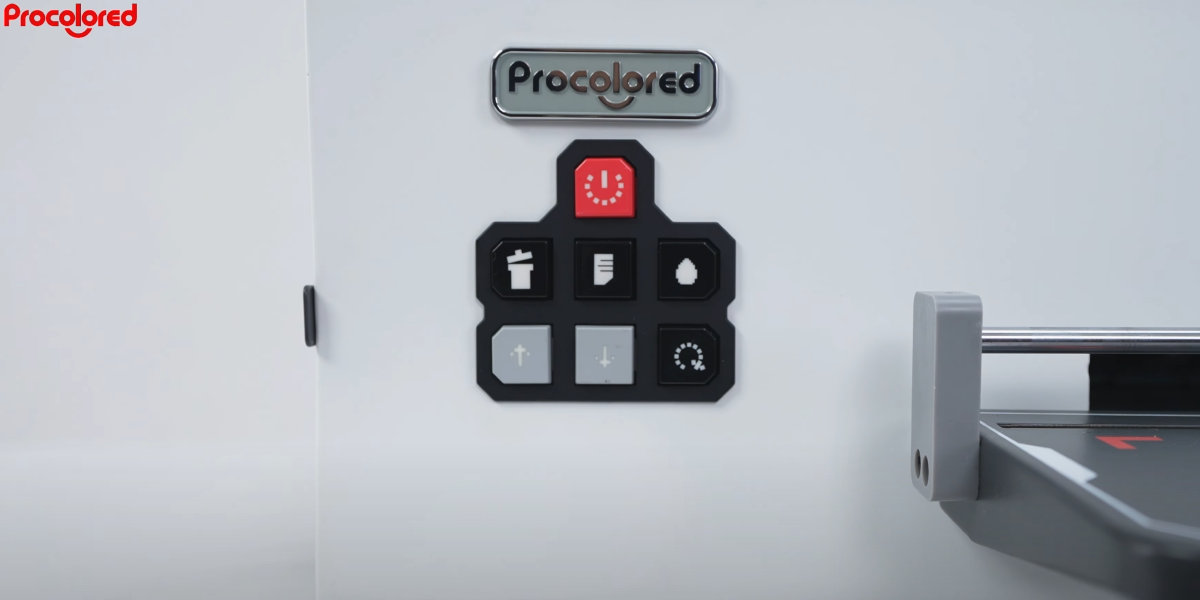 18Wait until the power button stops flashing — cleaning is finished and all ink filling is complete. |