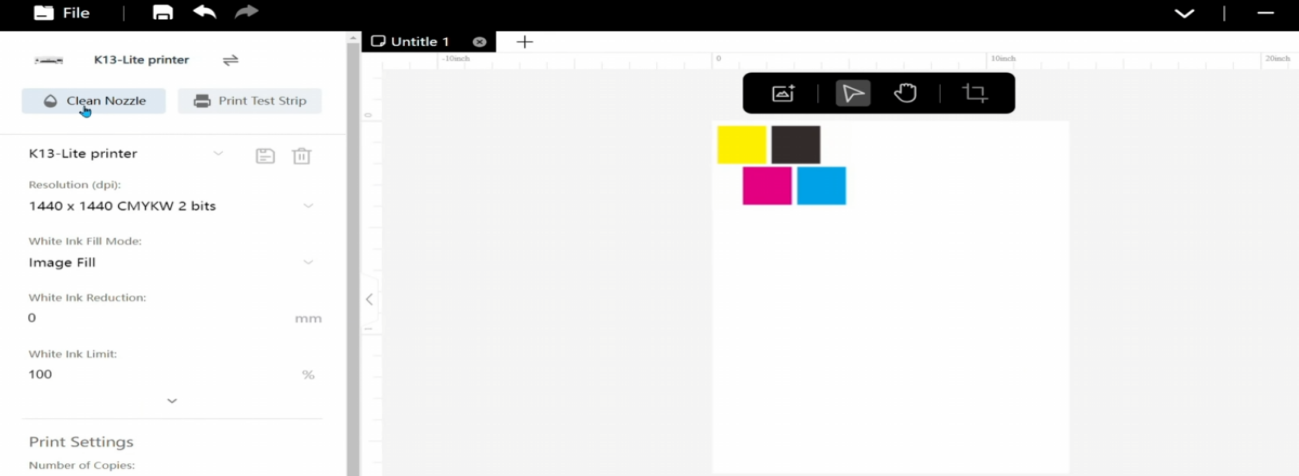
 01Open the Procolored Studio software and click Clean Nozzle — the printer will automatically clean the print head. |
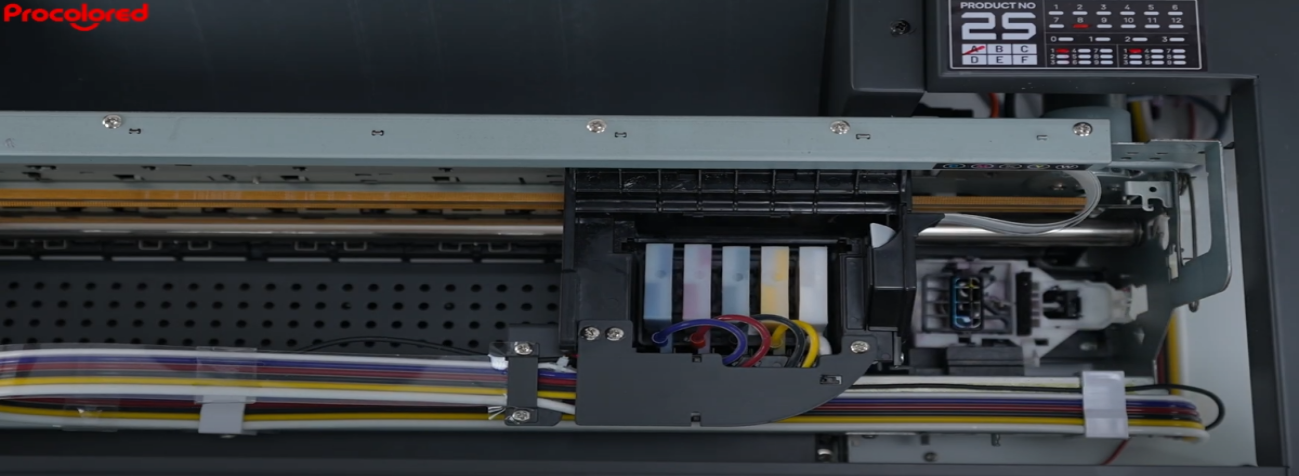 02The ink cart starts moving. |
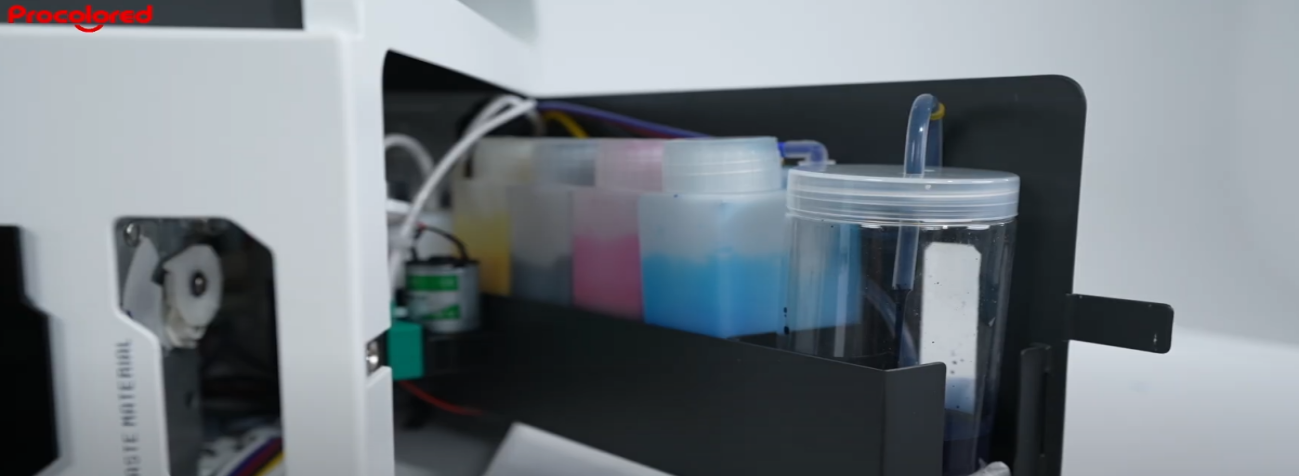 03Discharges the waste ink into the container. |
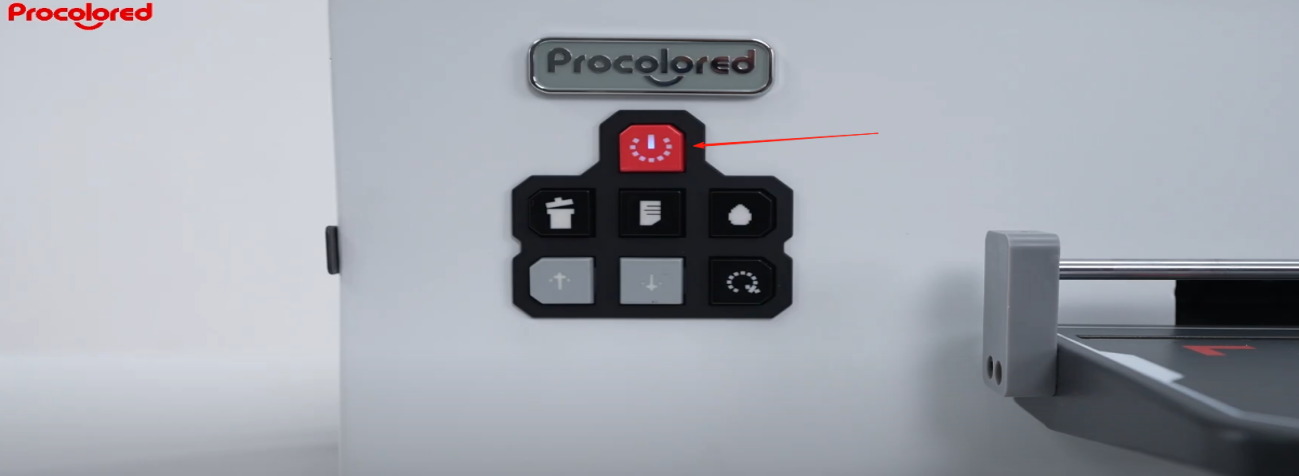 04Steady power indicator light indicates cleaning is complete. |
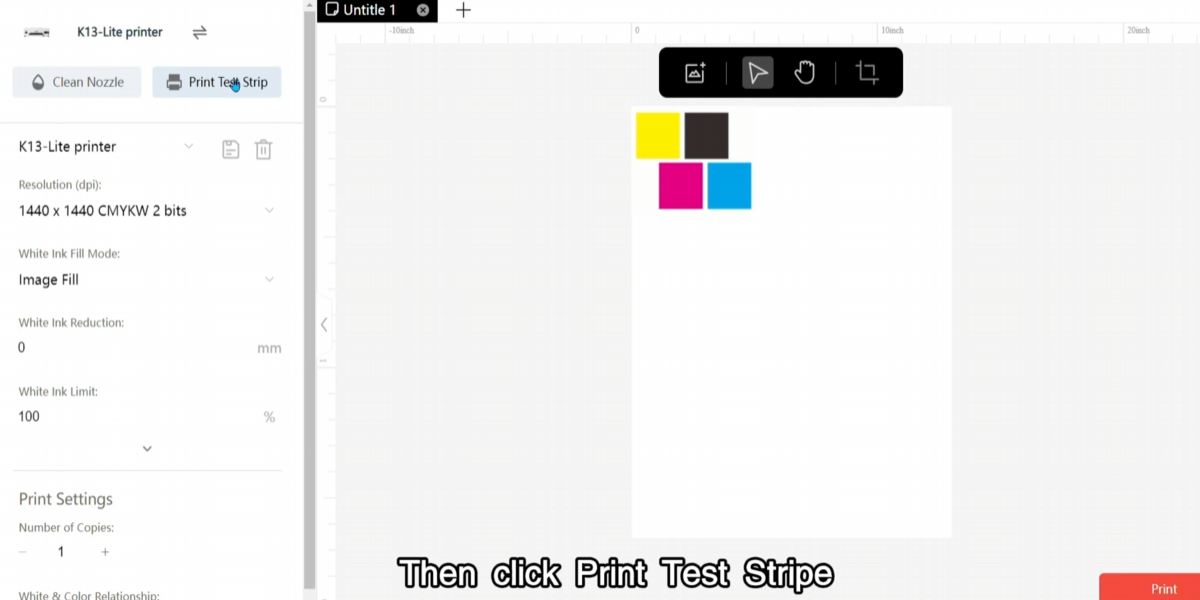 05Send a nozzle test task. Perform head cleaning and nozzle check once a day to confirm print head condition. |
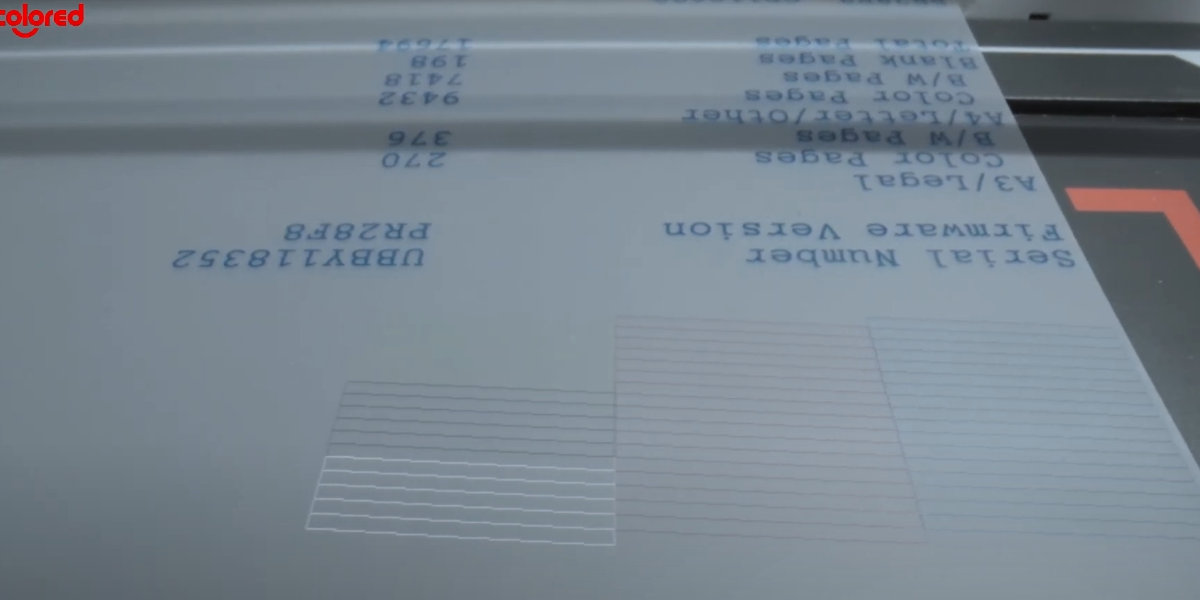 06If the print head is in poor condition, contact the after-sales team. |
07If the lines on the test page are complete, the print head is in good condition. |
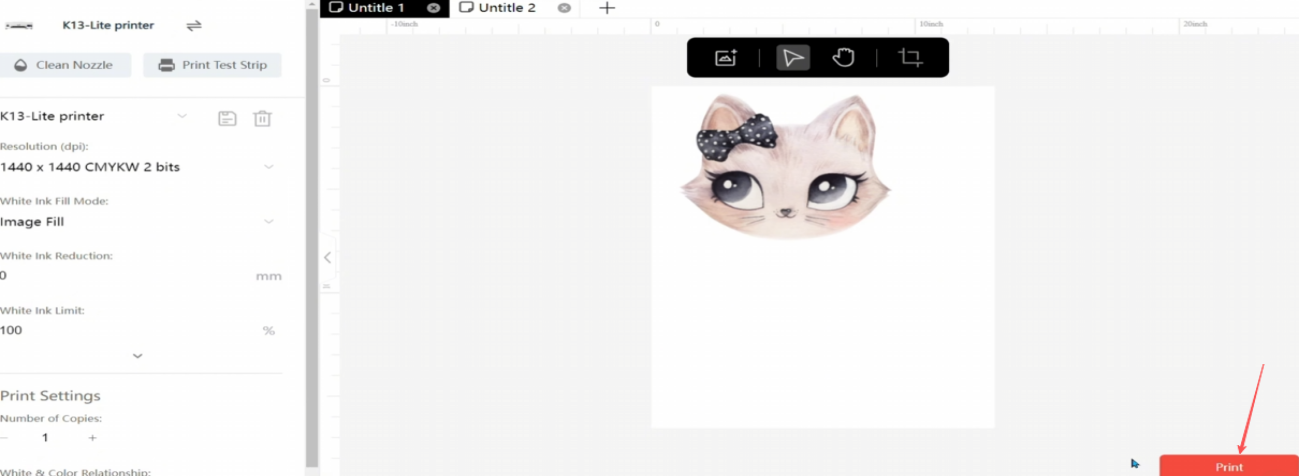 08You can now start printing the pattern. |
|