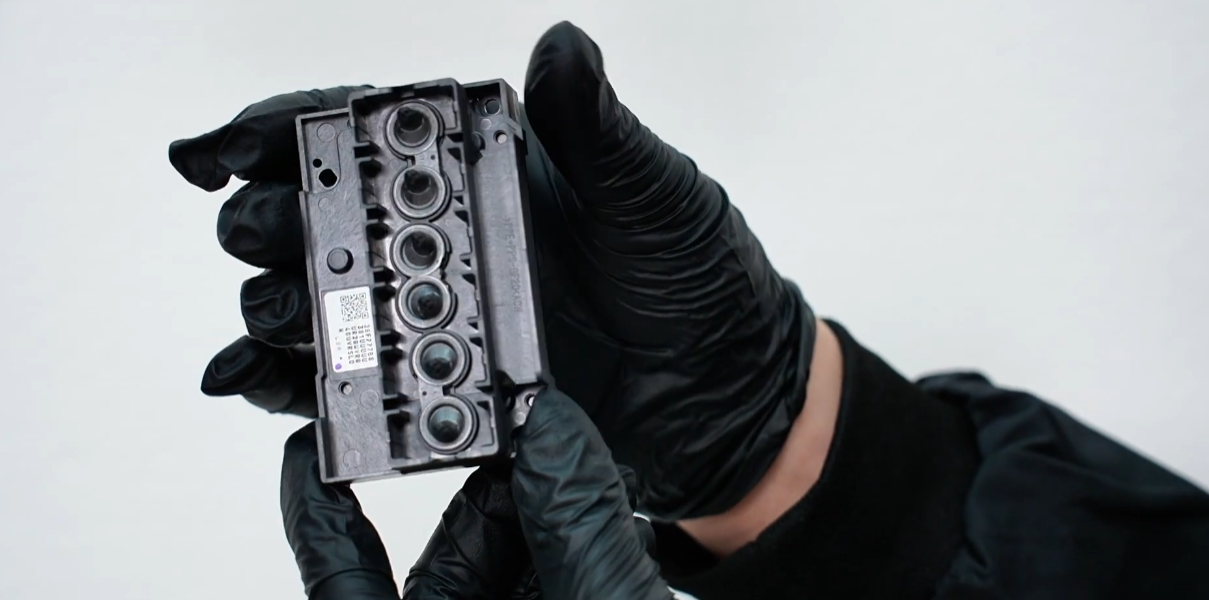
 01If all cleaning and extraction procedures fail to clear a clog, the print head must be replaced. |
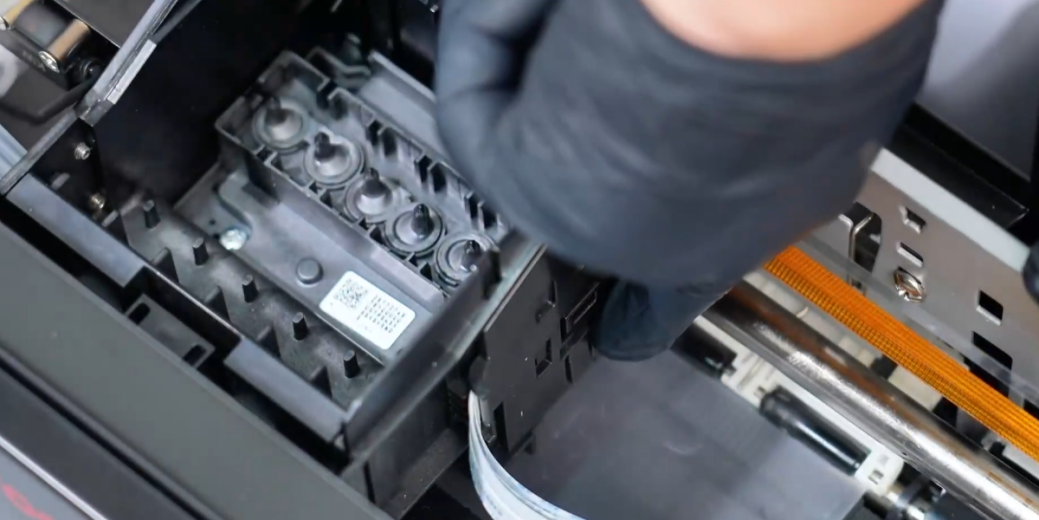 02Remove the outside clips that secure the print head assembly. |
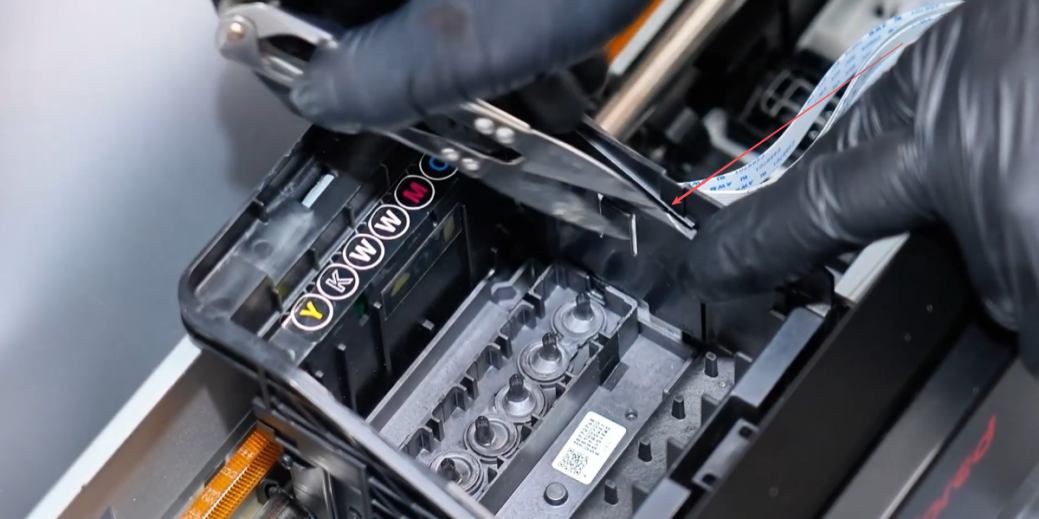 03Carefully remove the inside clips. |
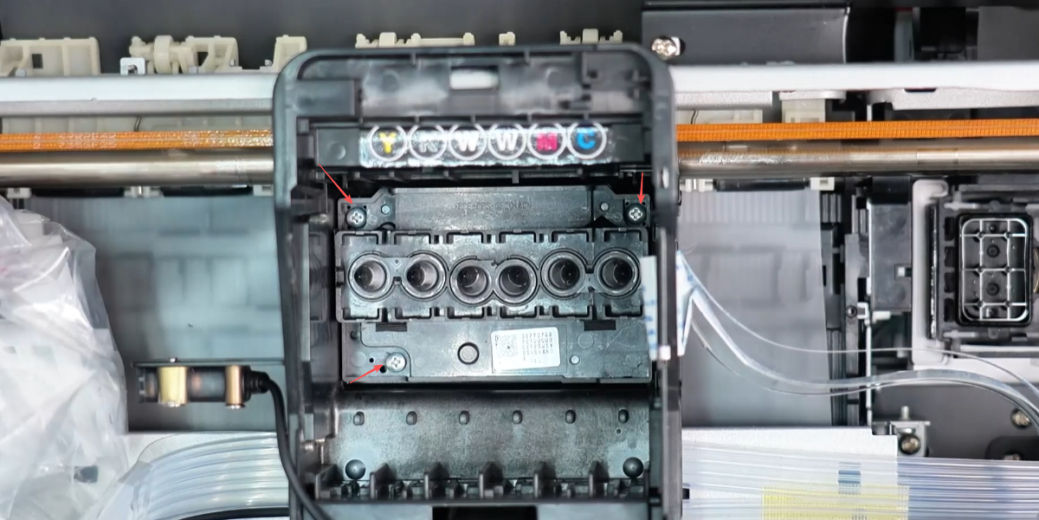 04Unscrew the three screws holding the print head in place. |
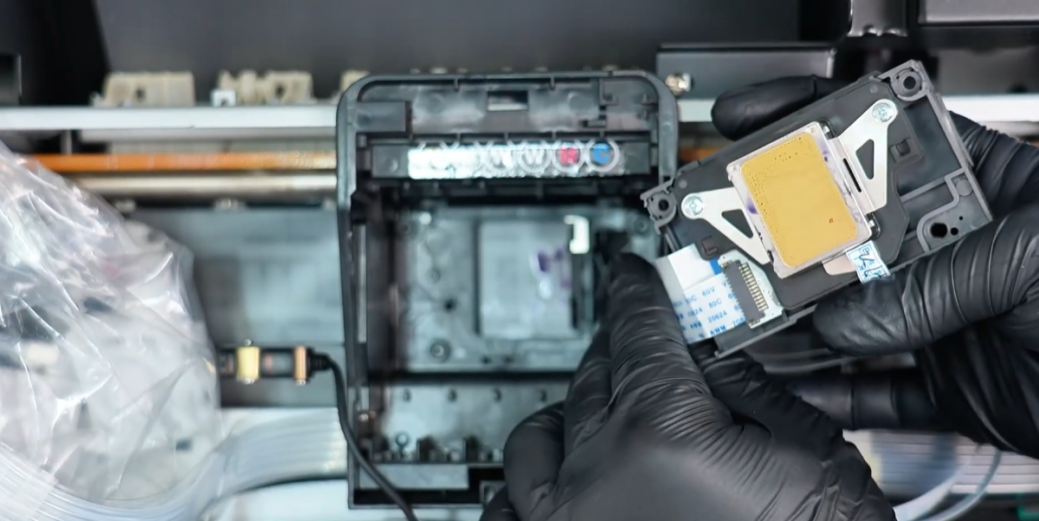 05Gently lift and take out the old print head. |
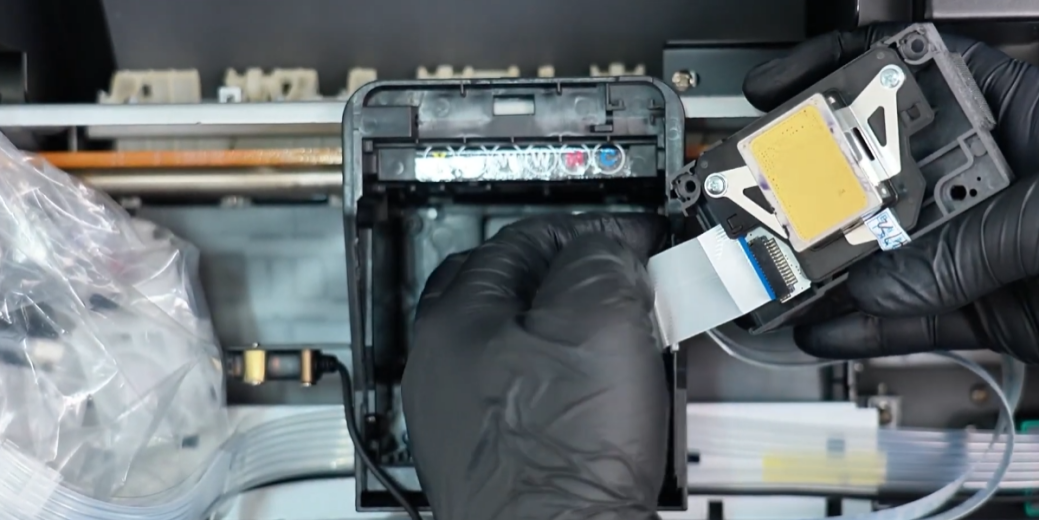 06Important: Disconnect the print head ribbon cable. Check for ink contamination. Do NOT disconnect the encoder strip's ribbon cable. |
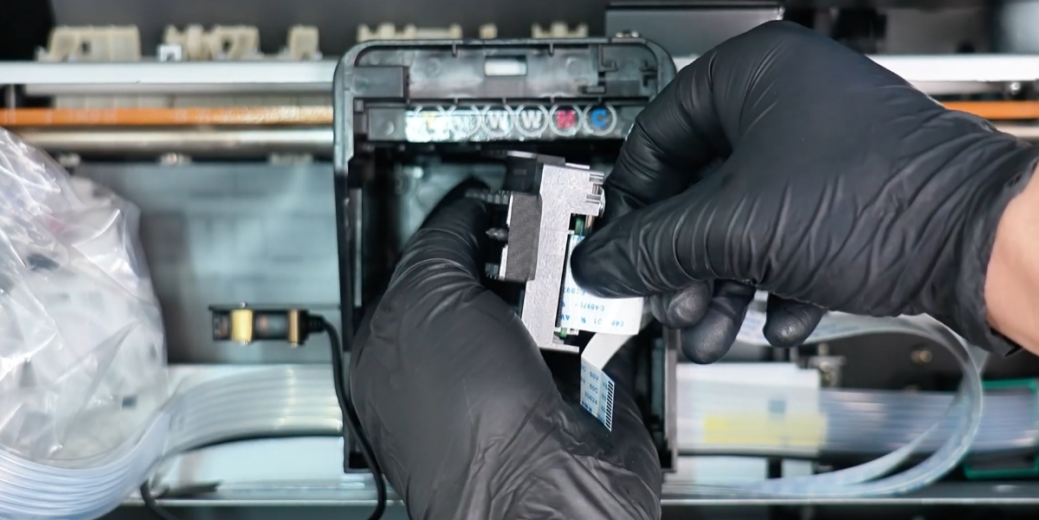 07Install the new print head and firmly insert the ribbon cable. |
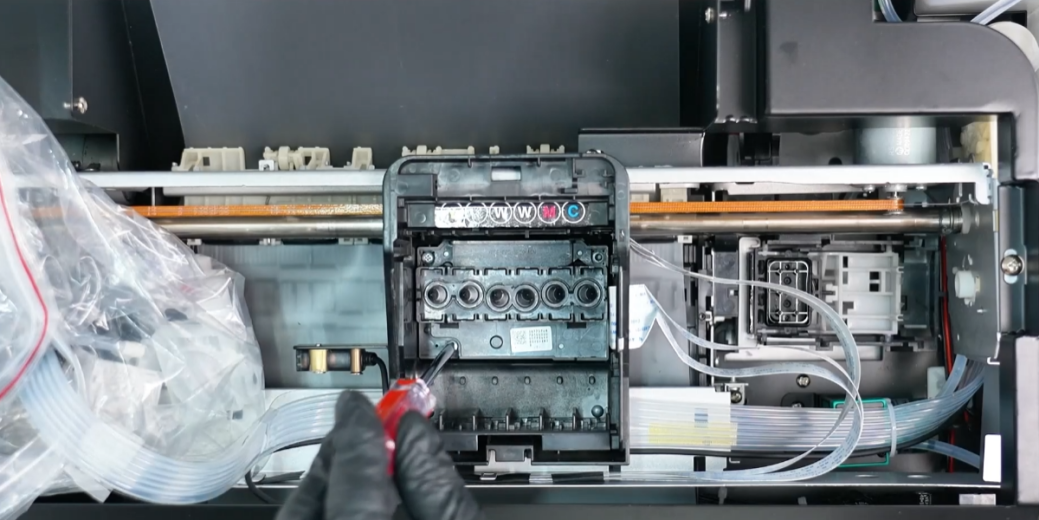 08Re-secure the assembly using the original screws and clips. |
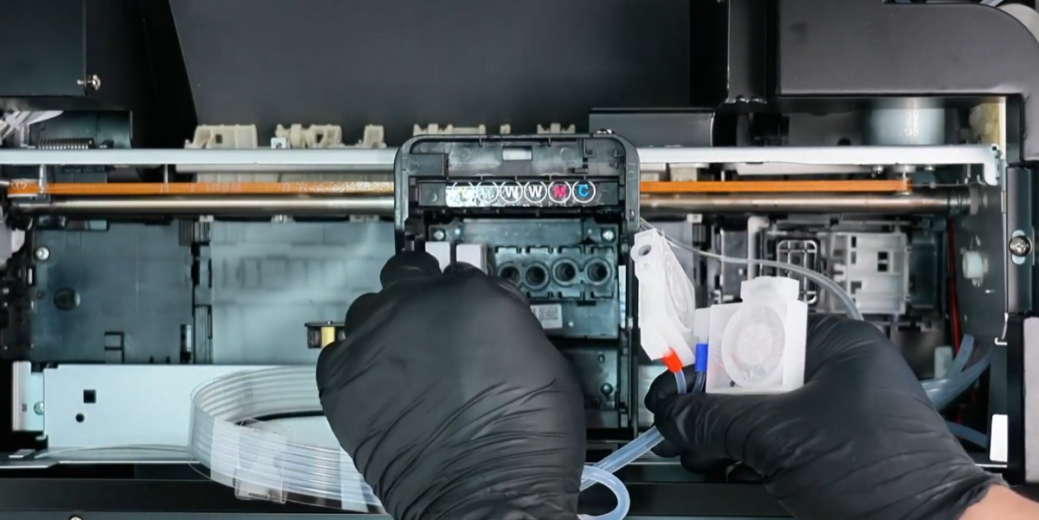 09Reinstall the ink cartridges into the new print head. |
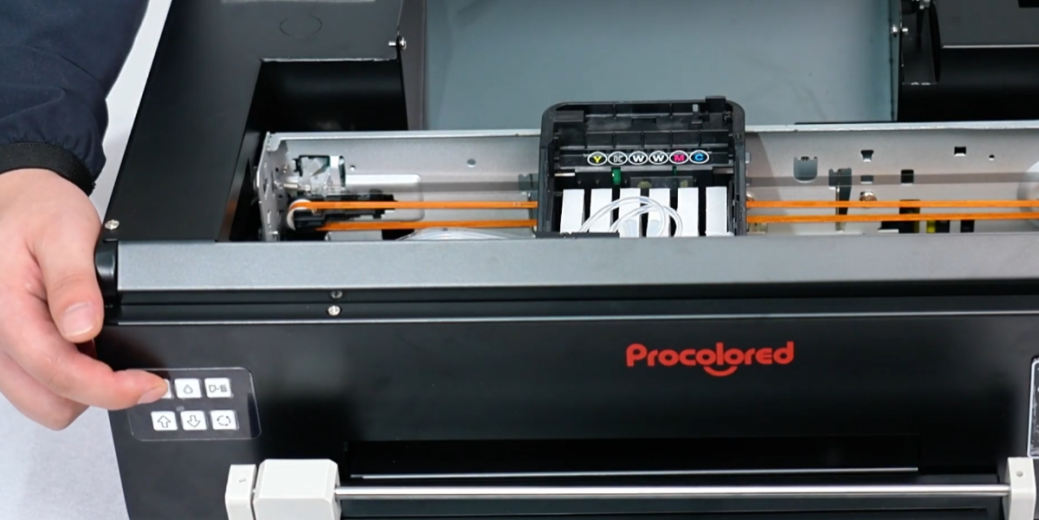 10Power on the machine and monitor the automatic self-check process. |
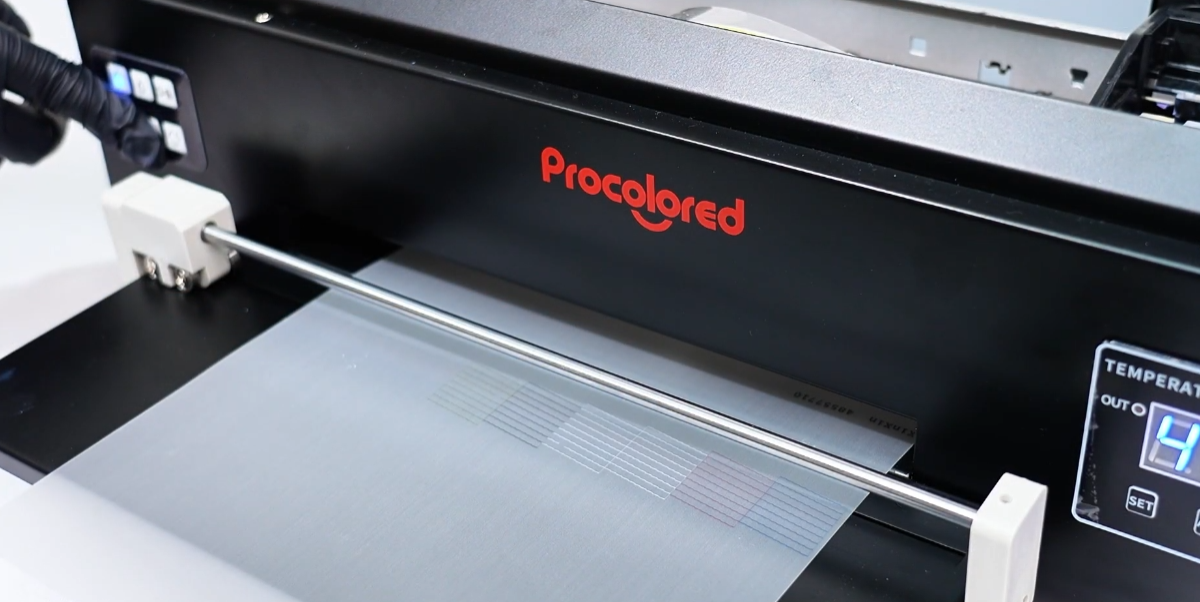 11If the self-check passes, your print head replacement is complete. |
|