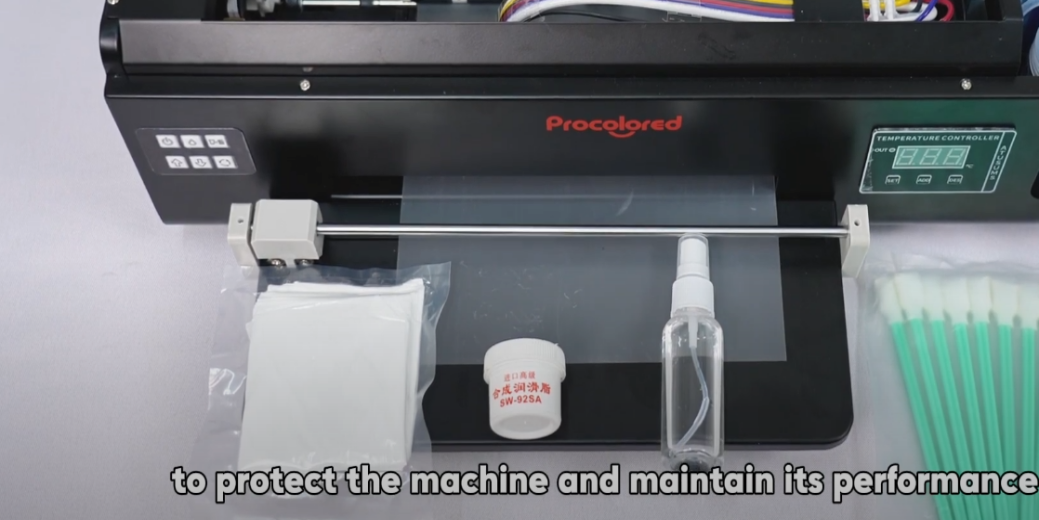
 01Regular maintenance is essential to protect the machine and maintain optimal printing performance. |
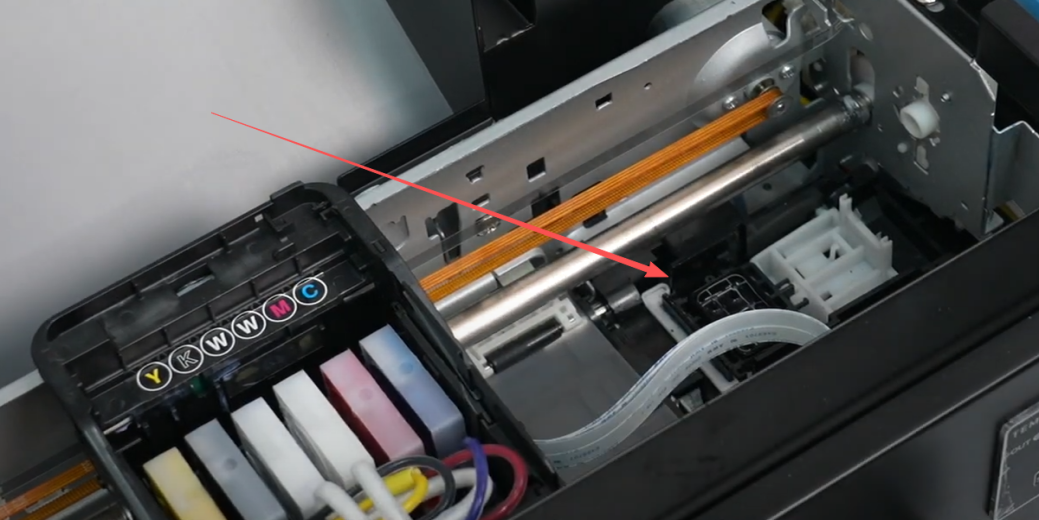 02Waste ink often accumulates around the waste ink pad. Keep this area clean at all times. |
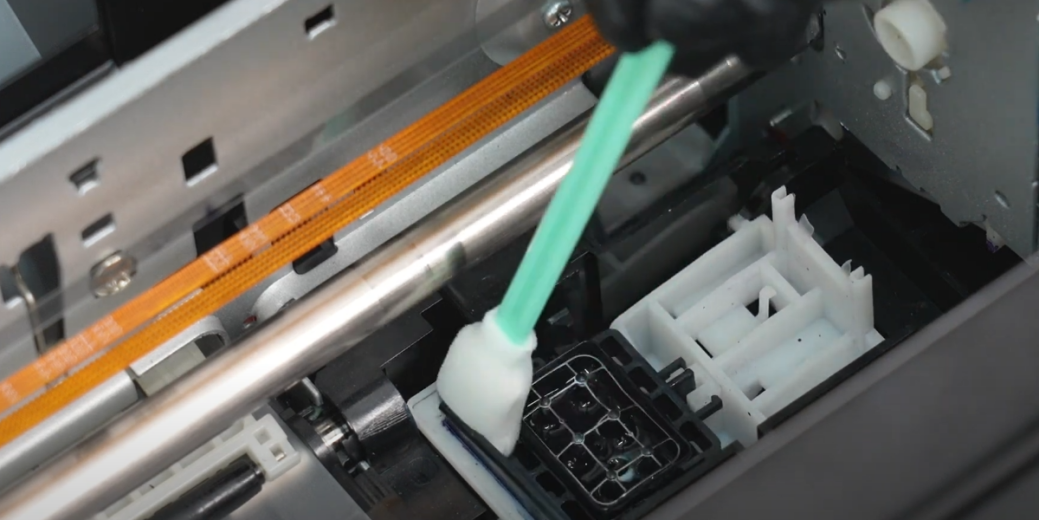 03Use the provided cleaning swabs with a small amount of spray water for precise cleaning. |
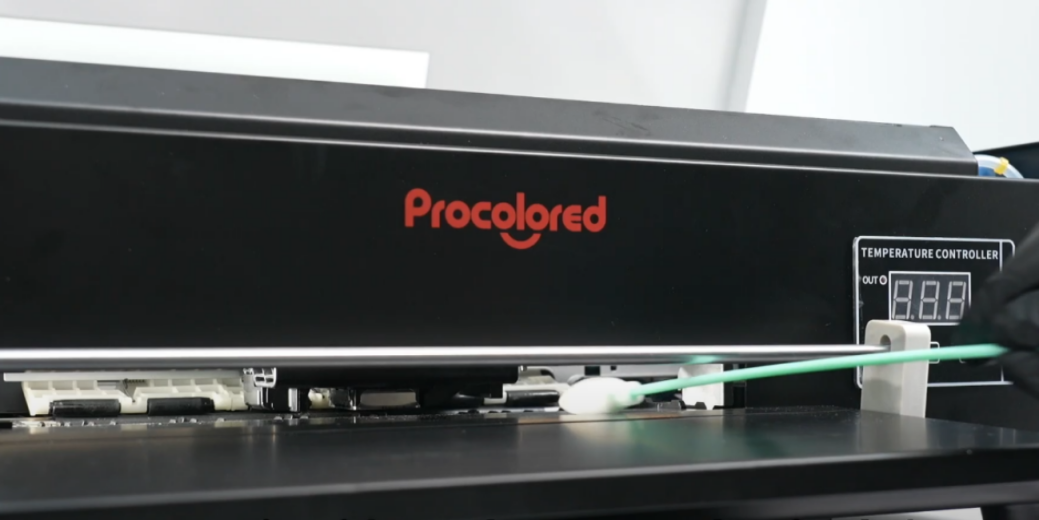 04Weekly: Clean any ink from the print platform promptly to ensure a clean printing environment. |
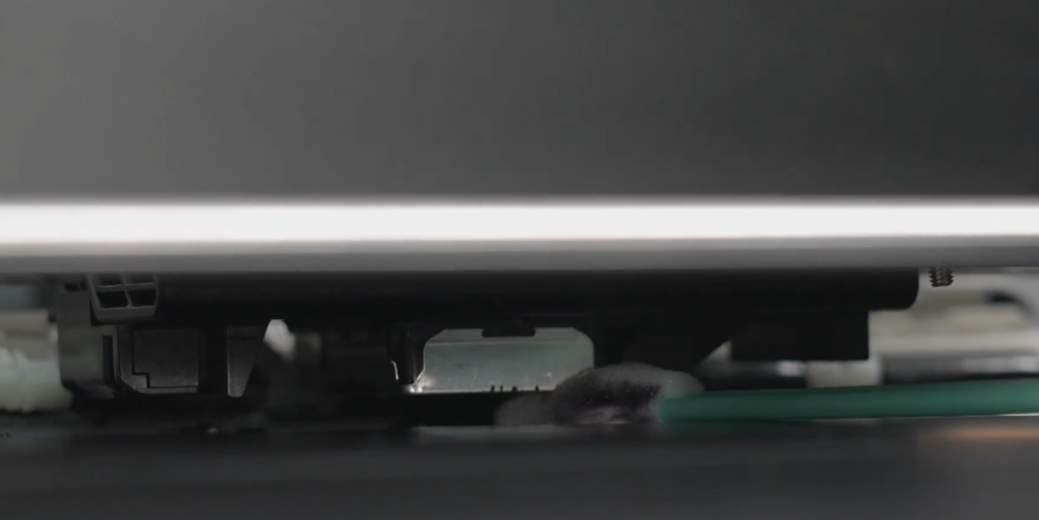 05Bi-weekly: Use a cotton swab to gently remove dried ink from the bottom of the printhead. |
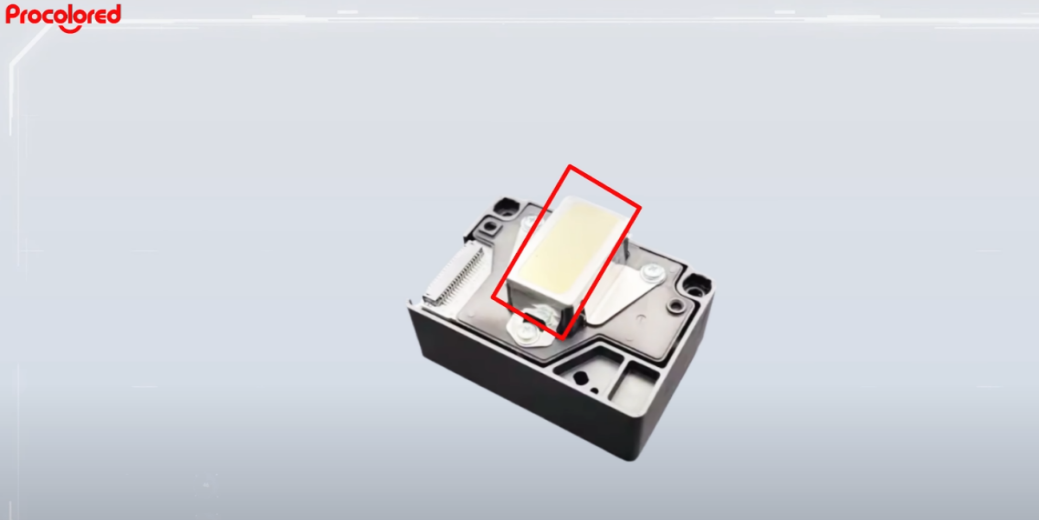 06Attention: NEVER touch the mirror area or attempt to clean the nozzle area directly. |
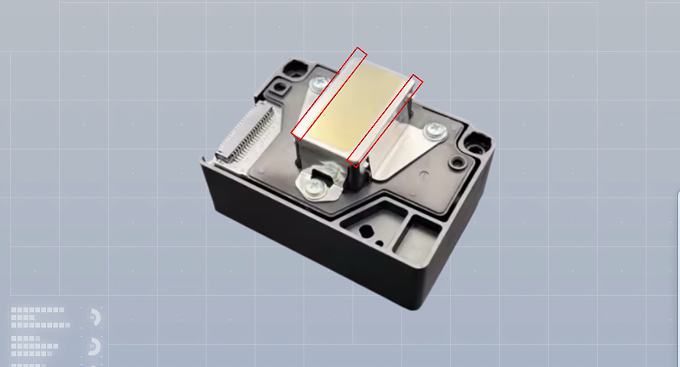 07Only clean the surrounding areas on both sides of the nozzles. |
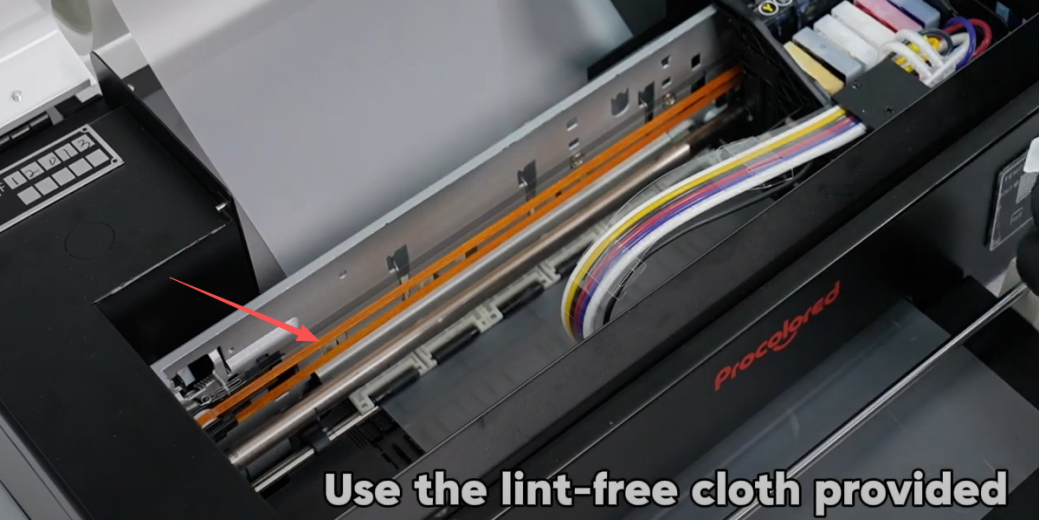 08The encoder strip handles X-axis positioning and must remain spotless for accuracy. |
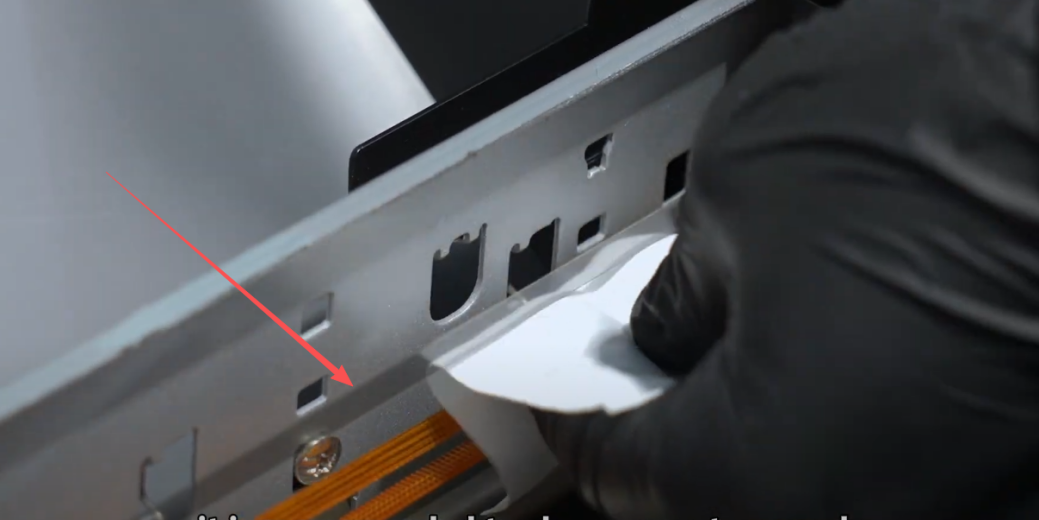 09Bi-weekly: Use the provided lint-free cloth to gently clean the encoder strip. |
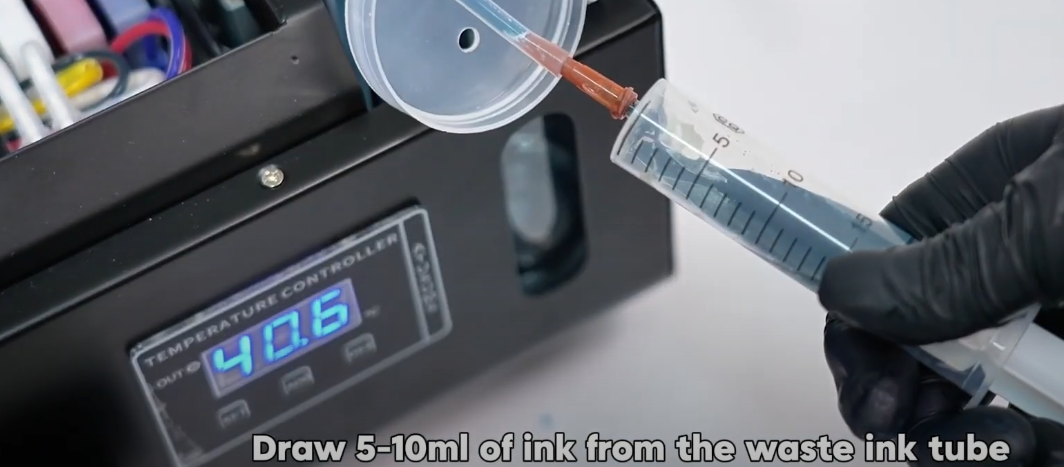 10Weekly: Empty the waste ink bottle to prevent overflow from cleaning cycles. |
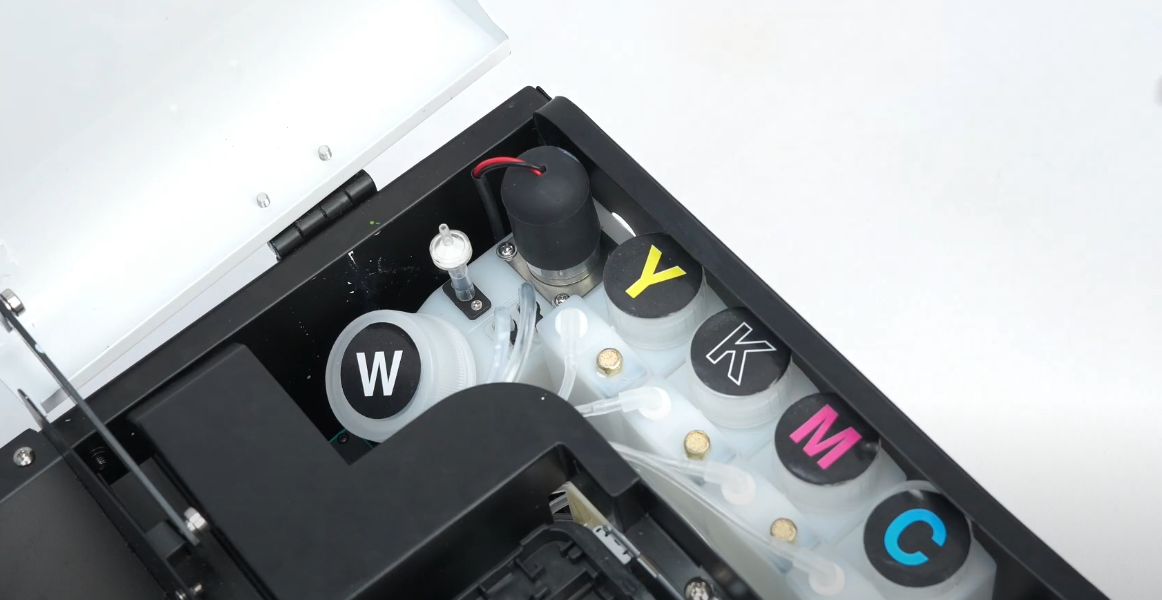 11White ink settles over time, which may result in sediment at the bottom of the bottle. |
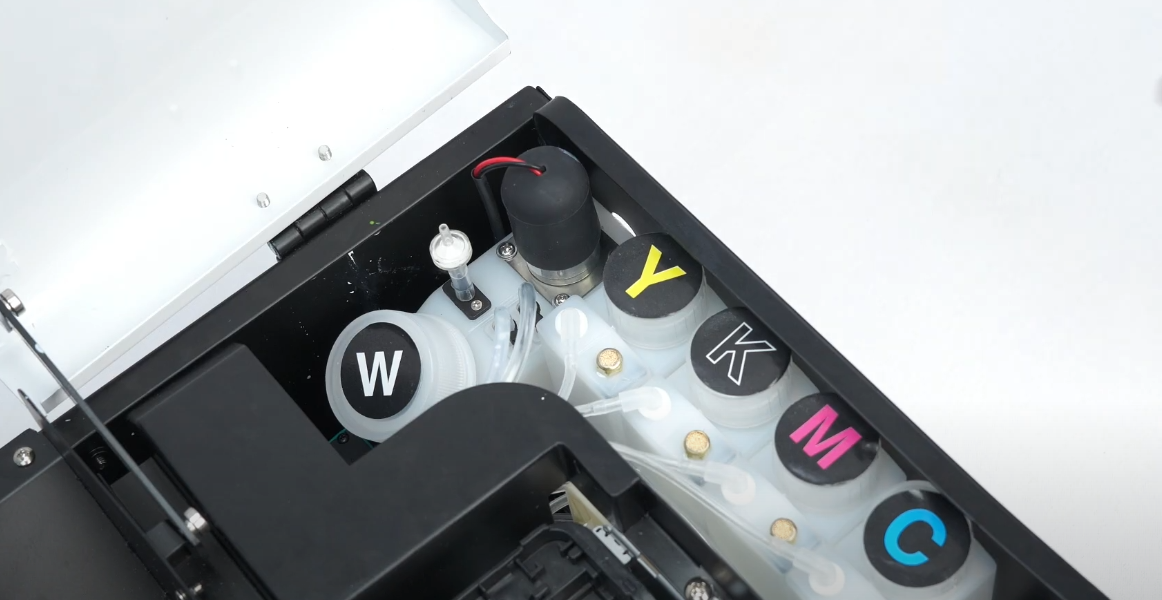 12After pouring out the ink, settled particles are often visible at the base. |
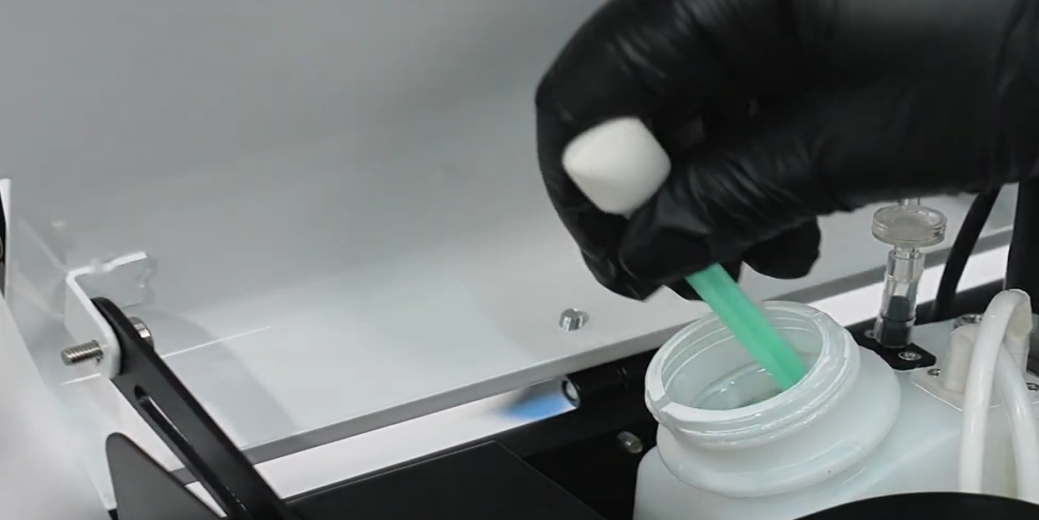 13Monthly: Add water, stir, and pour out the sediment to clean the white ink bottle. |
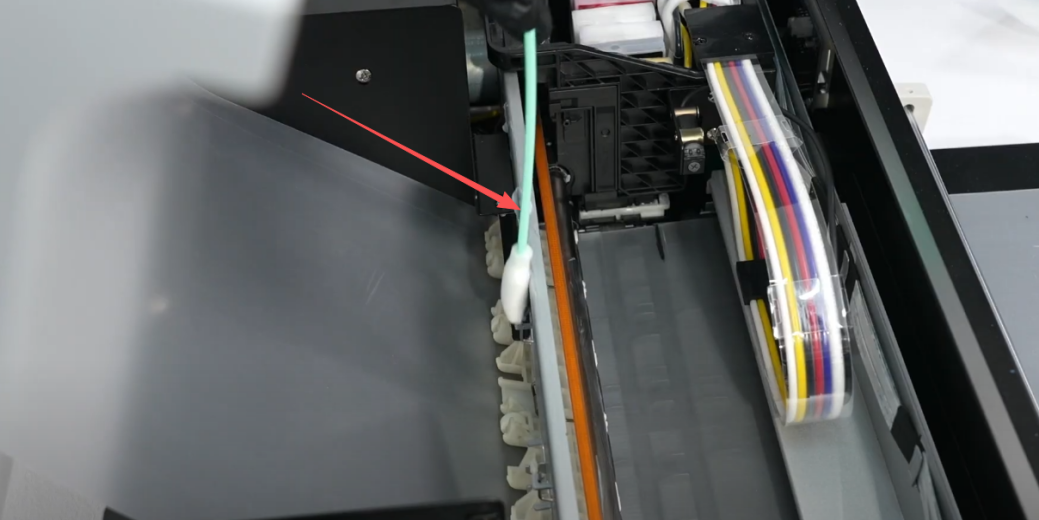 14Monthly: Apply lubricating oil to the guide rails to ensure smooth printhead movement. |
|