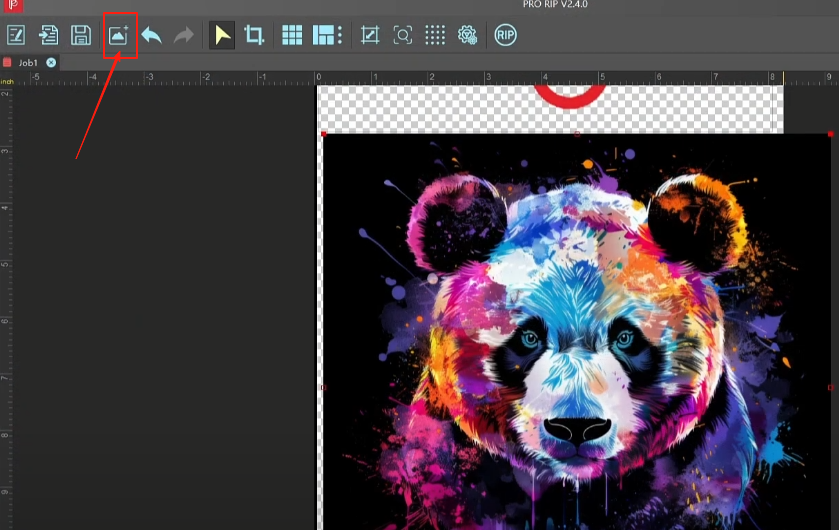
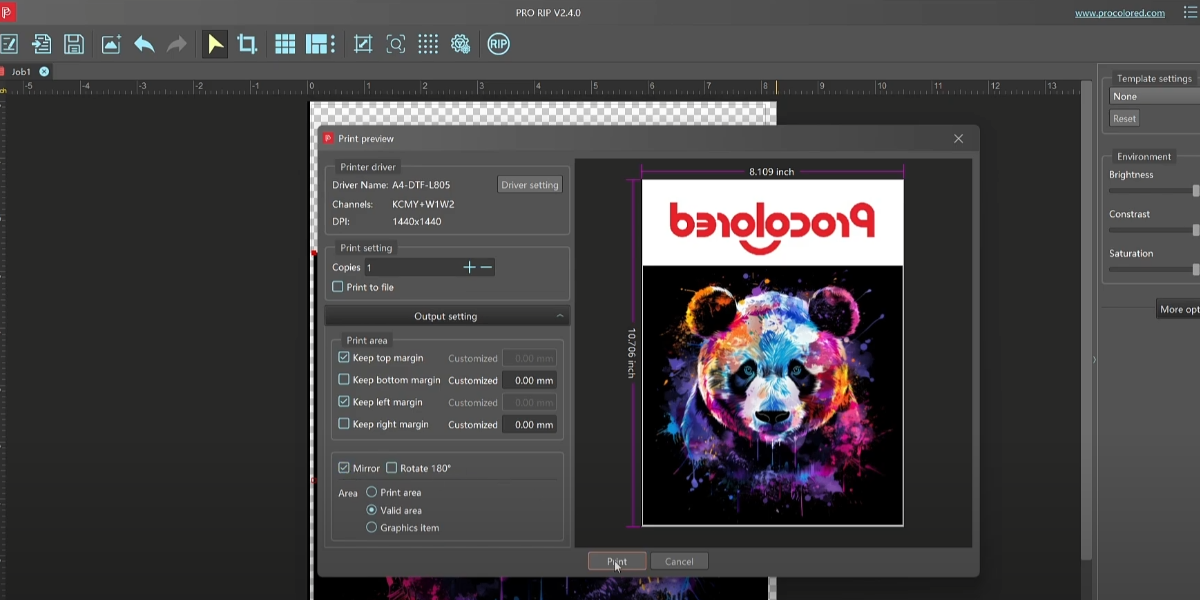
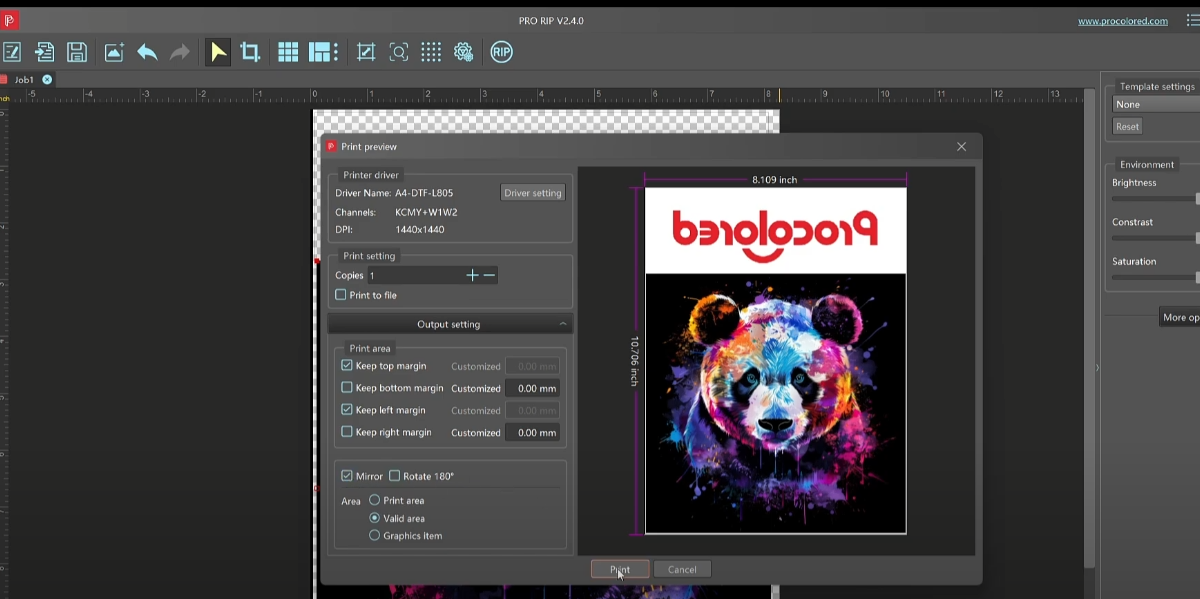
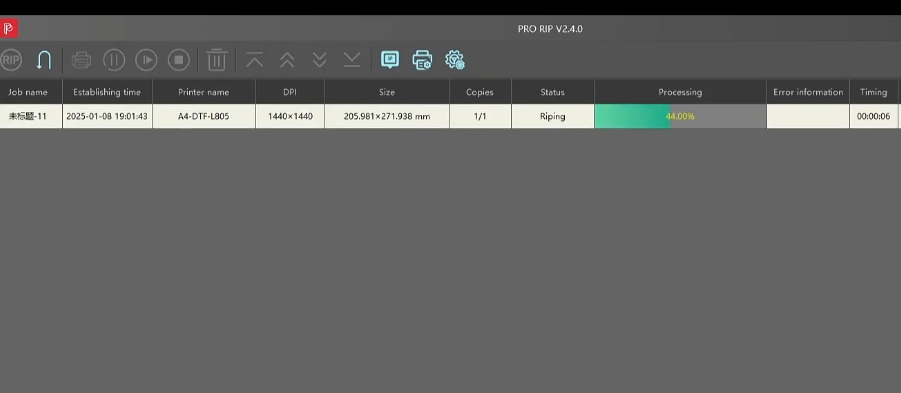
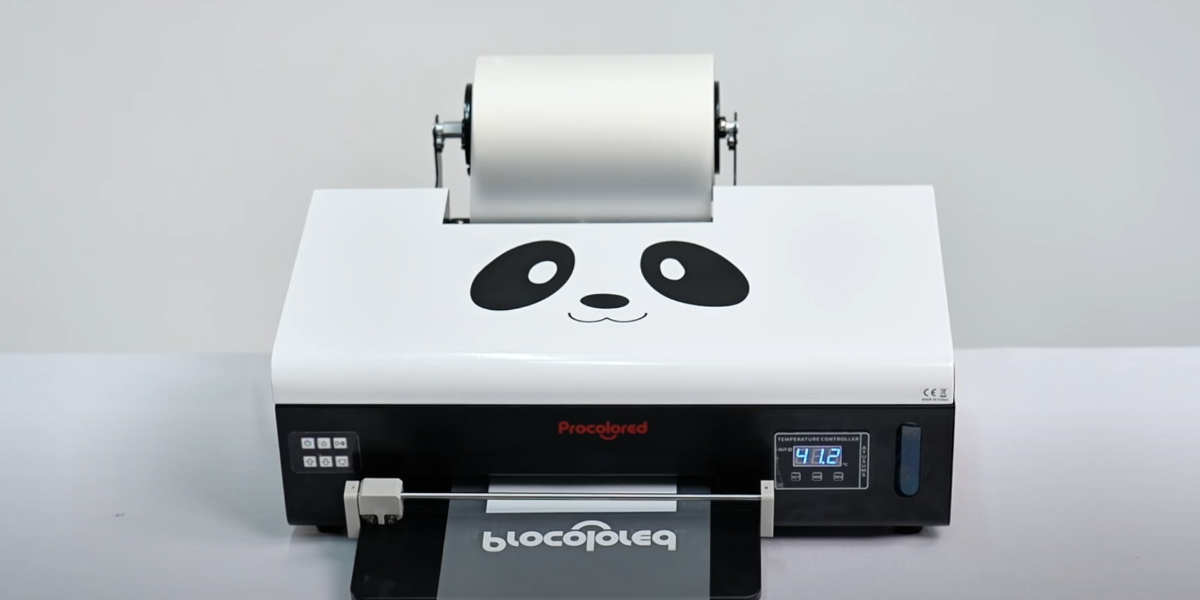
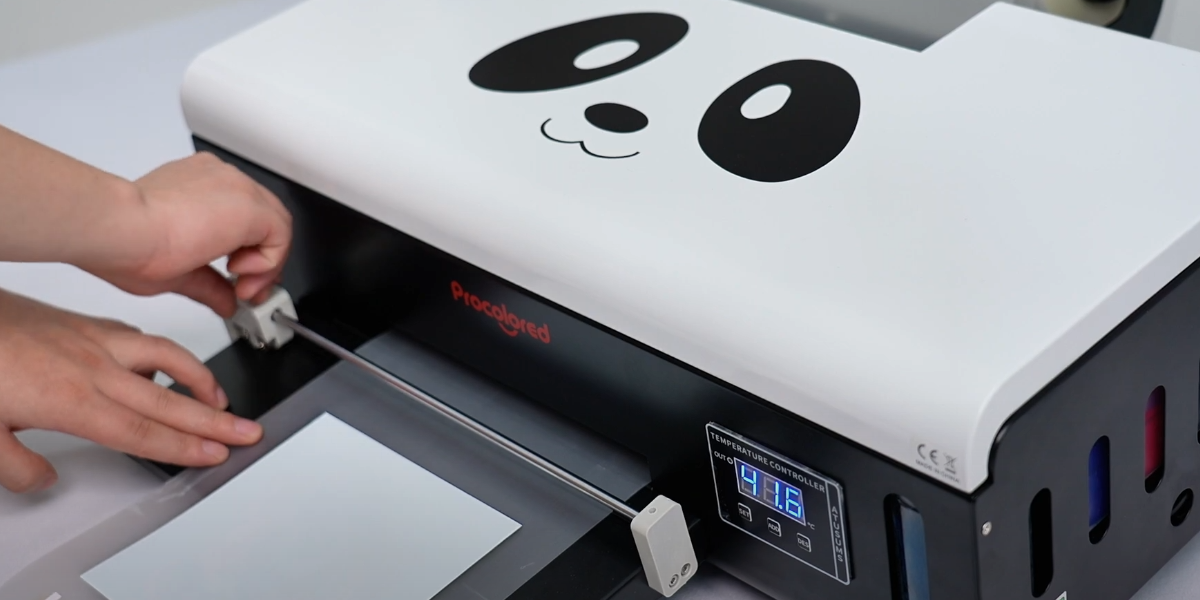
 01Before ink filling, power on the machine and install the printer driver and RIP software to test performance. |
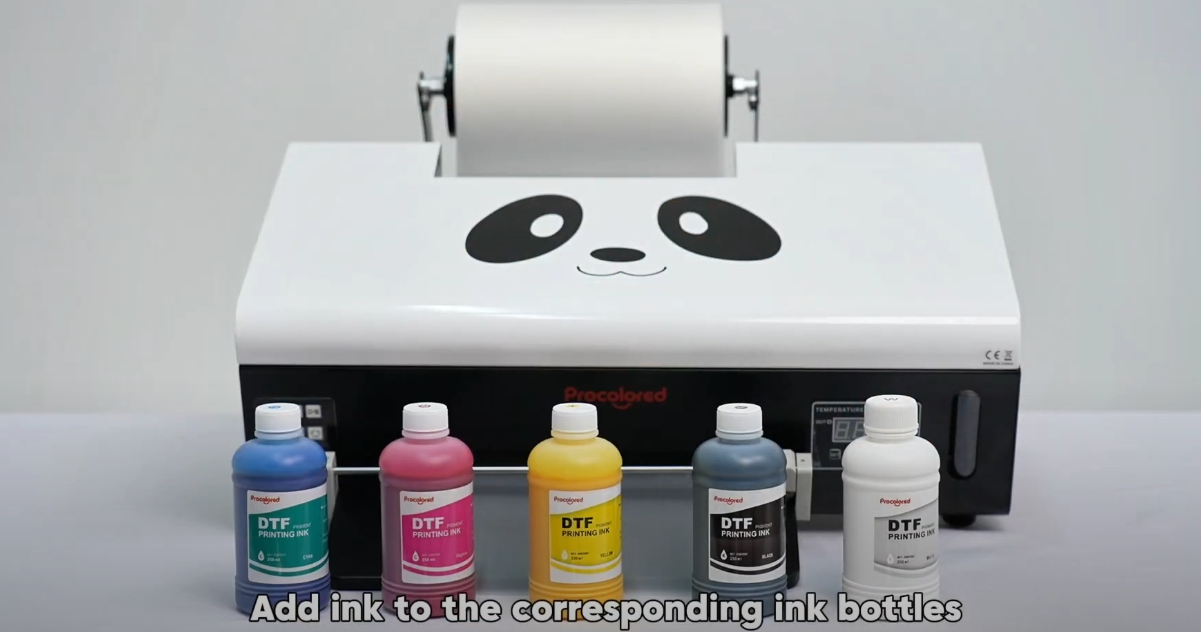 02Add ink to the corresponding ink bottles. |
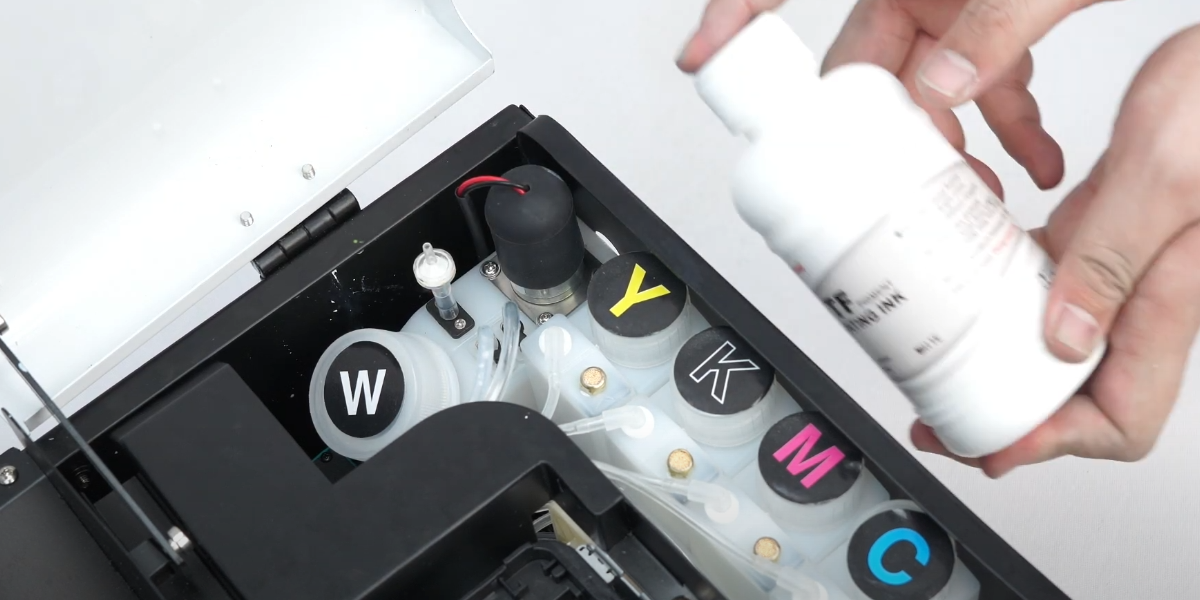 03Shake the ink vigorously before use to prevent sedimentation. |
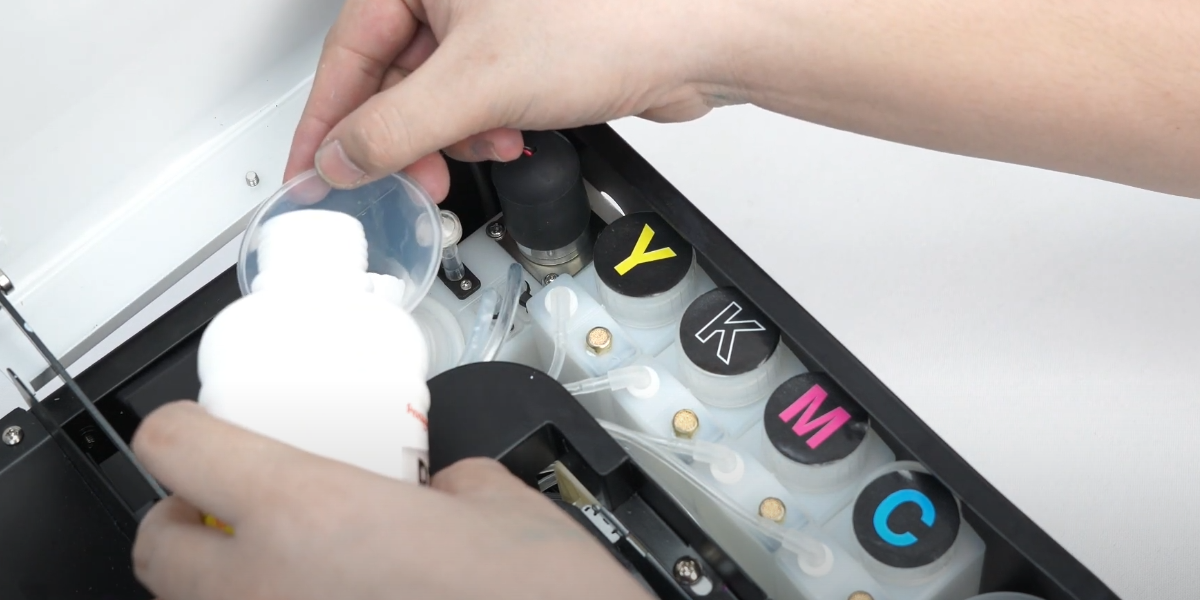 04Fill the ink to 70% only to prevent overflow. |
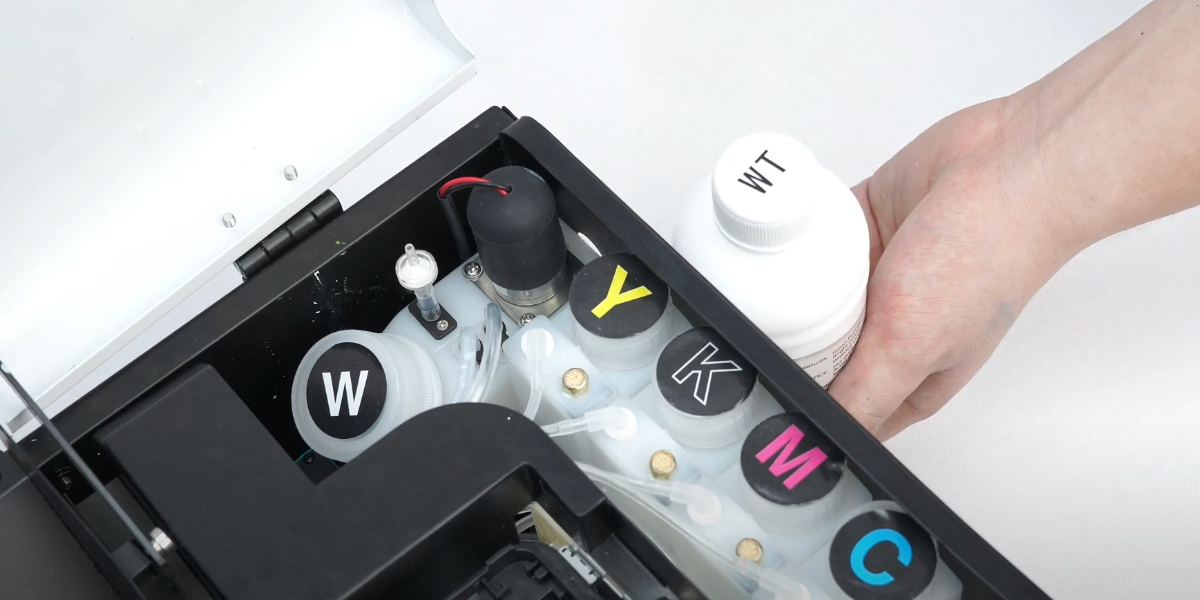 05Add W = White, Y = Yellow, M = Magenta, K = Black, C = Cyan. |
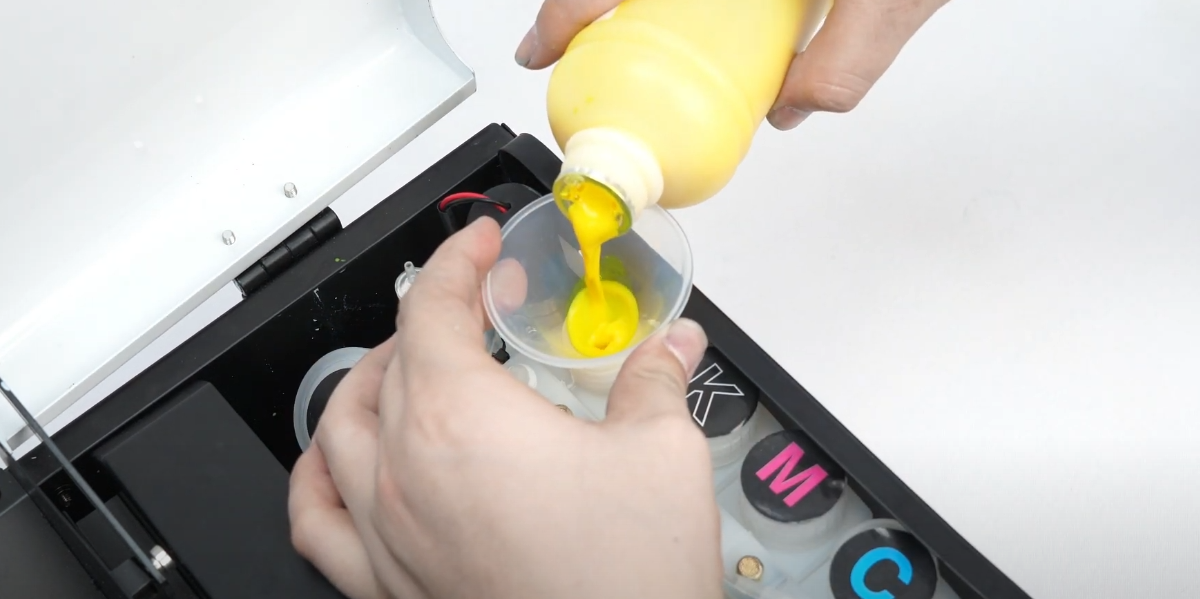 06Use opened ink within three months — long storage causes settling and can clog the print head. |
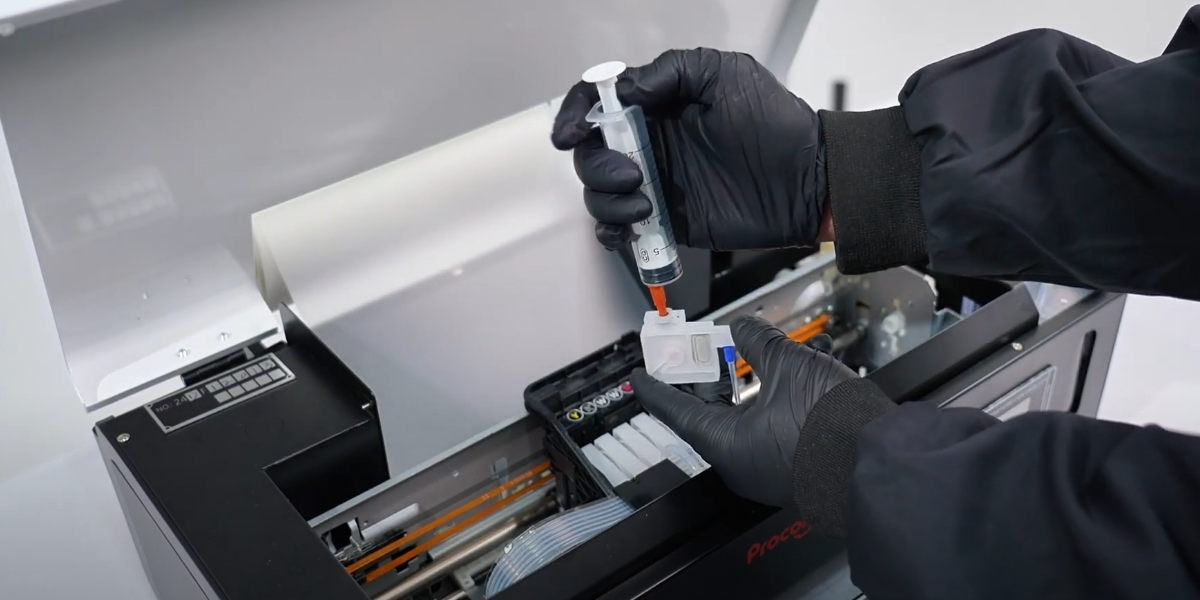 07Slightly move ink cartridges back and forth to pull them out in sequence. |
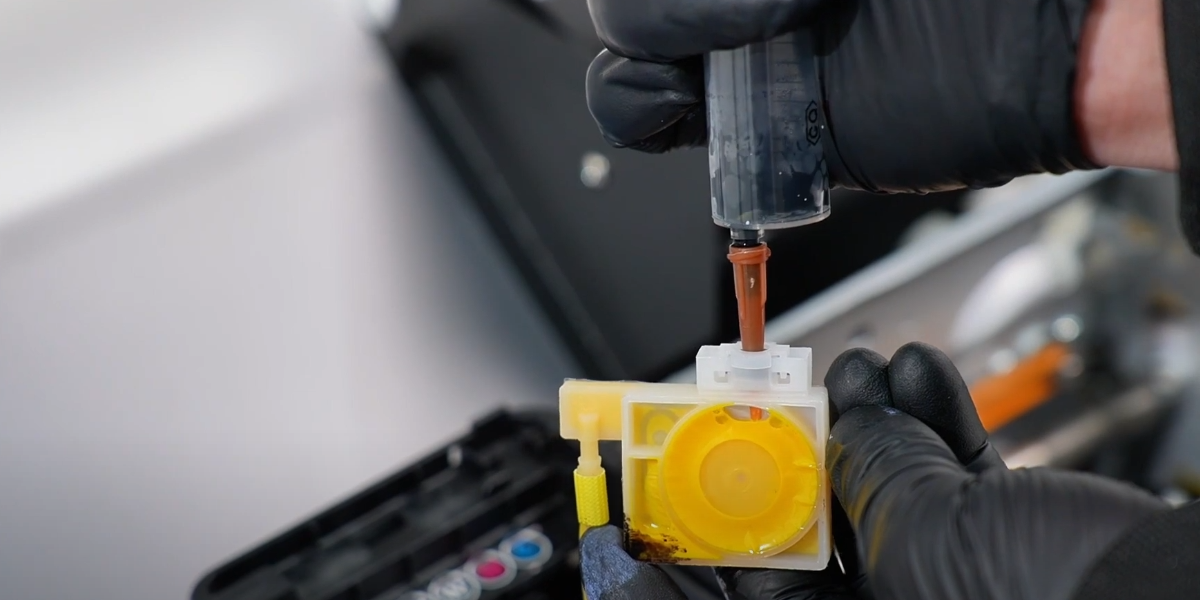 08Use the provided syringe to draw 3–5 ml of ink from each cartridge. |
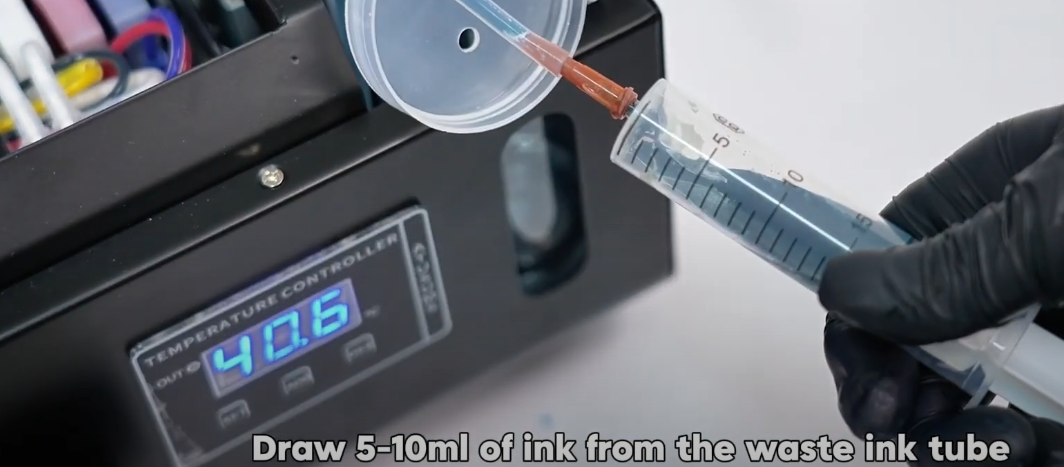 09Draw 5–10 ml of ink from the waste ink tube. |
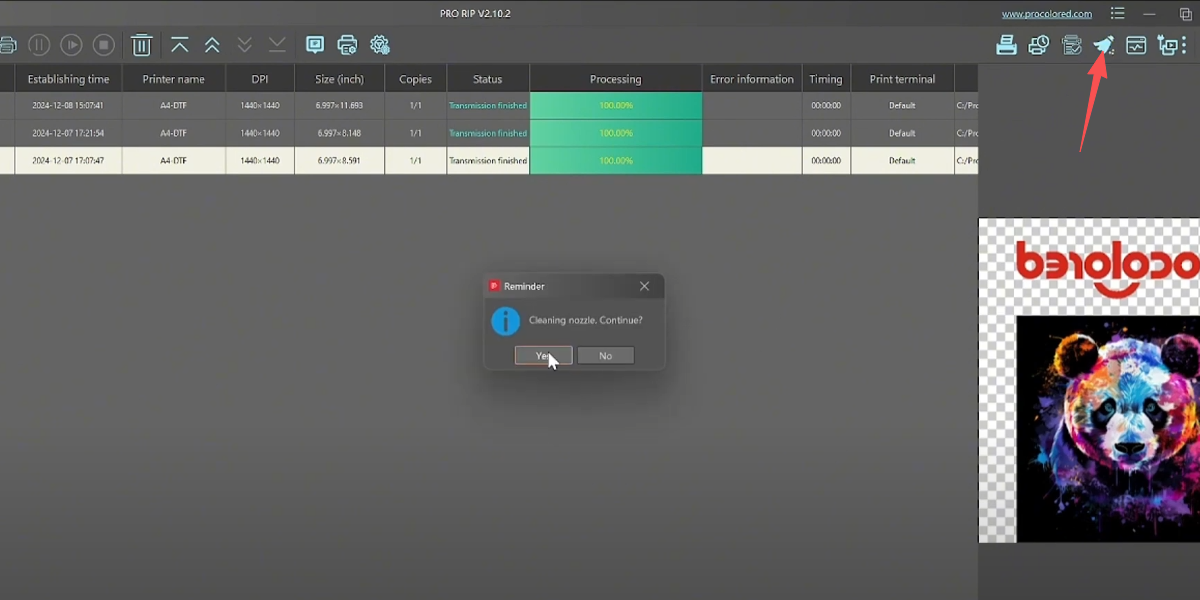 10Hold the ink button for 5 seconds or use RIP software to execute print head cleaning. |
 11Print a test page to check the print head nozzle status. |
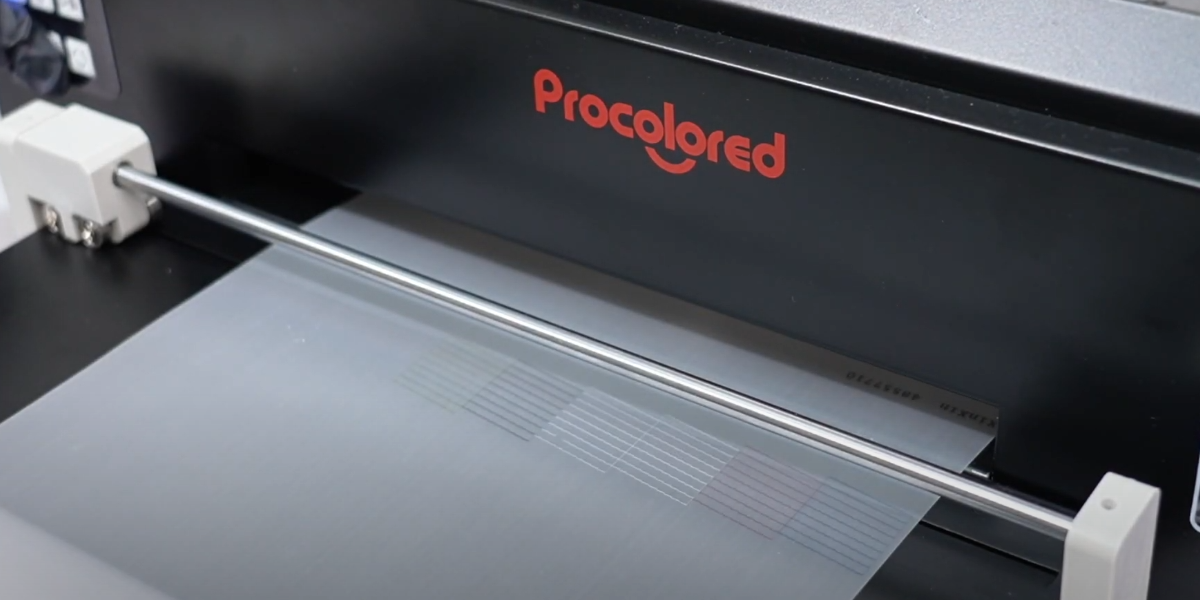 12If all lines are complete and clear, the print head status is perfect. |