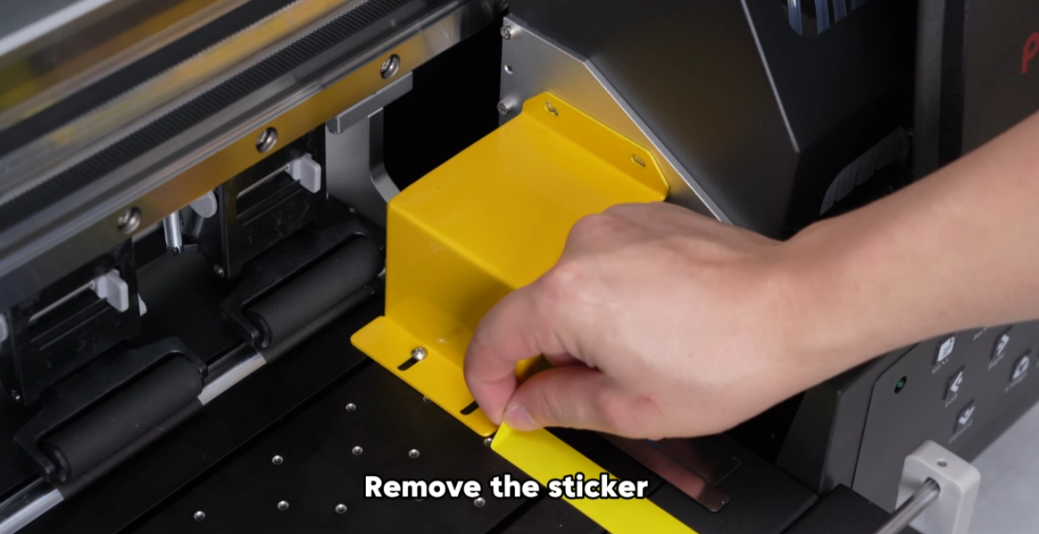
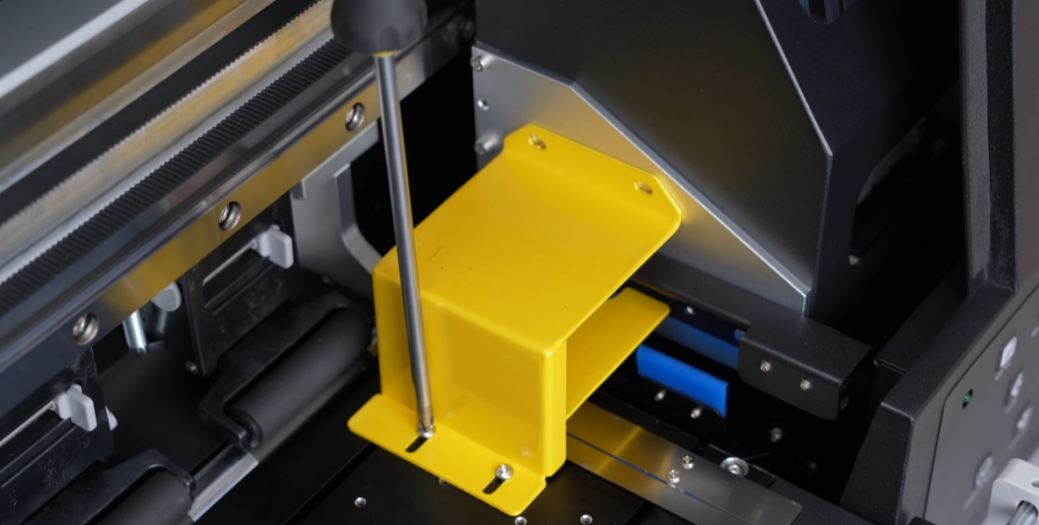
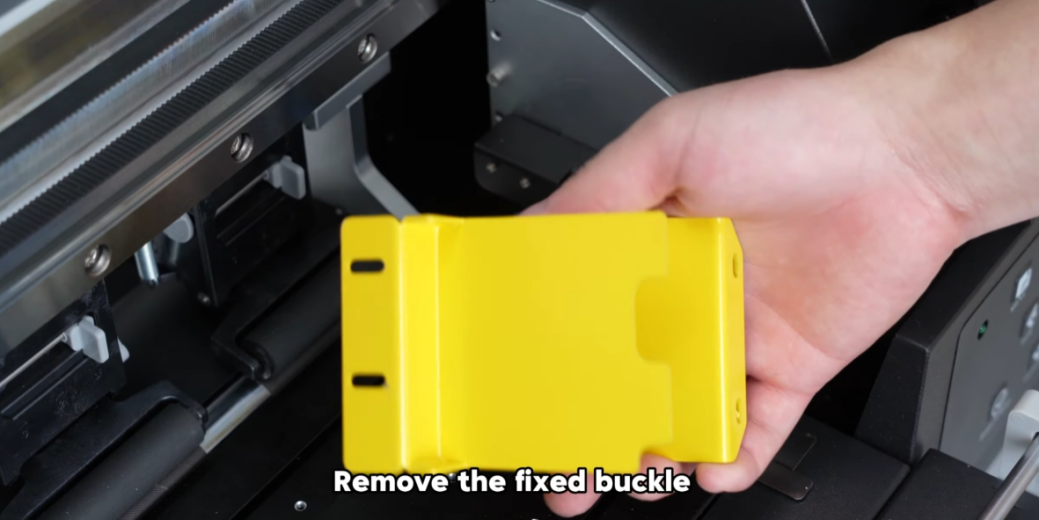
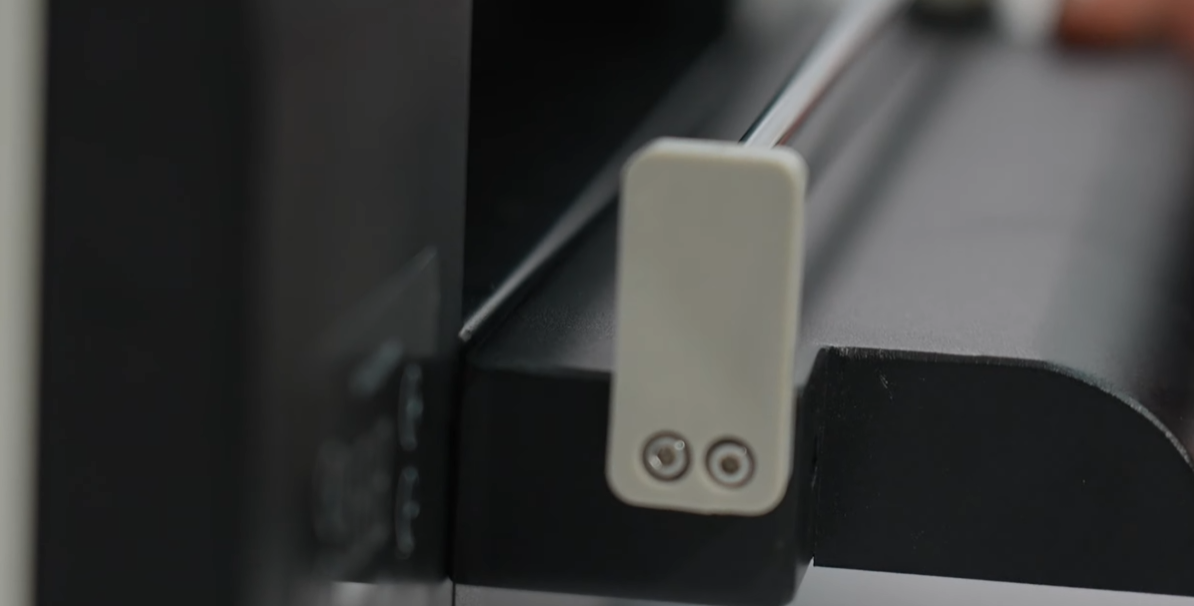
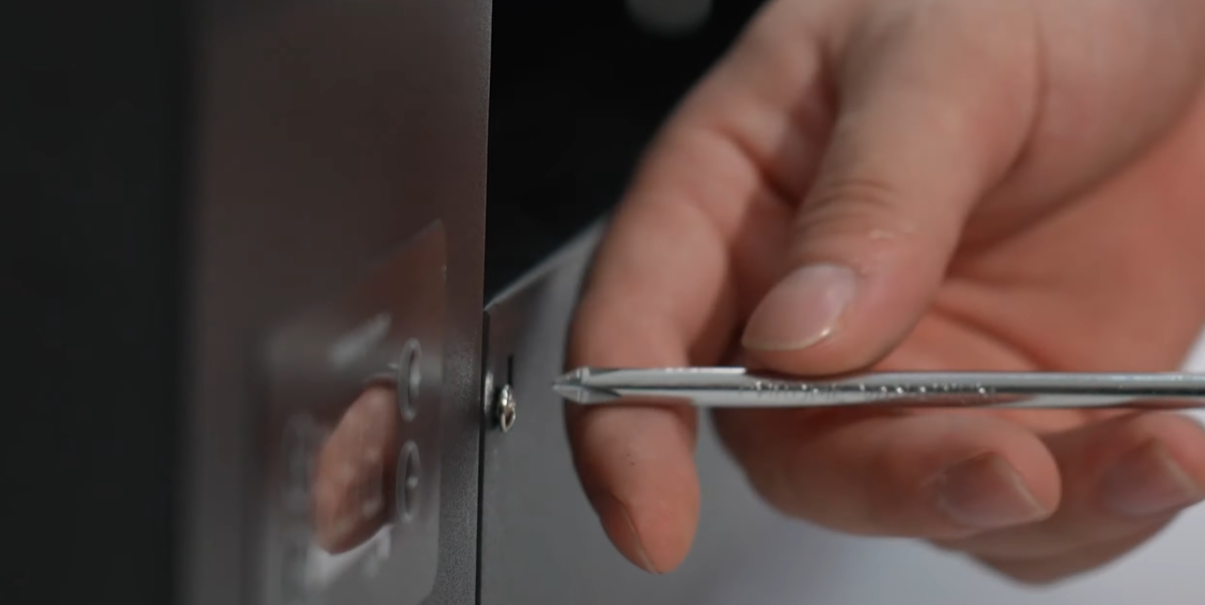
 01Loosen the two front screws. |
|
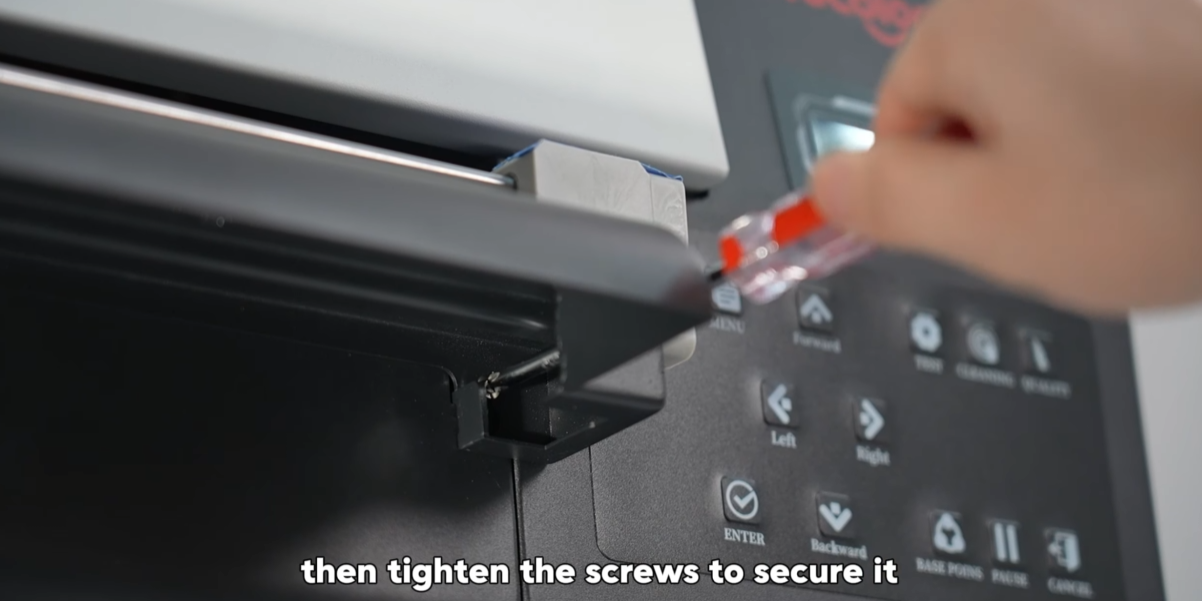 03Tighten the screws to secure the tray. |
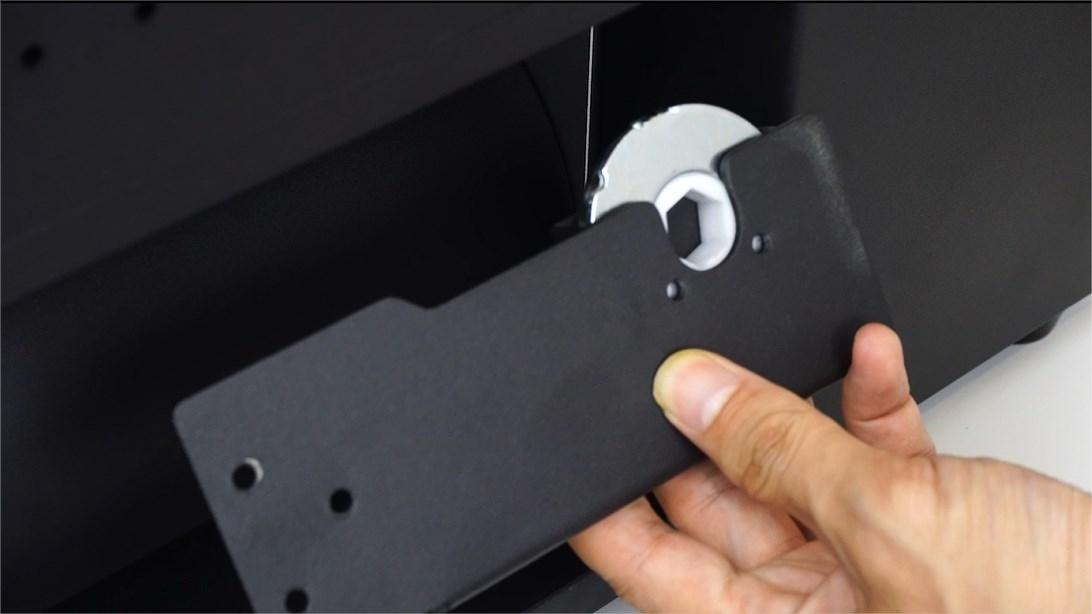 04The roller brackets on each side differ in shape. The right bracket includes a removable bar holder to be inserted on the roller bar later. |
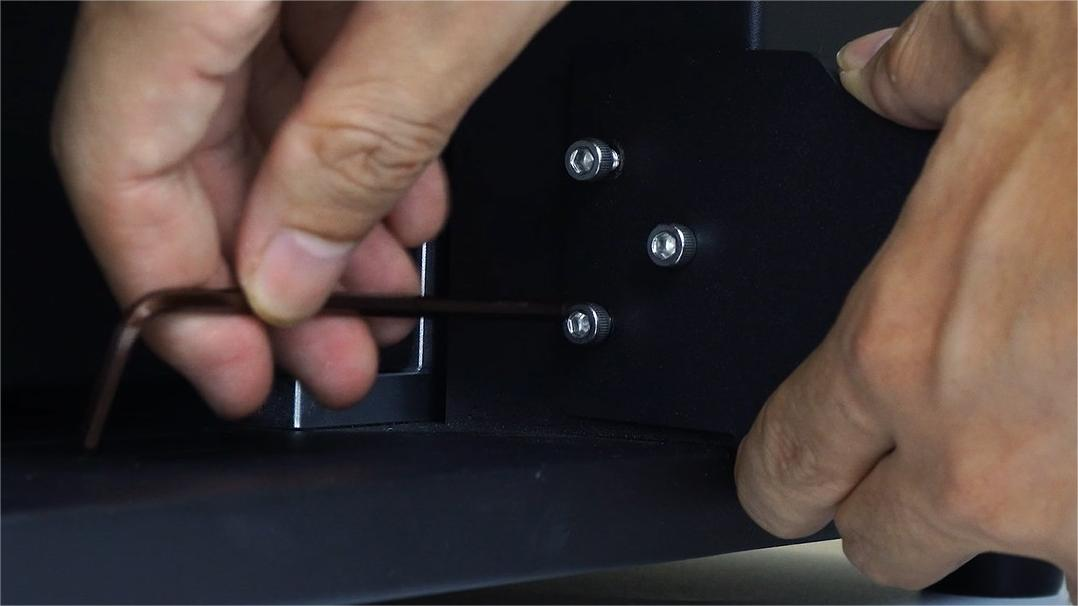 05Align the right bracket to the screw holes and fasten the screws. |
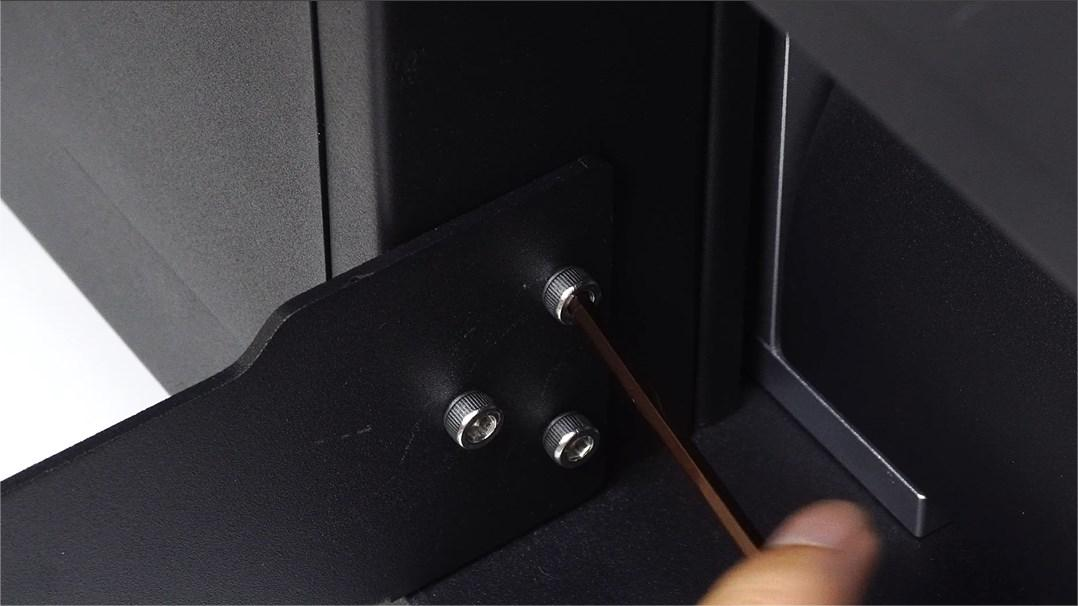 06Do the same to the left side. |
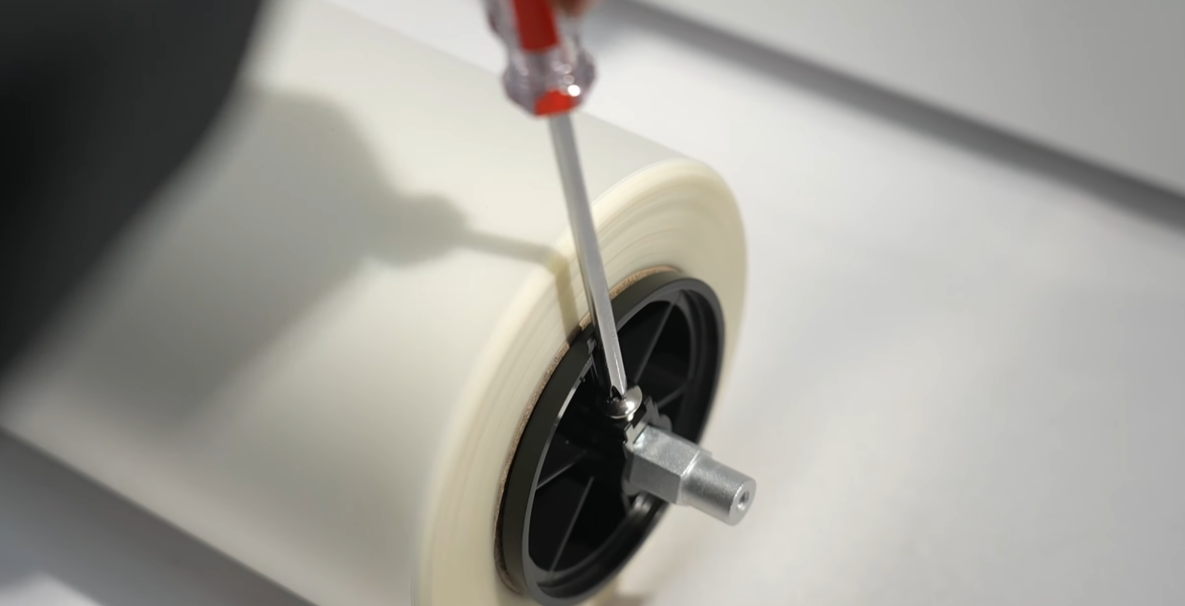 07Install the roll film rod and black knob. Insert the plastic holder and fasten the screws. |
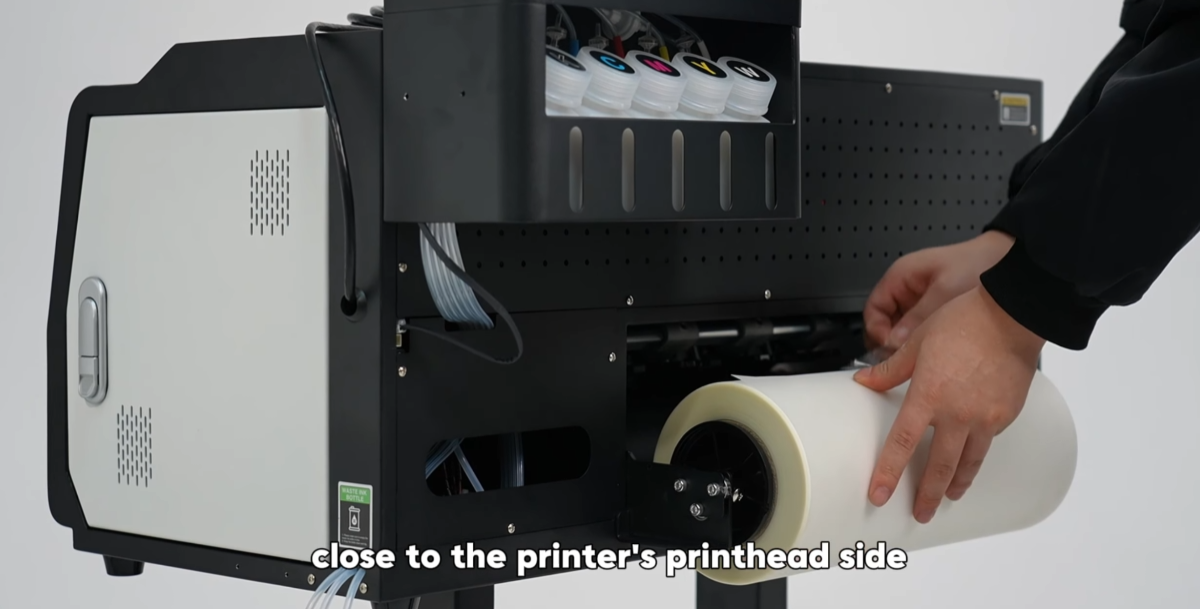 08The film should be close to the print head side of the printer. |
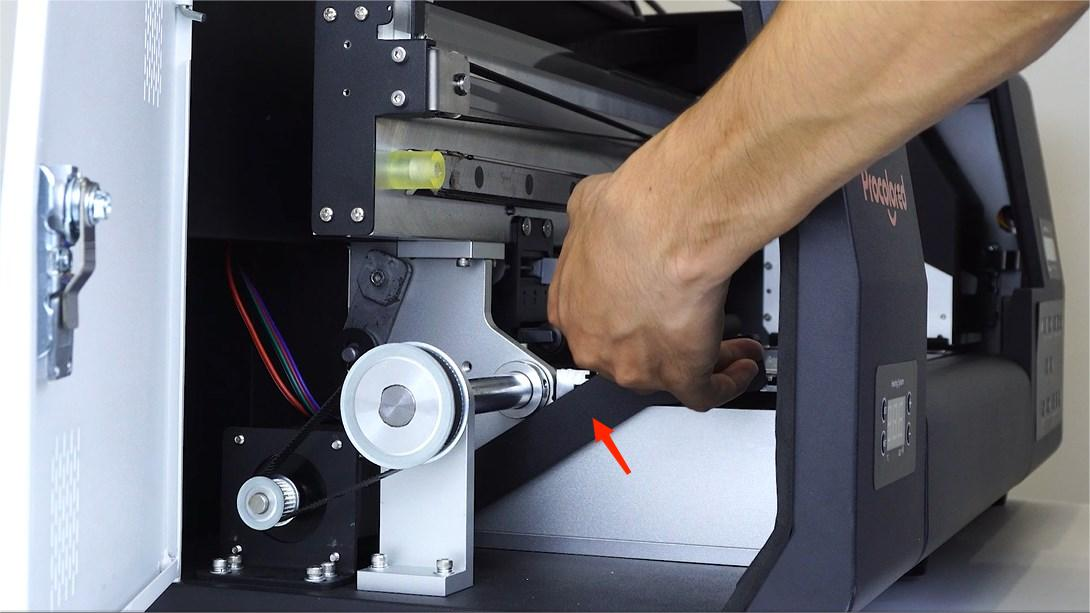
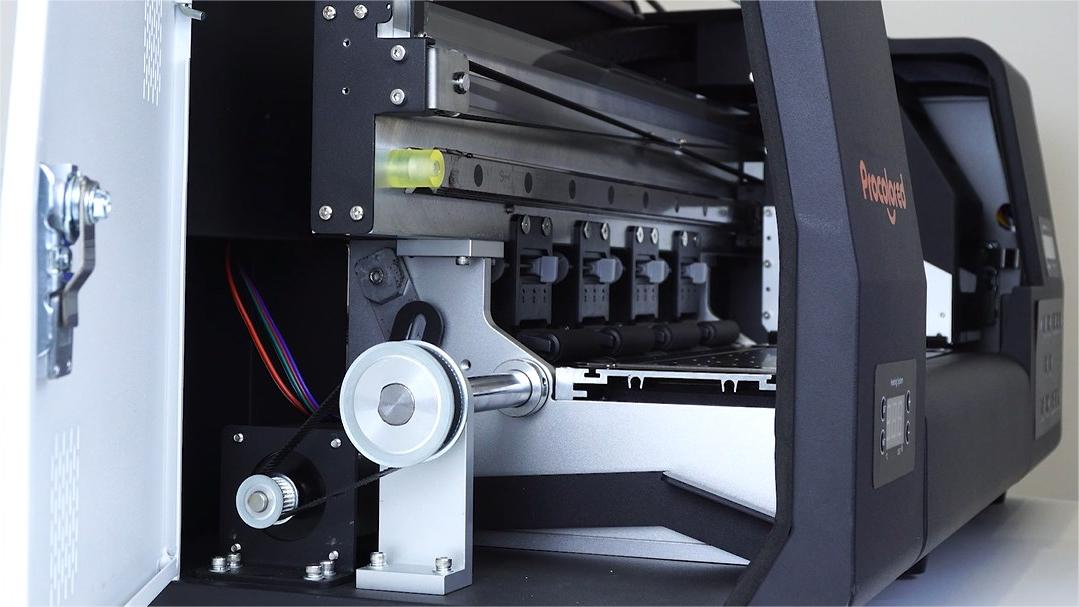 09Open the side door to handle the film feeding. |
|
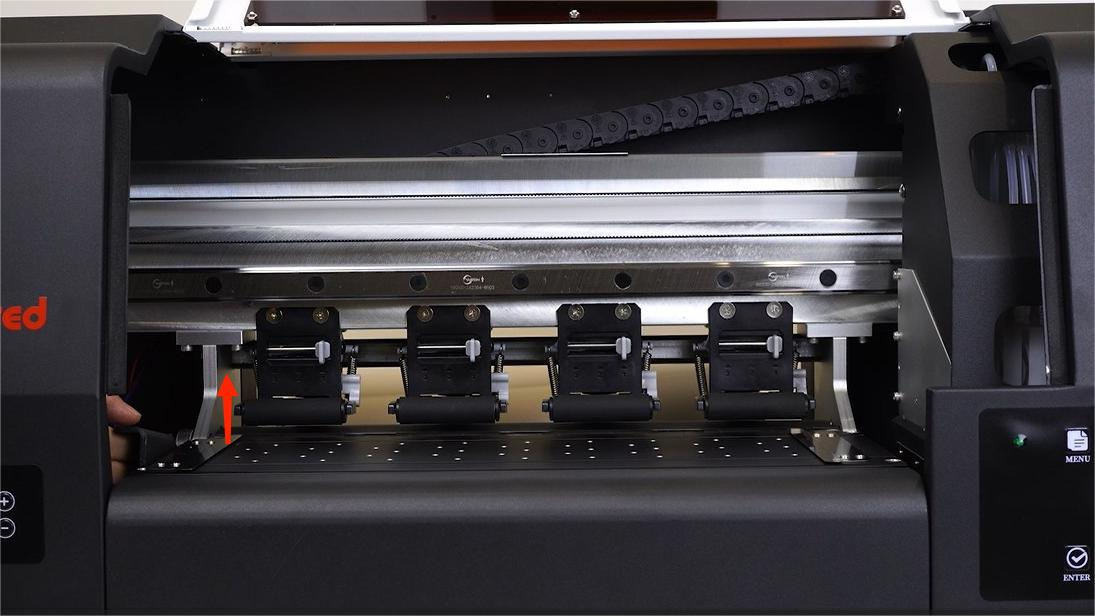 11When the lever is pulled up, the film advance array rollers will raise. |
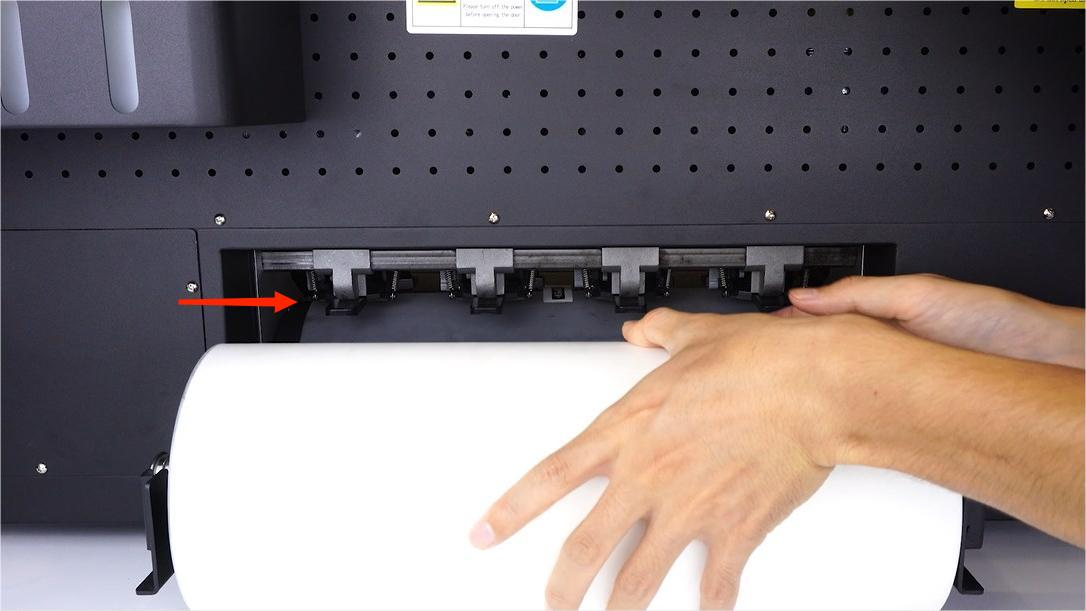 12Pass the film sheet through the array rollers. |
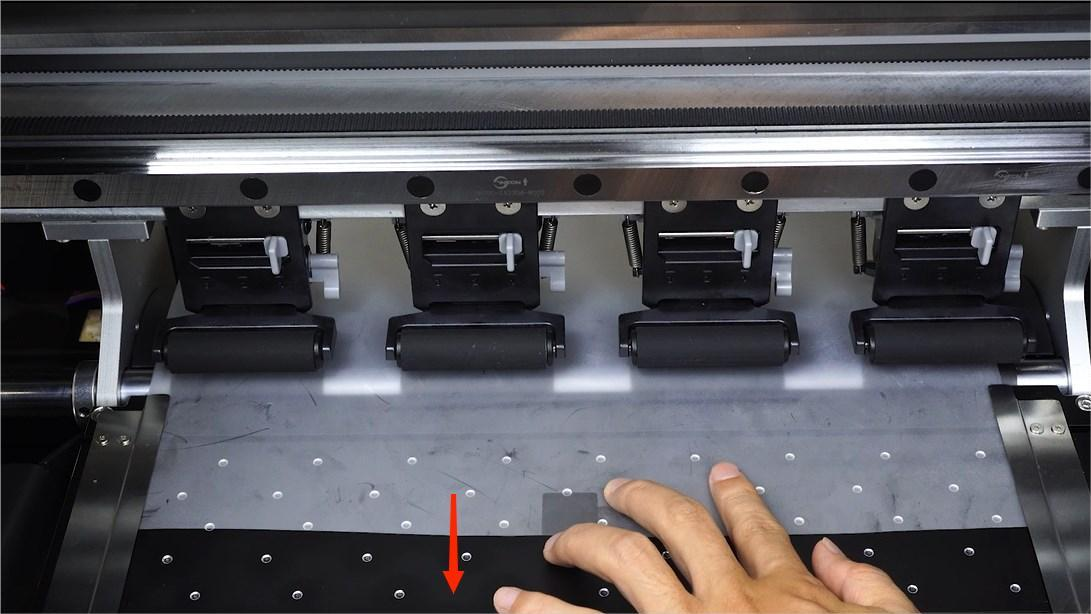 13Guide the film sheet to go under the 2 metal plates on the printing platform. |
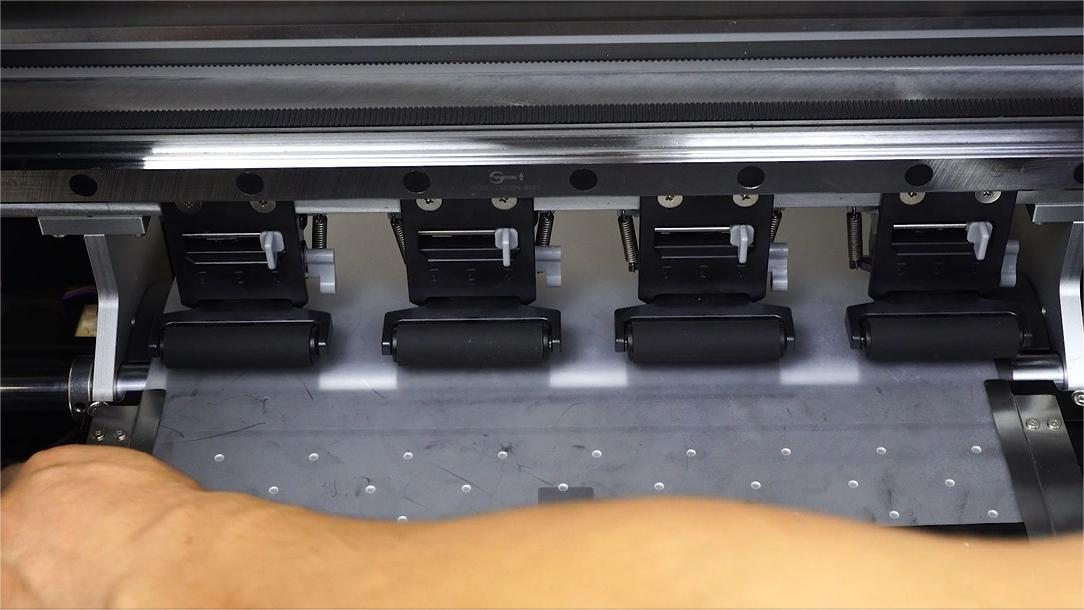 14Pull down the lever to put the film advance array rollers down. |
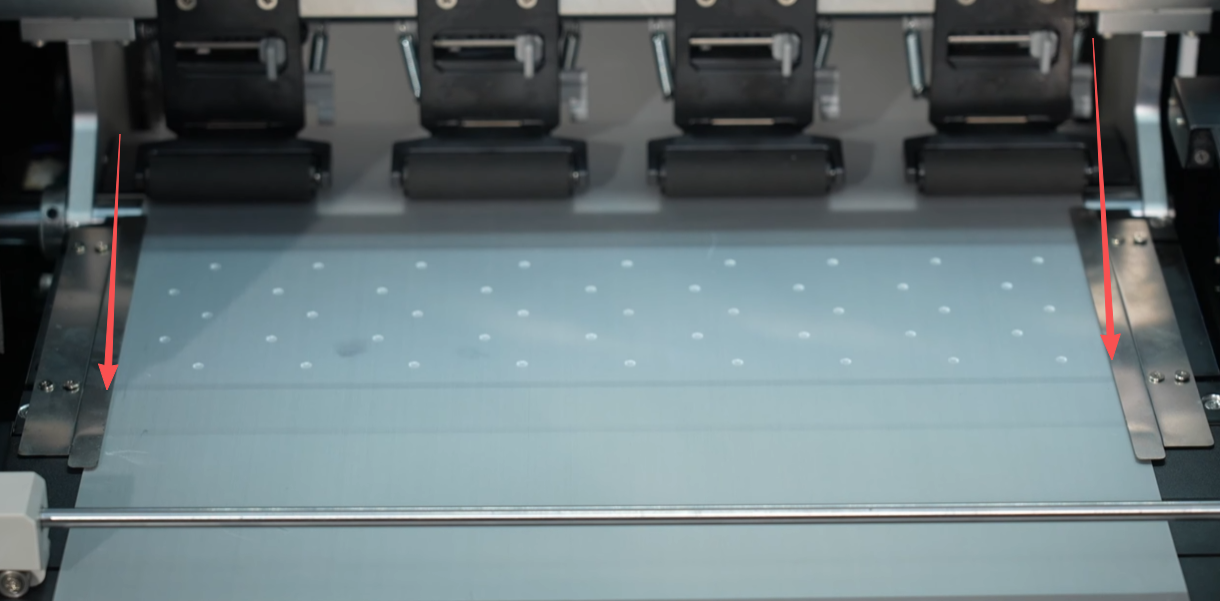 15Make sure the film is under the two iron sheets with a gap of about 3mm on both sides. |
 16Attention: Before ink filling, power on the machine. Install the printer driver and software to test the machine's performance. |
|
|