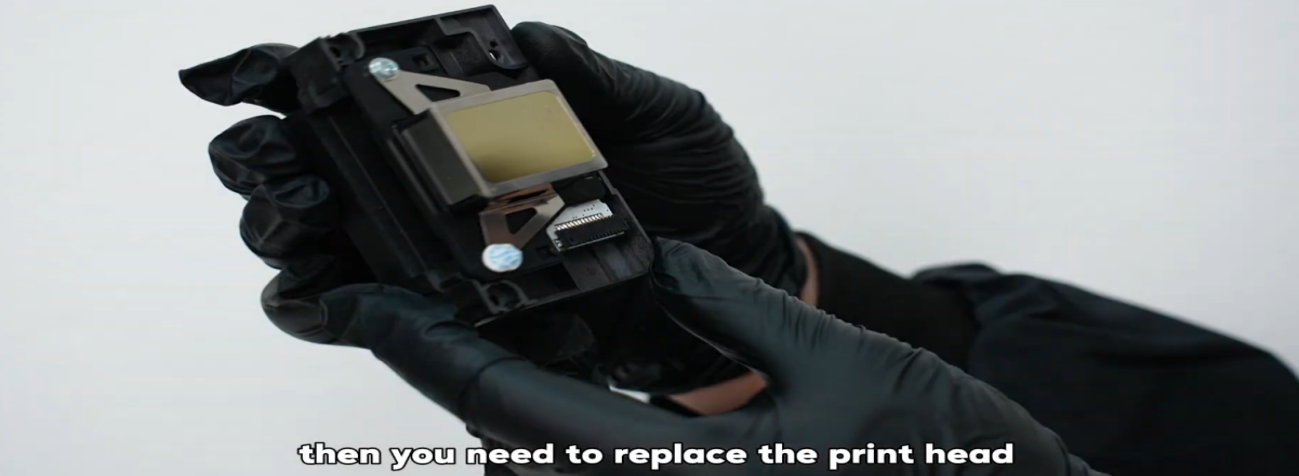
 01If all cleaning and extraction procedures have failed to resolve print head clogging, a replacement is needed. |
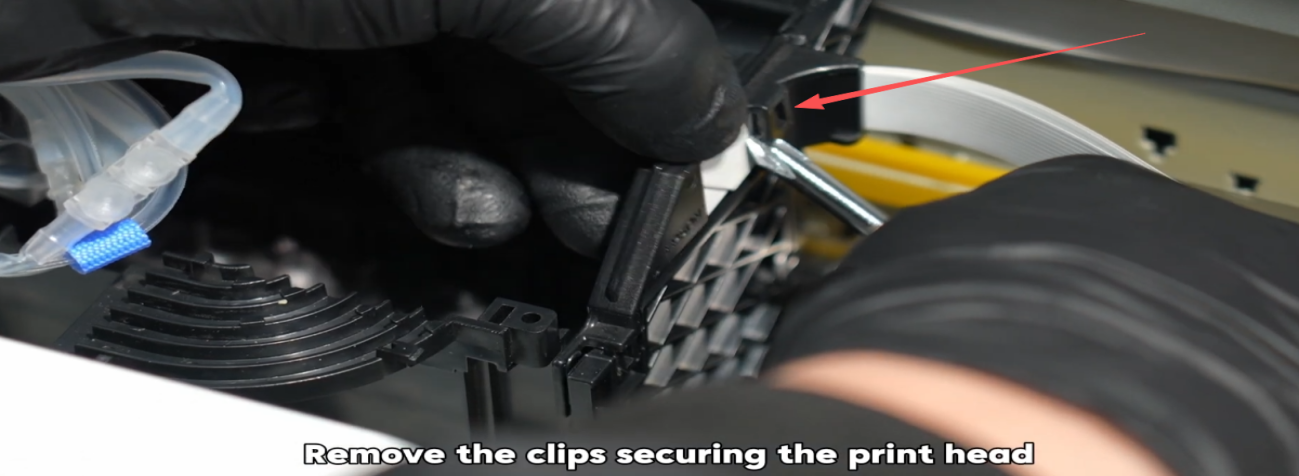 02Remove the clips securing the print head. |
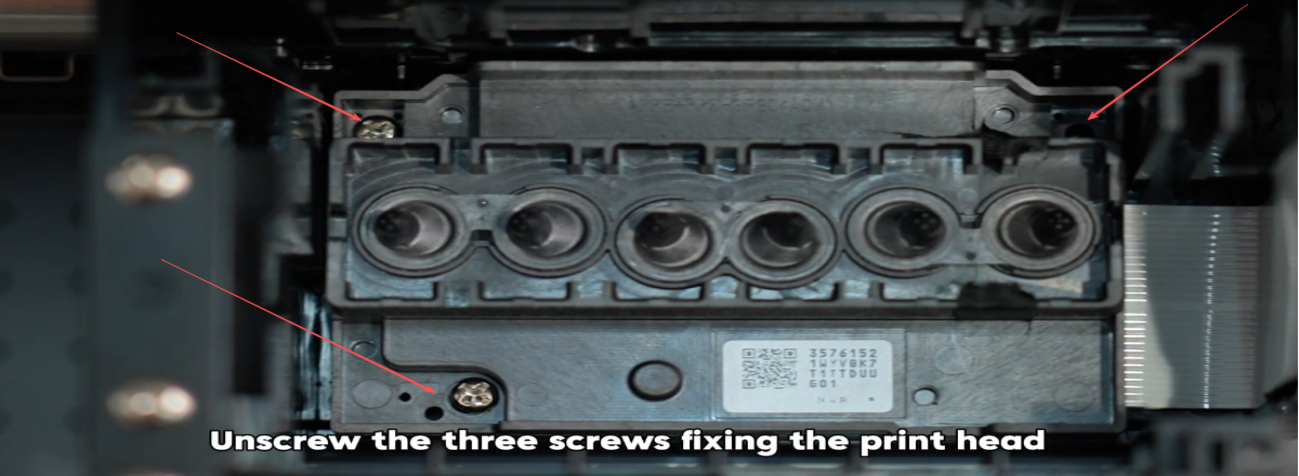 03Unscrew the three screws fixing the print head. |
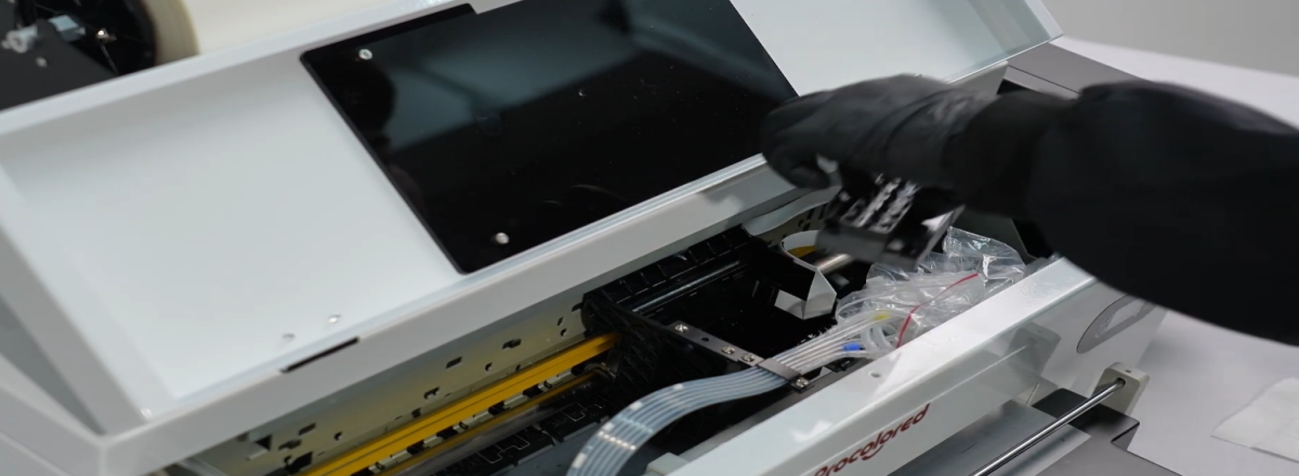 04Take out the print head. |
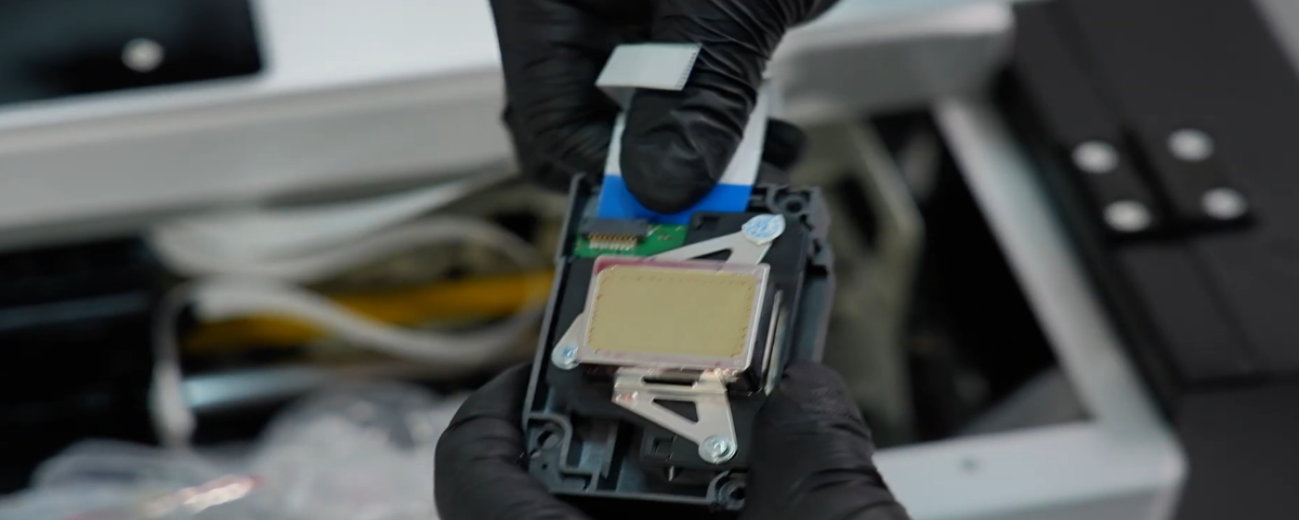 05Disconnect the print head's ribbon cable. |
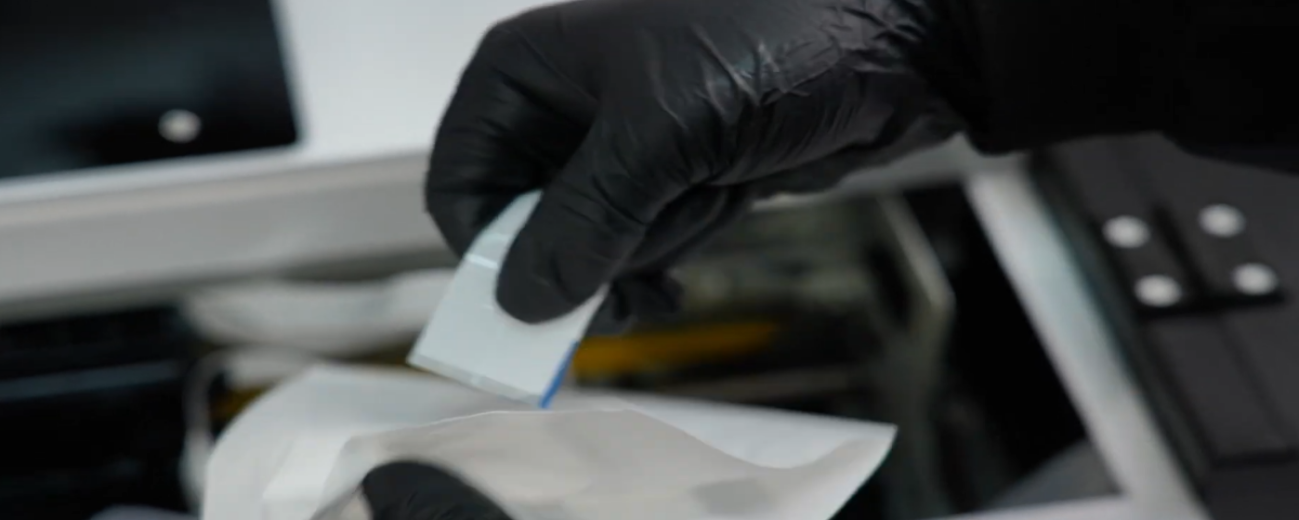 06Check the ribbon cable for ink contamination. Do not disconnect the encoder strip's ribbon cable. |
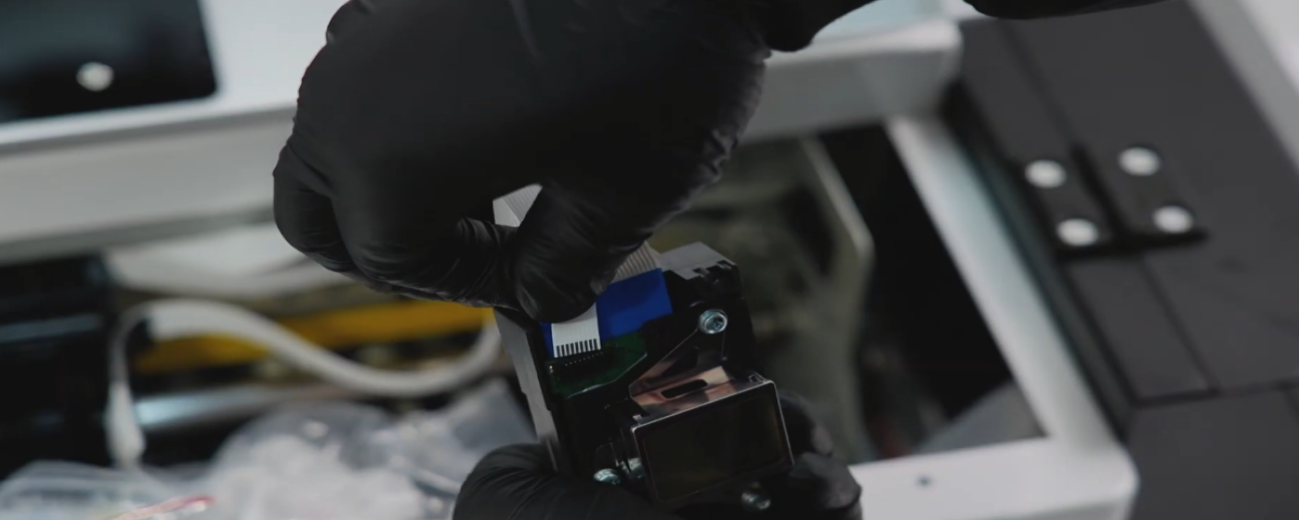 07Insert the ribbon cable into the new print head. |
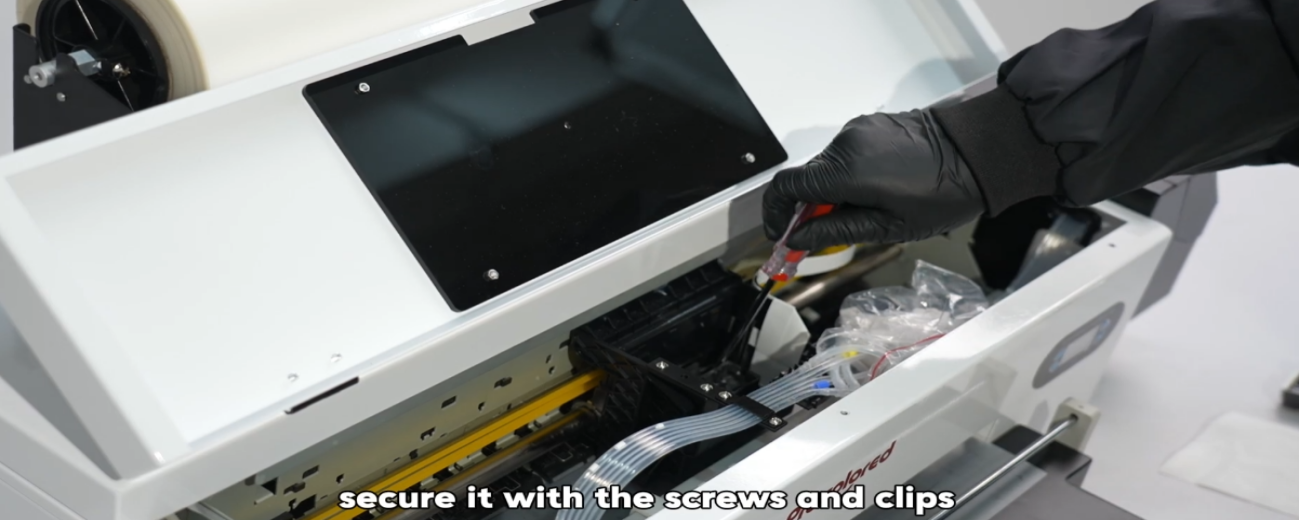 08Secure the print head with the screws and clips. |
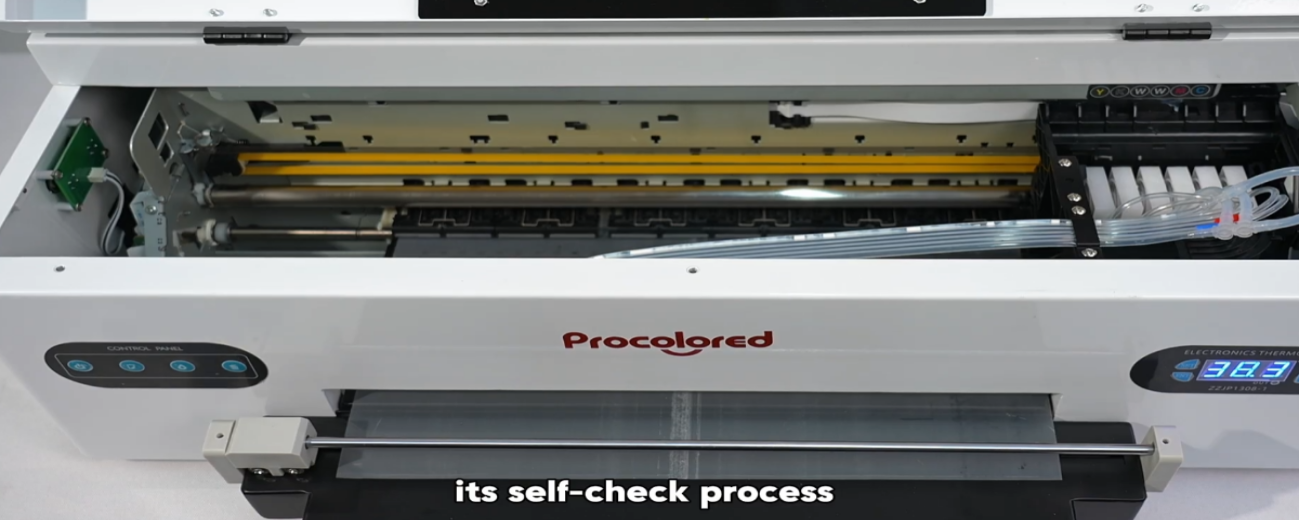 09Power on the machine and observe its self-check process. |
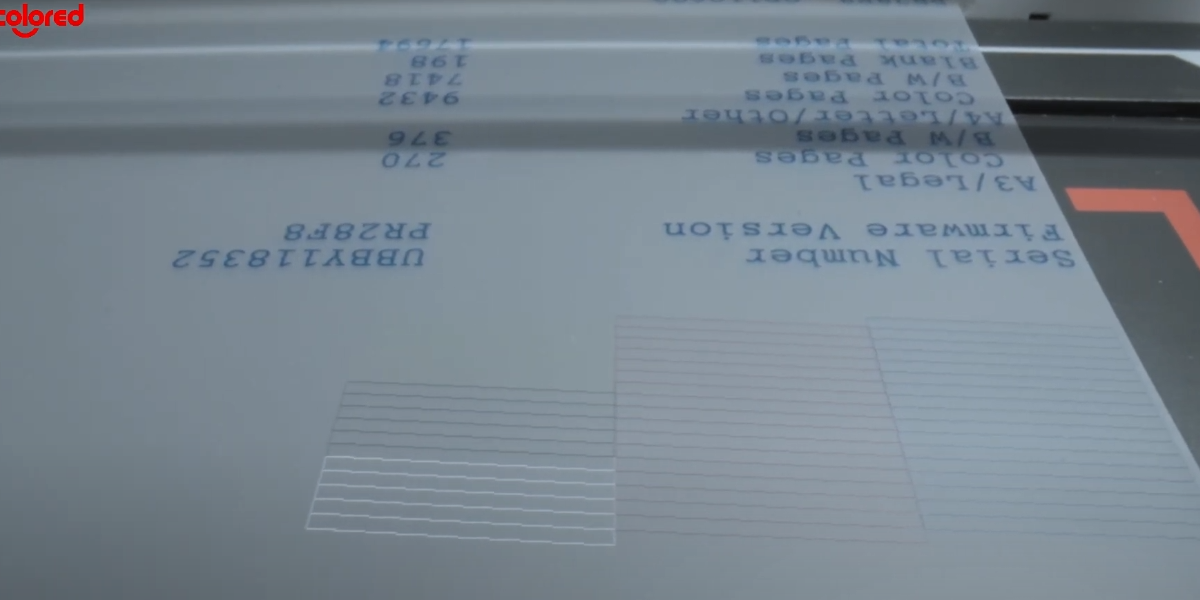 10If the self-check passes and the nozzle check page looks good, the replacement is complete. |
|
|