01
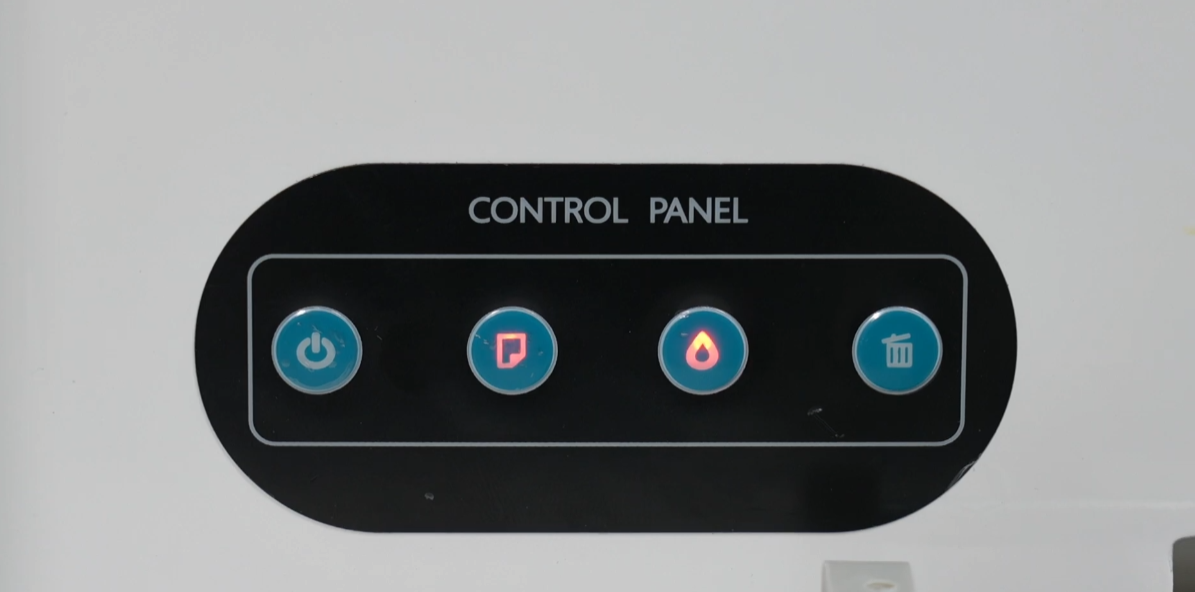
When the machine cannot print, a dual-flash error prompt will appear. The most common cause is the printhead assembly reset failure.
|
02
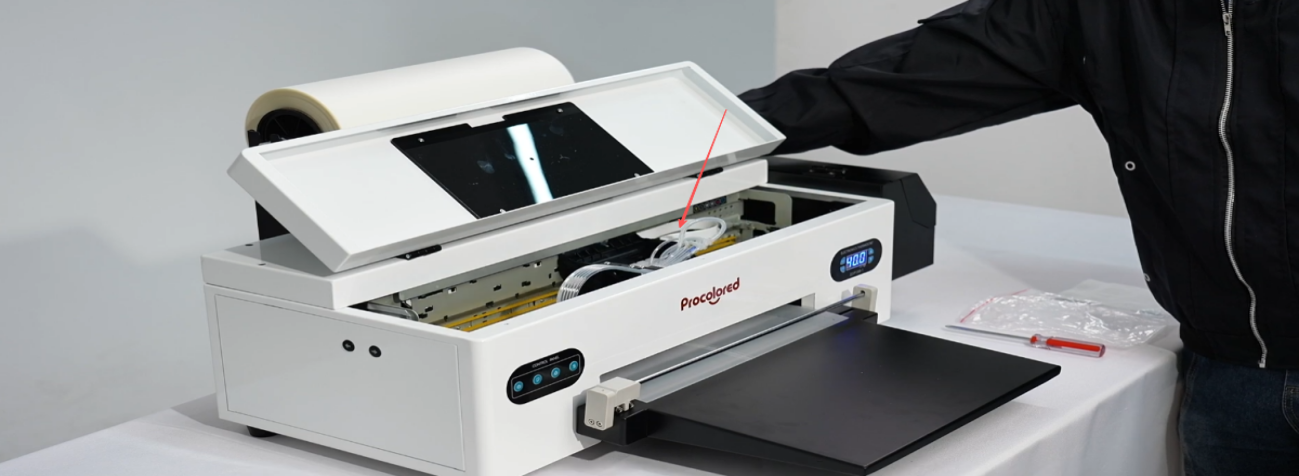
Turn off the printer power, and manually move the printhead assembly to the center.
|
03
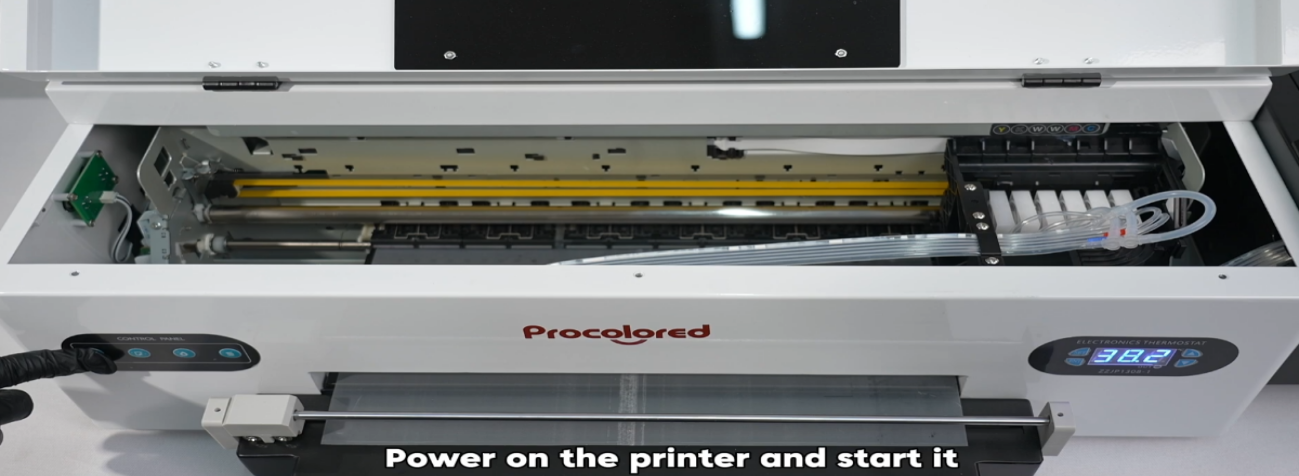
Power on the printer and start it again.
|
04
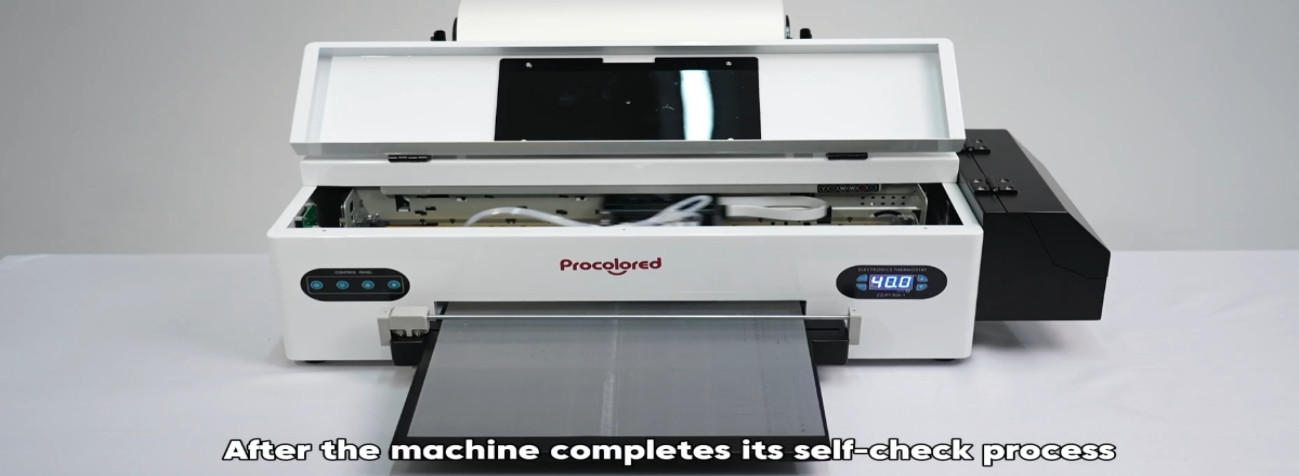
After the self-check process completes, the error should be resolved.
|
05
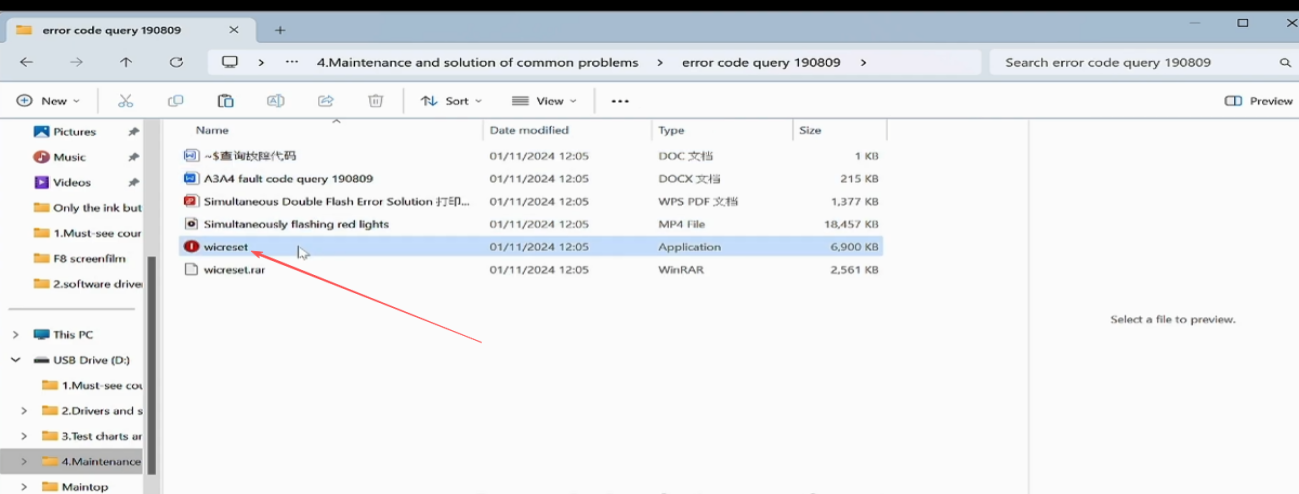
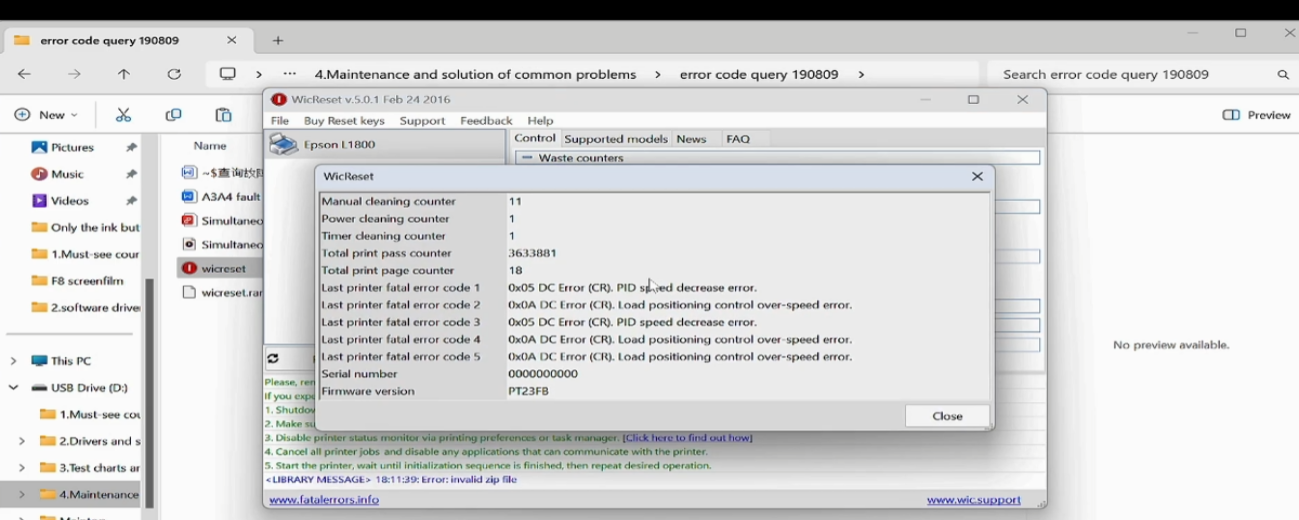
For other dual-flash issues, use the Wicreset software to identify the cause.
|
06
Contact our after-sales support to obtain the error query software.
|
07
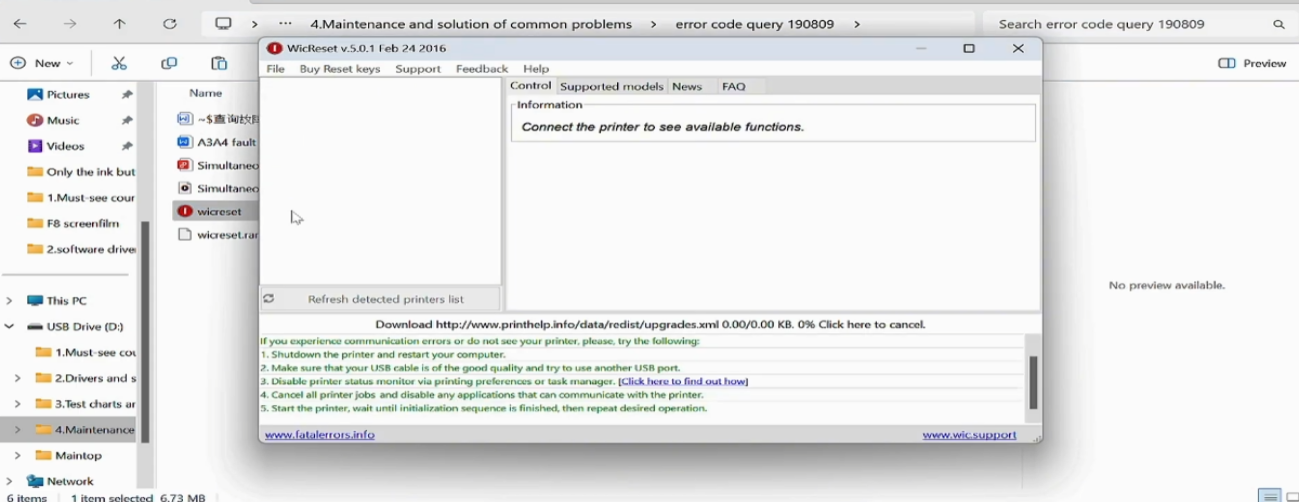
Connect your powered-on printer to the computer via data cable and open Wicreset.
|
08
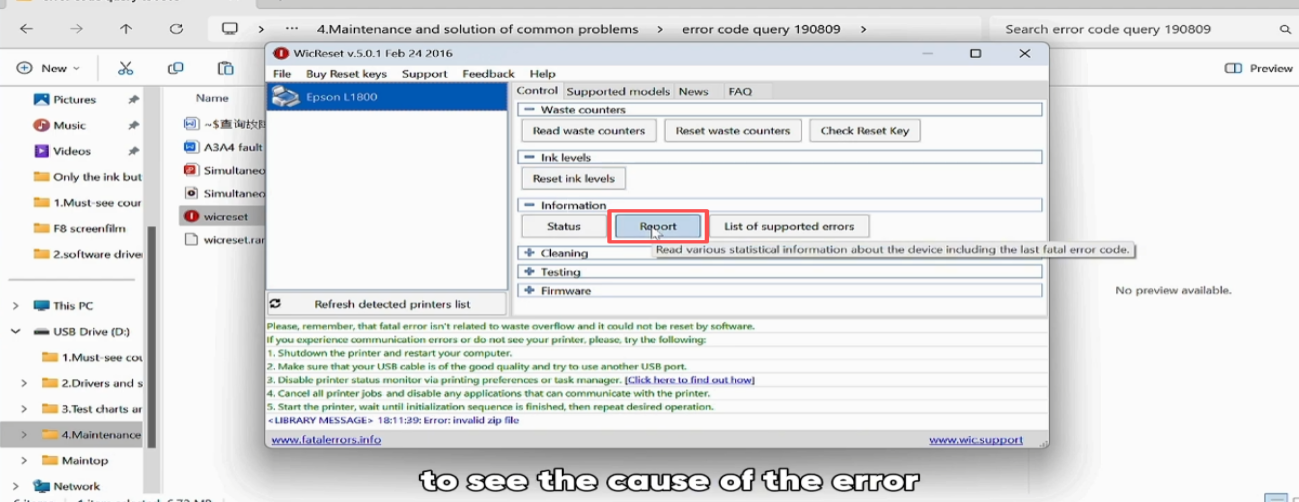
Select your printer model and click Report.
|
09
View the detailed cause of the error in the results window.
|
10
Screenshot the error information and send it to our technical staff.
|
|
|